
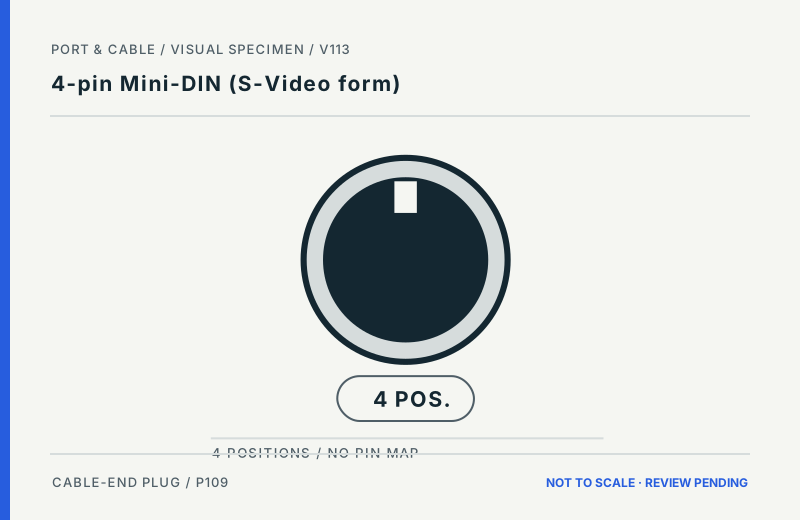
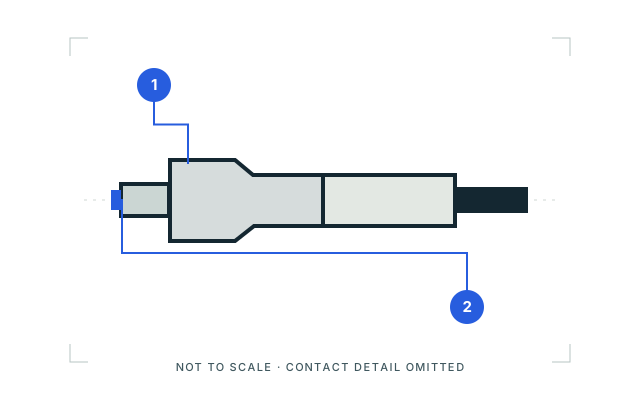
 4-pin Mini-DIN (S-Video form)P109 · Inherited study · Cable plug / cable endCable-end plug concept with separate number tokens; no socket-side pin arrayView sources and limits (private workspace)
The visual connector atlas
Recognize the form.
Know what to check.
Browse by subject, inspect a named component, or compare look-alikes. Each drawing keeps its viewpoint, source and limitations in reach.
196 registered views119 forms with studies59 teaching plates
Original qualitative illustrations. Not to scale. Technical and rights review pending. Teaching plates and registered concepts can cover overlapping topics; their counts are not additive coverage.
Guided shape-first identification, including an explicit unknown outcome →
Field companion / Original studies
Compare here.
Verify in the source.
Ten two-up visual contrasts with the same actual viewing roles, source links and limits as the Visual Atlas. Each drawing is qualitative and not to scale; canvas sizes cannot be compared as physical measurements.
Take it to the bench
11-page searchable, printable editions with the ten comparisons and a final scope ledger. Grayscale legible, Letter or A4; private review only.
Letter PDF ↓ (legacy download held for current evidence review). Current focused printable referencesA4 PDF ↓ (legacy download held for current evidence review). Current focused printable references- 01 / 10
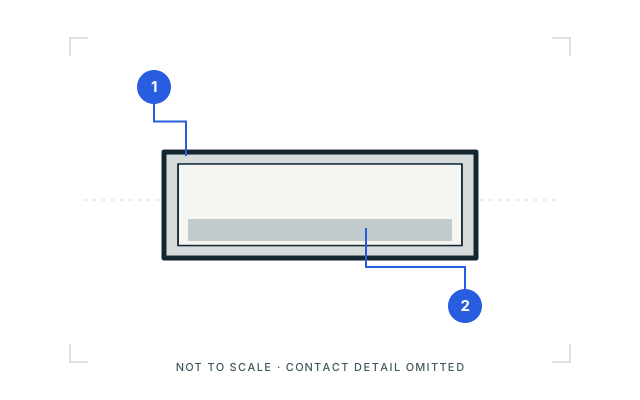
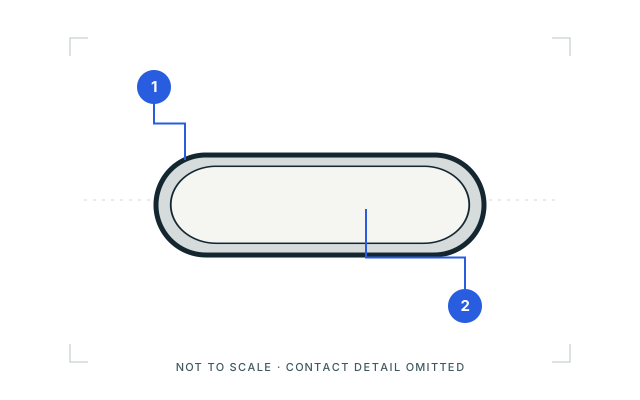
USB-A or USB-C?
Distinguishing cue
Check: Inspect the plug-end shell outline: the Type-A example is rectangular; the Type-C example is rounded. Confirm any markings or exact port documentation.
Cannot infer: Shape cannot establish charging power, USB data rate, alternate modes or the connected devices’ capabilities.
- 02 / 10
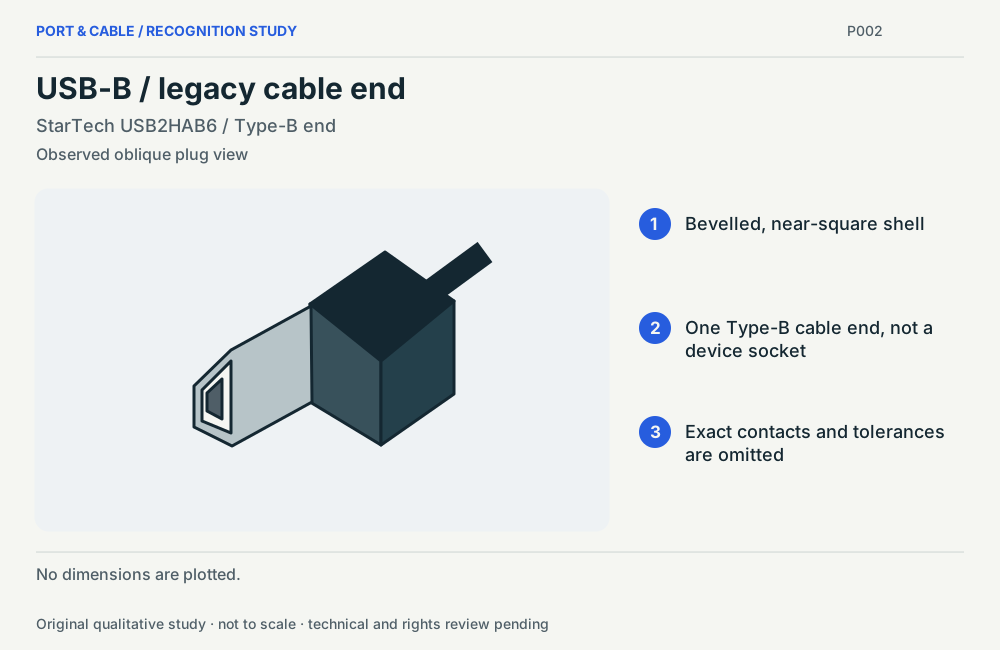
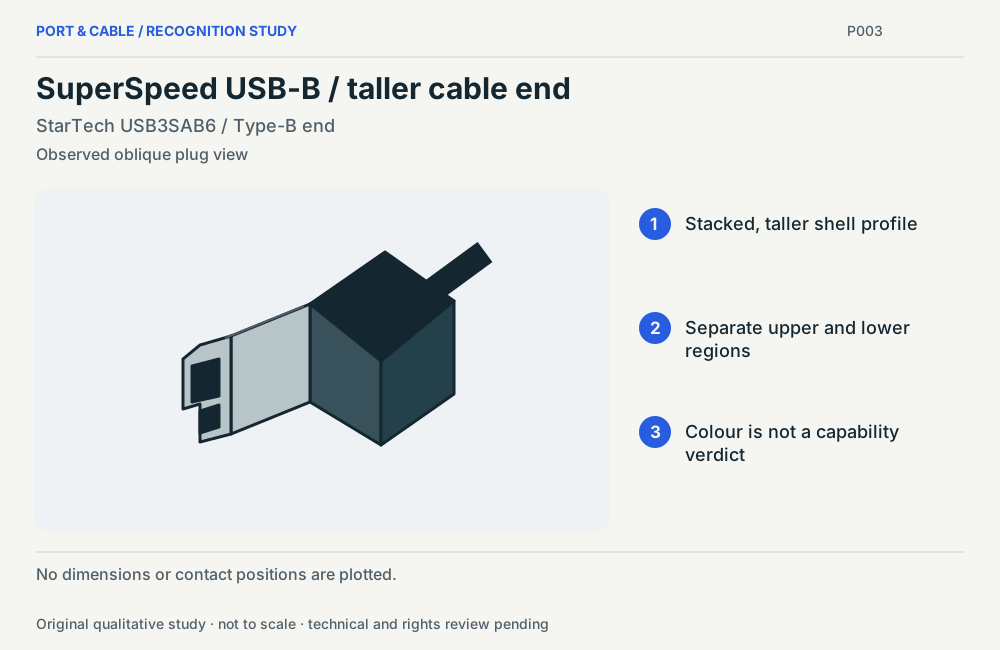
USB-B or SuperSpeed USB-B?
Distinguishing cue
Check: Compare the cited cable-end examples. The SuperSpeed USB-B example adds an upper shell region; the older USB-B example is near-square with bevelled corners.
Cannot infer: These are oblique studies of two named cables, not pin maps. Color alone is not proof of electrical capability.
- 03 / 10
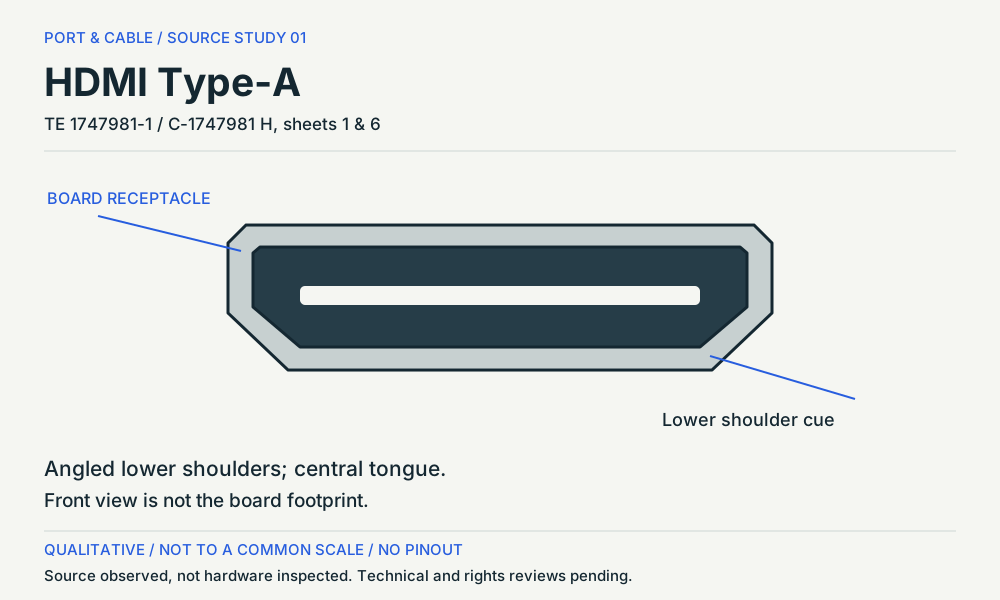
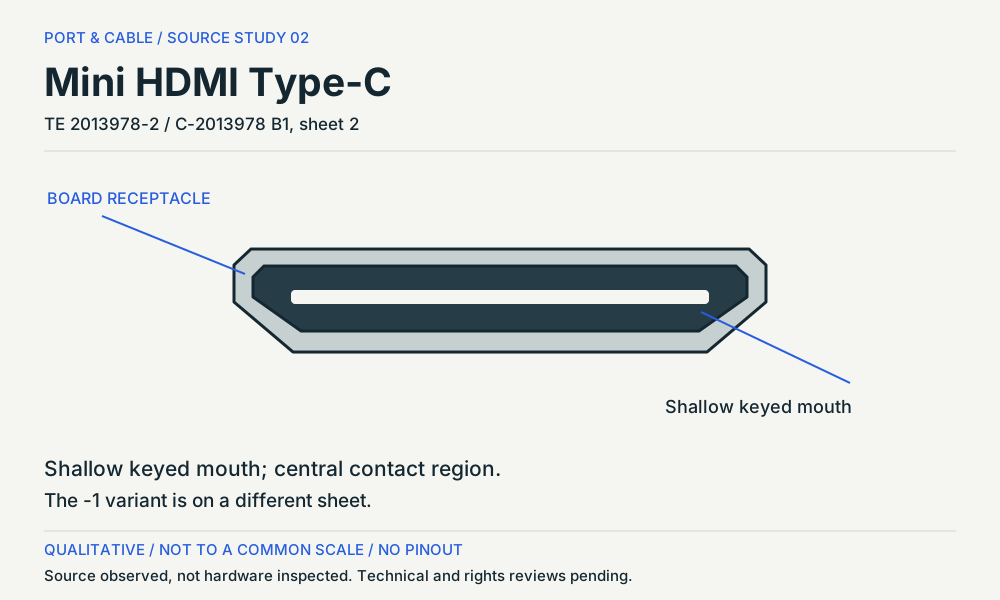
HDMI Type-A or Mini HDMI?
Distinguishing cue
Check: Read the two distinct receptacle shapes and the exact manufacturer examples. Check your device’s labels and port specification.
Cannot infer: The TE examples are different part families. Equal artwork sizes are not equal physical sizes or interchangeable footprints.
- 04 / 10
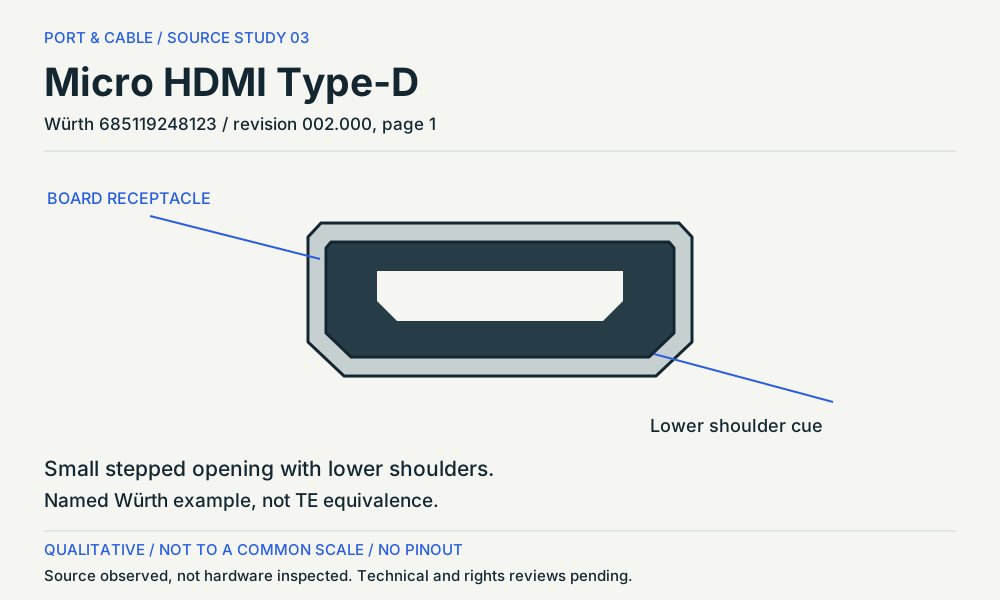
Mini HDMI or Micro HDMI?
Distinguishing cue
Check: Compare the keyed-mouth cues in the source-described receptacle examples; verify the device’s HDMI connector designation.
Cannot infer: These are examples from different manufacturers (TE and Würth), not a common-scale dimensional study or fit gauge.
- 05 / 10
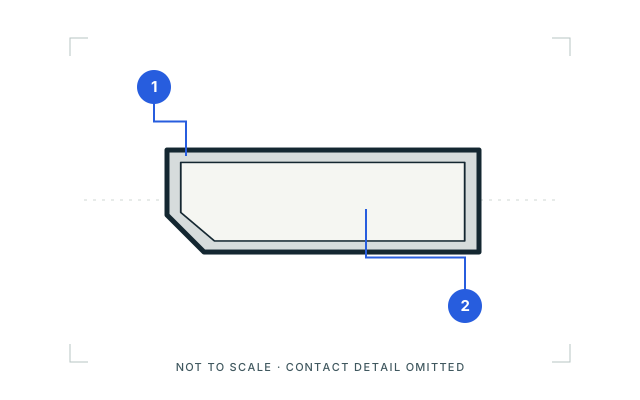
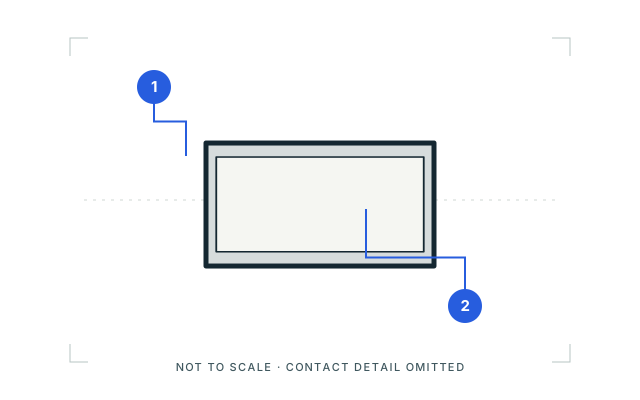
DisplayPort or Mini DisplayPort?
Distinguishing cue
Check: Look for the full-size DisplayPort shell’s angled corner versus the compact Mini DisplayPort example. Verify the port label.
Cannot infer: These inherited qualitative studies do not establish a device’s DisplayPort revision, lane mode or Thunderbolt compatibility.
- 06 / 10
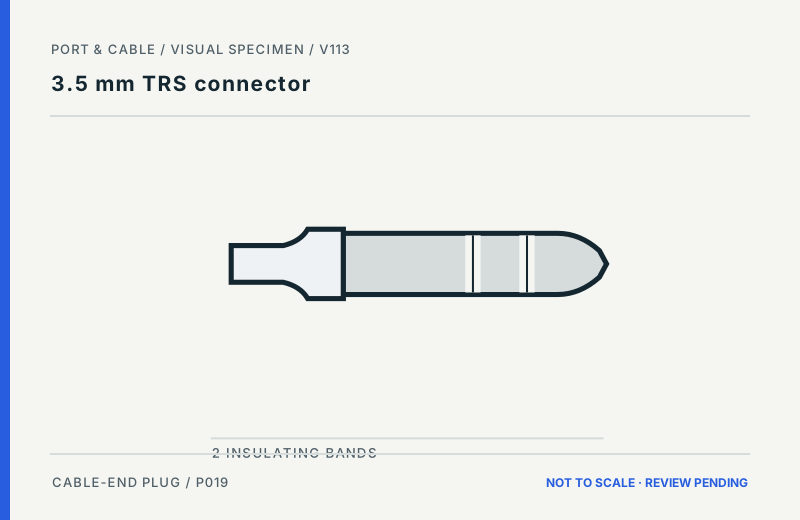
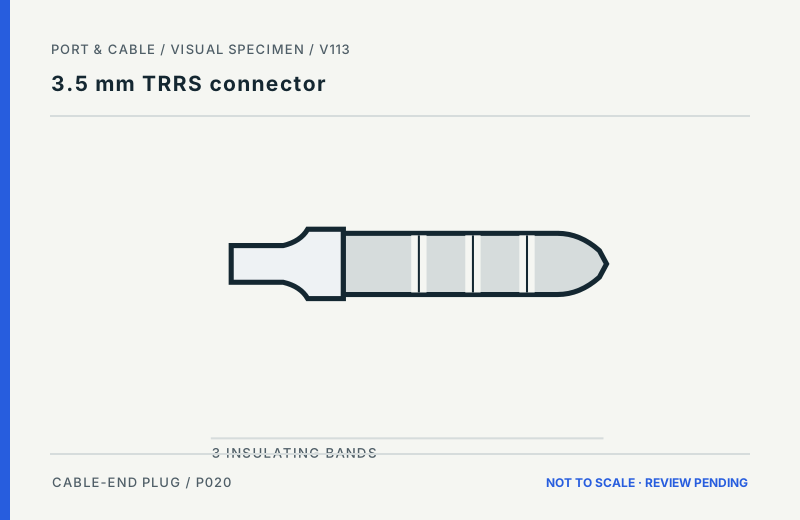
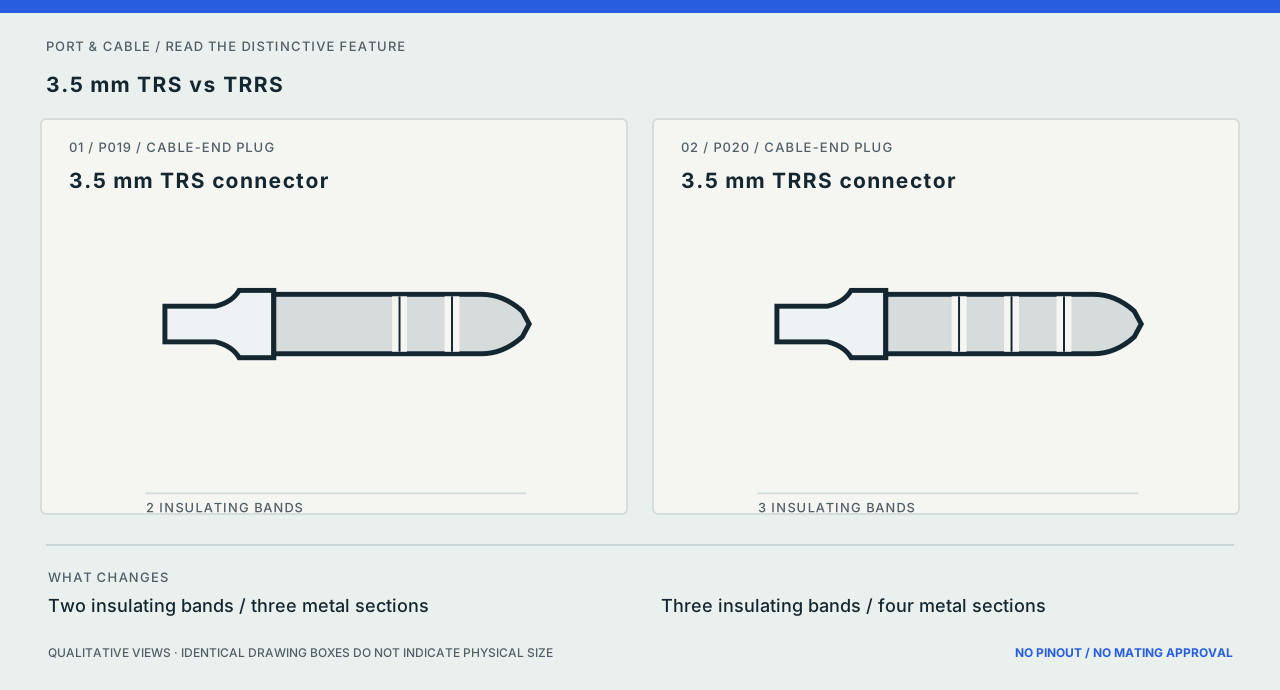
3.5 mm TRS or TRRS?
Distinguishing cue
Check: Count insulating bands on the unplugged metal plug: the cited TRS example shows two; TRRS shows three.
Cannot infer: Band count alone does not identify microphone wiring, pole assignments or compatibility with an audio jack.
- 07 / 10
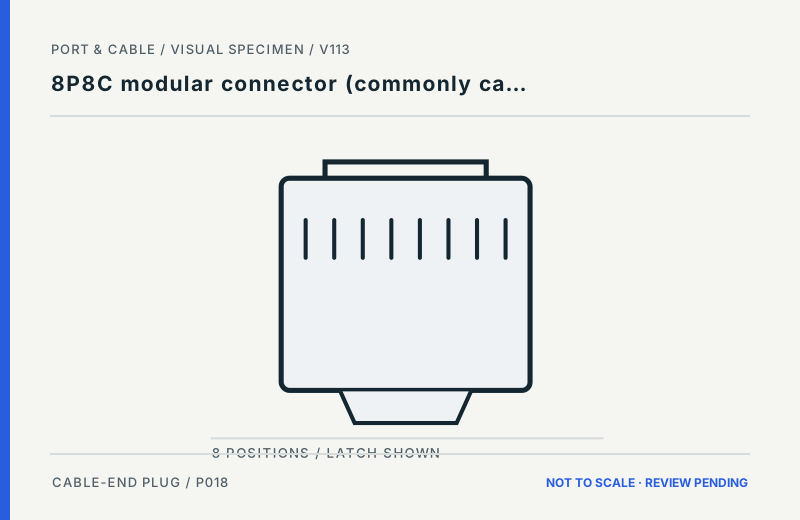
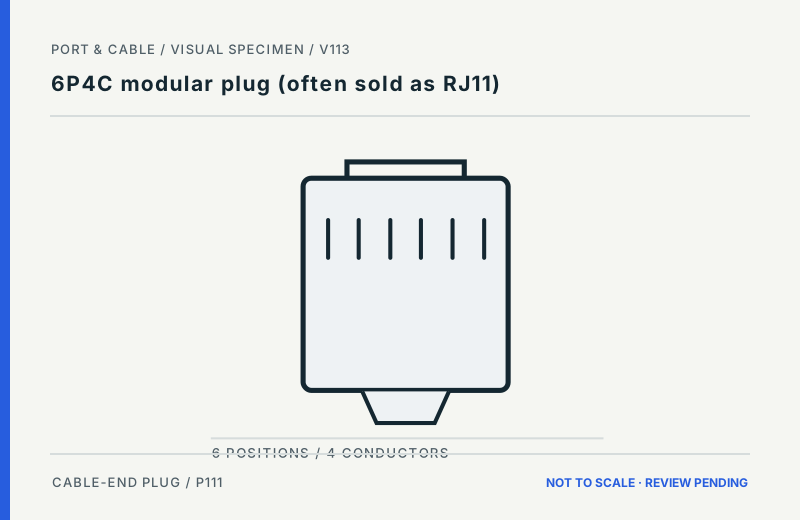
8P8C or 6P4C modular plug?
Distinguishing cue
Check: Compare the illustrated body widths and position counts; confirm the markings and the actual device socket before selecting a cable.
Cannot infer: The strokes represent positions, not terminal wiring. Informal “RJ45/RJ11” naming is not a wiring or service guarantee.
- 08 / 10
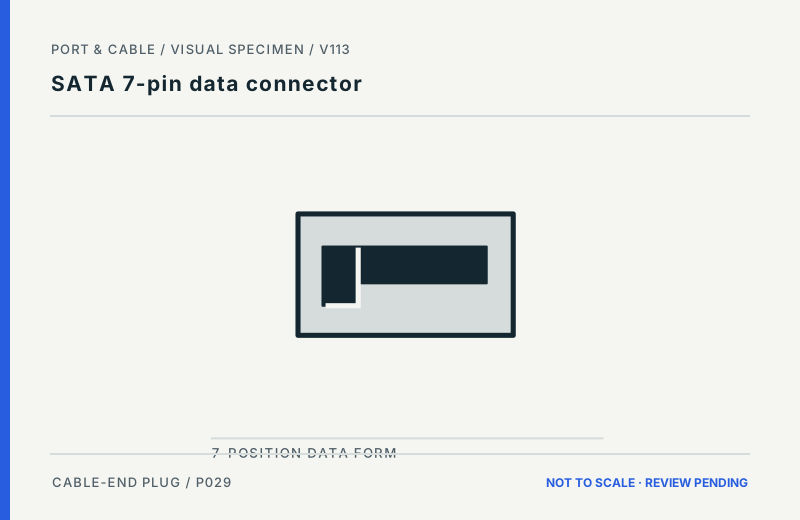
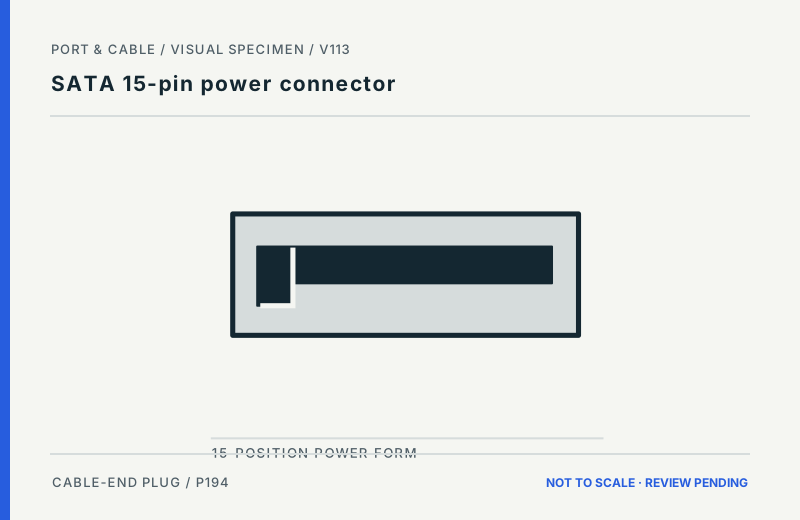
SATA data or SATA power?
Distinguishing cue
Check: Observe the narrower data-cable opening and wider power-cable opening in these qualitative L-key studies. Read the device connector label.
Cannot infer: These conceptual shape studies are not electrical contacts, pin assignments or a procedure for live equipment.
- 09 / 10
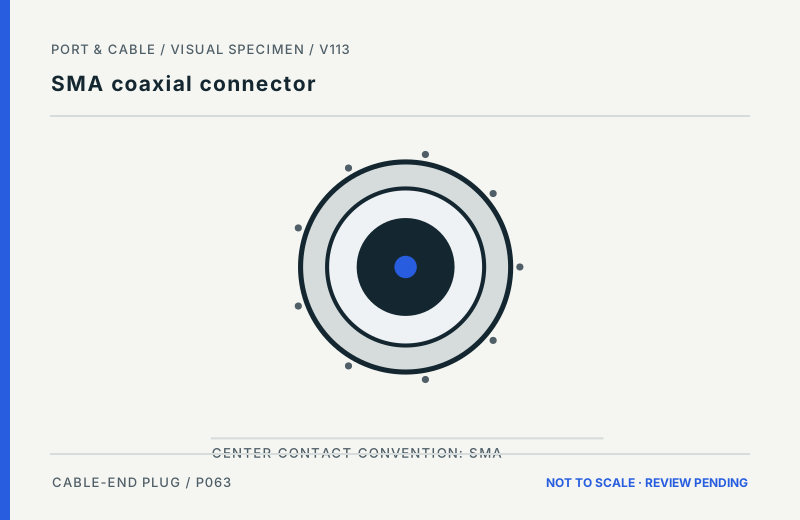
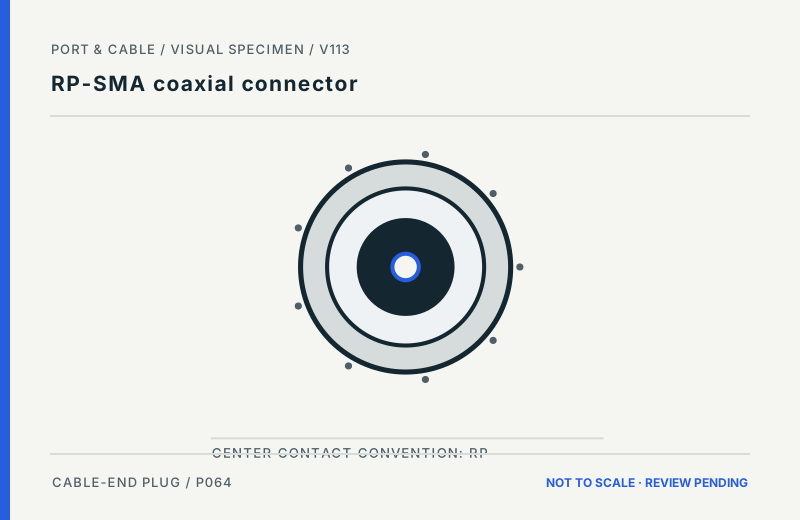
SMA or reverse-polarity SMA?
Distinguishing cue
Check: The original diagrams distinguish example centre-contact conventions. Check the *exact part* and vendor mating diagram before any connection.
Cannot infer: Neither image defines thread gender, gauge, part tolerances or safe mating by visual inference alone.
- 10 / 10
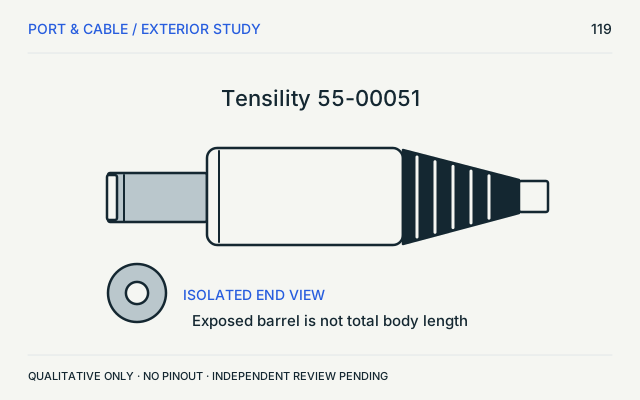
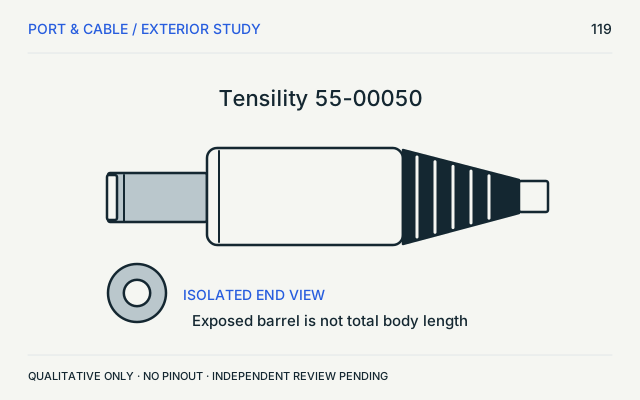
5.5 × 2.1 or 5.5 × 2.5 barrel?
Insufficient visual information
Check: These two examples can look alike in qualitative exterior views. Identify the exact part specification and mating bore safely with power disconnected.
Cannot infer: INSUFFICIENT VISUAL INFORMATION: the art alone cannot distinguish the bore, prove fit, voltage, polarity or power safety.
The visual decision desk / 10 scoped contrasts
Know what differs.
Know what a picture can't tell you.
Choose a familiar outline, compare two like-for-like component roles and viewing directions, then inspect the exact source and canonical reference. These are evidence-bound illustrations, not a visual part authenticator.
Distinguishing cue A depicted feature worth checkingPlausible candidate Needs actual device or part confirmationInsufficient visual information Do not identify by outline
01 / 10USB-A or USB-C?Distinguishing cue
(private workspace)USB Type-A
Example: USB Type-A / previously depicted manufacturer example
- Viewed side
- Mating-face outline
- Source IDs
- VS98-USB
Visible cue Rectangular metal shell
Inspect source & orientation → (private workspace)Full reference →
(private workspace)USB Type-C
Example: USB Type-C / previously depicted manufacturer example
- Viewed side
- Mating-face outline
- Source IDs
- VS98-USB
Visible cue Rounded, reversible outline
Inspect source & orientation → (private workspace)Full reference →
What to check
Inspect the plug-end shell outline: the Type-A example is rectangular; the Type-C example is rounded. Confirm any markings or exact port documentation.
Do not infer
Shape cannot establish charging power, USB data rate, alternate modes or the connected devices’ capabilities.
The two studies are cable plug / cable end views, with matching view categories; physical size cannot be compared across canvases. These are inherited illustrative interpretations, not fresh V170 source inspections. Technical and rights approval pending for both. Research method →
02 / 10USB-B or SuperSpeed USB-B?Distinguishing cue
(private workspace)USB Type-B
Example: StarTech USB2HAB6 / Type-B end
- Viewed side
- Observed oblique plug view
- Source IDs
- V157-USB2
Visible cue Bevelled, near-square shell
Inspect source & orientation → (private workspace)Full reference →
(private workspace)SuperSpeed USB Type-B
Example: StarTech USB3SAB6 / Type-B end
- Viewed side
- Observed oblique plug view
- Source IDs
- V157-USB3
Visible cue Stacked, taller shell profile
Inspect source & orientation → (private workspace)Full reference →
What to check
Compare the cited cable-end examples. The SuperSpeed USB-B example adds an upper shell region; the older USB-B example is near-square with bevelled corners.
Do not infer
These are oblique studies of two named cables, not pin maps. Color alone is not proof of electrical capability.
The two studies are cable plug / cable end views, with matching view categories; physical size cannot be compared across canvases. These are existing source-observed studies, not V170 hardware measurements. Technical and rights approval pending for both. Research method →
03 / 10HDMI Type-A or Mini HDMI?Distinguishing cue
(private workspace)HDMI Type-A
Example: TE 1747981-1 / C-1747981 H, sheets 1 & 6
- Viewed side
- Mating face / without-flange family
- Source IDs
- V146-S606
Visible cue Angled lower shoulders; central tongue.
Inspect source & orientation → (private workspace)Full reference →
(private workspace)Mini HDMI Type-C
Example: TE 2013978-2 / C-2013978 B1, sheet 2
- Viewed side
- Mating face / selected -2 receptacle
- Source IDs
- V146-S607
Visible cue Shallow keyed mouth; central contact region.
Inspect source & orientation → (private workspace)Full reference →
What to check
Read the two distinct receptacle shapes and the exact manufacturer examples. Check your device’s labels and port specification.
Do not infer
The TE examples are different part families. Equal artwork sizes are not equal physical sizes or interchangeable footprints.
The two studies are device receptacle views, with matching view categories; physical size cannot be compared across canvases. These are existing source-observed studies, not V170 hardware measurements. Technical and rights approval pending for both. Research method →
04 / 10Mini HDMI or Micro HDMI?Distinguishing cue
(private workspace)Mini HDMI Type-C
Example: TE 2013978-2 / C-2013978 B1, sheet 2
- Viewed side
- Mating face / selected -2 receptacle
- Source IDs
- V146-S607
Visible cue Shallow keyed mouth; central contact region.
Inspect source & orientation → (private workspace)Full reference →
(private workspace)Micro HDMI Type-D
Example: Würth 685119248123 / revision 002.000, page 1
- Viewed side
- Mating face / named SMT receptacle
- Source IDs
- V146-S608
Visible cue Small stepped opening with lower shoulders.
Inspect source & orientation → (private workspace)Full reference →
What to check
Compare the keyed-mouth cues in the source-described receptacle examples; verify the device’s HDMI connector designation.
Do not infer
These are examples from different manufacturers (TE and Würth), not a common-scale dimensional study or fit gauge.
The two studies are device receptacle views, with matching view categories; physical size cannot be compared across canvases. These are existing source-observed studies, not V170 hardware measurements. Technical and rights approval pending for both. Research method →
05 / 10DisplayPort or Mini DisplayPort?Distinguishing cue
(private workspace)DisplayPort connector
Example: DisplayPort connector / previously depicted manufacturer example
- Viewed side
- Mating-face outline
- Source IDs
- VS98-VIDEO
Visible cue One angled corner of the shell
Inspect source & orientation → (private workspace)Full reference →
(private workspace)Mini DisplayPort connector
Example: Mini DisplayPort connector / previously depicted manufacturer example
- Viewed side
- Mating-face outline
- Source IDs
- VS98-VIDEO
Visible cue Compact, near-rectangular shell
Inspect source & orientation → (private workspace)Full reference →
What to check
Look for the full-size DisplayPort shell’s angled corner versus the compact Mini DisplayPort example. Verify the port label.
Do not infer
These inherited qualitative studies do not establish a device’s DisplayPort revision, lane mode or Thunderbolt compatibility.
The two studies are cable plug / cable end views, with matching view categories; physical size cannot be compared across canvases. These are inherited illustrative interpretations, not fresh V170 source inspections. Technical and rights approval pending for both. Research method →
06 / 103.5 mm TRS or TRRS?Distinguishing cue
(private workspace)3.5 mm TRS connector
Example: 3.5 mm TRS connector
- Viewed side
- Side exterior of cable plug; longitudinal insulator cues
- Source IDs
- S022
Visible cue Two insulating bands / three metal sections
Inspect source & orientation → (private workspace)Full reference →
(private workspace)3.5 mm TRRS connector
Example: 3.5 mm TRRS connector
- Viewed side
- Side exterior of cable plug; longitudinal insulator cues
- Source IDs
- S023
Visible cue Three insulating bands / four metal sections
Inspect source & orientation → (private workspace)Full reference →
What to check
Count insulating bands on the unplugged metal plug: the cited TRS example shows two; TRRS shows three.
Do not infer
Band count alone does not identify microphone wiring, pole assignments or compatibility with an audio jack.
The two studies are cable plug / cable end views, with matching view categories; physical size cannot be compared across canvases. These are inherited illustrative interpretations, not fresh V170 source inspections. Technical and rights approval pending for both. Research method →
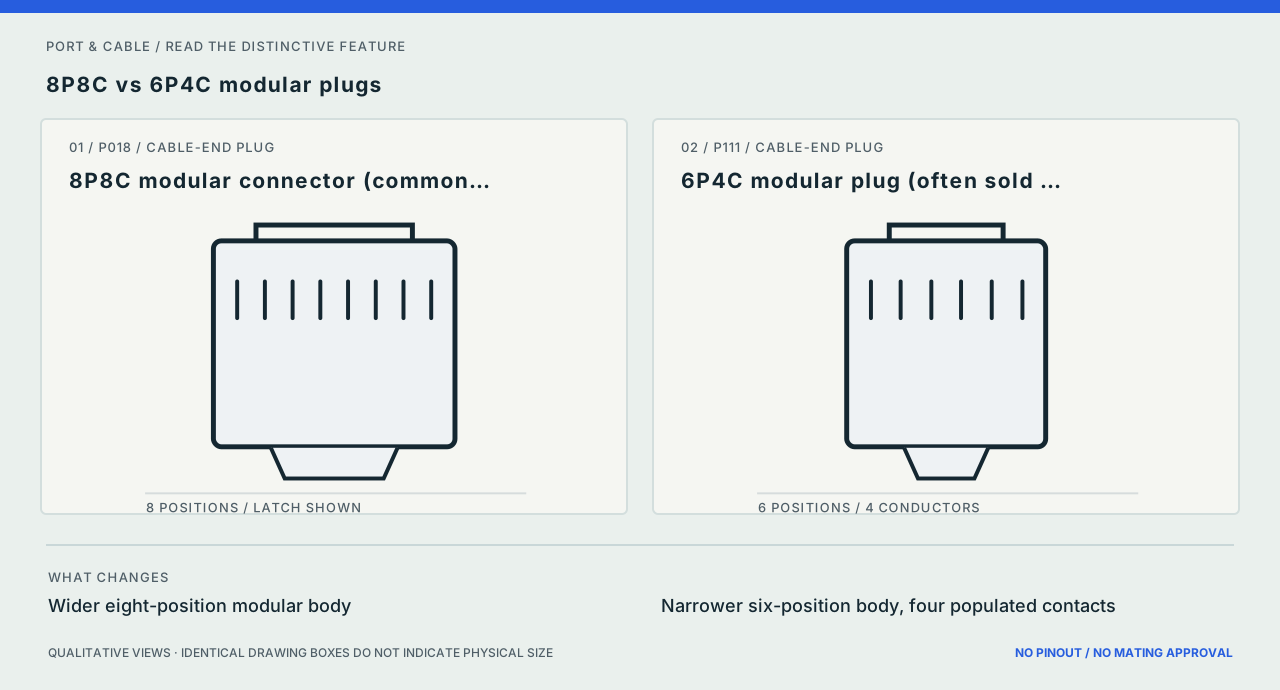
07 / 108P8C or 6P4C modular plug?Distinguishing cue
(private workspace)8P8C modular connector (commonly called RJ45)
Example: 8P8C modular connector (commonly called RJ45)
- Viewed side
- Cable-end exterior front/underside concept; latch indicated, not a wiring view
- Source IDs
- S020 · S021
Visible cue Wider eight-position modular body
Inspect source & orientation → (private workspace)Full reference →
(private workspace)6P4C modular plug (often sold as RJ11)
Example: 6P4C modular plug (often sold as RJ11)
- Viewed side
- Cable-end exterior front/underside concept; latch indicated, not a wiring view
- Source IDs
- S091
Visible cue Narrower six-position body, four populated contacts
Inspect source & orientation → (private workspace)Full reference →
What to check
Compare the illustrated body widths and position counts; confirm the markings and the actual device socket before selecting a cable.
Do not infer
The strokes represent positions, not terminal wiring. Informal “RJ45/RJ11” naming is not a wiring or service guarantee.
The two studies are cable plug / cable end views, with matching view categories; physical size cannot be compared across canvases. These are inherited illustrative interpretations, not fresh V170 source inspections. Technical and rights approval pending for both. Research method →
08 / 10SATA data or SATA power?Distinguishing cue
(private workspace)SATA 7-pin data connector
Example: SATA 7-pin data connector
- Viewed side
- Drive-facing female cable-plug opening concept; qualitative L-shaped key
- Source IDs
- S032 · S429
Visible cue Narrow seven-position data family
Inspect source & orientation → (private workspace)Full reference →
(private workspace)SATA 15-pin power connector
Example: SATA 15-pin power connector
- Viewed side
- Drive-facing female cable-plug opening concept; qualitative L-shaped key
- Source IDs
- S200
Visible cue Wider fifteen-position power family
Inspect source & orientation → (private workspace)Full reference →
What to check
Observe the narrower data-cable opening and wider power-cable opening in these qualitative L-key studies. Read the device connector label.
Do not infer
These conceptual shape studies are not electrical contacts, pin assignments or a procedure for live equipment.
The two studies are cable plug / cable end views, with matching view categories; physical size cannot be compared across canvases. These are inherited illustrative interpretations, not fresh V170 source inspections. Technical and rights approval pending for both. Research method →
09 / 10SMA or reverse-polarity SMA?Distinguishing cue
(private workspace)SMA coaxial connector
Example: SMA coaxial connector
- Viewed side
- Example threaded plug-side front concept; contact convention, not a mating gauge
- Source IDs
- S046
Visible cue Conventional SMA contact convention
Inspect source & orientation → (private workspace)Full reference →
(private workspace)RP-SMA coaxial connector
Example: RP-SMA coaxial connector
- Viewed side
- Example threaded plug-side front concept; contact convention, not a mating gauge
- Source IDs
- S046 · S047
Visible cue Reverse-polarity contact convention
Inspect source & orientation → (private workspace)Full reference →
What to check
The original diagrams distinguish example centre-contact conventions. Check the *exact part* and vendor mating diagram before any connection.
Do not infer
Neither image defines thread gender, gauge, part tolerances or safe mating by visual inference alone.
The two studies are cable plug / cable end views, with matching view categories; physical size cannot be compared across canvases. These are inherited illustrative interpretations, not fresh V170 source inspections. Technical and rights approval pending for both. Research method →
10 / 105.5 × 2.1 or 5.5 × 2.5 barrel?Insufficient visual information
(private workspace)5.5 x 2.1 mm barrel connector: identification only
Example: Tensility 55-00051
- Viewed side
- Side exterior and isolated end-view inset
- Source IDs
- S485
Visible cue Qualitative exterior only; not to scale. No pin numbering, device wiring, fabrication tolerance or mating approval.
Inspect source & orientation → (private workspace)Full reference →
(private workspace)5.5 x 2.5 mm barrel connector: identification only
Example: Tensility 55-00050
- Viewed side
- Side exterior and isolated end-view inset
- Source IDs
- S484
Visible cue Qualitative exterior only; not to scale. No pin numbering, device wiring, fabrication tolerance or mating approval.
Inspect source & orientation → (private workspace)Full reference →
What to check
These two examples can look alike in qualitative exterior views. Identify the exact part specification and mating bore safely with power disconnected.
Inconclusive by appearance
INSUFFICIENT VISUAL INFORMATION: the art alone cannot distinguish the bore, prove fit, voltage, polarity or power safety.
The two studies are cable plug / cable end views, with matching view categories; physical size cannot be compared across canvases. These are existing source-observed studies, not V170 hardware measurements. Technical and rights approval pending for both. Research method →
Nothing here matches—or the visible clues conflict?
Do not treat the closest-looking sketch as an identification. Open the existing guided finder, search a marking or manufacturer part number, or consult the exact device manual.
Narrow by observable clues → Search a printed designation → Browse all connector forms →
Browse by subject.
USB & displays USB, Thunderbolt, HDMI and DisplayPort.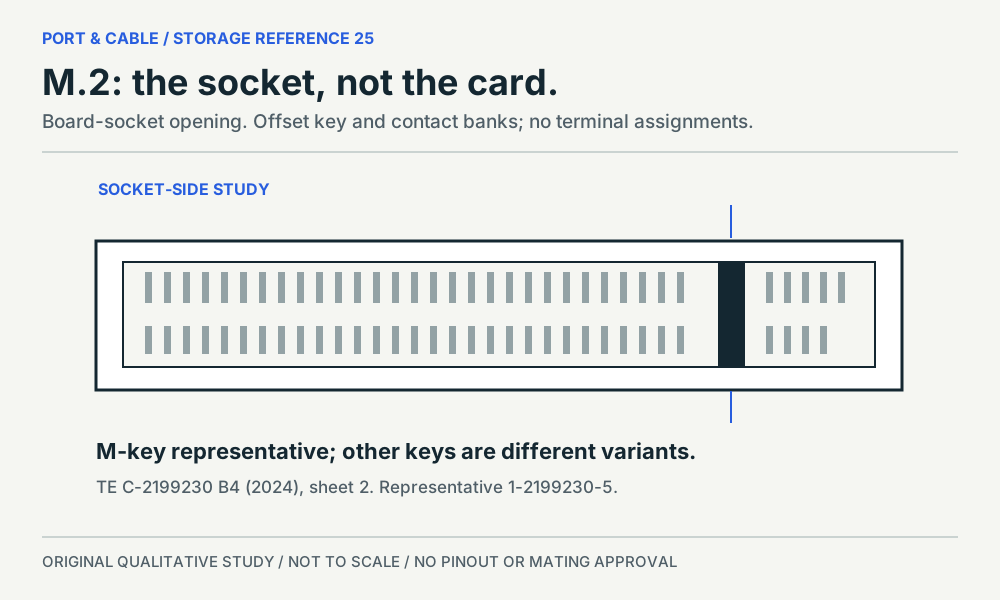 PC internals & storage Storage interfaces, PC power and board headers.
 Audio & legacy Audio plugs, multipole connectors and legacy forms.Network & fiber Modular plugs, optical ends and pluggable interfaces.
 Power connections Cord ends, appliance inlets and charging forms.Small parts & RF Coaxial components, wire-to-board and ribbon connections.
Source-scoped image register
Look at the part. Read the viewpoint.
124 source-observed studies, 41 inherited recognition studies and 31 concepts. A view is not a universal mating diagram or proof of compatibility. Technical and rights review remain pending; open any image for its full source, viewpoint and omissions.
196 views.
No views match. Clear the filters or use the complete connector catalogue.
USB & displays 28 views
4-pin Mini-DIN (S-Video form)P109 · Inherited study · Cable plug / cable endCable-end plug concept with separate number tokens; no socket-side pin arrayView sources and limits (private workspace)DisplayPort connectorP011 · Inherited study · Cable plug / cable endMating-face outlineView sources and limits (private workspace)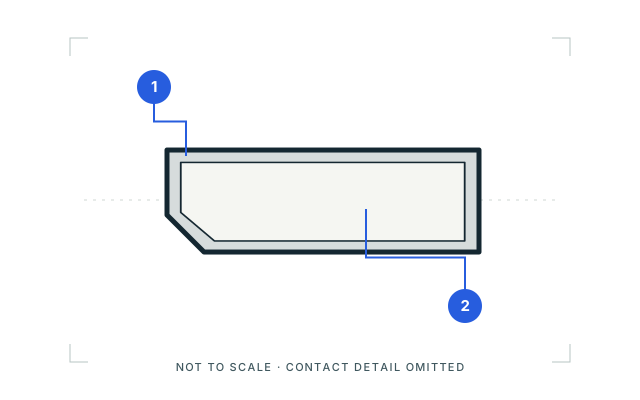 DisplayPort connectorP011 · Inherited study · Device receptacleOpening outlineView sources and limits (private workspace)
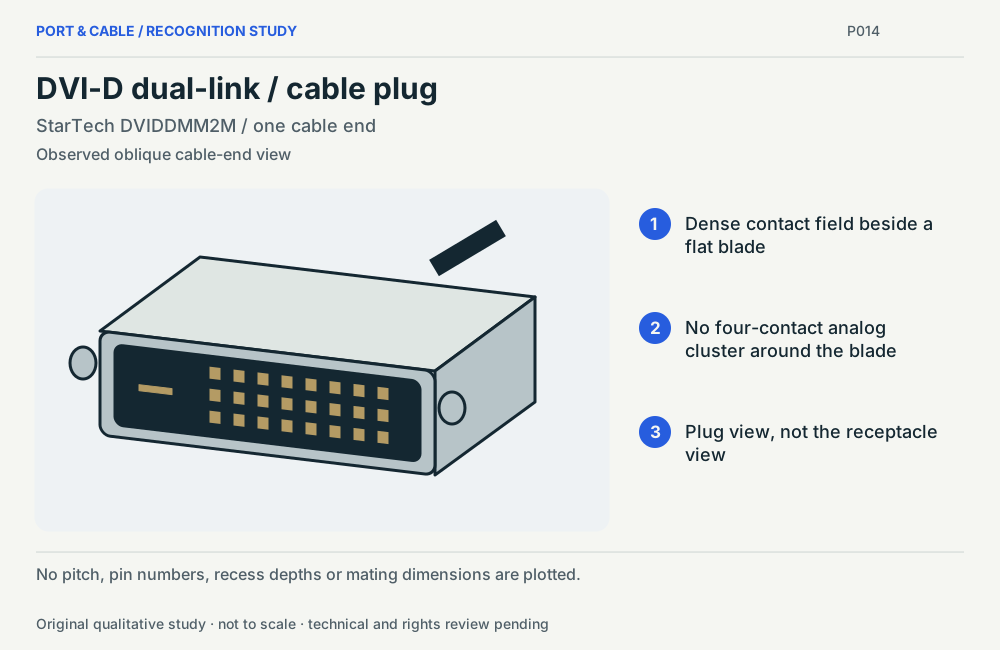 DVI-D dual-link / cable plugP014 · Physical study · Cable plug / cable endObserved oblique cable-end viewView sources and limits (private workspace)
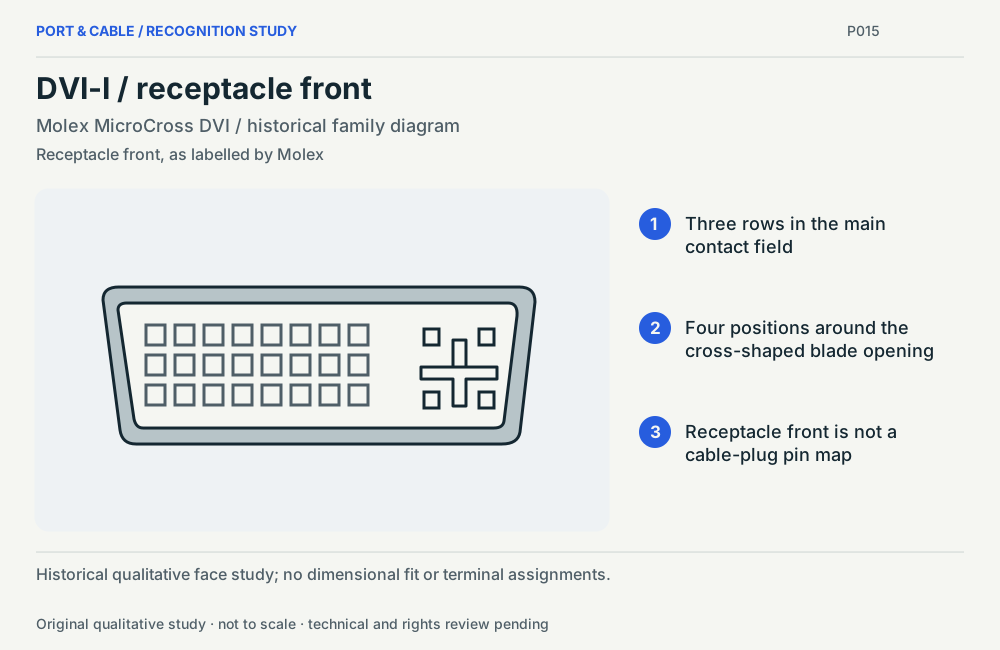 DVI-I / receptacle frontP015 · Physical study · Device receptacleReceptacle front, as labelled by MolexView sources and limits (private workspace)
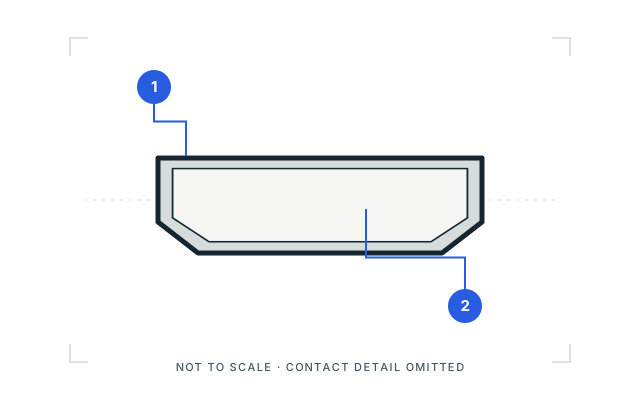 HDMI Type-AP008 · Inherited study · Cable plug / cable endMating-face outlineView sources and limits (private workspace)
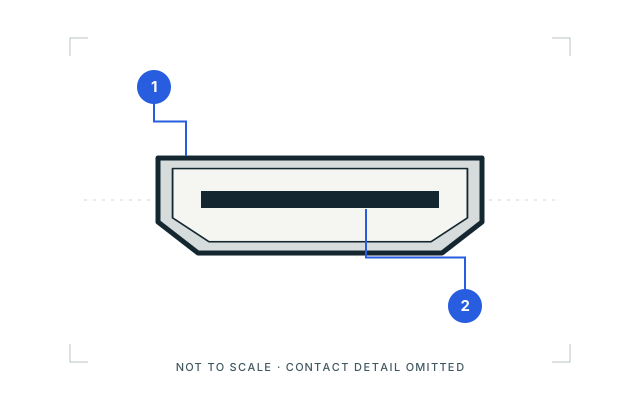 HDMI Type-AP008 · Inherited study · Device receptacleOpening outlineView sources and limits (private workspace)HDMI Type-AP008 · Physical study · Device receptacleMating face / without-flange familyView sources and limits (private workspace)
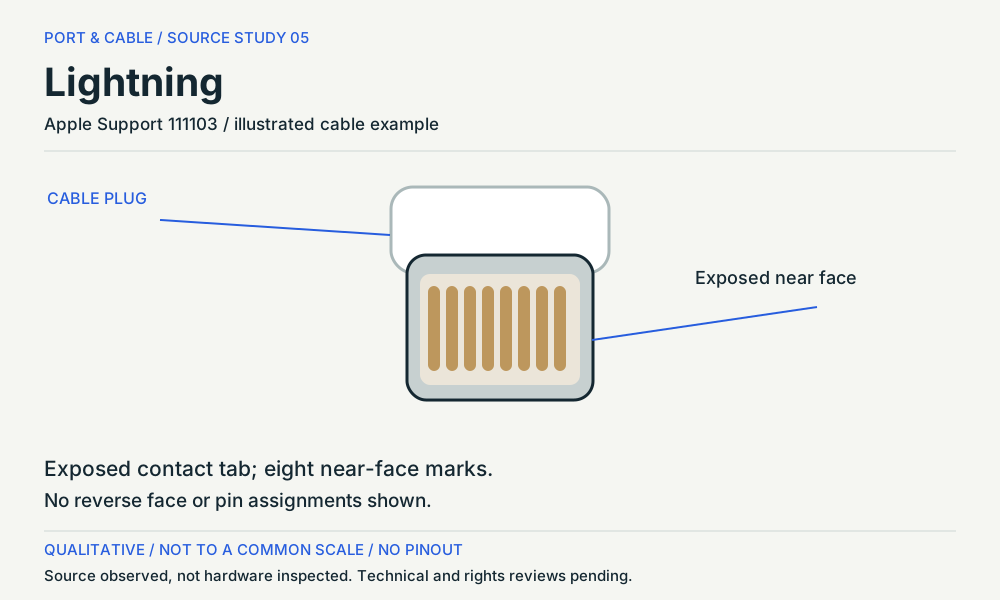 LightningP017 · Physical study · Cable plug / cable endCable plug / visible contact faceView sources and limits (private workspace)
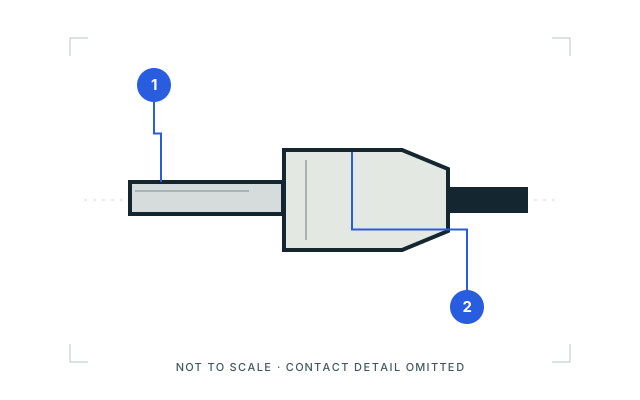 Micro HDMI Type-DP010 · Inherited study · Cable plug / cable endExterior side studyView sources and limits (private workspace)Micro HDMI Type-DP010 · Physical study · Device receptacleMating face / named SMT receptacleView sources and limits (private workspace)
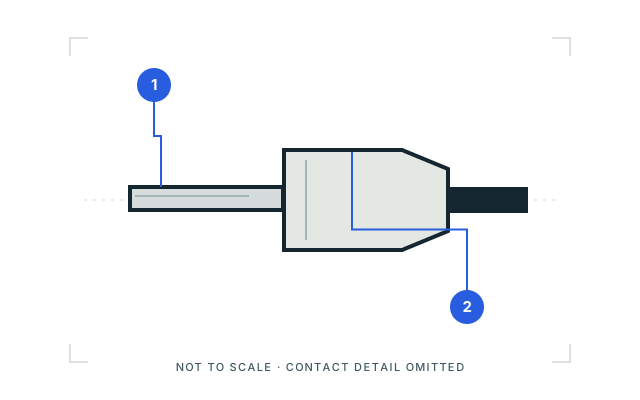 Micro-USB Type-BP006 · Inherited study · Cable plug / cable endExterior side studyView sources and limits (private workspace)Mini DisplayPort connectorP012 · Inherited study · Cable plug / cable endMating-face outlineView sources and limits (private workspace)
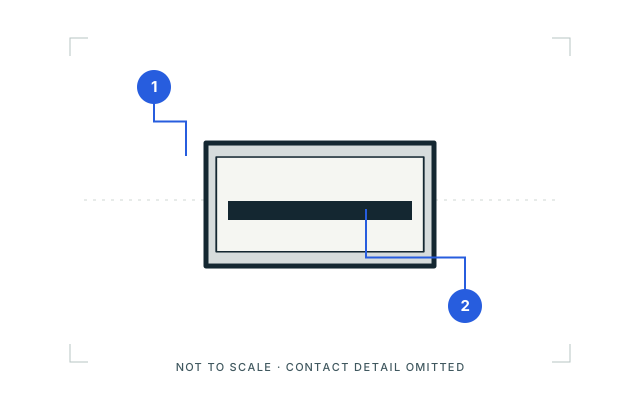 Mini DisplayPort connectorP012 · Inherited study · Device receptacleOpening outlineView sources and limits (private workspace)
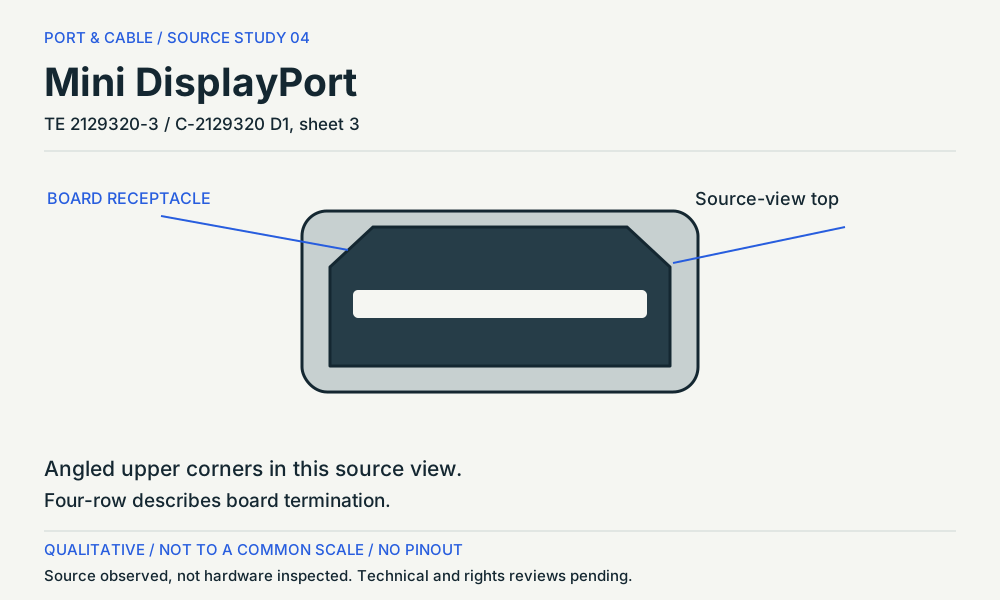 Mini DisplayPortP012 · Physical study · Device receptacleMating face / reversed-offset source viewView sources and limits (private workspace)
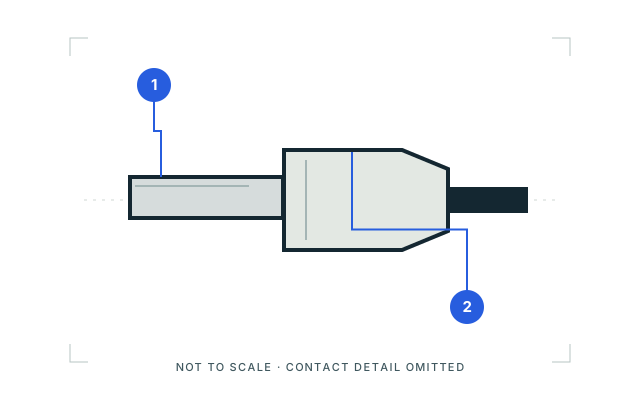 Mini HDMI Type-CP009 · Inherited study · Cable plug / cable endExterior side studyView sources and limits (private workspace)Mini HDMI Type-CP009 · Physical study · Device receptacleMating face / selected -2 receptacleView sources and limits (private workspace)
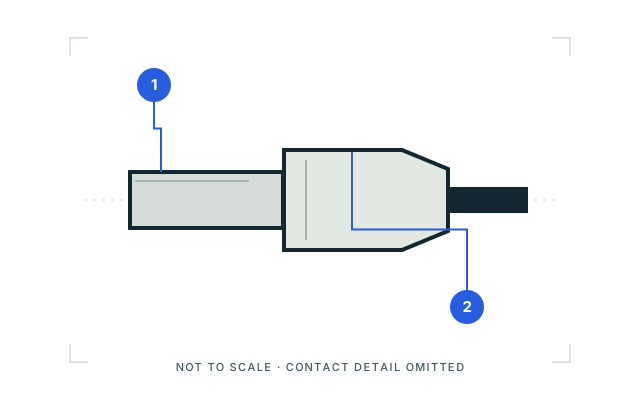 Mini-USB Type-BP005 · Inherited study · Cable plug / cable endExterior side studyView sources and limits (private workspace)
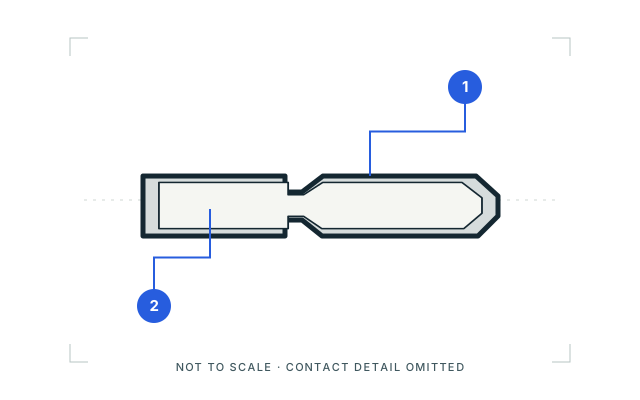 SuperSpeed Micro-USB Type-BP007 · Inherited study · Cable plug / cable endMating-face outlineView sources and limits (private workspace)
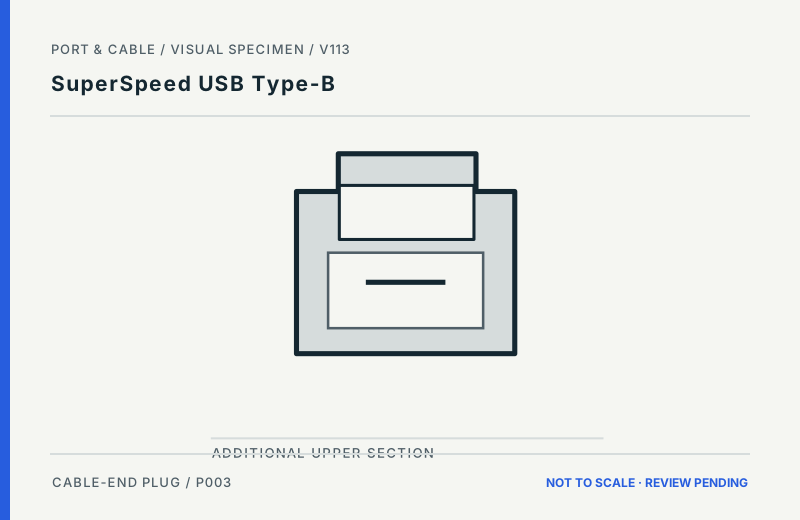 SuperSpeed USB Type-BP003 · Inherited study · Cable plug / cable endFront-facing cable plug opening; feature-only envelopeView sources and limits (private workspace)SuperSpeed USB-B / taller cable endP003 · Physical study · Cable plug / cable endObserved oblique plug viewView sources and limits (private workspace)USB Type-AP001 · Inherited study · Cable plug / cable endMating-face outlineView sources and limits (private workspace)
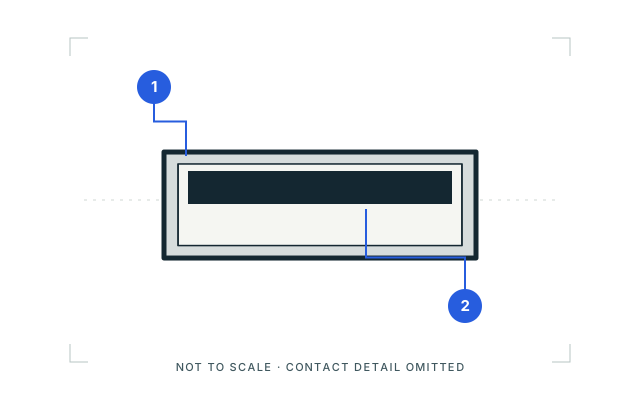 USB Type-AP001 · Inherited study · Device receptacleOpening outlineView sources and limits (private workspace)
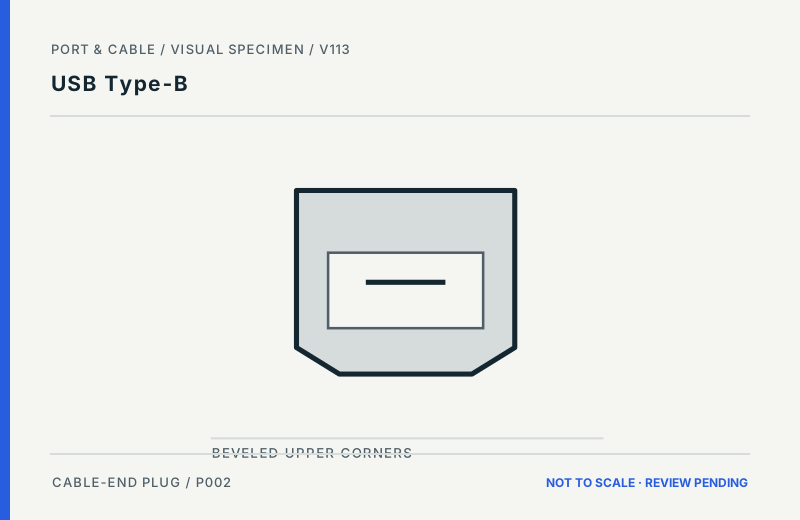 USB Type-BP002 · Inherited study · Cable plug / cable endFront-facing cable plug opening; feature-only envelopeView sources and limits (private workspace)USB-B / legacy cable endP002 · Physical study · Cable plug / cable endObserved oblique plug viewView sources and limits (private workspace)USB Type-CP004 · Inherited study · Cable plug / cable endMating-face outlineView sources and limits (private workspace)
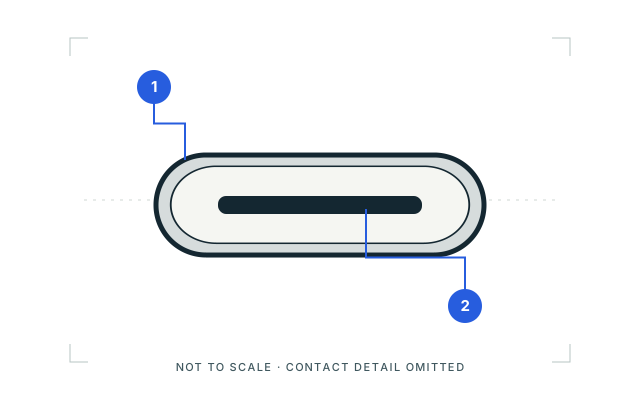 USB Type-CP004 · Inherited study · Device receptacleOpening outlineView sources and limits (private workspace)
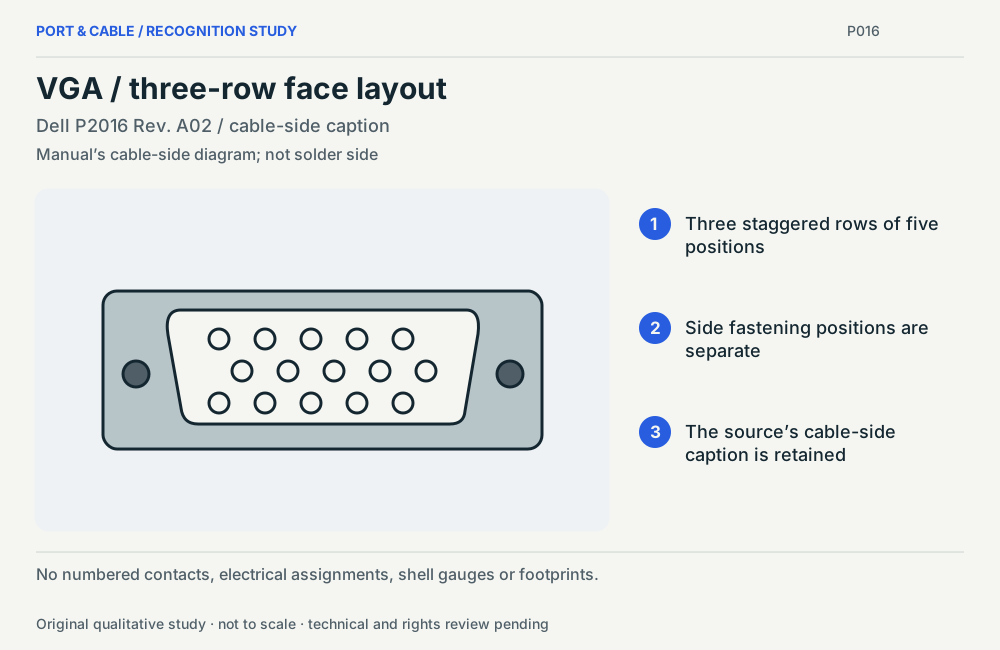 VGA / three-row face layoutP016 · Physical study · Other declared componentManual’s cable-side diagram; not solder sideView sources and limits (private workspace)
PC internals & storage 31 views
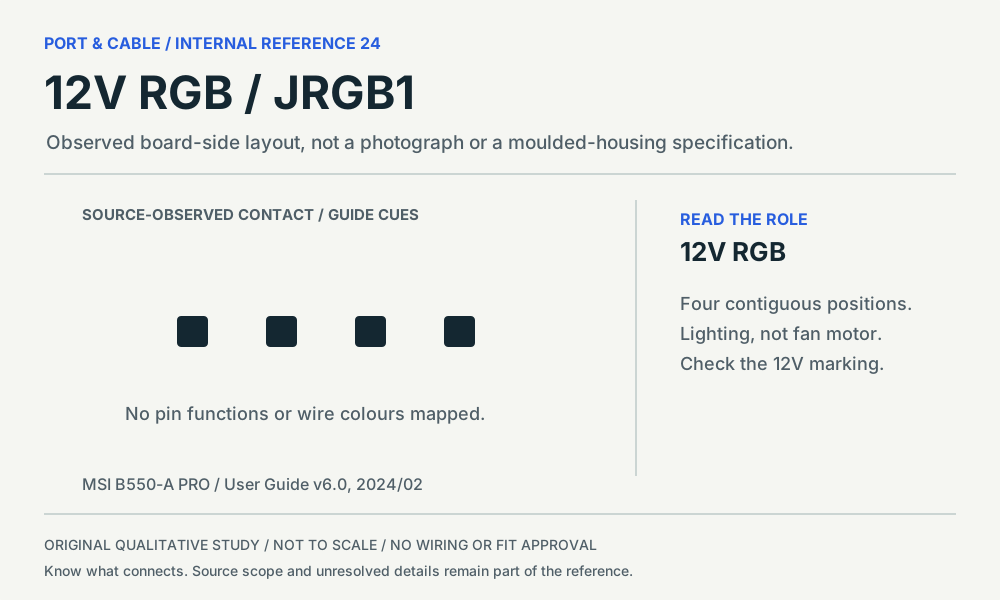 12V RGB / JRGB1P347 · Physical study · Board headerBoard-side plan layout, following the cited diagram orientationView sources and limits (private workspace)
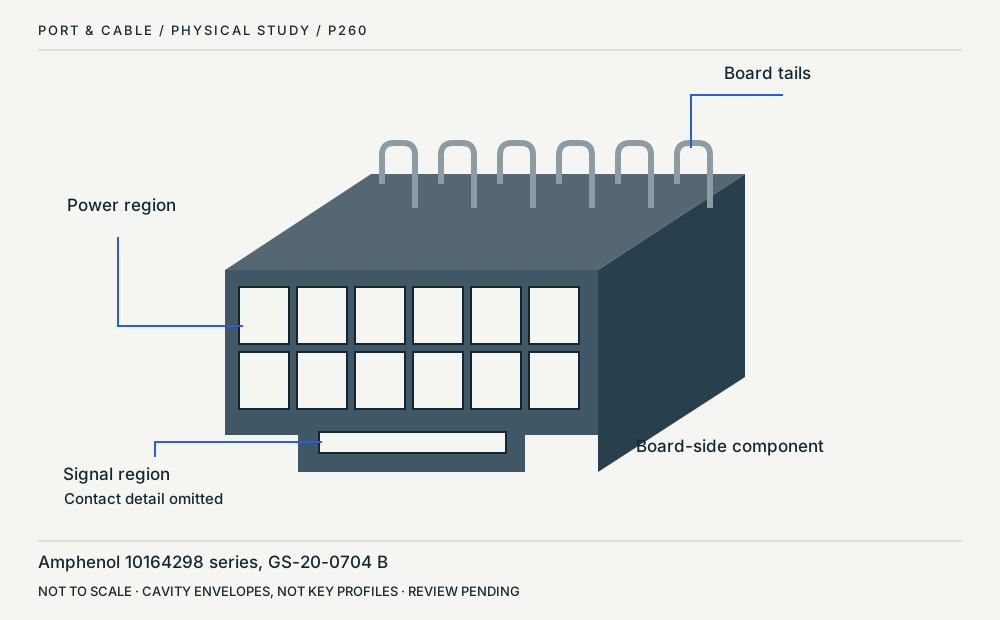 12V-2x6 / board headerP260 · Physical study · Board headerOblique front and topView sources and limits (private workspace)
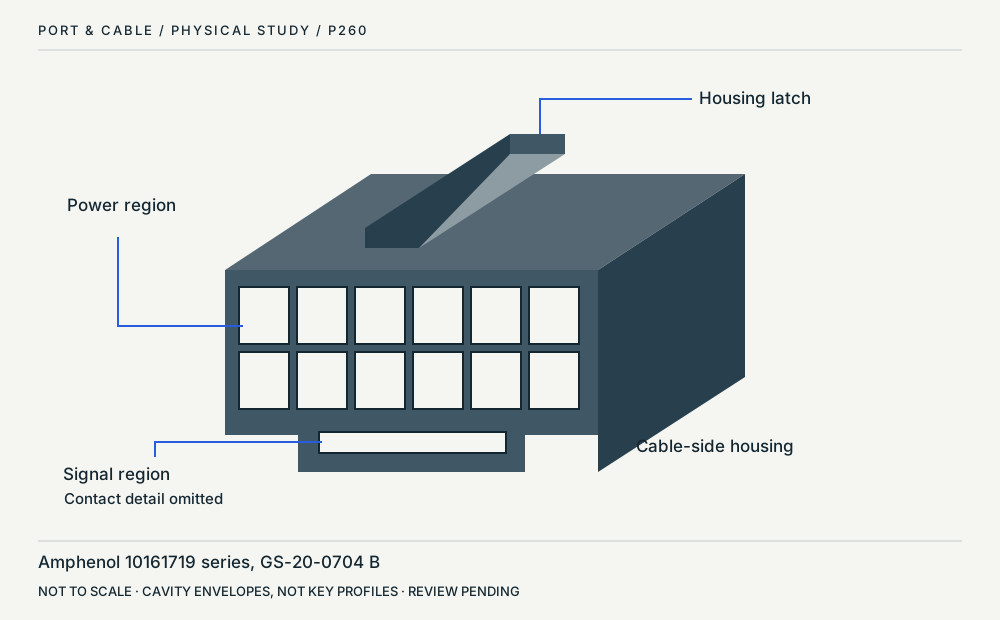 12V-2x6 / cable housingP260 · Physical study · Cable housingOblique front and latchView sources and limits (private workspace)
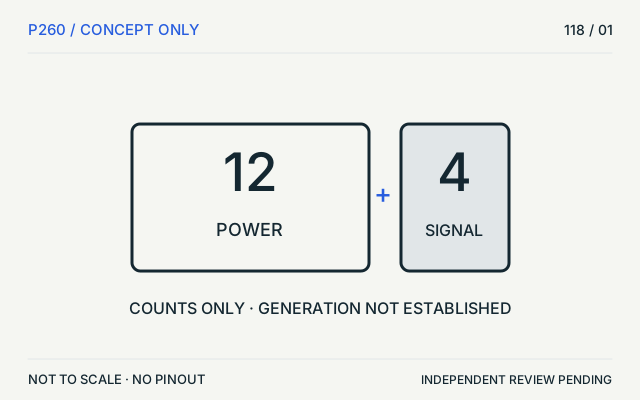 12V-2x6P260 · Concept · Concept only12 power + 4 signal; not a mating faceView sources and limits (private workspace)
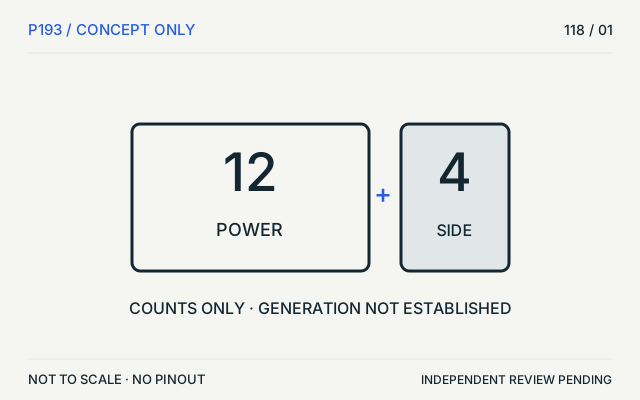 12VHPWRP193 · Concept · Concept only12 power + 4 sideband; not a mating faceView sources and limits (private workspace)
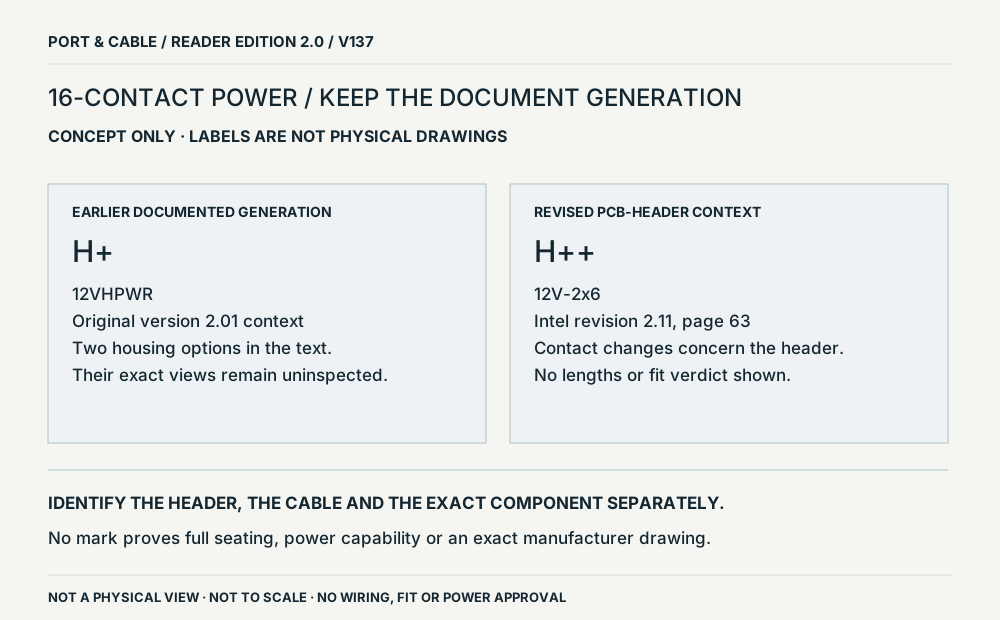 Power generations / keep the header revisionP193 · Concept · Concept onlyConceptual source-field relationship; not a physical viewView sources and limits (private workspace)
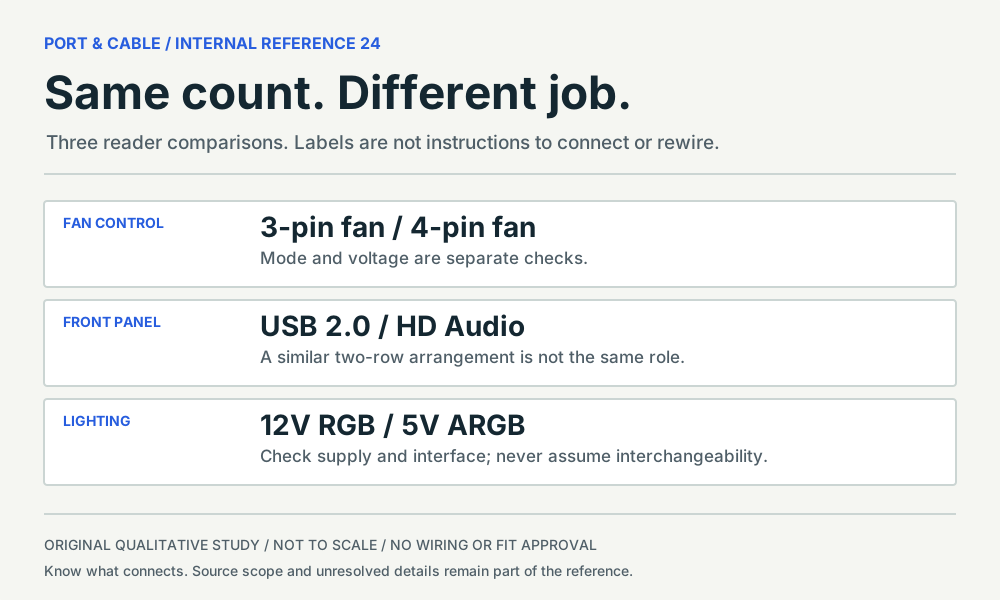 Same count. Different job.P343 · Concept · Concept onlyEditorial evidence checklist; no component geometryView sources and limits (private workspace)
 3-pin fan — physical image unresolvedP343 · Concept · Concept onlyEditorial evidence checklist; no component geometryView sources and limits (private workspace)
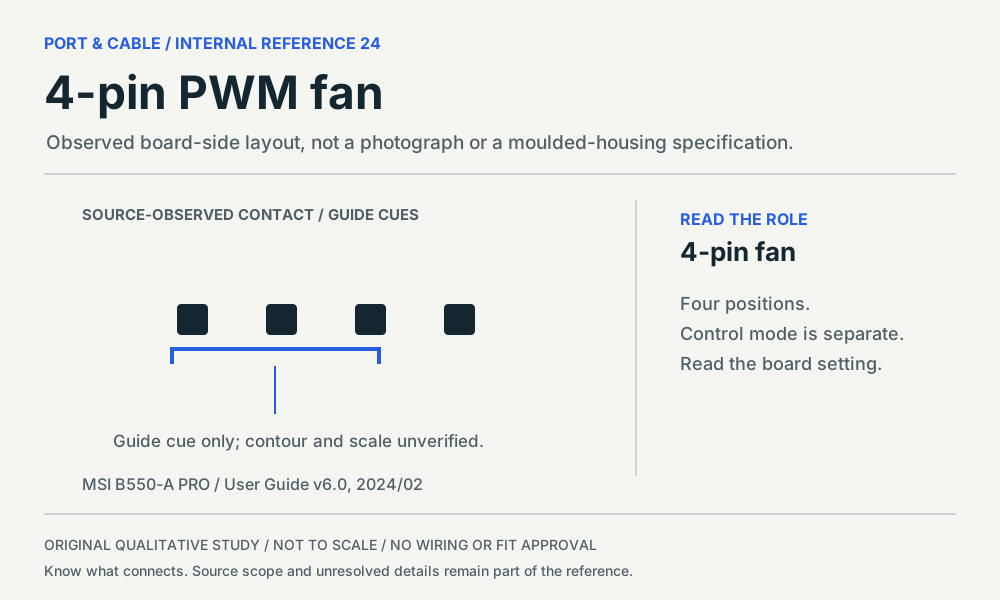 4-pin PWM fanP344 · Physical study · Board headerBoard-side plan layout, following the cited diagram orientationView sources and limits (private workspace)
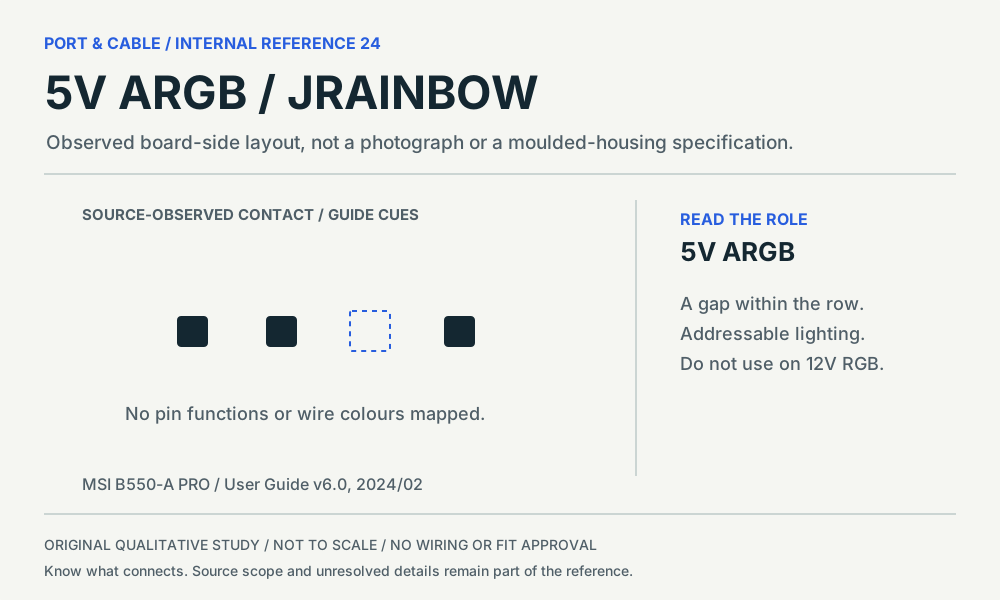 5V ARGB / JRAINBOWP348 · Physical study · Board headerBoard-side plan layout, following the cited diagram orientationView sources and limits (private workspace)
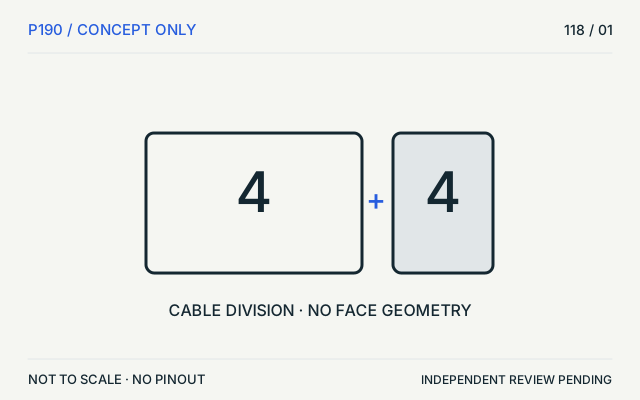 EPS12V / CPUP190 · Concept · Concept only4+4 groups, not a mating faceView sources and limits (private workspace)
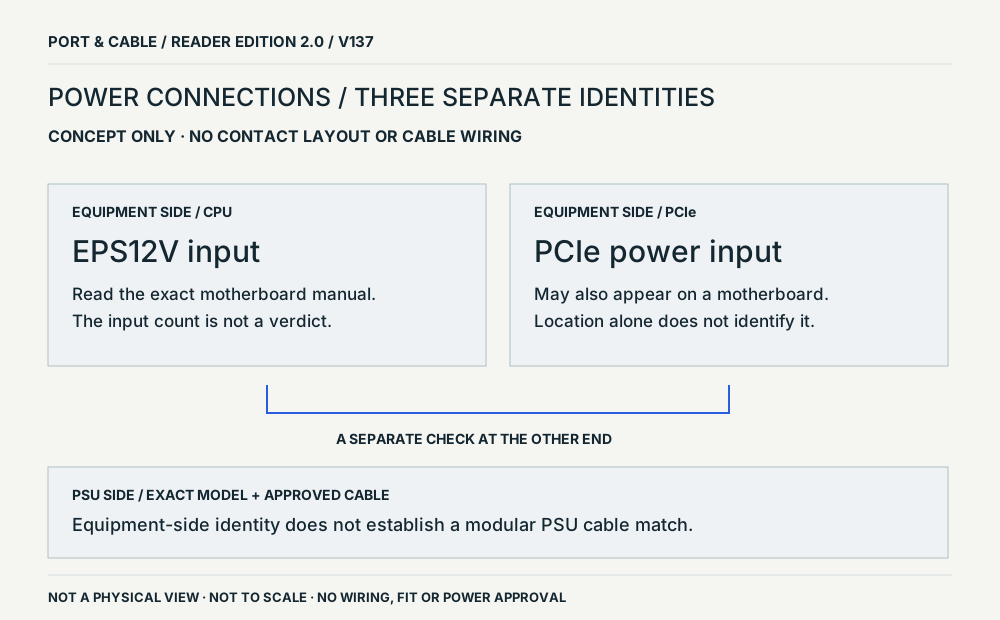 Power roles / equipment end and PSU endP190 · Concept · Concept onlyConceptual source-field relationship; not a physical viewView sources and limits (private workspace)
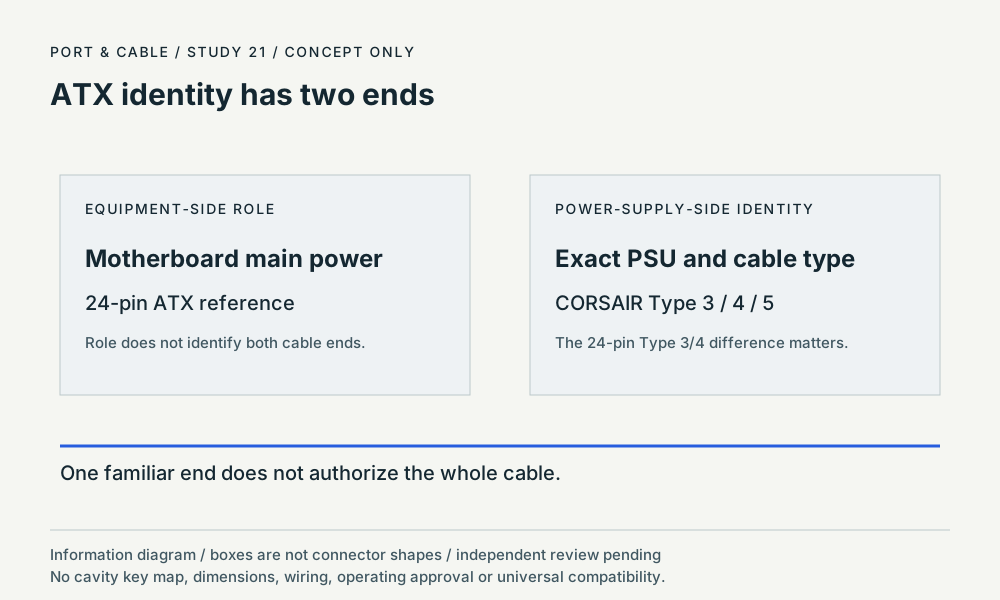 ATX identity has two endsP189 · Concept · Concept onlyinformation hierarchyView sources and limits (private workspace)
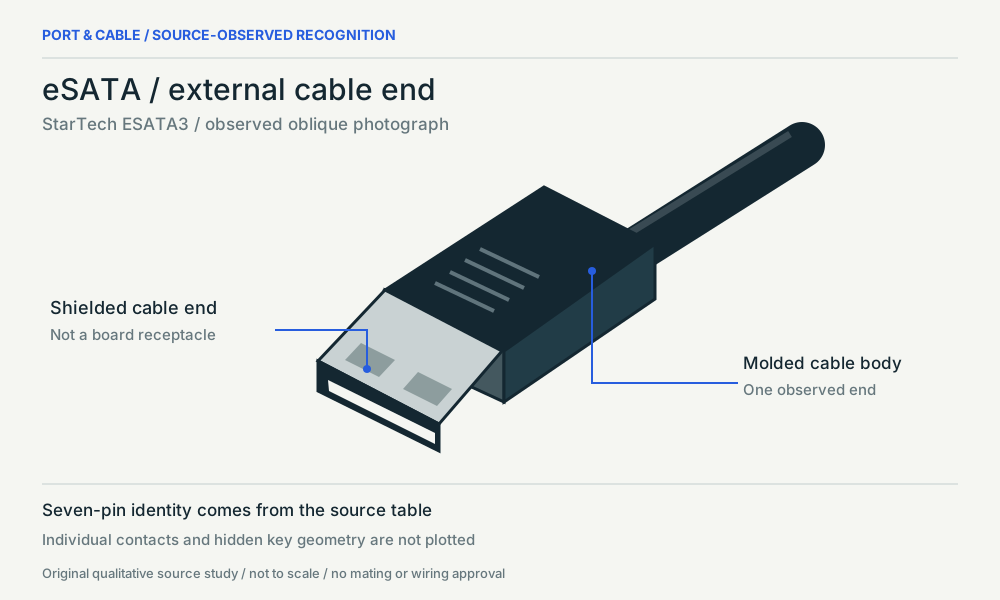 eSATA / external cable endP118 · Physical study · Cable plug / cable endOblique photograph study / visible side onlyView sources and limits (private workspace)
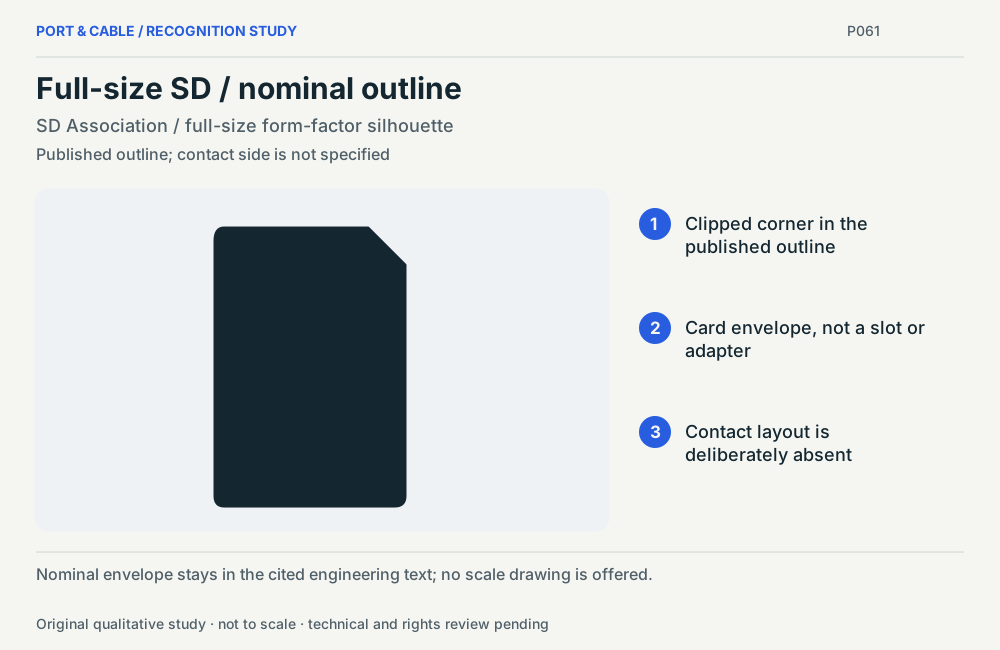 Full-size SD / nominal outlineP061 · Physical study · Other declared componentPublished outline; contact side is not specifiedView sources and limits (private workspace)
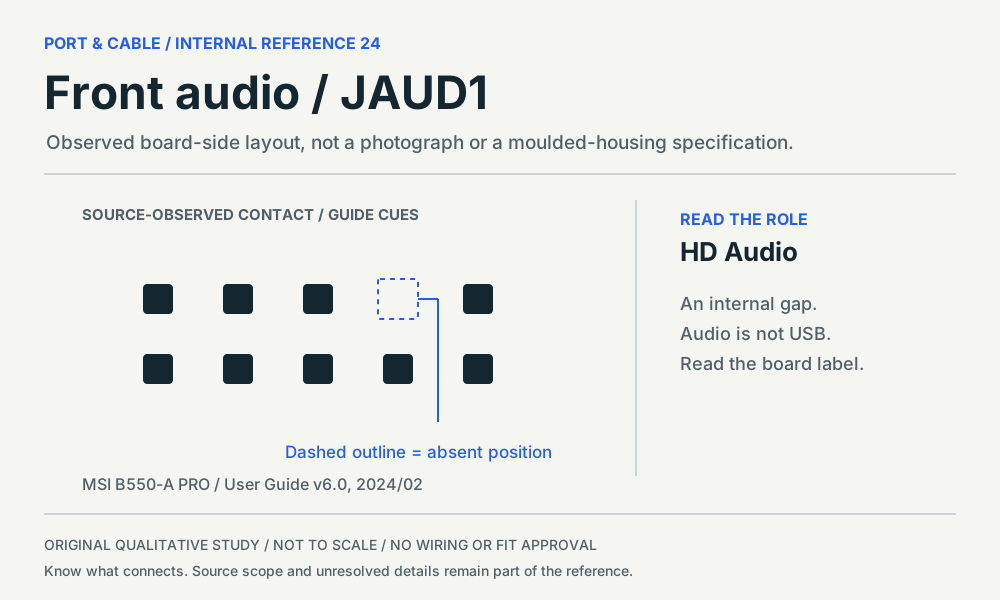 Front audio / JAUD1P346 · Physical study · Board headerBoard-side plan layout, following the cited diagram orientationView sources and limits (private workspace)
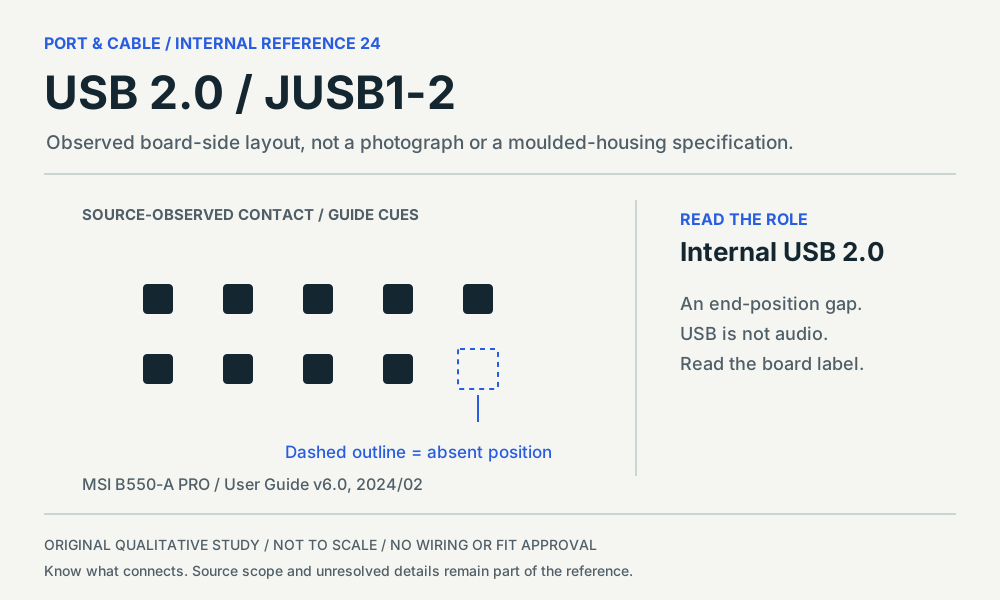 USB 2.0 / JUSB1–2P345 · Physical study · Board headerBoard-side plan layout, following the cited diagram orientationView sources and limits (private workspace)
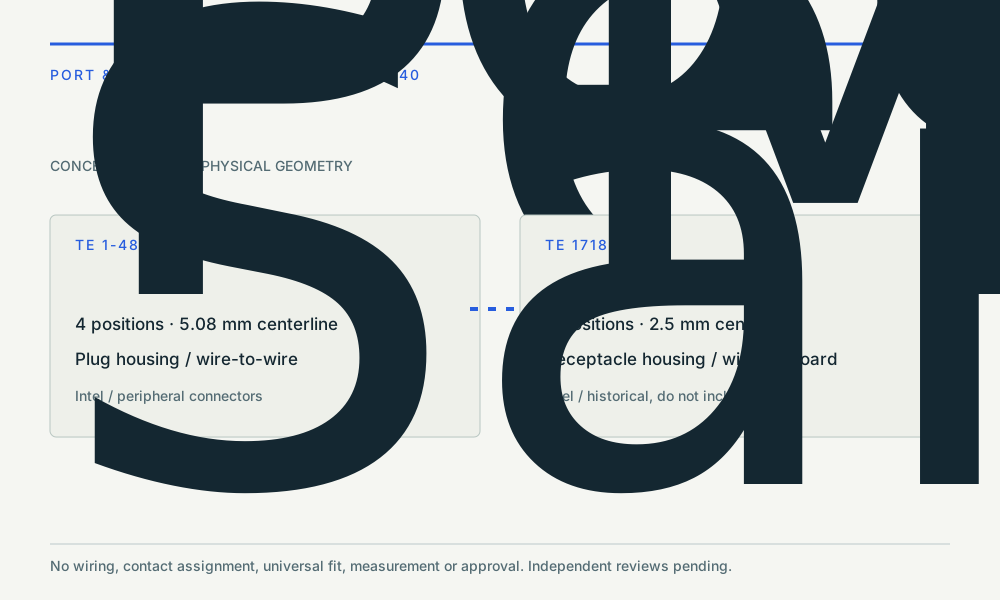 Four contacts ≠ one connectorP367 · Concept · Concept onlyeditorial identity comparisonView sources and limits (private workspace)
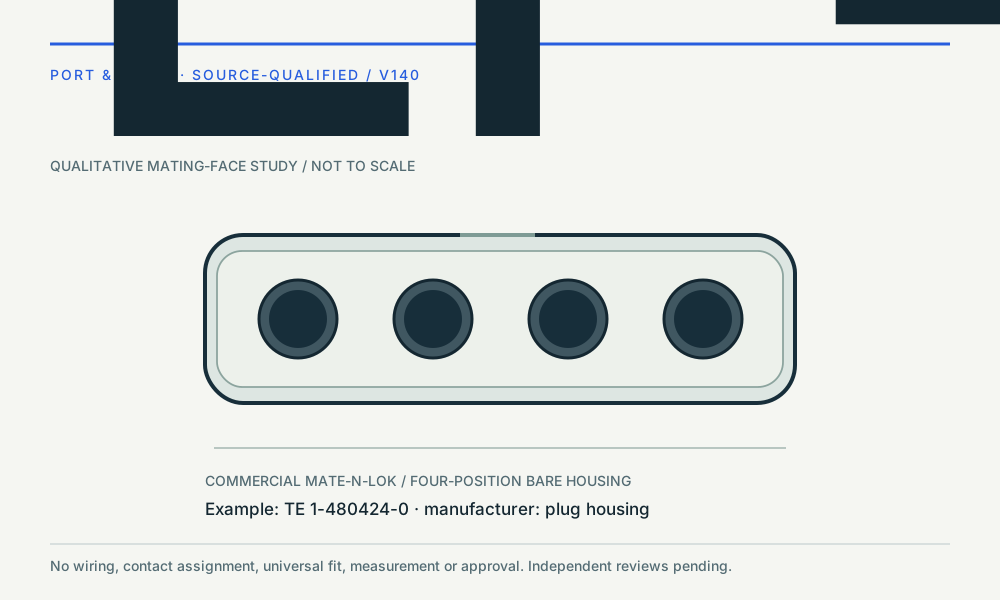 LP4 example · 1-480424-0P367 · Physical study · Cable housingqualitative mating-face studyView sources and limits (private workspace)M.2 socketP030 · Physical study · Device receptacleSocket-side source drawing orientationView sources and limits (private workspace)
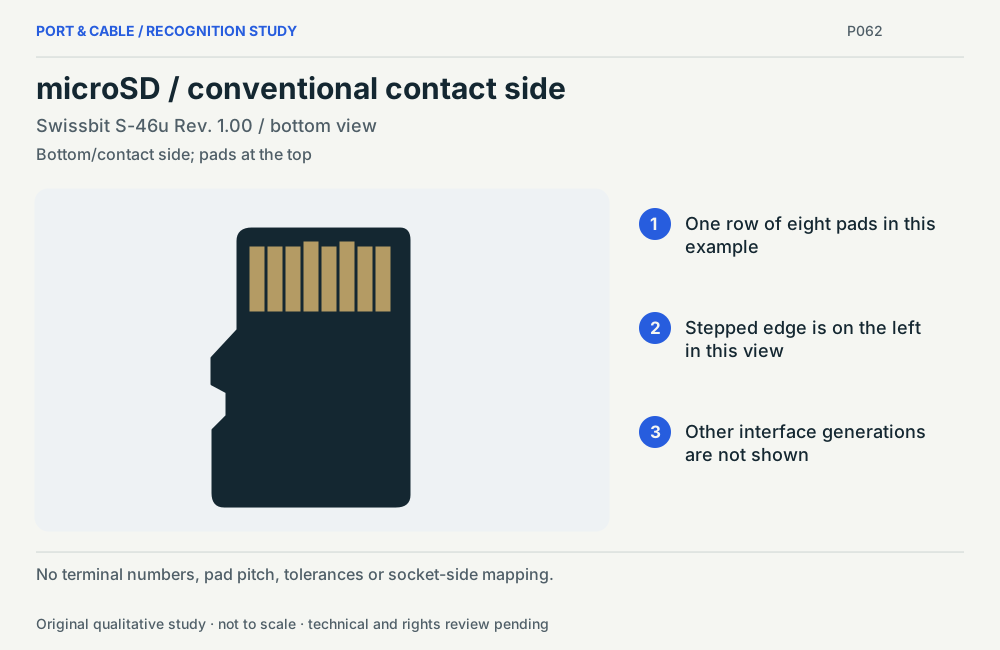 microSD / conventional contact sideP062 · Physical study · Other declared componentBottom/contact side; pads at the topView sources and limits (private workspace)
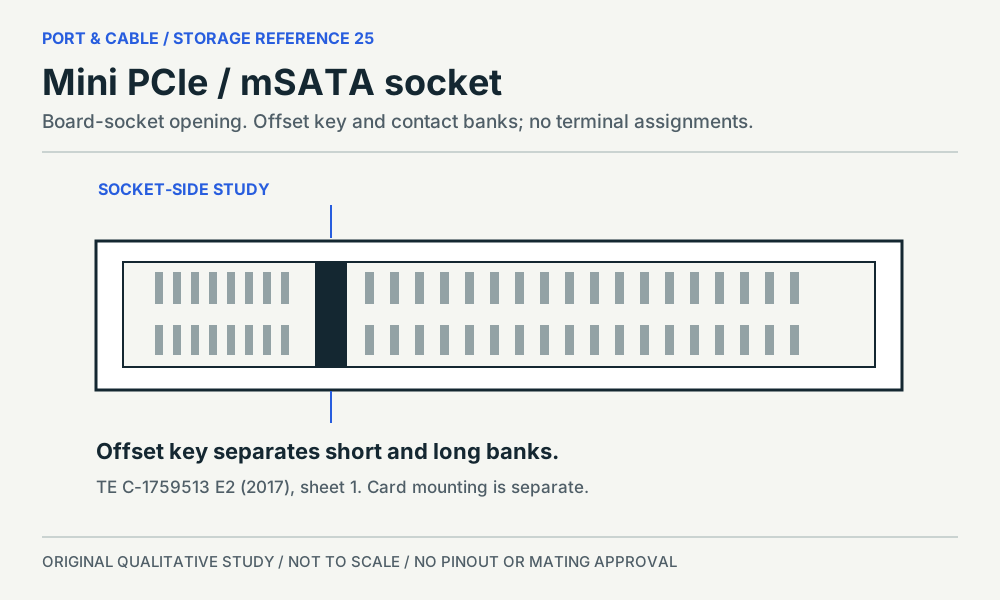 Mini PCIe / mSATA socketP298 · Physical study · Device receptacleSocket-side source drawing orientationView sources and limits (private workspace)
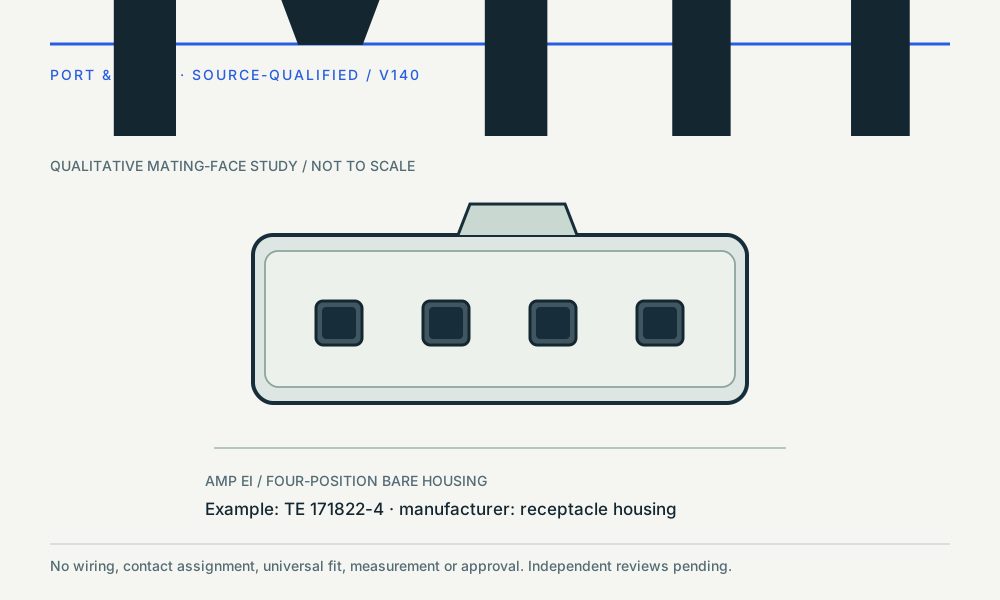 Miniature example · 171822-4P368 · Physical study · Cable housingqualitative mating-face studyView sources and limits (private workspace)
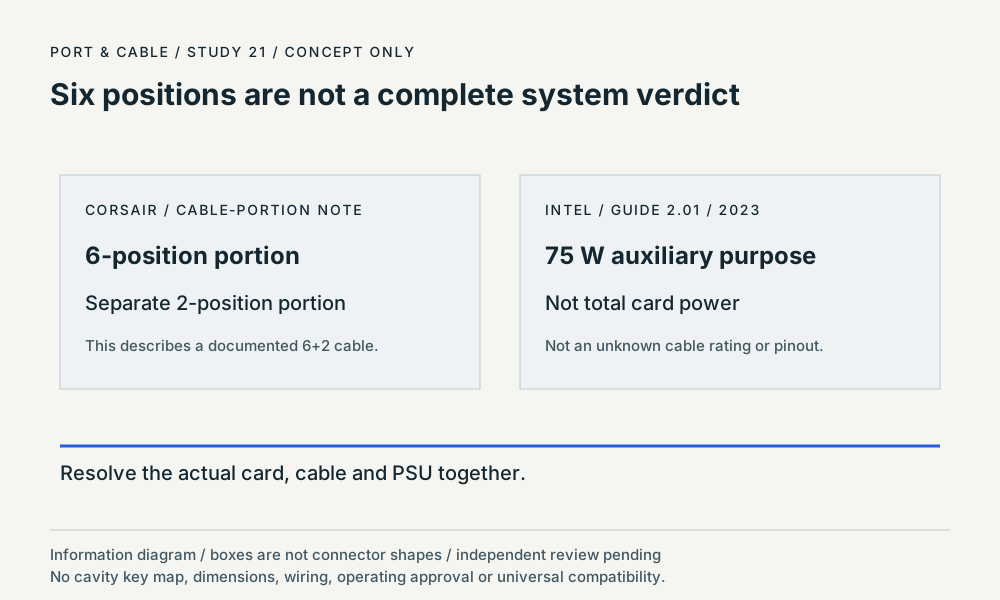 Six positions are not a complete system verdictP191 · Concept · Concept onlyinformation hierarchyView sources and limits (private workspace)
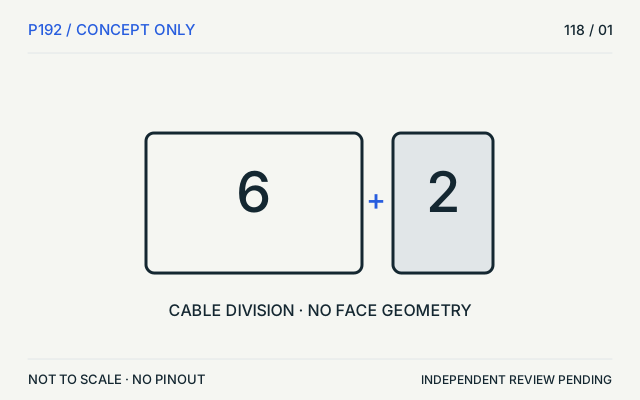 PCIe / auxiliaryP192 · Concept · Concept only6+2 groups, not a mating faceView sources and limits (private workspace)
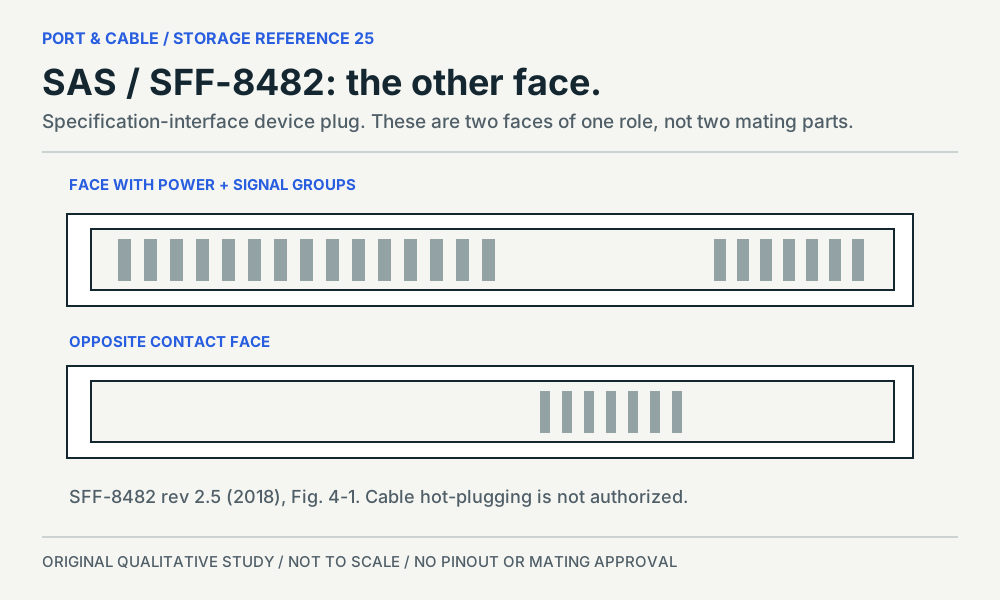 SAS / SFF-8482P196 · Physical study · Other declared componentTwo contact-bearing faces of the specification device plugView sources and limits (private workspace)SATA 15-pin power connectorP194 · Inherited study · Cable plug / cable endDrive-facing female cable-plug opening concept; qualitative L-shaped keyView sources and limits (private workspace)SATA 7-pin data connectorP029 · Inherited study · Cable plug / cable endDrive-facing female cable-plug opening concept; qualitative L-shaped keyView sources and limits (private workspace)
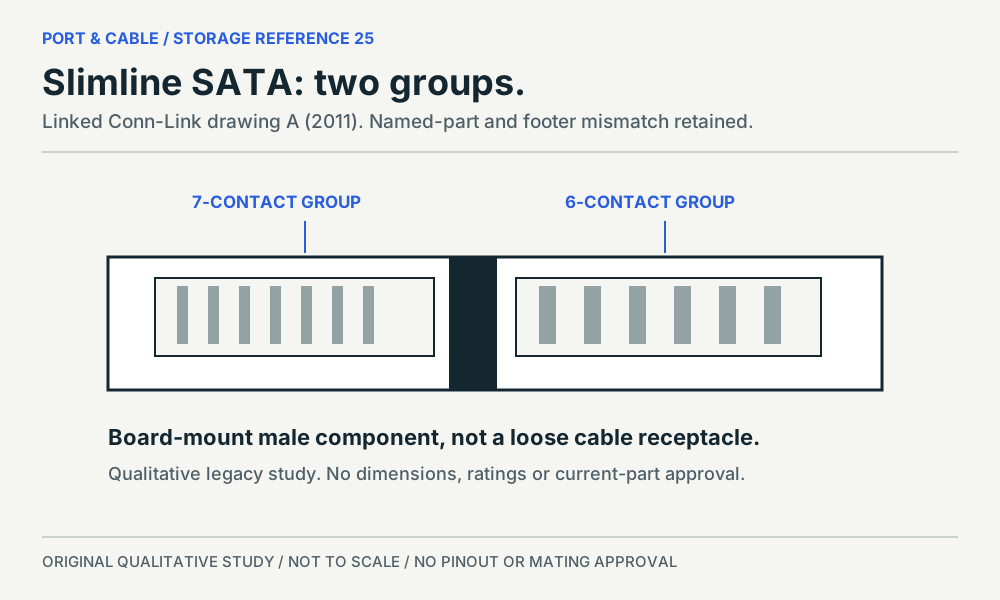 Slimline SATAP195 · Physical study · Other declared componentContact-bearing component face in the linked drawingView sources and limits (private workspace)
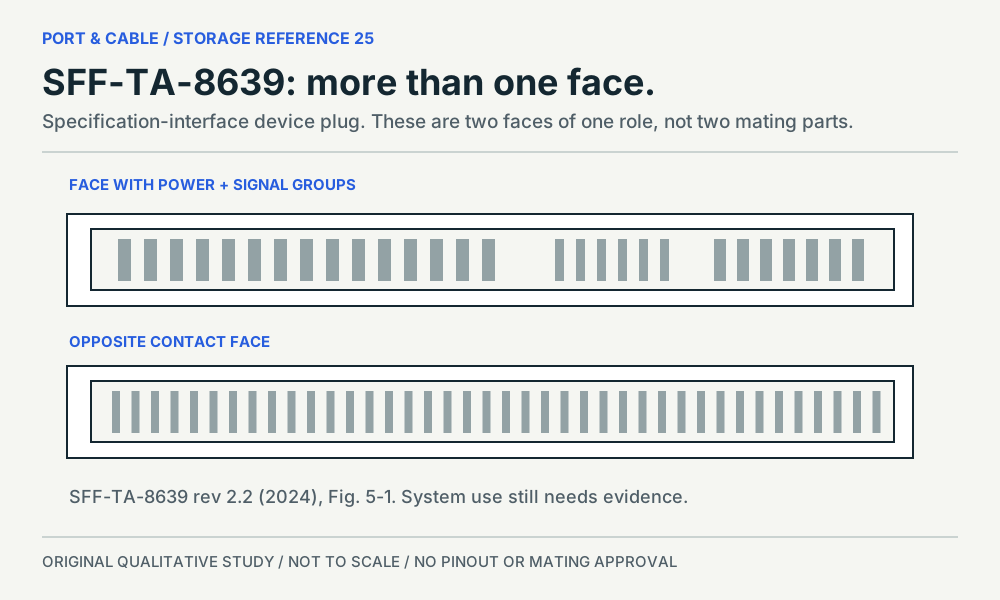 SFF-TA-8639 / U.2–U.3 contextP198 · Physical study · Other declared componentTwo contact-bearing faces of the specification device plugView sources and limits (private workspace)
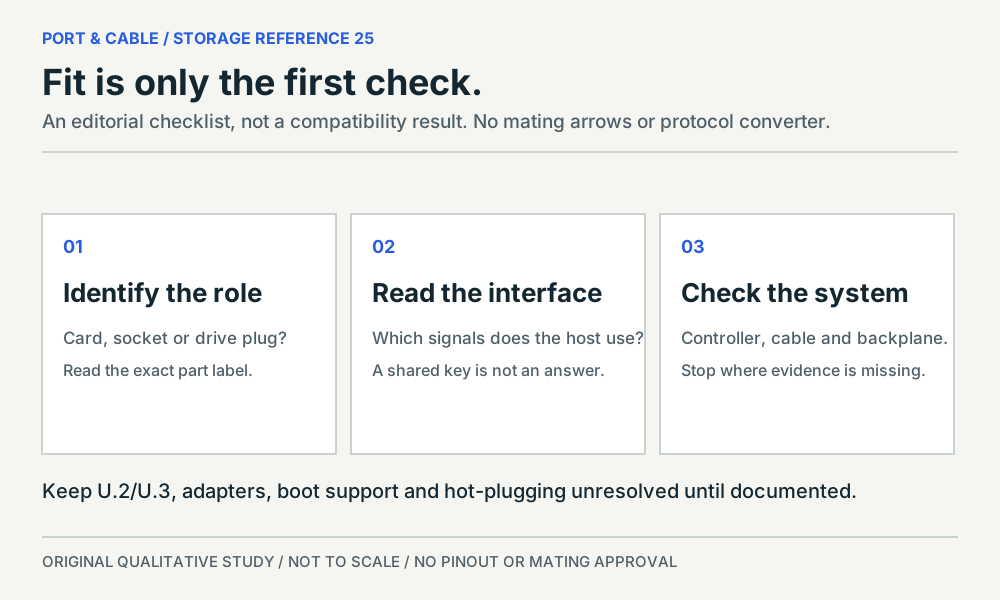 Storage: role, interface, systemP198 · Concept · Concept onlyEditorial checklist; no component viewView sources and limits (private workspace)
Audio & legacy 33 views
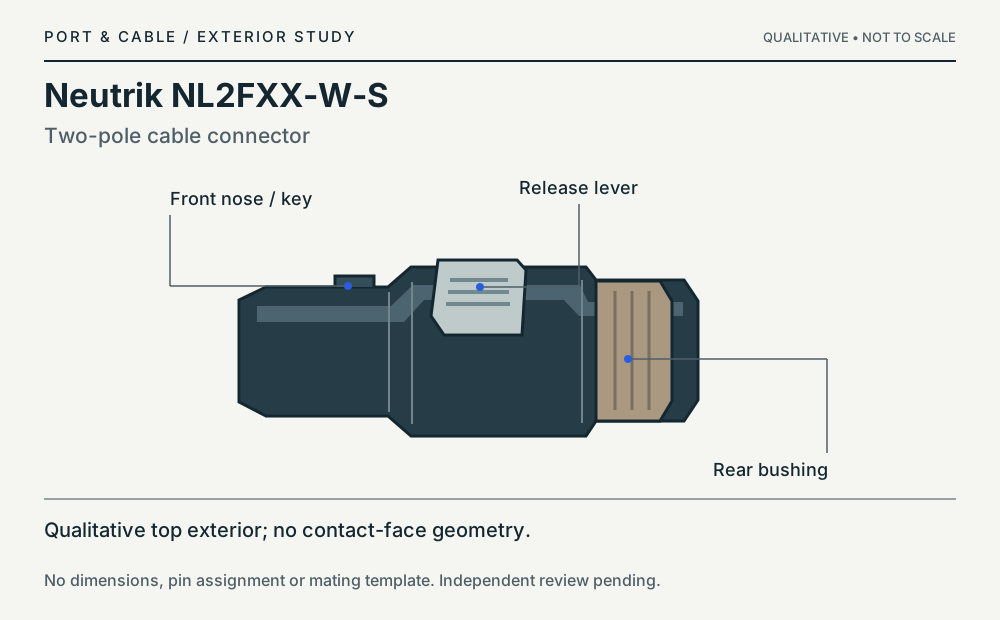 2-pole speakONP127 · Physical study · Cable plug / cable endQualitative top exterior; no contact-face geometryView sources and limits (private workspace)
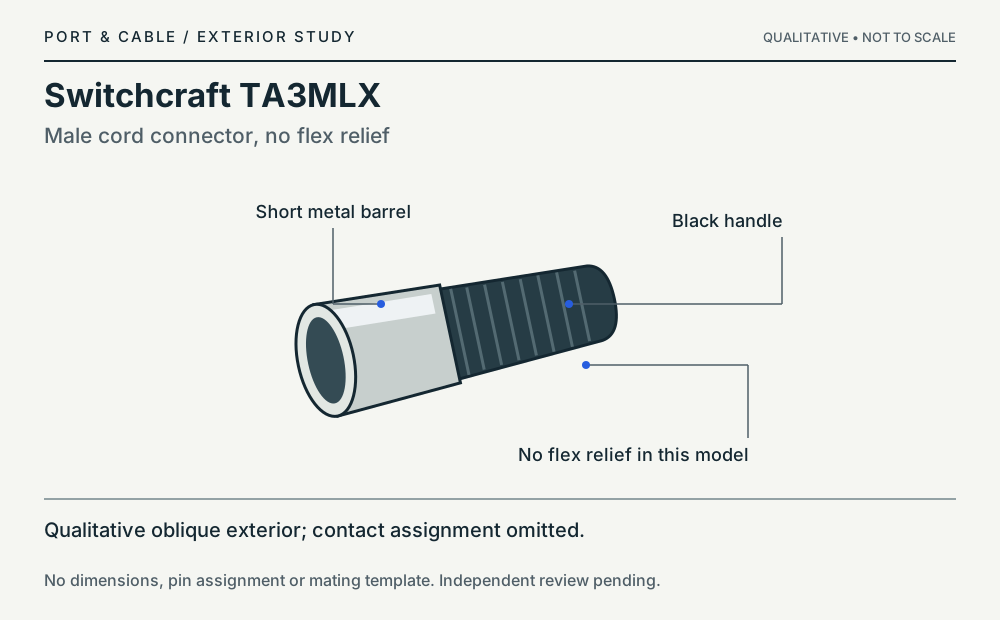 3-pole Mini-XLRP309 · Physical study · Cable plug / cable endQualitative oblique exterior; contact assignment omittedView sources and limits (private workspace)
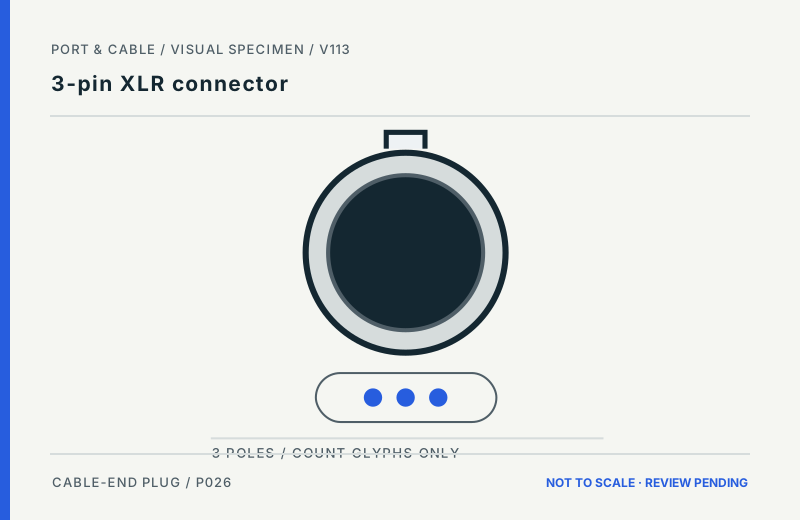 3-pin XLR connectorP026 · Inherited study · Cable plug / cable endCable-side male XLR body concept; count markers are NOT spatial pin positionsView sources and limits (private workspace)
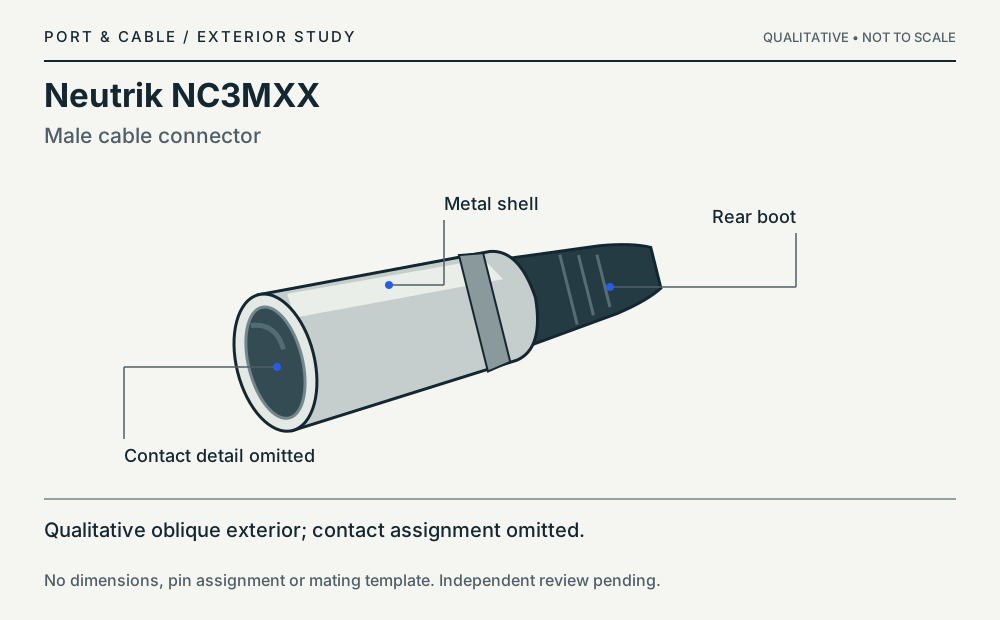 3-pole XLRP026 · Physical study · Cable plug / cable endQualitative oblique exterior; contact assignment omittedView sources and limits (private workspace)3.5 mm TRRS connectorP020 · Inherited study · Cable plug / cable endSide exterior of cable plug; longitudinal insulator cuesView sources and limits (private workspace)
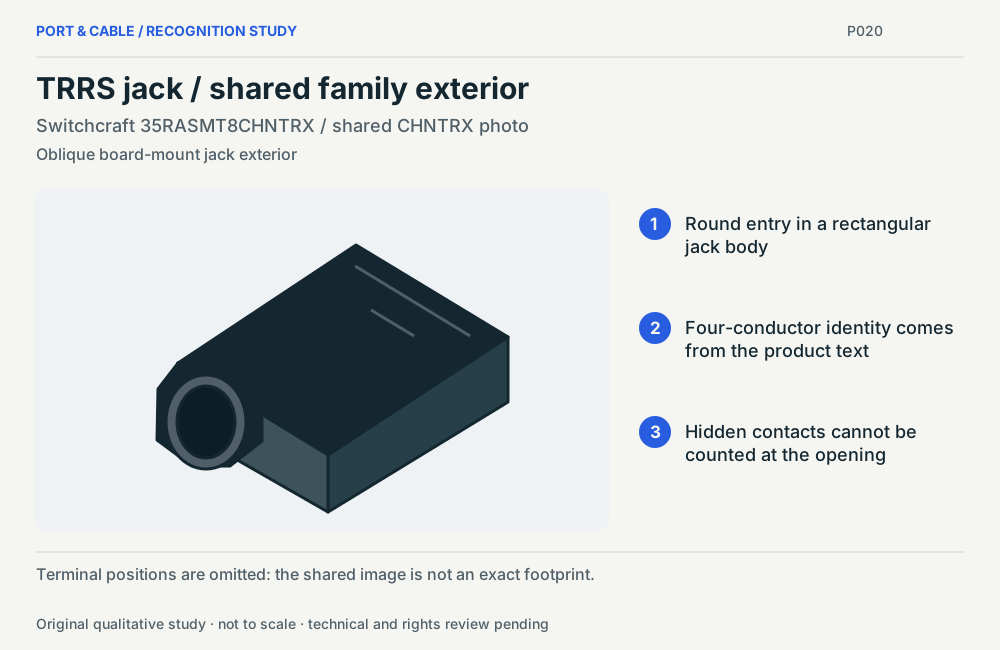 TRRS jack / shared family exteriorP020 · Physical study · Device receptacleOblique board-mount jack exteriorView sources and limits (private workspace)3.5 mm TRS connectorP019 · Inherited study · Cable plug / cable endSide exterior of cable plug; longitudinal insulator cuesView sources and limits (private workspace)
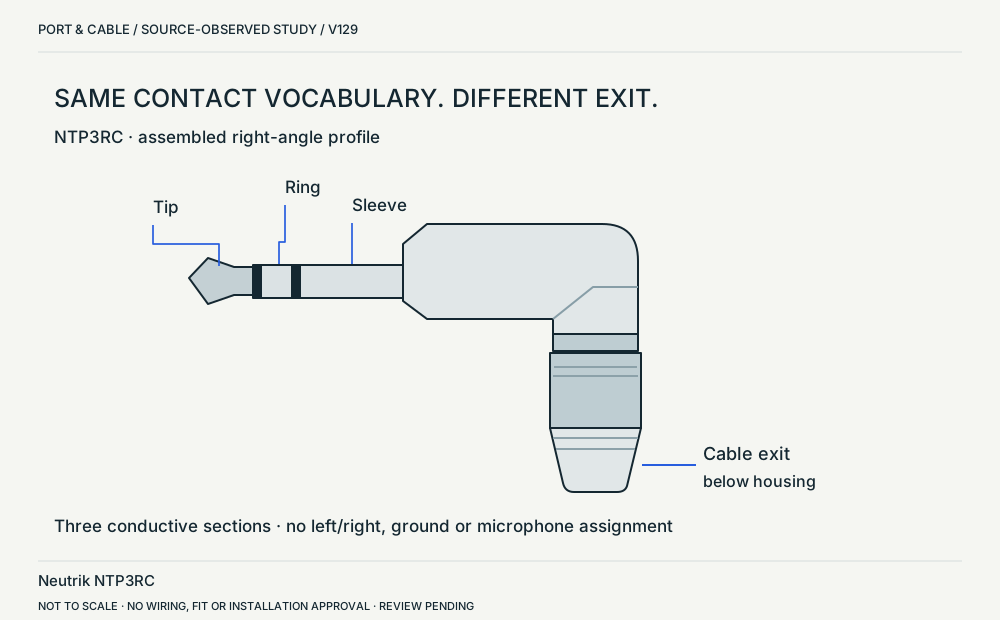 NTP3RC / right-angle profileP019 · Physical study · Cable plug / cable endUpper-right side elevation in ST-NTP3RCView sources and limits (private workspace)
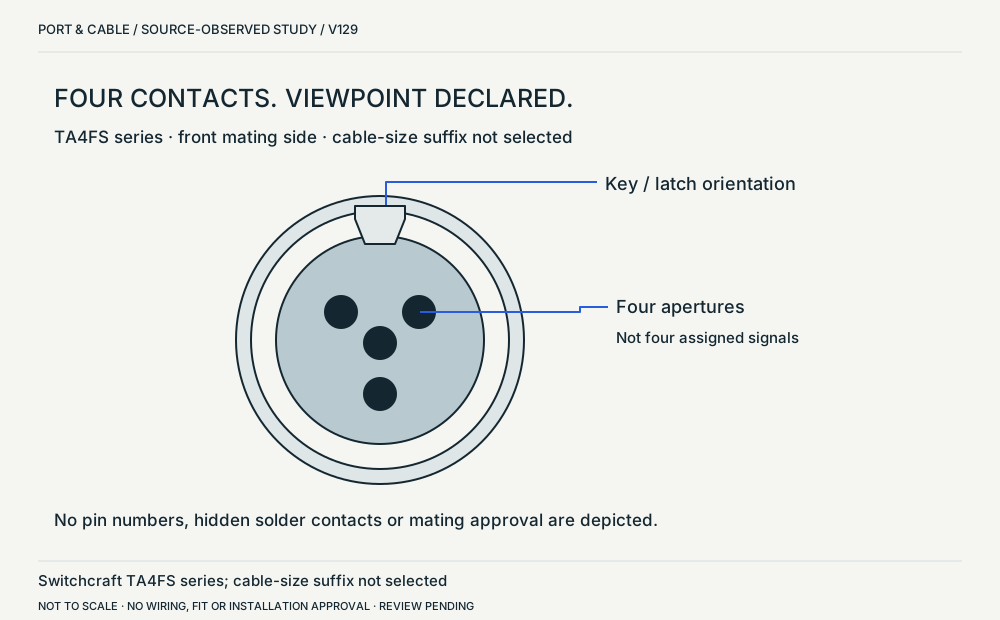 TA4FS series / mating-face viewP310 · Physical study · Cable plug / cable endFront mating-side view, TA4FS entry, TA_FS revision BView sources and limits (private workspace)
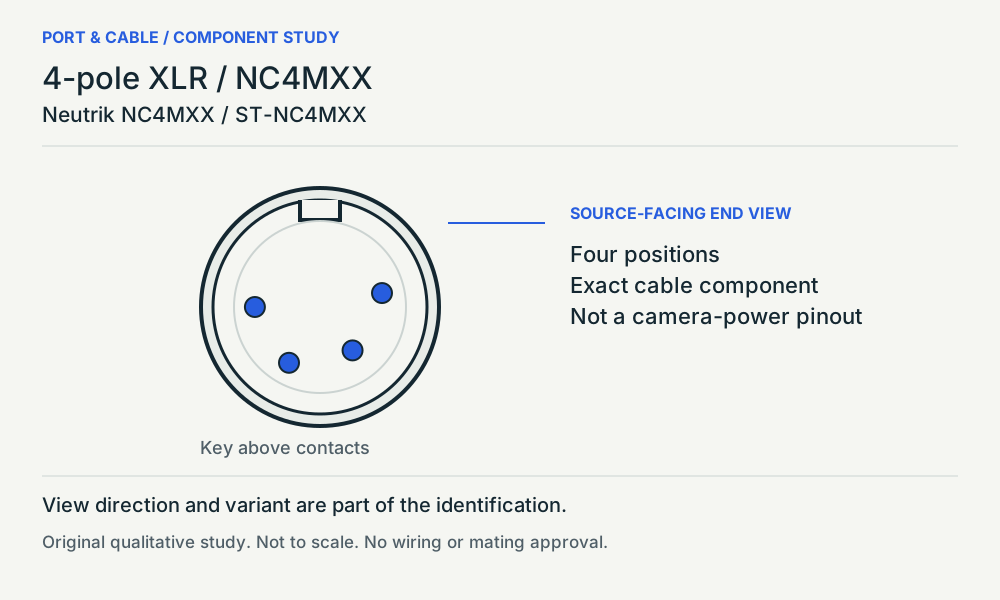 4-pole XLR / NC4MXXP206 · Physical study · Cable plug / cable endLeft end view / source key above contactsView sources and limits (private workspace)
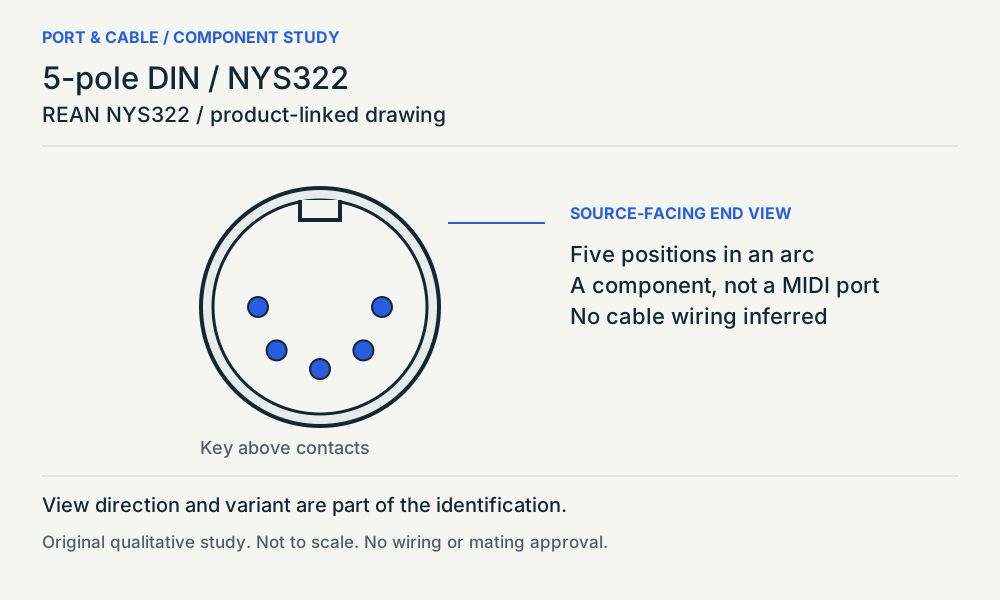 5-pole DIN / NYS322P110 · Physical study · Cable plug / cable endSource-facing end view / key above contactsView sources and limits (private workspace)
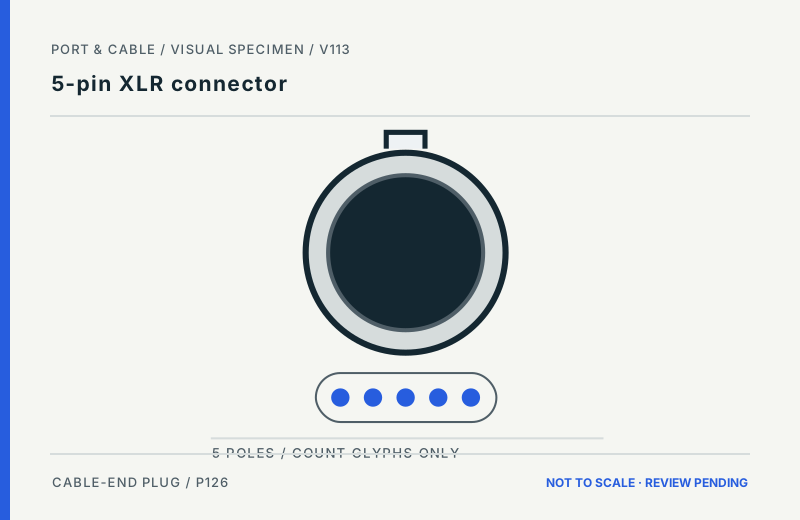 5-pin XLR connectorP126 · Inherited study · Cable plug / cable endCable-side male XLR body concept; count markers are NOT spatial pin positionsView sources and limits (private workspace)
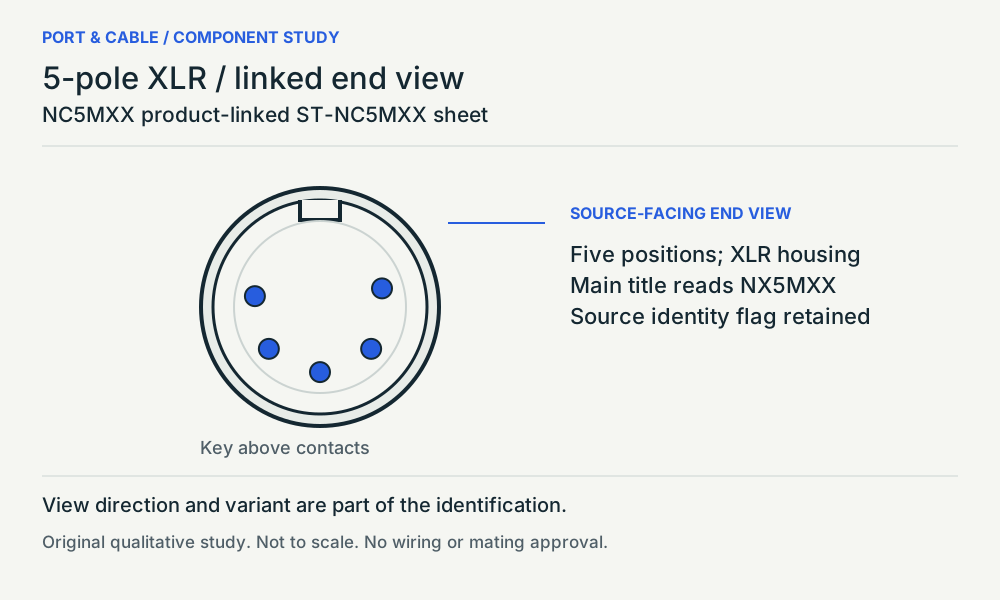 5-pole XLR / linked end viewP126 · Physical study · Cable plug / cable endLeft end view / source key above contactsView sources and limits (private workspace)
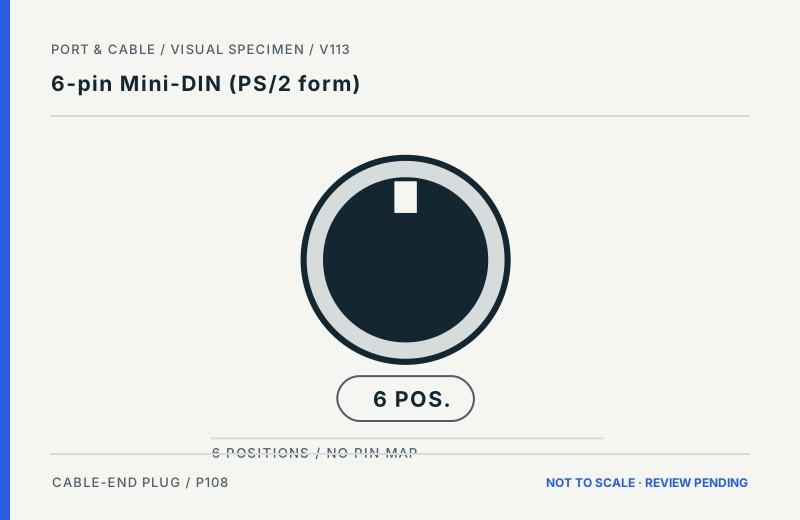 6-pin Mini-DIN (PS/2 form)P108 · Inherited study · Cable plug / cable endCable-end plug concept with separate number tokens; no socket-side pin arrayView sources and limits (private workspace)
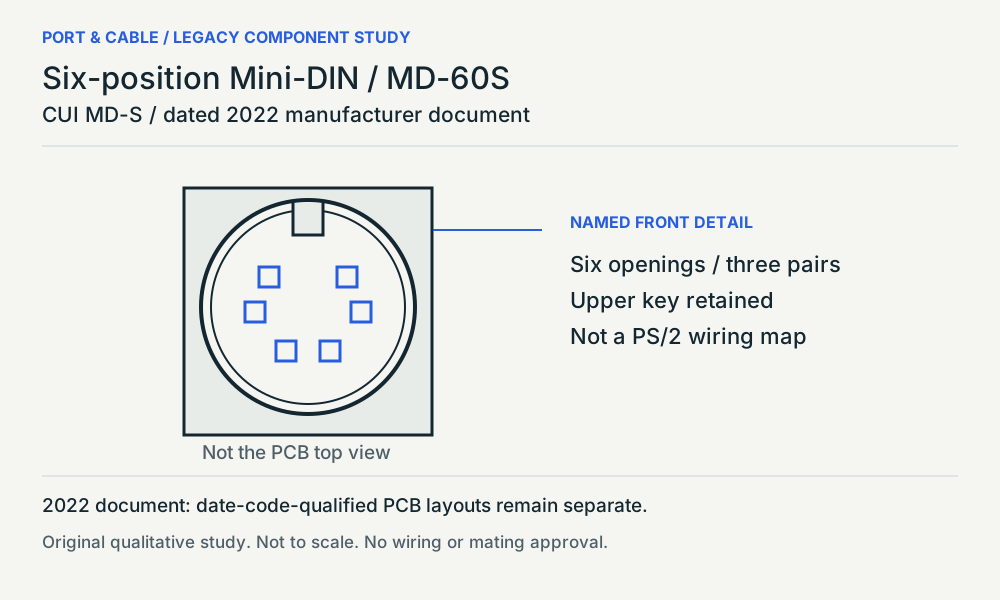 Six-position Mini-DIN / MD-60SP108 · Physical study · Device receptacleNamed MD-60S front detail / upper key kept aboveView sources and limits (private workspace)
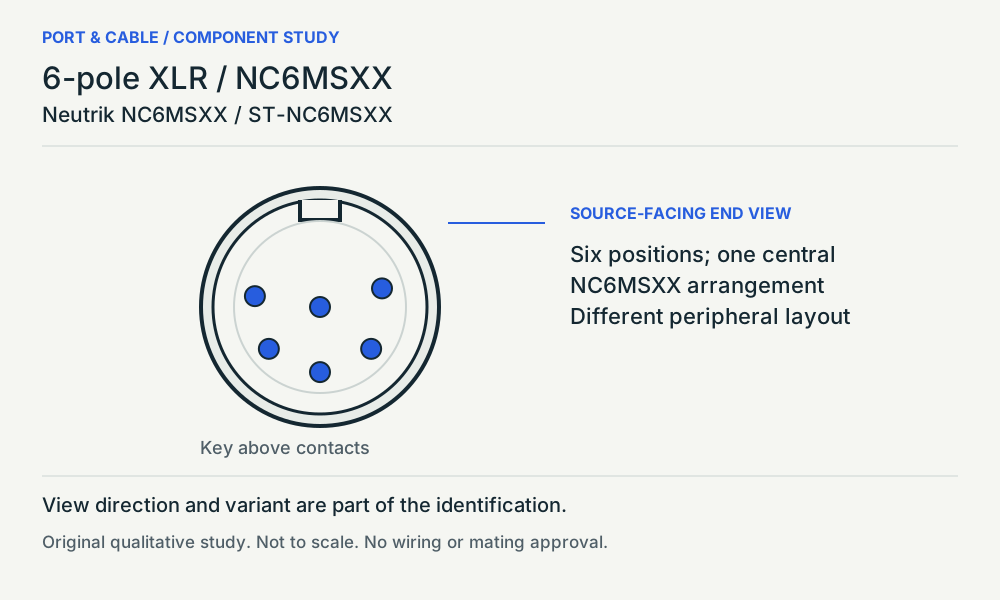 6-pole XLR / NC6MSXXP207 · Physical study · Cable plug / cable endLeft end view / source key above contactsView sources and limits (private workspace)
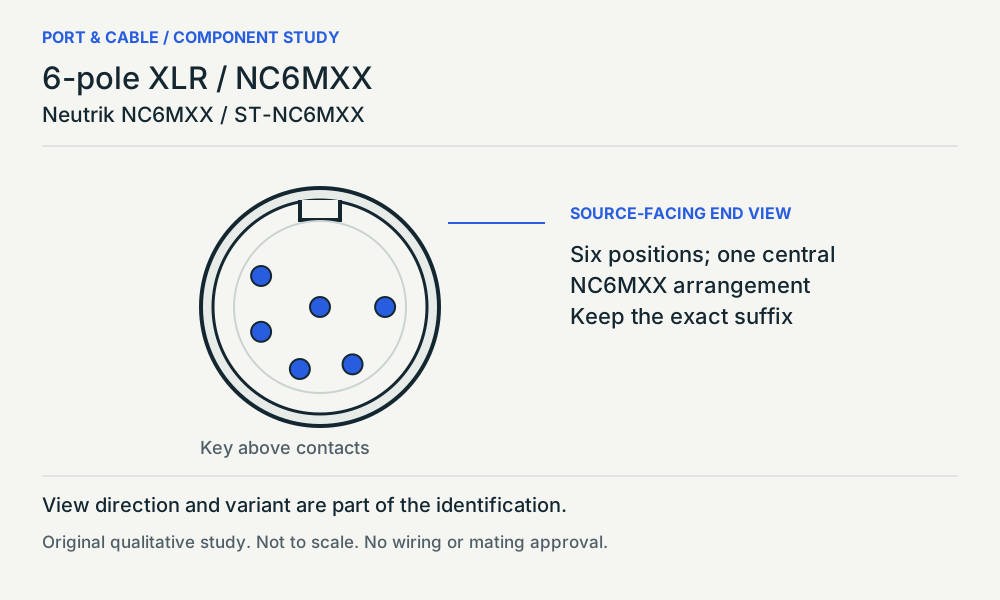 6-pole XLR / NC6MXXP207 · Physical study · Cable plug / cable endLeft end view / source key above contactsView sources and limits (private workspace)
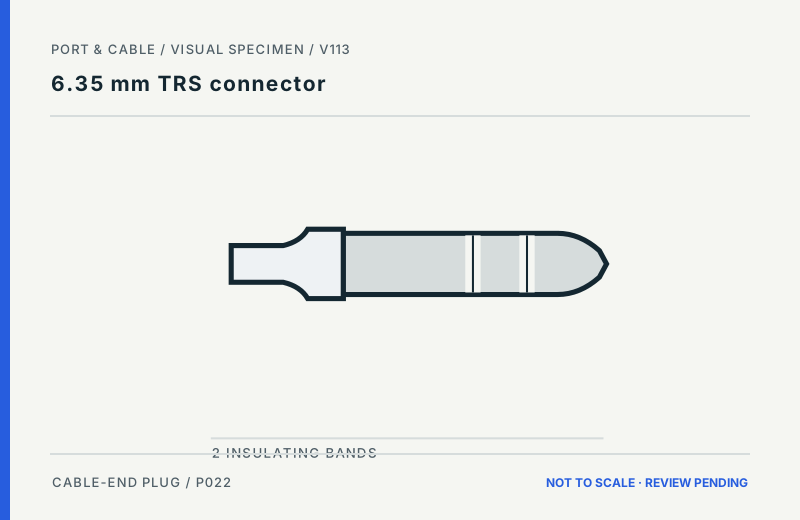 6.35 mm TRS connectorP022 · Inherited study · Cable plug / cable endSide exterior of cable plug; qualitative band placementView sources and limits (private workspace)
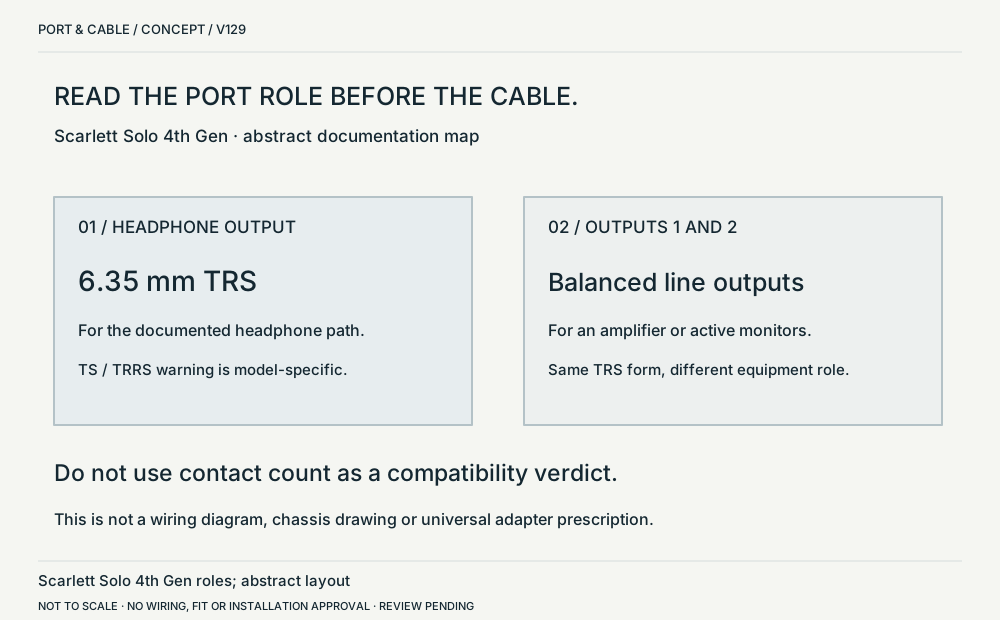 TRS shape / different equipment rolesP022 · Concept · Concept onlyAbstract equipment-role cards, not a chassis drawingView sources and limits (private workspace)
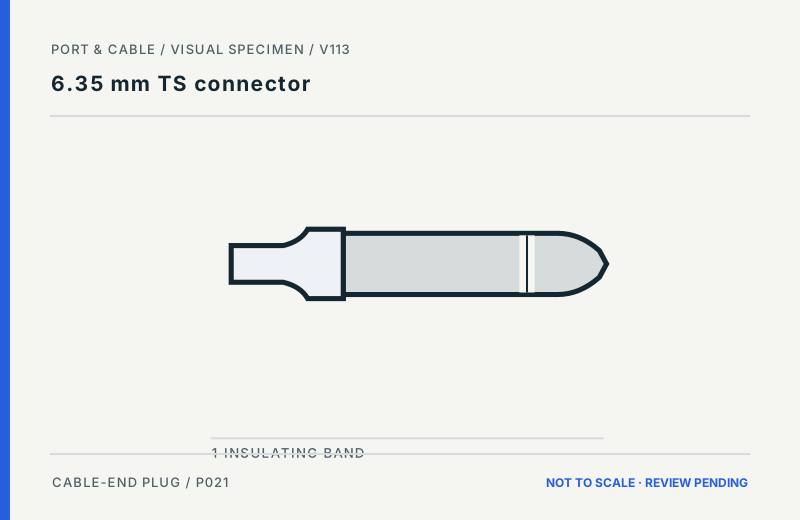
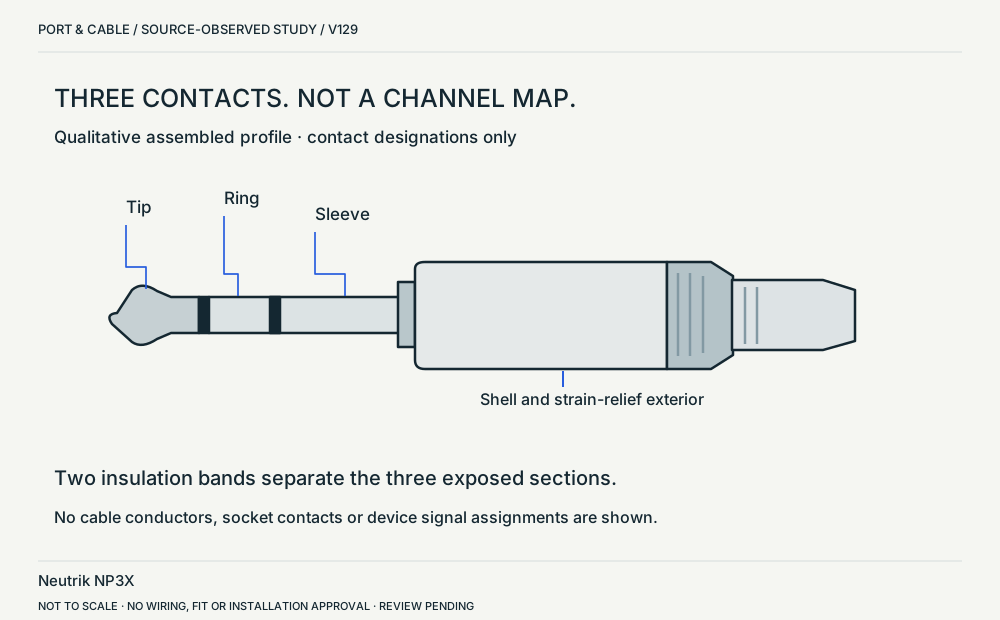 NP3X / three-pole profileP022 · Physical study · Cable plug / cable endSide elevation in ST-NP3XView sources and limits (private workspace)6.35 mm TS connectorP021 · Inherited study · Cable plug / cable endSide exterior of cable plug; qualitative band placementView sources and limits (private workspace)
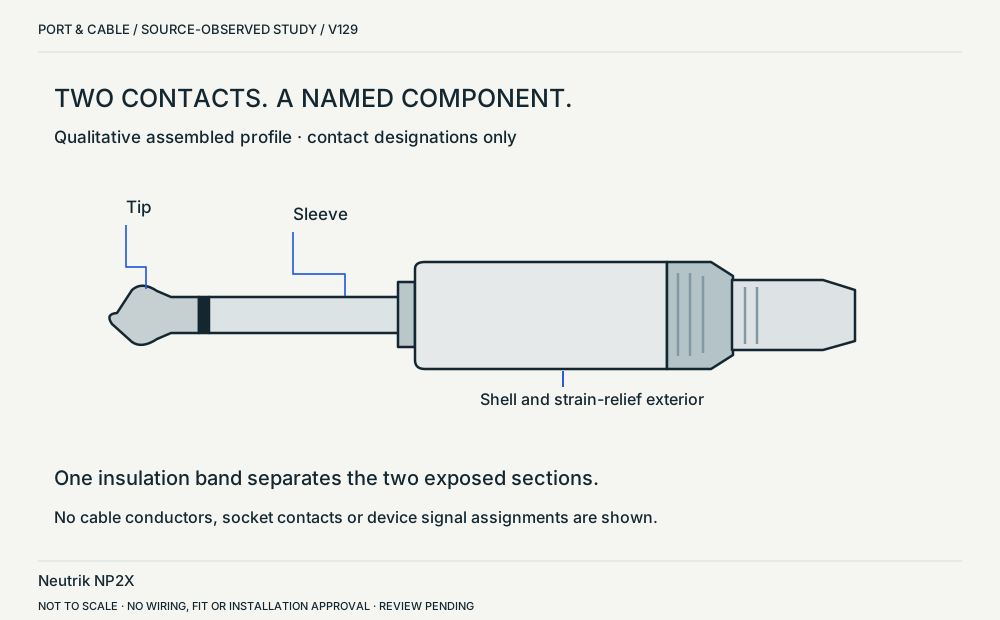 NP2X / two-pole profileP021 · Physical study · Cable plug / cable endSide elevation in ST-NP2XView sources and limits (private workspace)
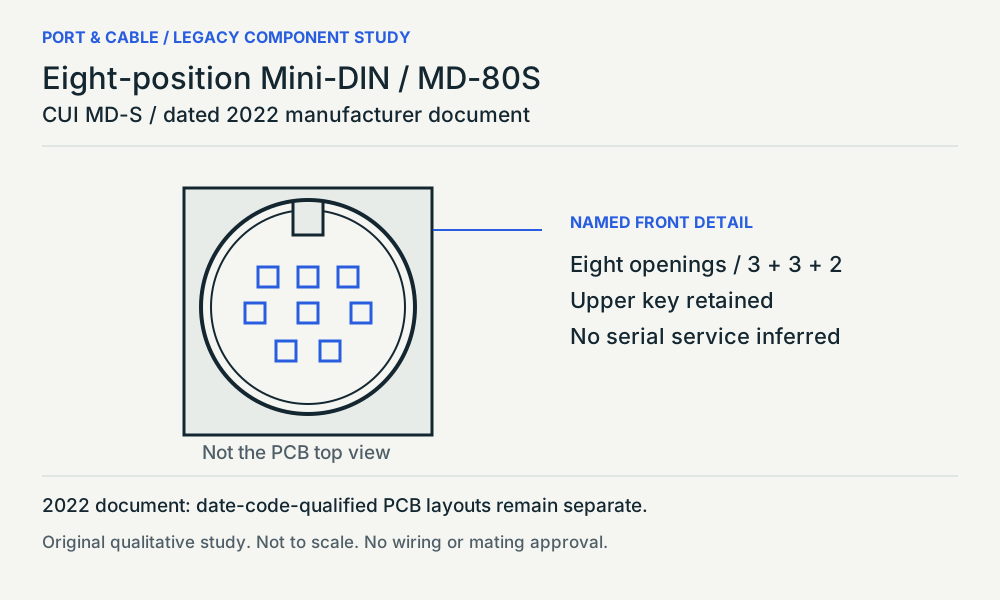 Eight-position Mini-DIN / MD-80SP210 · Physical study · Device receptacleNamed MD-80S front detail / upper key kept aboveView sources and limits (private workspace)
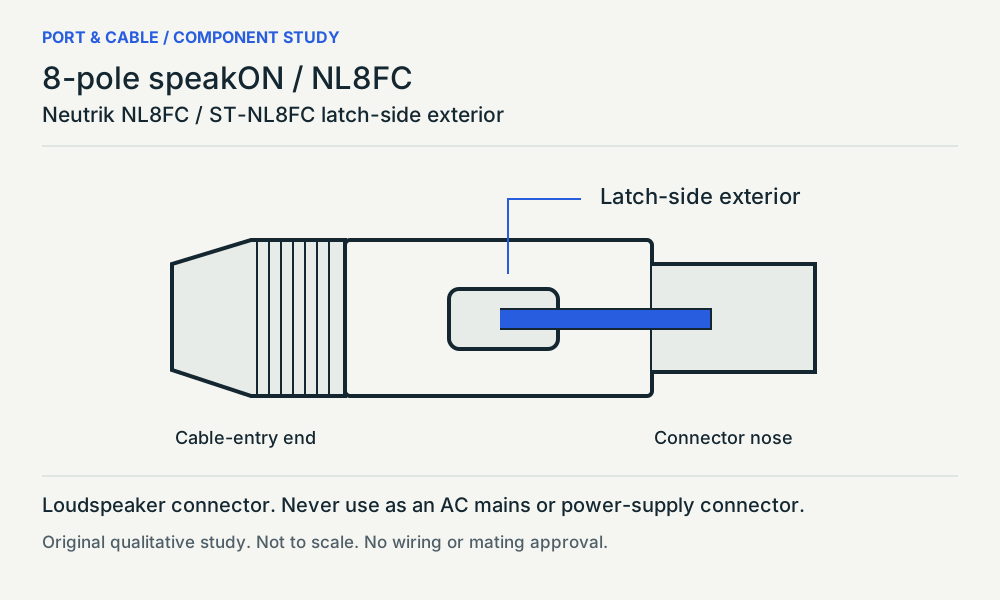 8-pole speakON / NL8FCP208 · Physical study · Cable plug / cable endLongitudinal exterior labelled Rear side in sourceView sources and limits (private workspace)
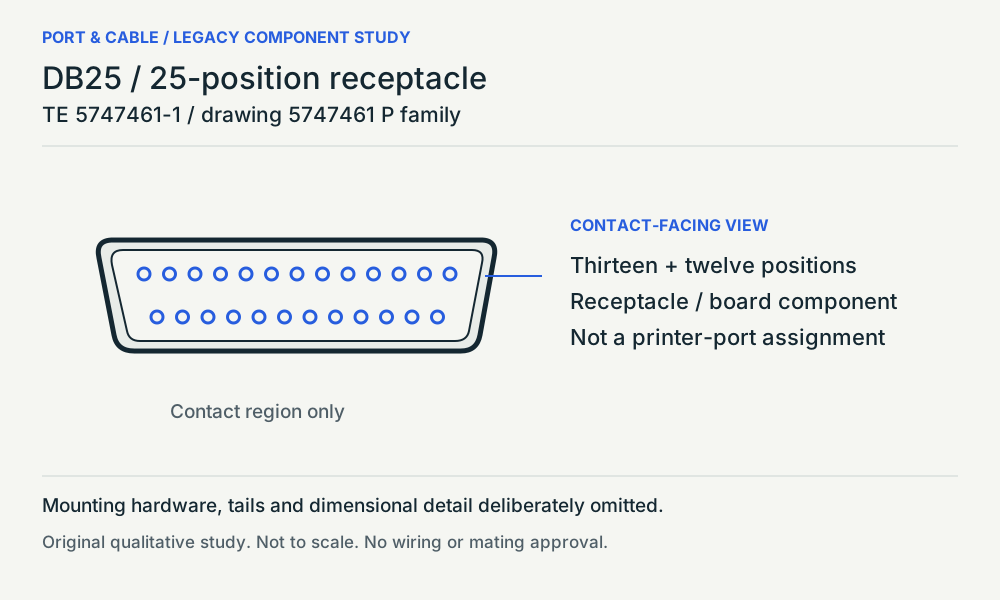 DB25 / 25-position receptacleP115 · Physical study · Device receptacleContact-facing view / source longer row aboveView sources and limits (private workspace)
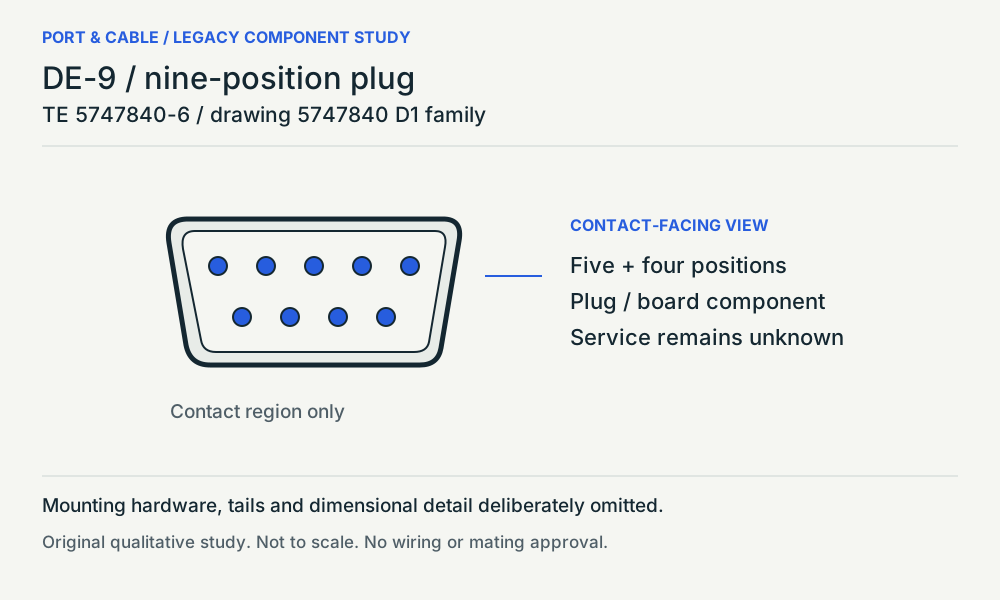 DE-9 / nine-position plugP114 · Physical study · Other declared componentContact-facing view / source longer row aboveView sources and limits (private workspace)
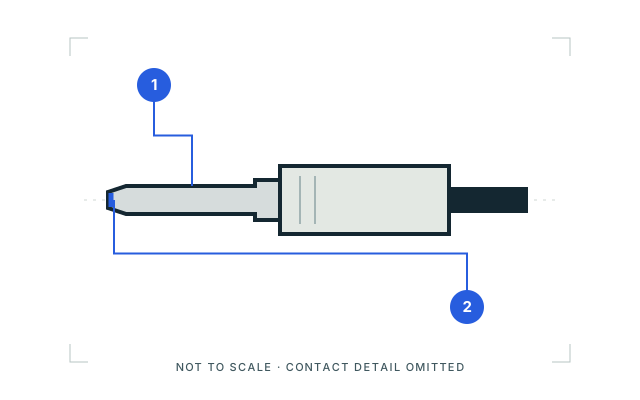 Mini-TOSLINK connectorP025 · Inherited study · Cable plug / cable endExterior side studyView sources and limits (private workspace)
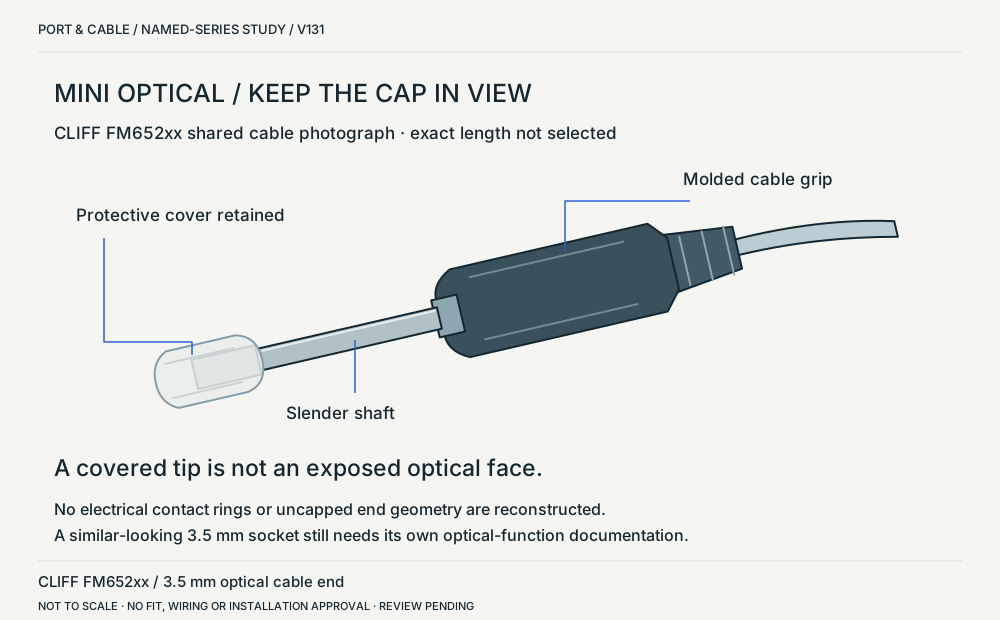 Mini optical / capped series exampleP025 · Physical study · Cable plug / cable endSide-biased exterior based on the mixed-ended cable photograph; protective cap retained.View sources and limits (private workspace)
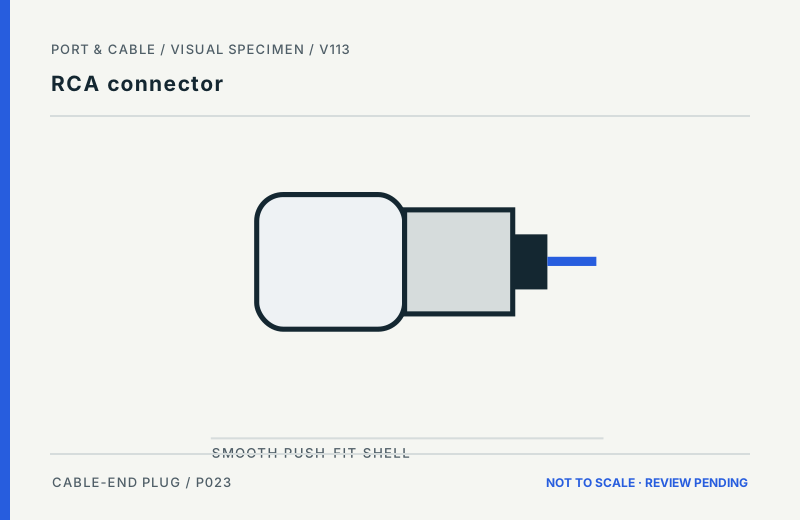 RCA connectorP023 · Inherited study · Cable plug / cable endCable-end plug exterior; qualitative side profileView sources and limits (private workspace)
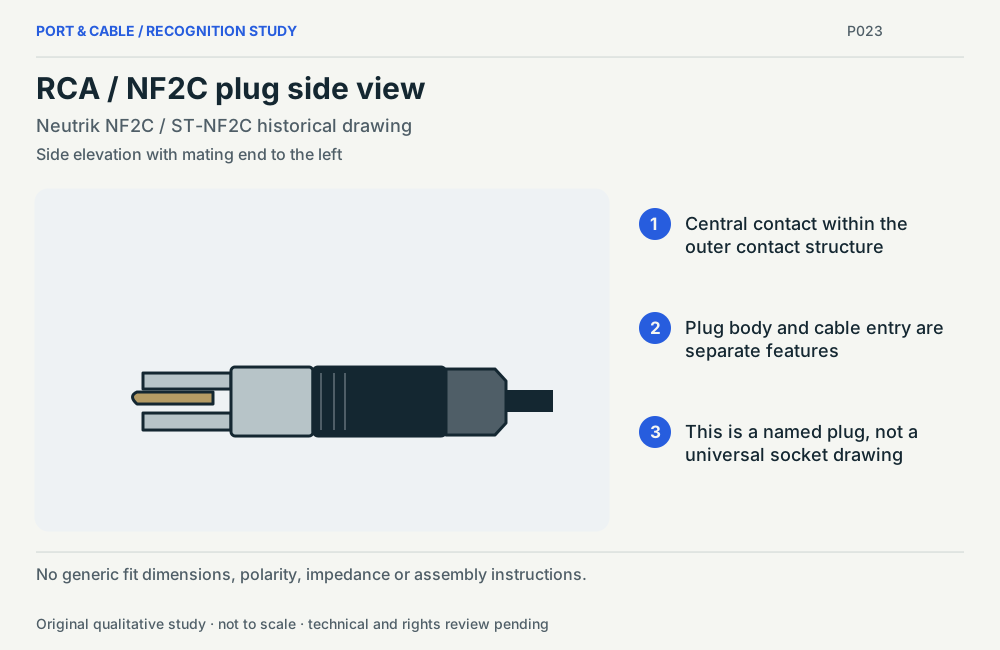 RCA / NF2C plug side viewP023 · Physical study · Cable plug / cable endSide elevation with mating end to the leftView sources and limits (private workspace)
 TOSLINK connectorP024 · Inherited study · Cable plug / cable endExterior side studyView sources and limits (private workspace)
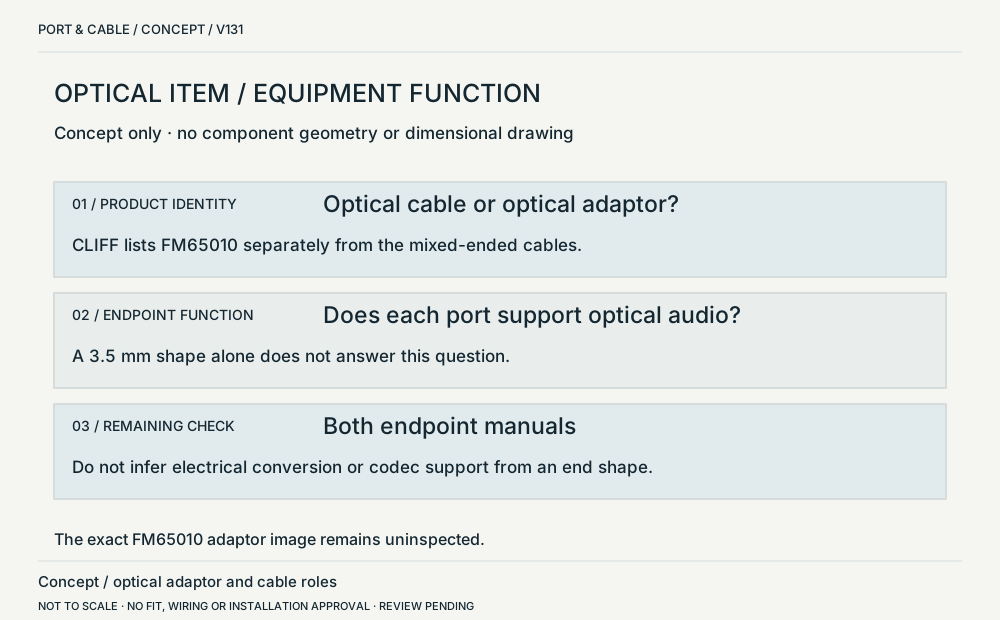 Optical end shapes / signal functionP024 · Concept · Concept onlyAbstract role diagram, not a drawing of the uninspected FM65010 adaptor.View sources and limits (private workspace)
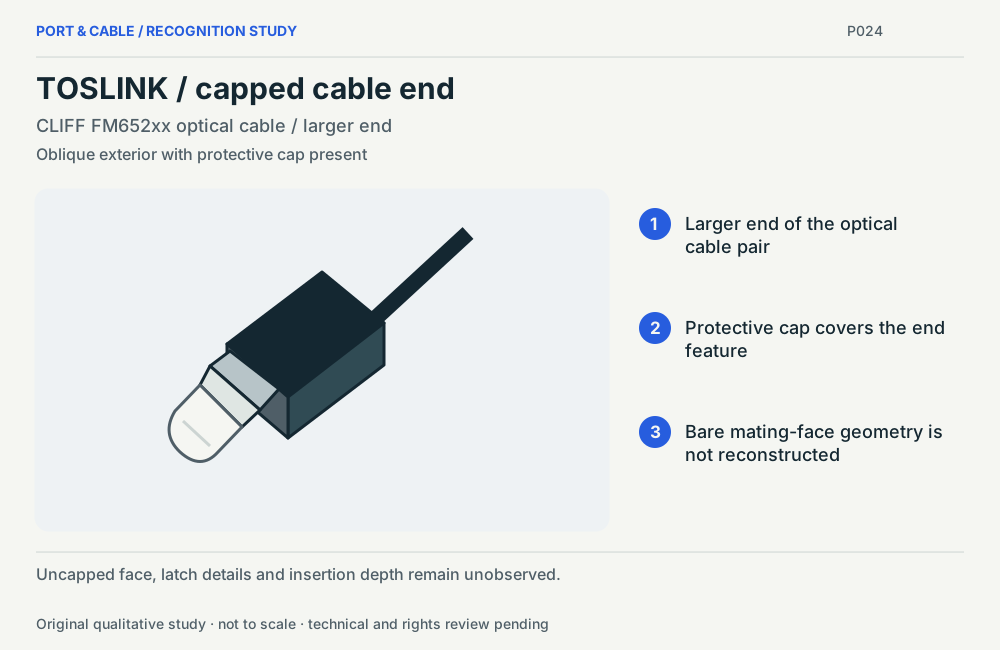 TOSLINK / capped cable endP024 · Physical study · Cable plug / cable endOblique exterior with protective cap presentView sources and limits (private workspace)
Network & fiber 24 views
6P4C modular plug (often sold as RJ11)P111 · Inherited study · Cable plug / cable endCable-end exterior front/underside concept; latch indicated, not a wiring viewView sources and limits (private workspace)8P8C modular connector (commonly called RJ45)P018 · Inherited study · Cable plug / cable endCable-end exterior front/underside concept; latch indicated, not a wiring viewView sources and limits (private workspace)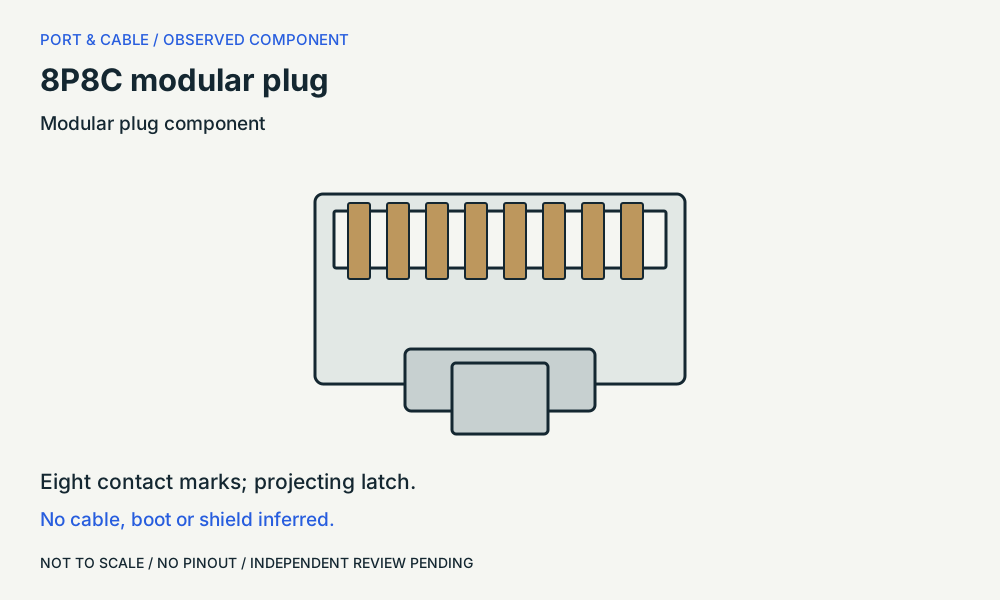 8P8C modular plugP018 · Physical study · Cable plug / cable endPlug end / sheet-1 unshielded exampleView sources and limits (private workspace)
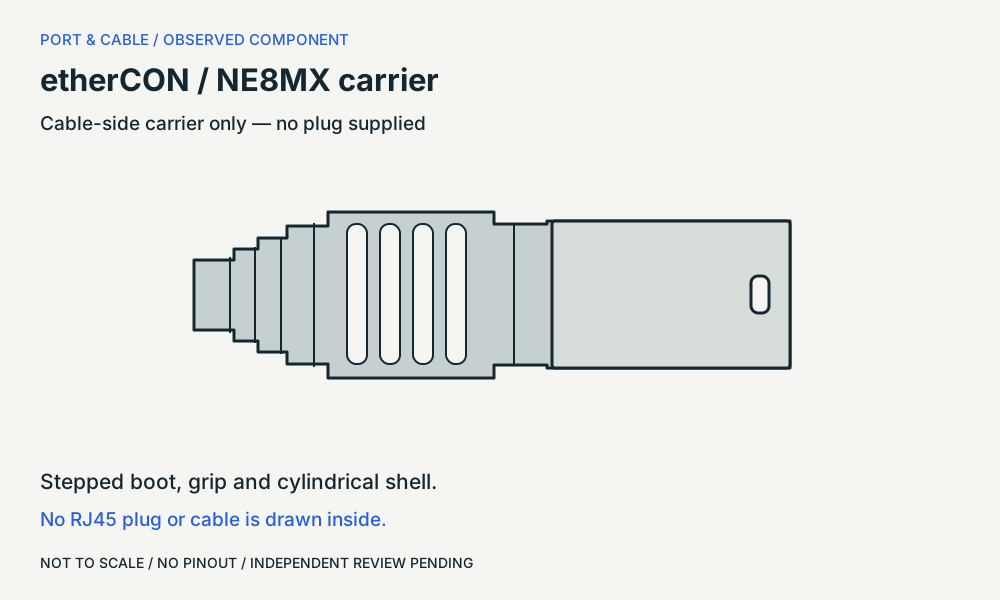 etherCON / NE8MX carrierP255 · Physical study · Cable housingSide / drawing type 1View sources and limits (private workspace)
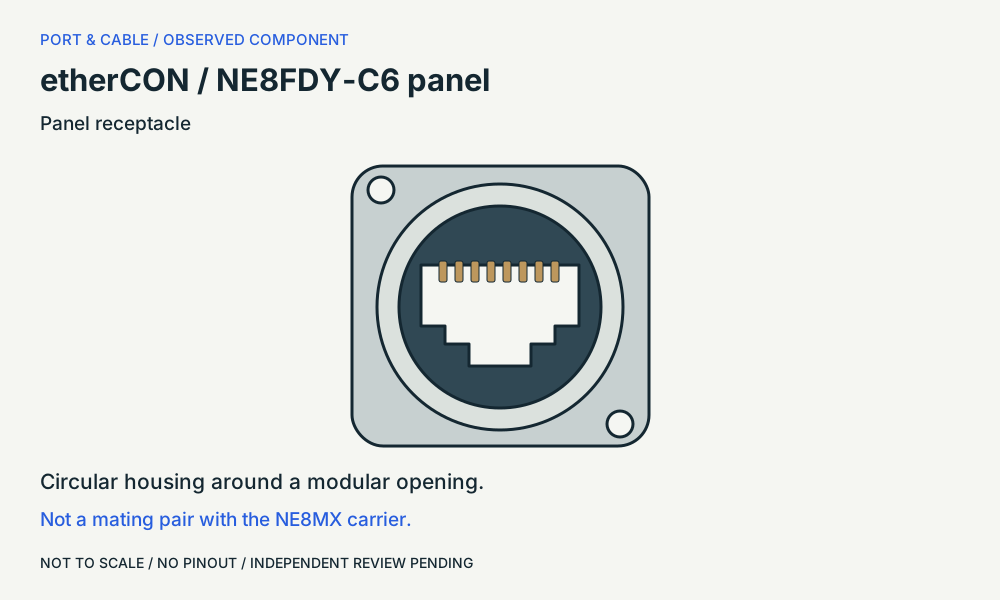 etherCON / NE8FDY-C6 panelP255 · Physical study · Device receptaclePanel front / not the rear cut-outView sources and limits (private workspace)
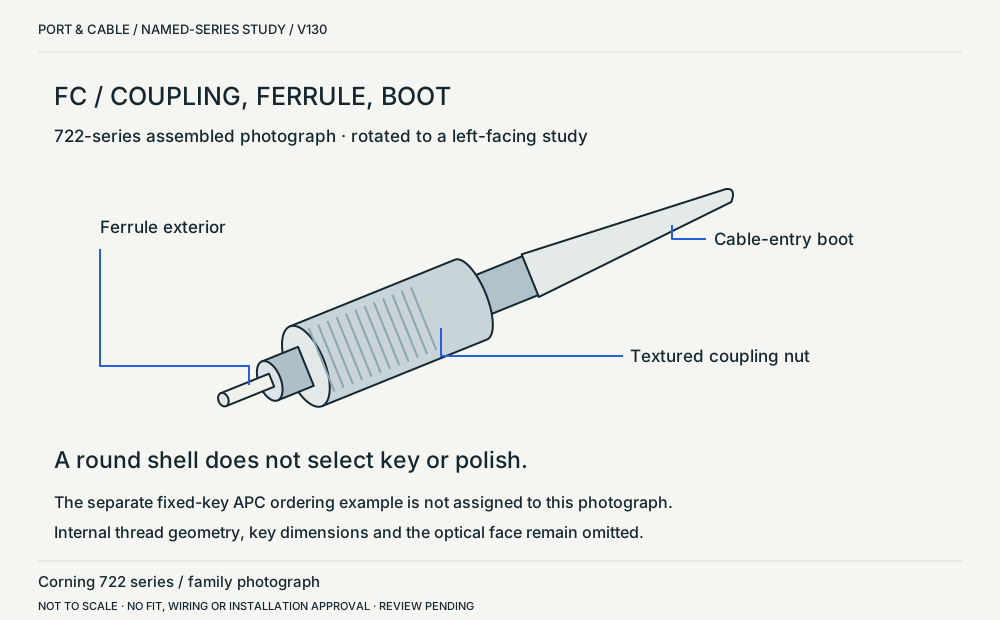 FC 722 series / cable-plug exteriorP203 · Physical study · Cable plug / cable endOblique assembled cable plug from the upper-left object of the group photograph; rotated to a left-facing study.View sources and limits (private workspace)
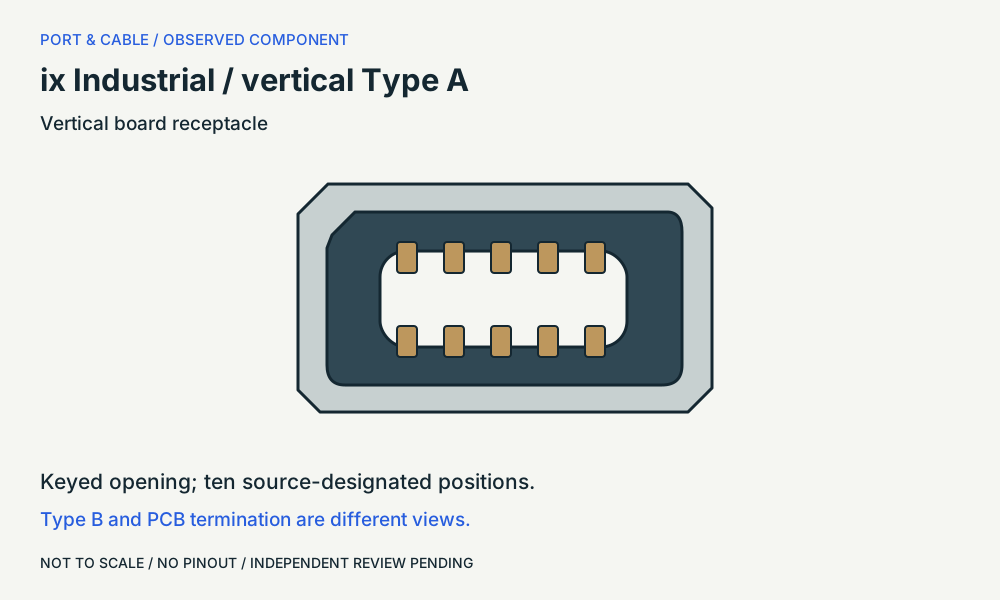 ix Industrial / vertical Type AP235 · Physical study · Device receptacleMating face / Type A receptacleView sources and limits (private workspace)
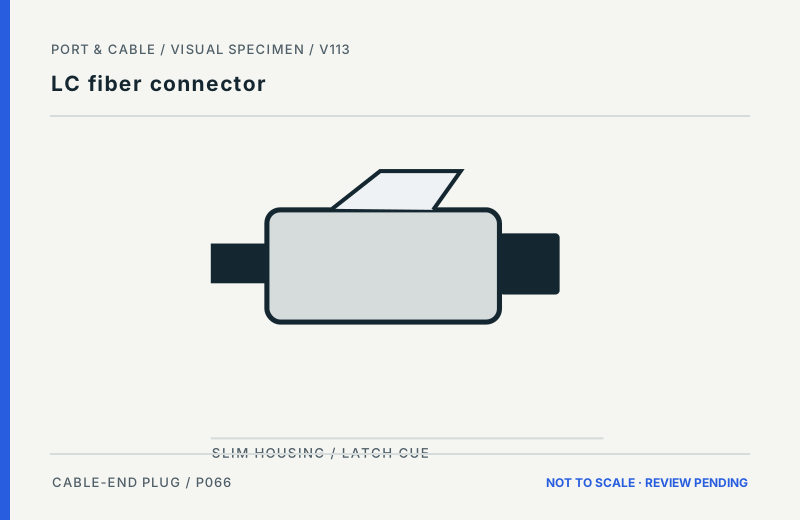 LC fiber connectorP066 · Inherited study · Cable plug / cable endCable-connector exterior side; ferrule omittedView sources and limits (private workspace)
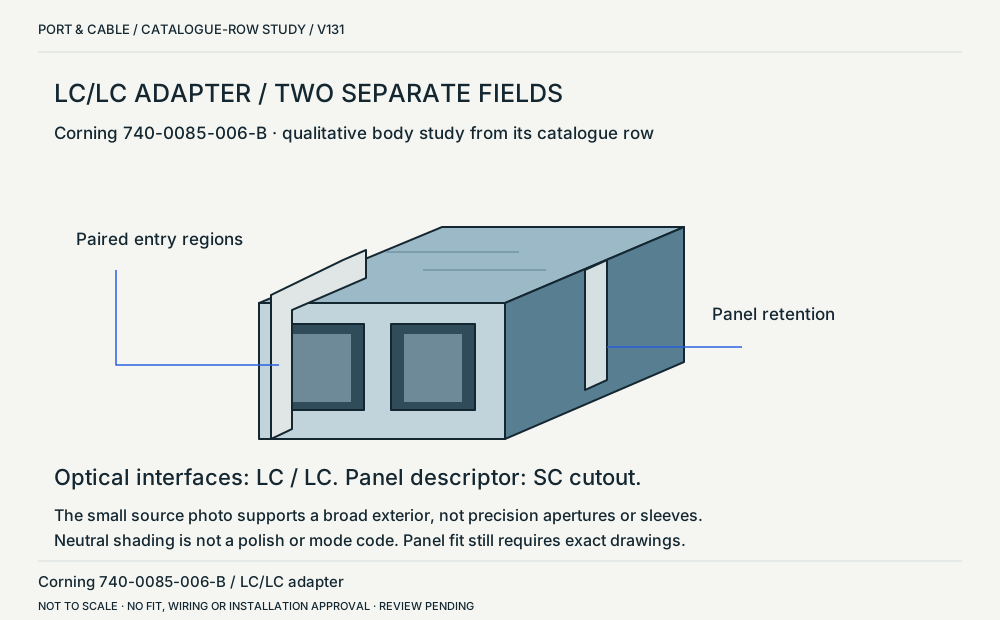 LC/LC adapter / SC panel cutoutP066 · Physical study · Other declared componentOblique exterior body study from the row-specific catalogue photograph; sleeve and end details omitted.View sources and limits (private workspace)
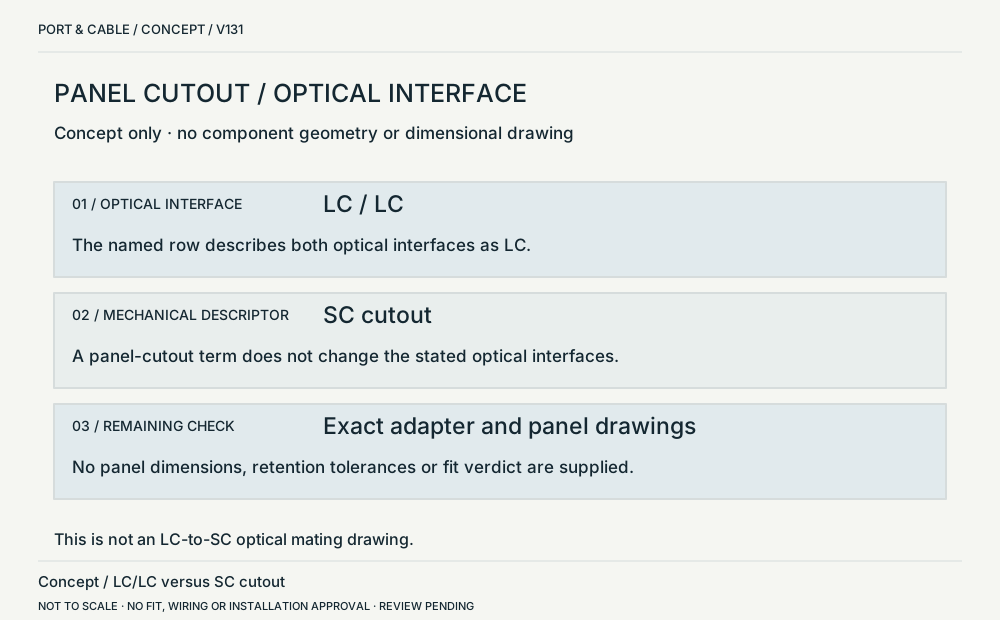 Panel cutout / optical interfaceP066 · Concept · Concept onlyTwo separate text fields based on one documented adapter row; not a dimensional panel drawing.View sources and limits (private workspace)
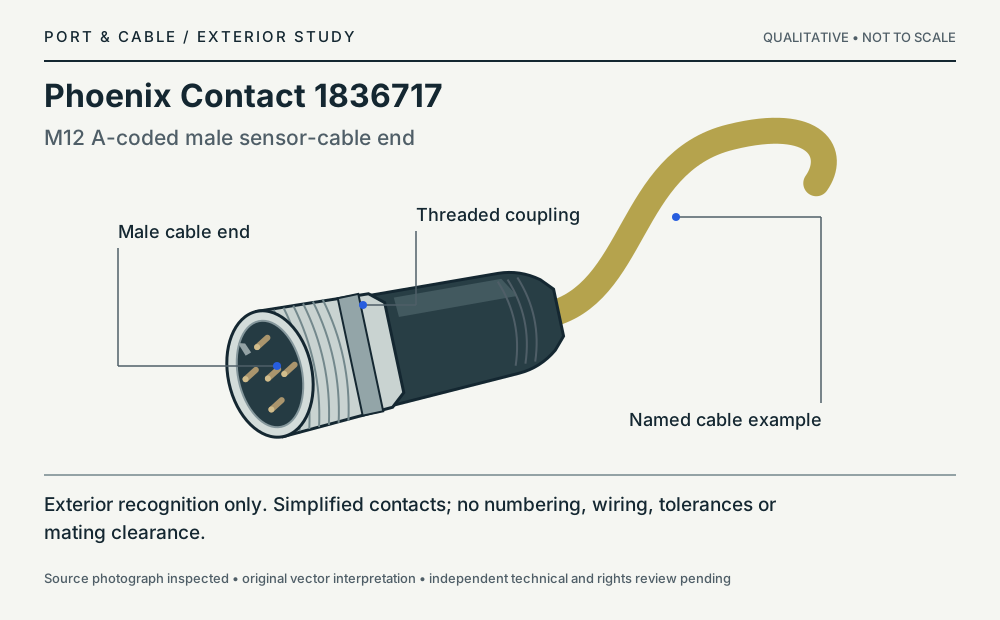 Phoenix Contact 1836717P251 · Physical study · Cable plug / cable endOblique exterior, connection end at left; simplified contact featuresView sources and limits (private workspace)
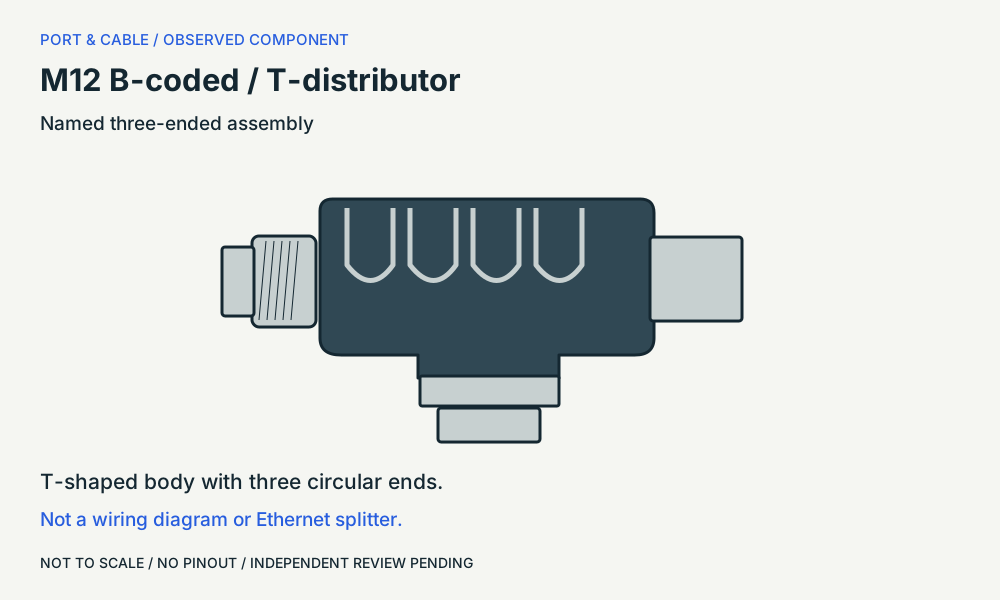 M12 B-coded / T-distributorP252 · Physical study · Other declared componentAssembly side / source-facing exteriorView sources and limits (private workspace)
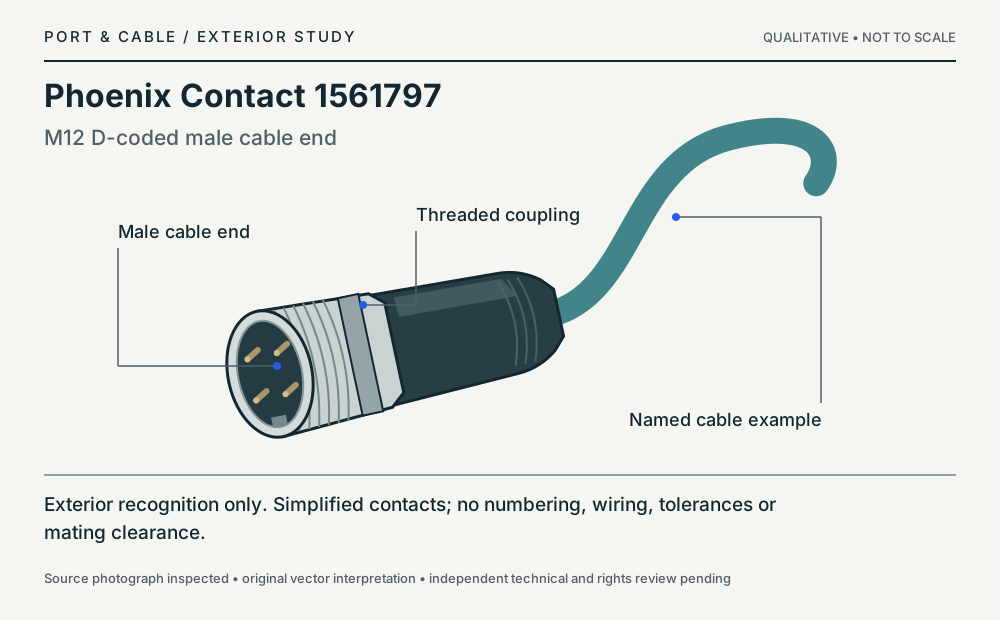 Phoenix Contact 1561797P233 · Physical study · Cable plug / cable endOblique exterior, connection end at left; simplified contact featuresView sources and limits (private workspace)
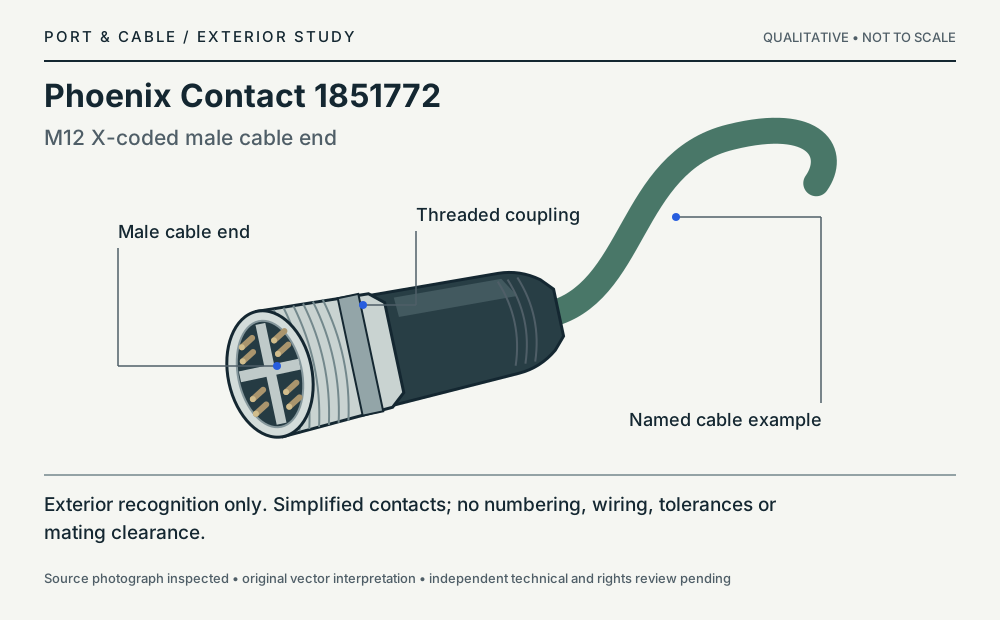 Phoenix Contact 1851772P234 · Physical study · Cable plug / cable endOblique exterior, connection end at left; simplified contact featuresView sources and limits (private workspace)
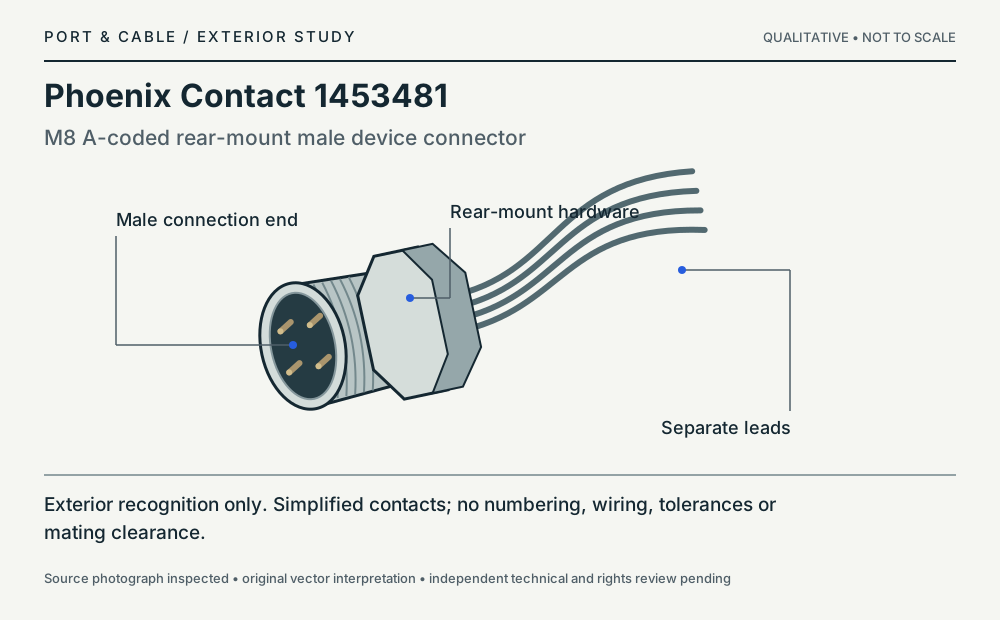 Phoenix Contact 1453481P249 · Physical study · Device receptacleOblique exterior, connection end at left; simplified contact featuresView sources and limits (private workspace)
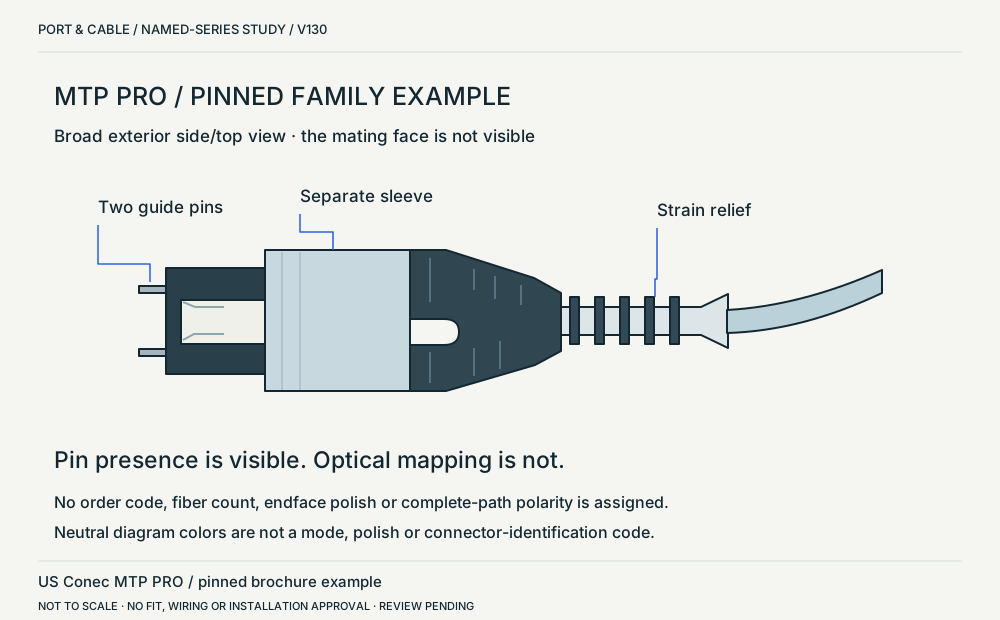 MTP PRO / pinned family exteriorP125 · Physical study · Cable plug / cable endCover photograph, broad exterior side/top view; not a mating-face view.View sources and limits (private workspace)
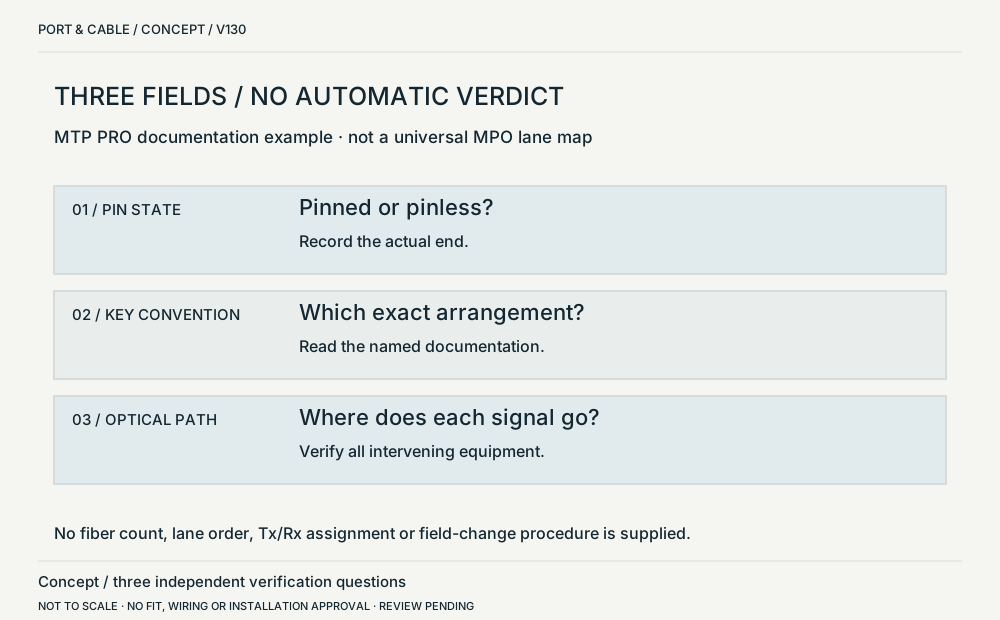 Pins / keys / optical pathP125 · Concept · Concept onlyAbstract text-and-symbol dependency map, not a fiber-lane map.View sources and limits (private workspace)
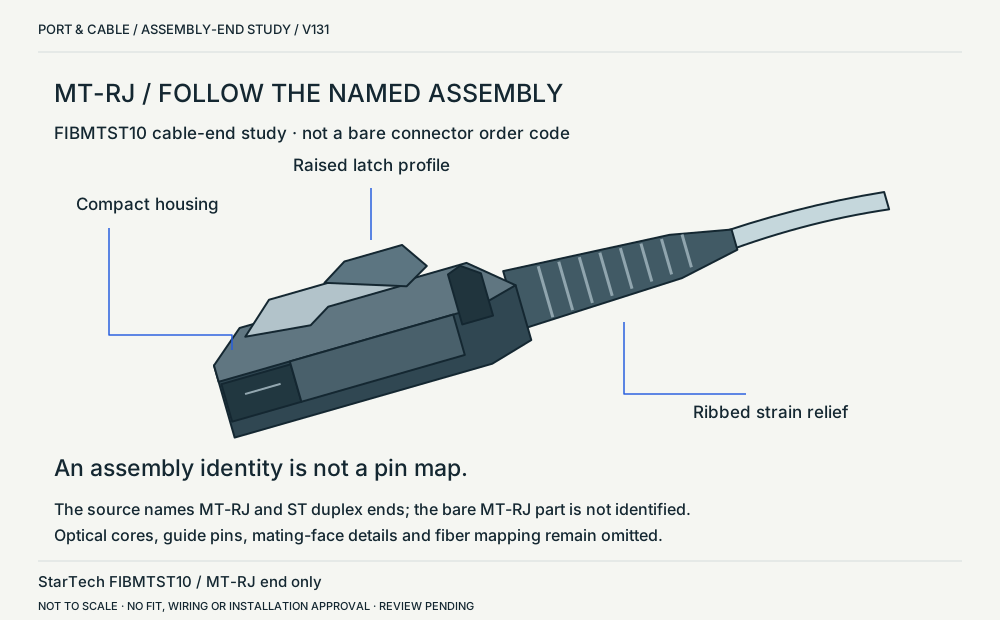 MT-RJ / named assembly endP204 · Physical study · Cable plug / cable endOblique exterior of the MT-RJ end in the named cable photograph; mating-face details omitted.View sources and limits (private workspace)
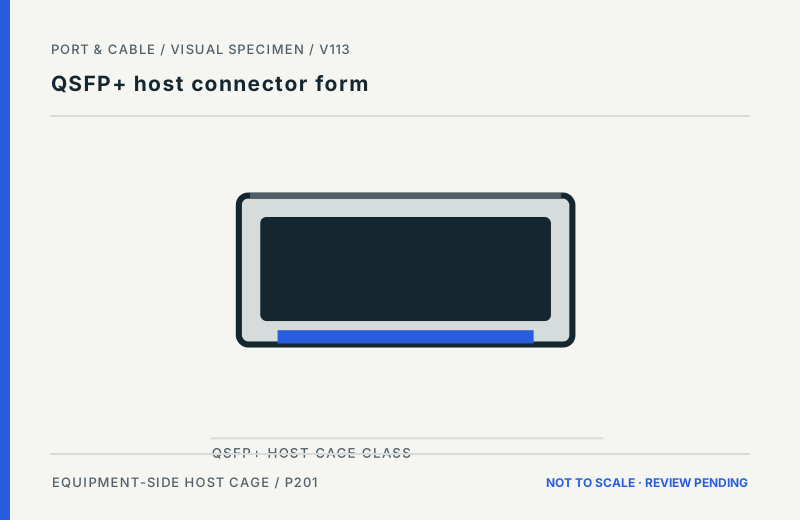 QSFP+ host connector formP201 · Inherited study · Other declared componentEquipment-side pluggable-module cage opening; simplified front faceView sources and limits (private workspace)
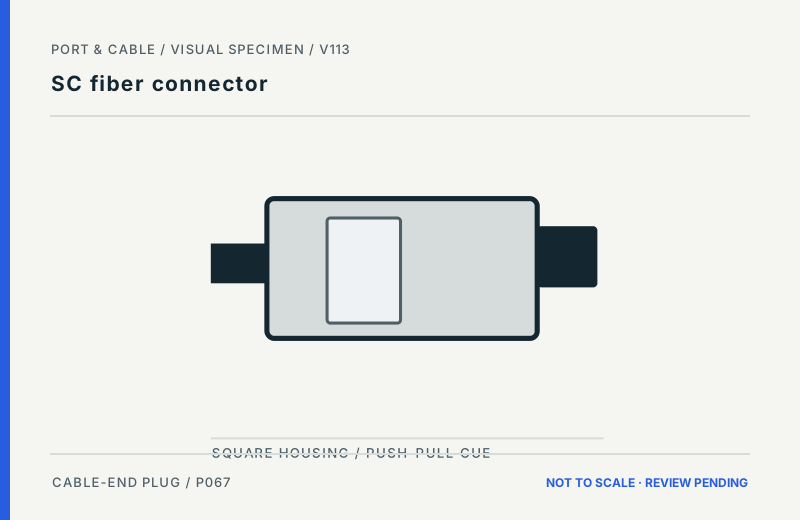 SC fiber connectorP067 · Inherited study · Cable plug / cable endCable-connector exterior side; ferrule omittedView sources and limits (private workspace)
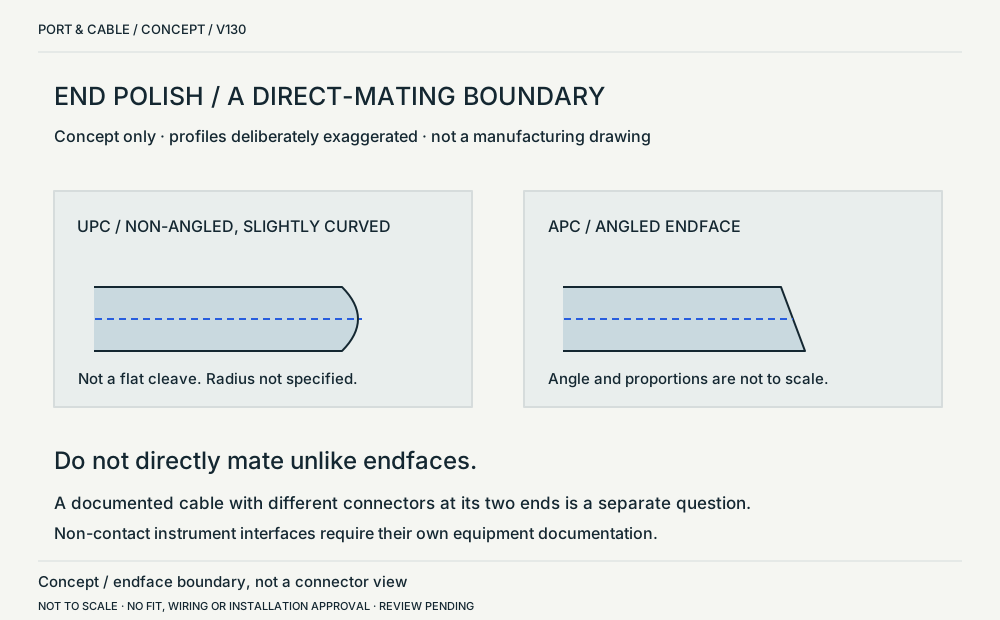 UPC / APC / direct-mating boundaryP067 · Concept · Concept onlyAbstract cutaway-style endface concept, deliberately exaggerated.View sources and limits (private workspace)
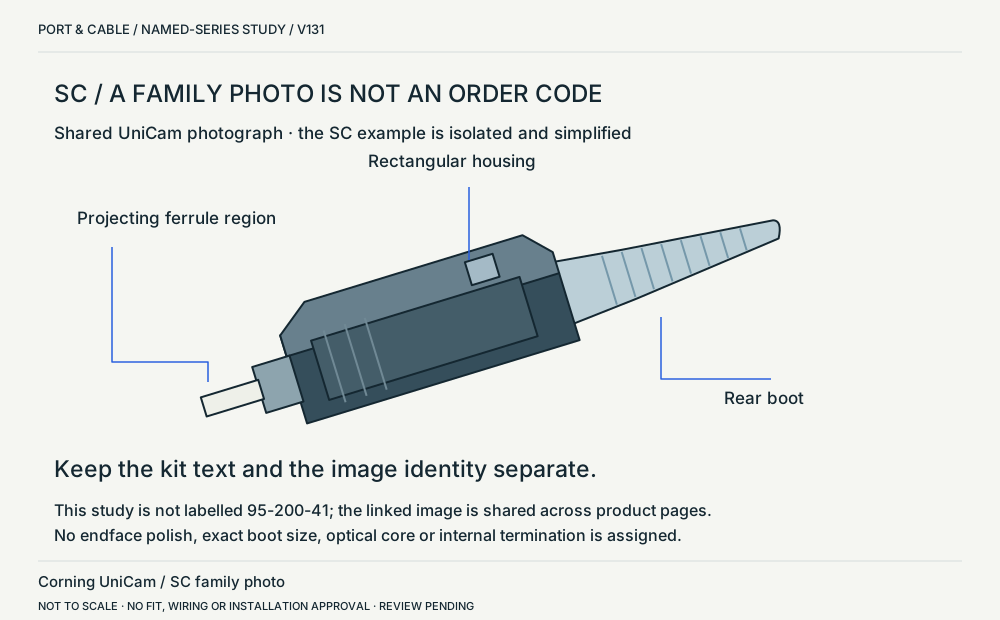 SC / shared UniCam family exampleP067 · Physical study · Cable plug / cable endOblique exterior of the SC example in the shared UniCam photograph, not the exact product code beside it.View sources and limits (private workspace)
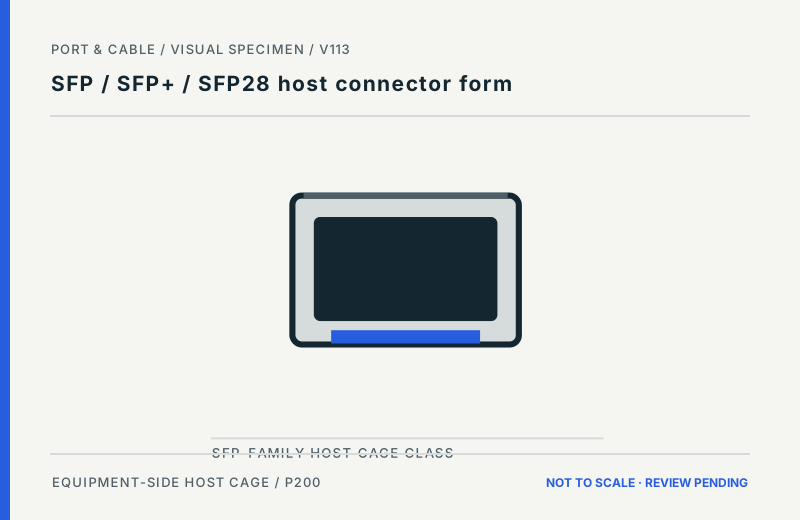 SFP / SFP+ / SFP28 host connector formP200 · Inherited study · Other declared componentEquipment-side pluggable-module cage opening; simplified front faceView sources and limits (private workspace)
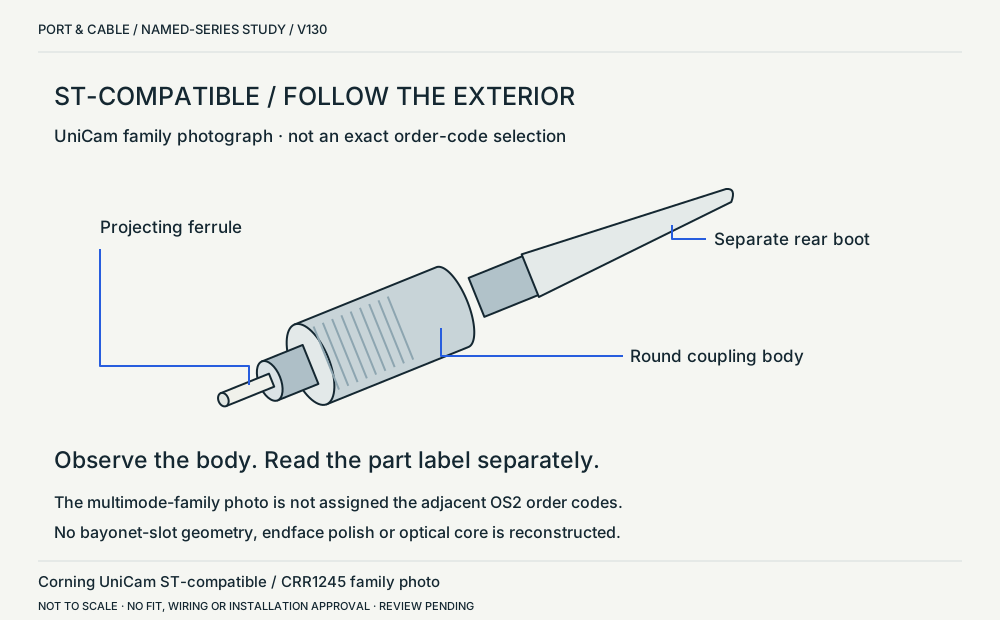 UniCam ST-compatible / family exteriorP124 · Physical study · Cable plug / cable endOblique exterior with mating tip toward lower left; normalized to a left-facing oblique study.View sources and limits (private workspace)
Power connections 28 views
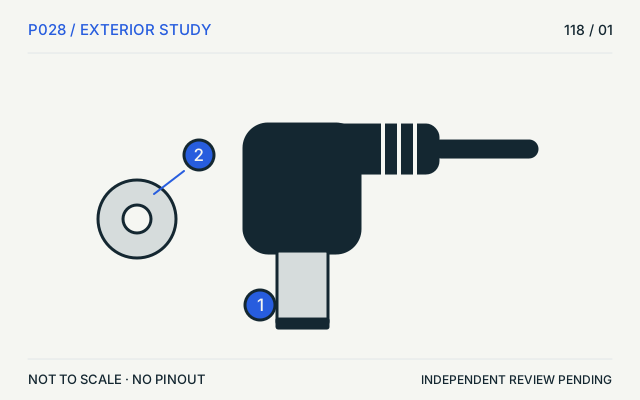 DC barrelP028 · Physical study · Cable plug / cable endSide elevation with end-view insetView sources and limits (private workspace)5.5 × 2.1 barrelP028 · Physical study · Cable plug / cable endSide exterior and isolated end-view insetView sources and limits (private workspace)5.5 × 2.5 barrelP363 · Physical study · Cable plug / cable endSide exterior and isolated end-view insetView sources and limits (private workspace)
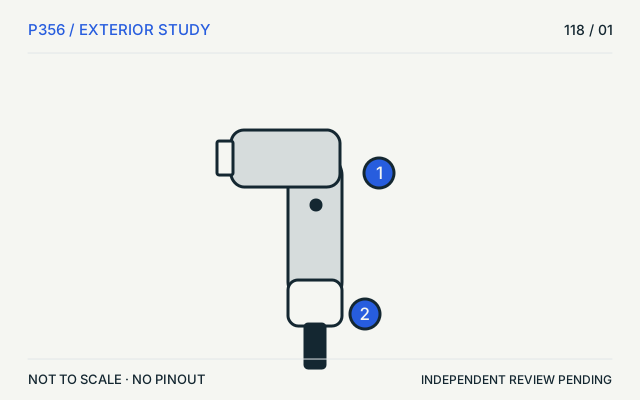 Original MagSafeP356 · Physical study · Cable plug / cable endL-style exterior exampleView sources and limits (private workspace)
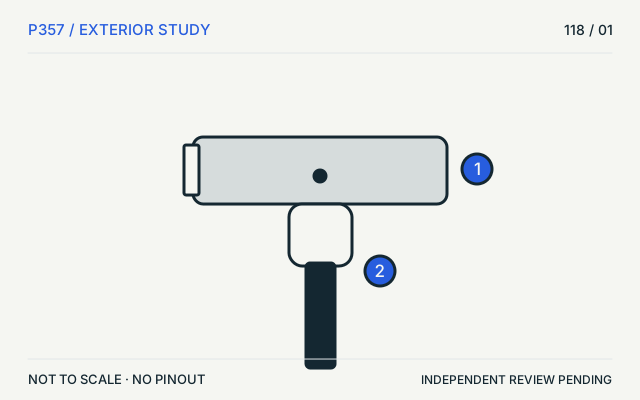 MagSafe 2P357 · Physical study · Cable plug / cable endT-style exterior exampleView sources and limits (private workspace)
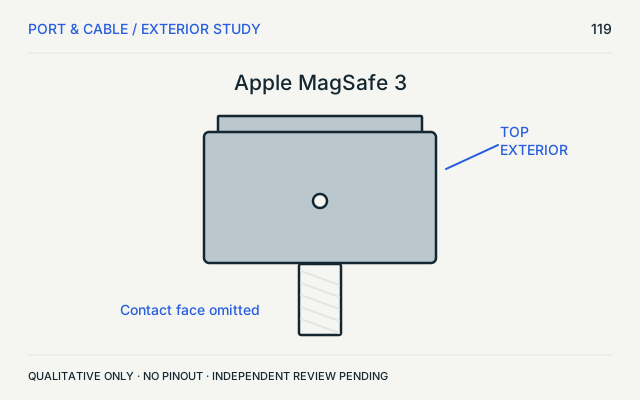 Wired MagSafe 3P364 · Physical study · Cable plug / cable endTop exterior; contact face omittedView sources and limits (private workspace)
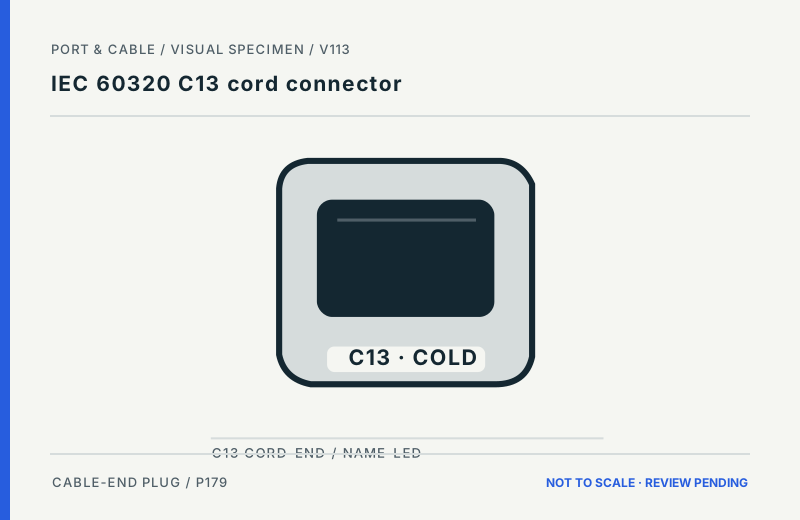 IEC 60320 C13 cord connectorP179 · Inherited study · Cable plug / cable endCord-side connector, front-facing abstracted outline; designation-led, NOT a fit templateView sources and limits (private workspace)
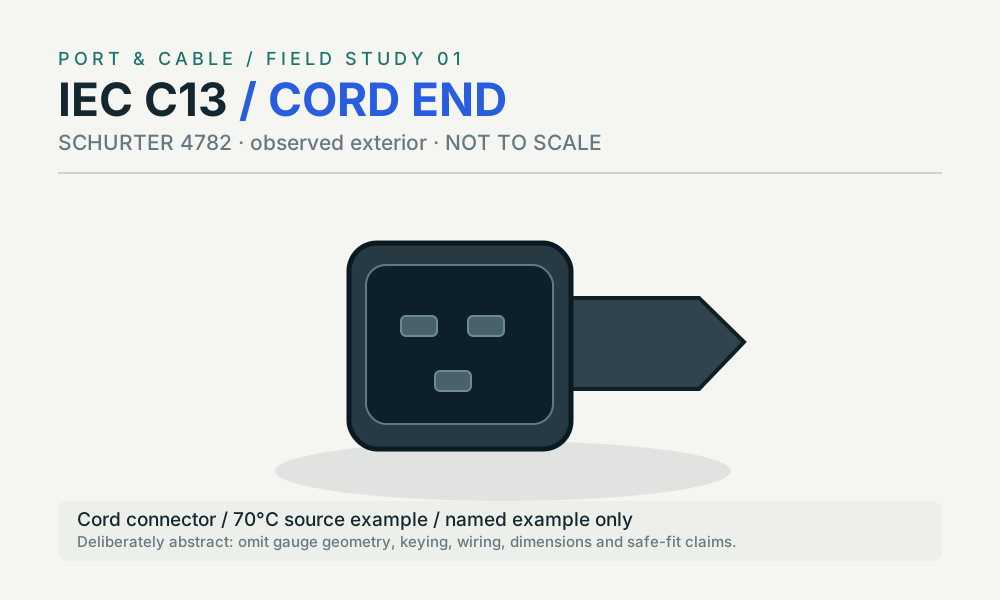 IEC C13 · cordP179 · Physical study · Cord connectorsimplified manufacturer product-photo exteriorView sources and limits (private workspace)
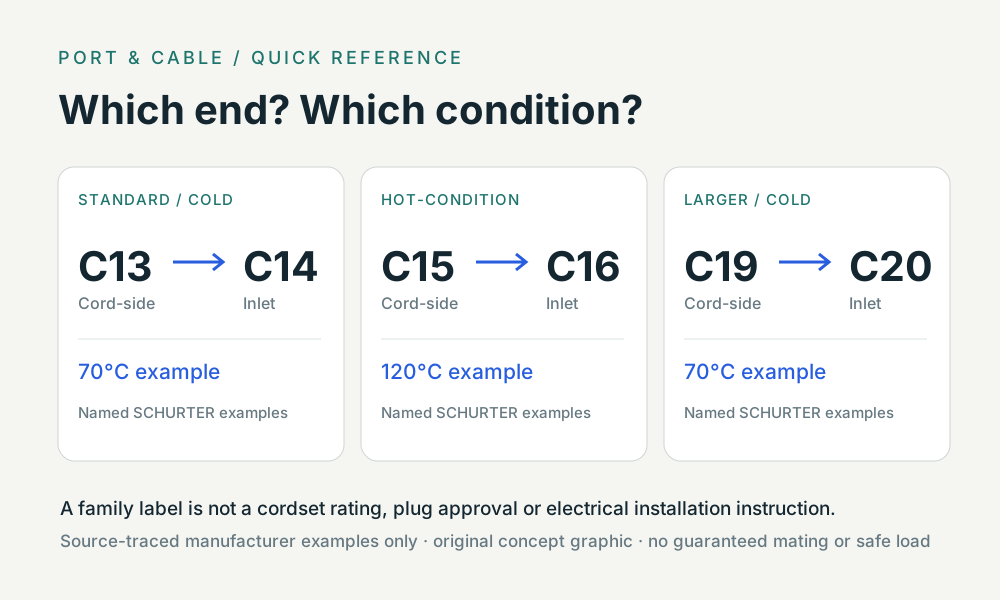 Three coupler pairs · role & heatP179 · Concept · Concept onlytwo-label paired taxonomyView sources and limits (private workspace)
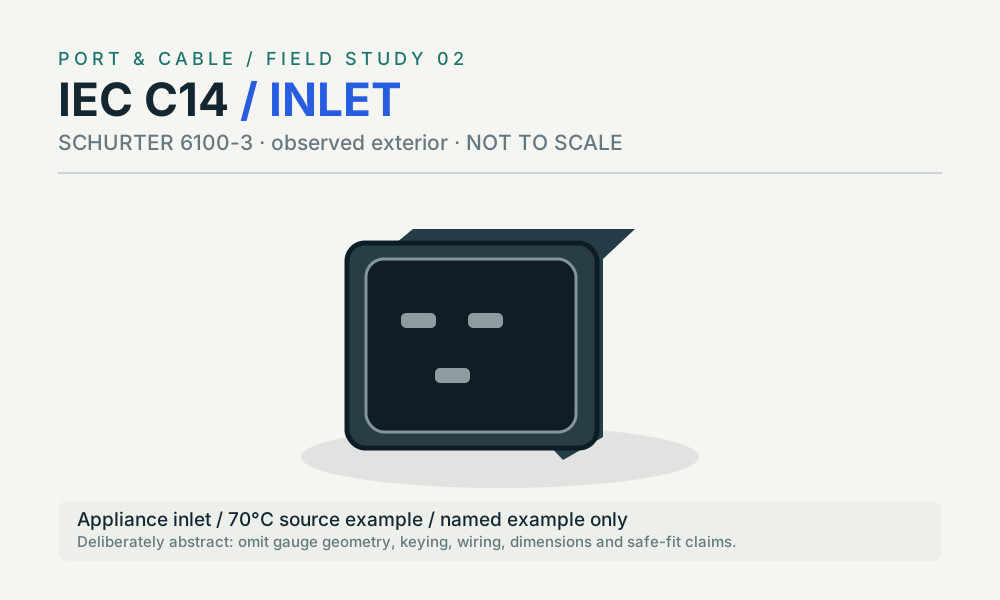 IEC C14 · inletP180 · Physical study · Appliance inletsimplified manufacturer product-photo exteriorView sources and limits (private workspace)
 IEC 60320 C15 hot-condition cord connectorP181 · Inherited study · Cable plug / cable endCord-side connector, front-facing abstracted outline; designation-led, NOT a fit templateView sources and limits (private workspace)
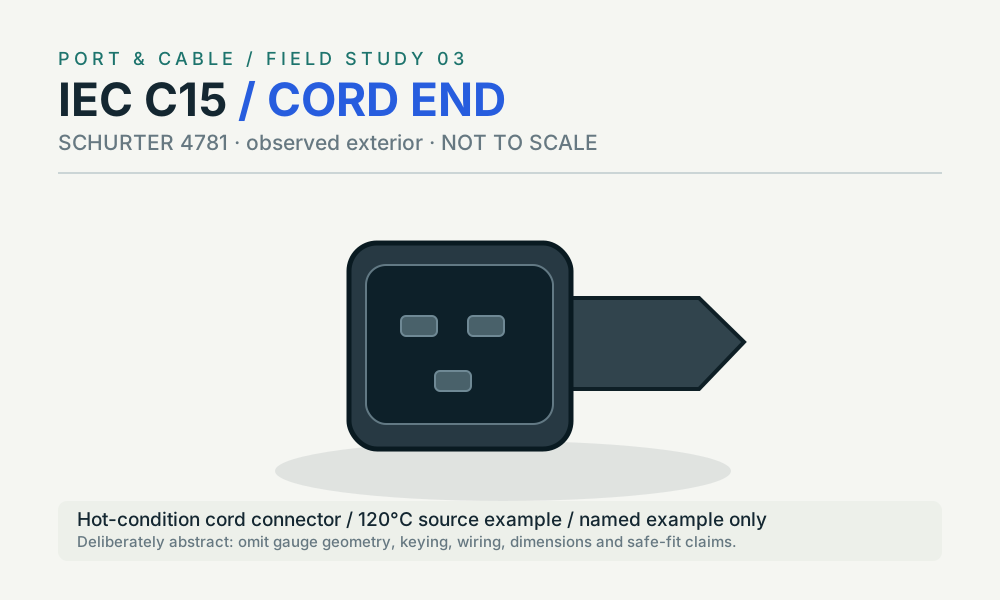 IEC C15 · cordP181 · Physical study · Cord connectorsimplified manufacturer product-photo exteriorView sources and limits (private workspace)
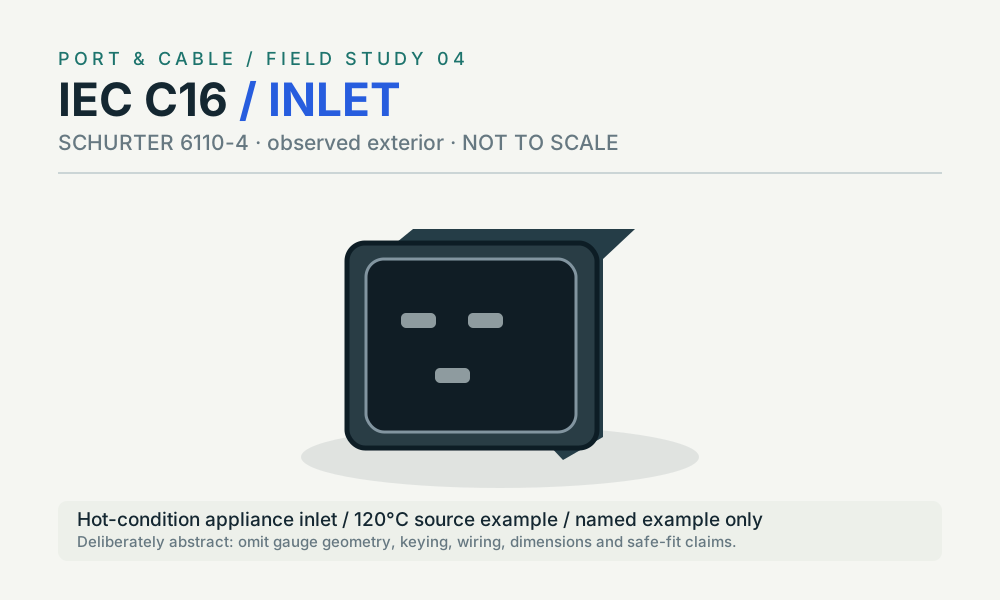 IEC C16 · inletP182 · Physical study · Appliance inletsimplified manufacturer product-photo exteriorView sources and limits (private workspace)
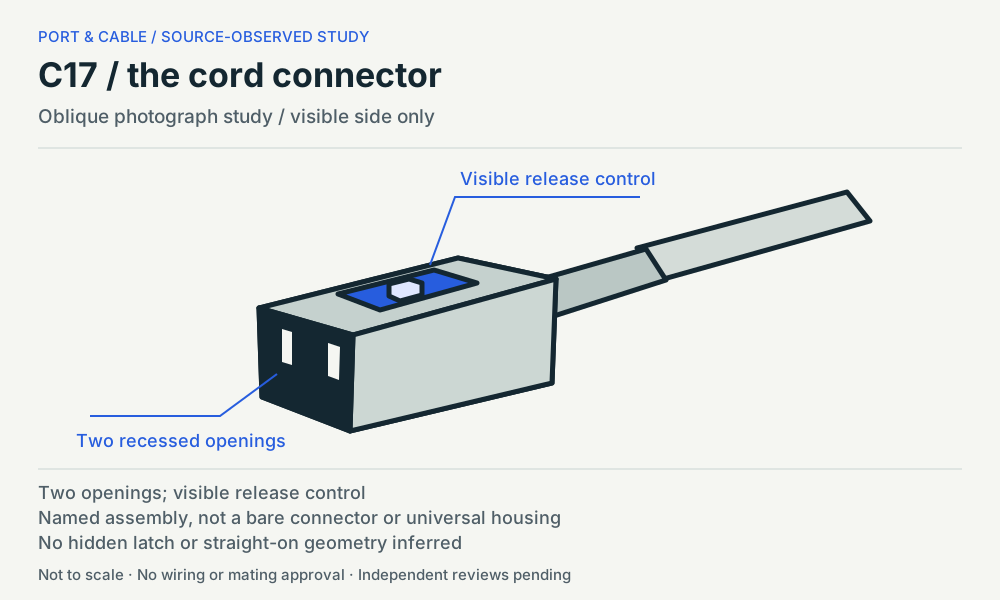 C17 / the cord connectorP215 · Physical study · Other declared componentOblique photograph study / visible side onlyView sources and limits (private workspace)
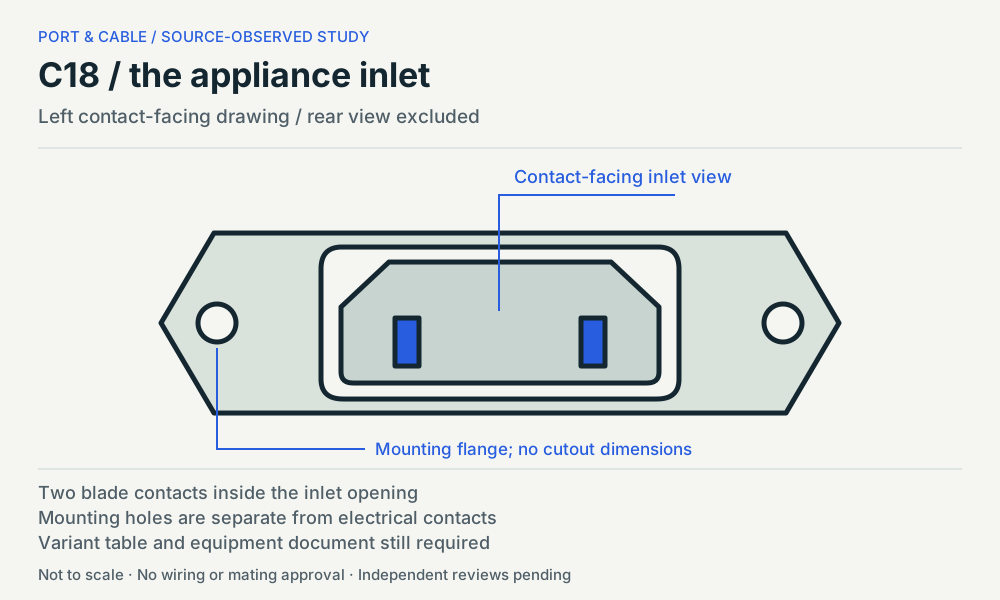 C18 / the appliance inletP216 · Physical study · Other declared componentLeft contact-facing drawing / rear view excludedView sources and limits (private workspace)
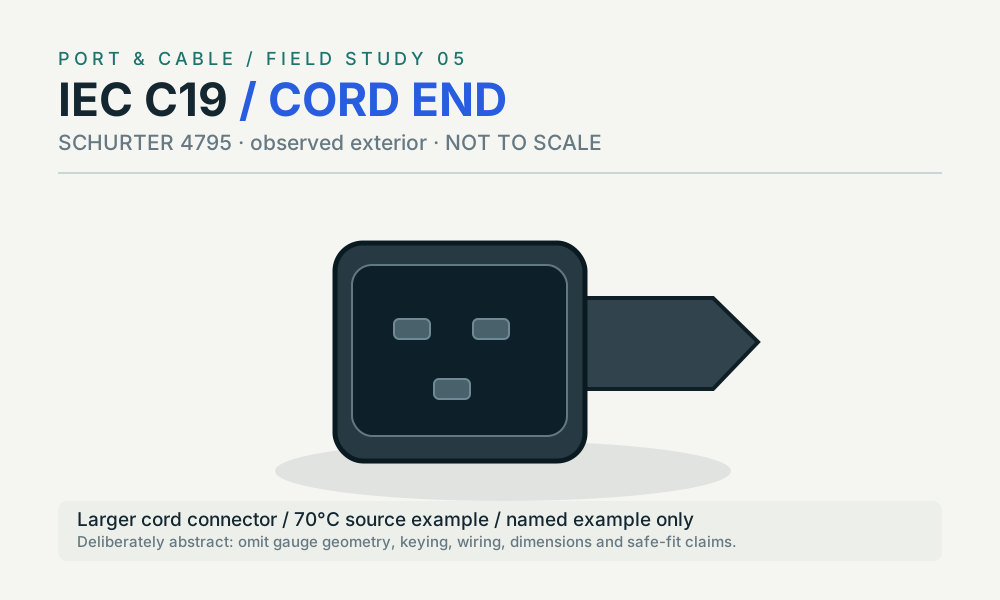 IEC C19 · cordP183 · Physical study · Cord connectorsimplified manufacturer product-photo exteriorView sources and limits (private workspace)
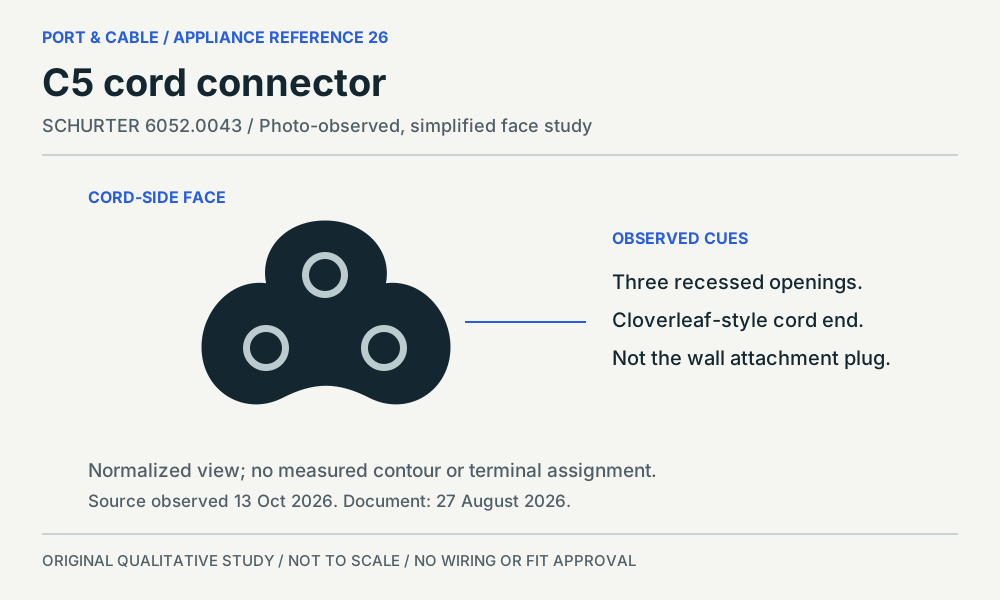
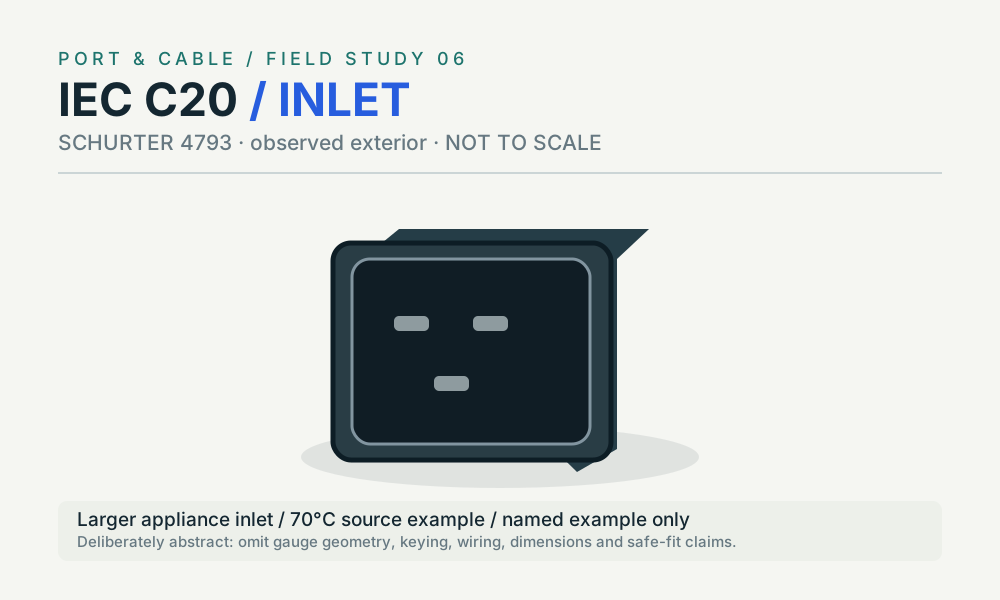 IEC C20 · inletP184 · Physical study · Appliance inletsimplified manufacturer product-photo exteriorView sources and limits (private workspace)C5 cord connectorP211 · Physical study · Cable housingSource-declared qualitative mating-face study; manufacturer-photo-studyView sources and limits (private workspace)
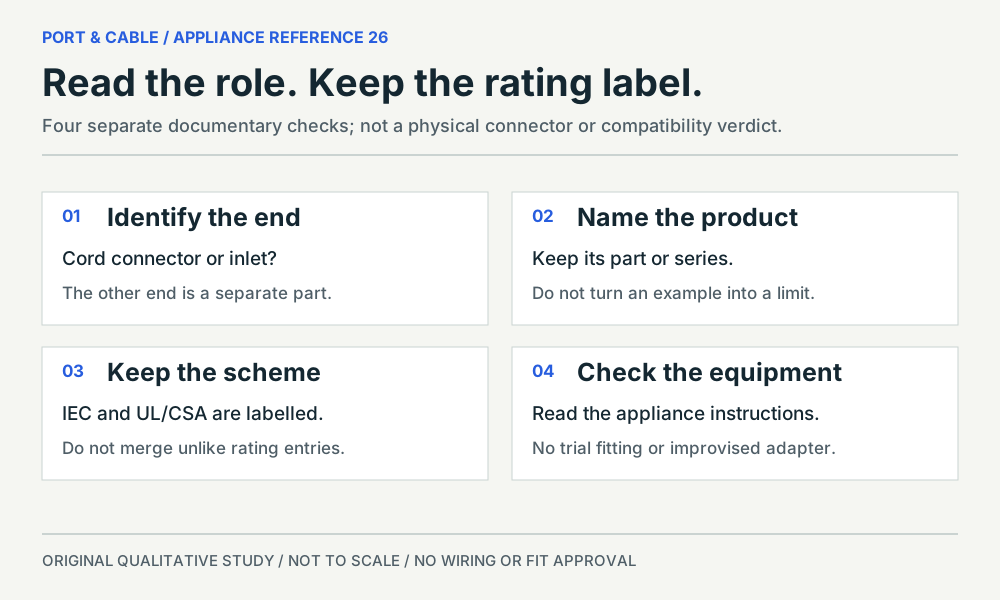 Role, rating and equipment requirementsP211 · Concept · Concept onlySource-declared qualitative mating-face study; manufacturer-photo-studyView sources and limits (private workspace)
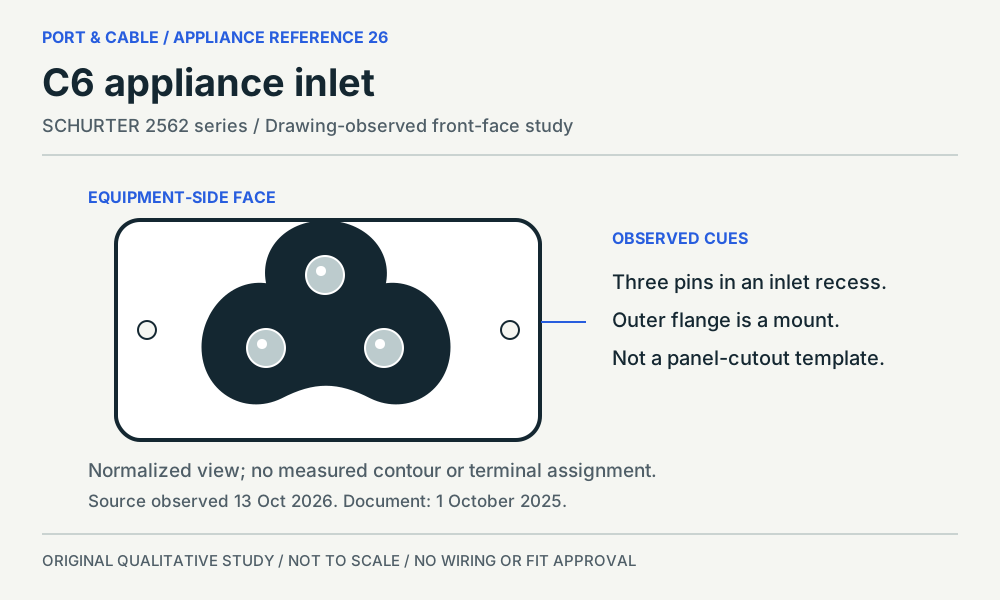 C6 appliance inletP212 · Physical study · Other declared componentSource-declared qualitative mating-face study; manufacturer-drawing-studyView sources and limits (private workspace)
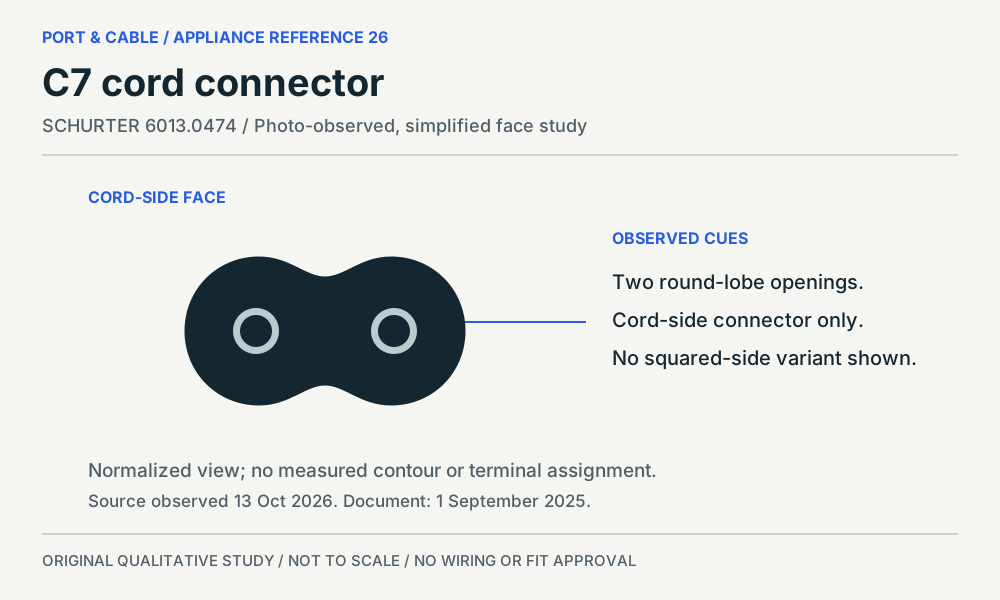 C7 cord connectorP213 · Physical study · Cable housingSource-declared qualitative mating-face study; manufacturer-photo-studyView sources and limits (private workspace)
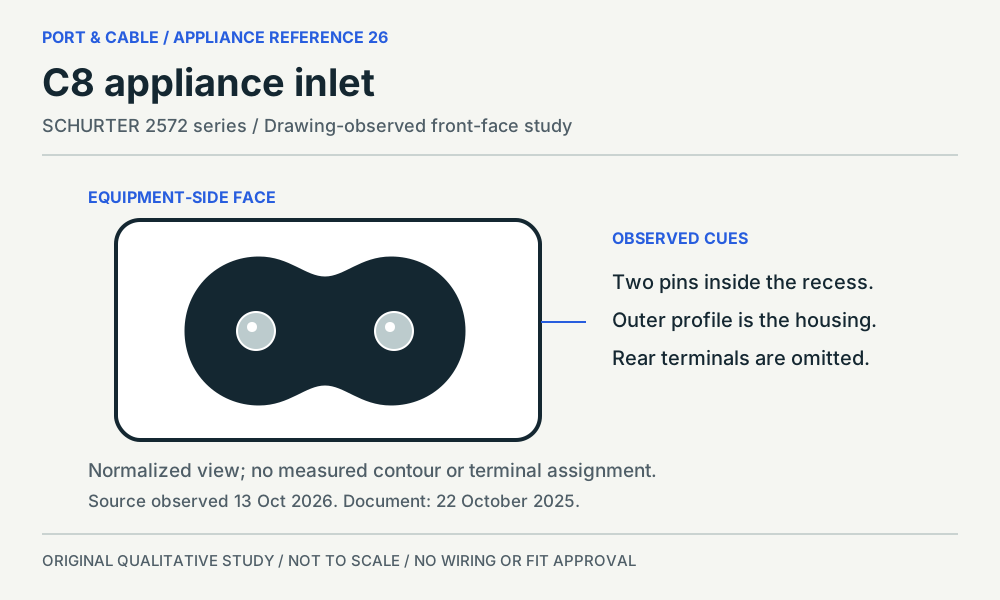 C8 appliance inletP214 · Physical study · Other declared componentSource-declared qualitative mating-face study; manufacturer-drawing-studyView sources and limits (private workspace)
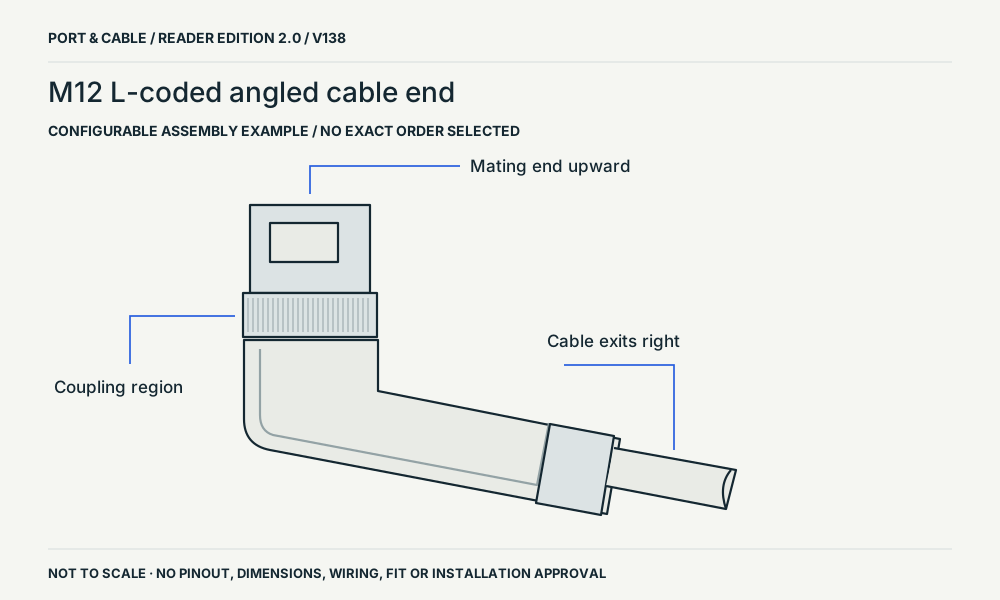 M12 L-coded angled cable endP253 · Physical study · Cable plug / cable endside exteriorView sources and limits (private workspace)
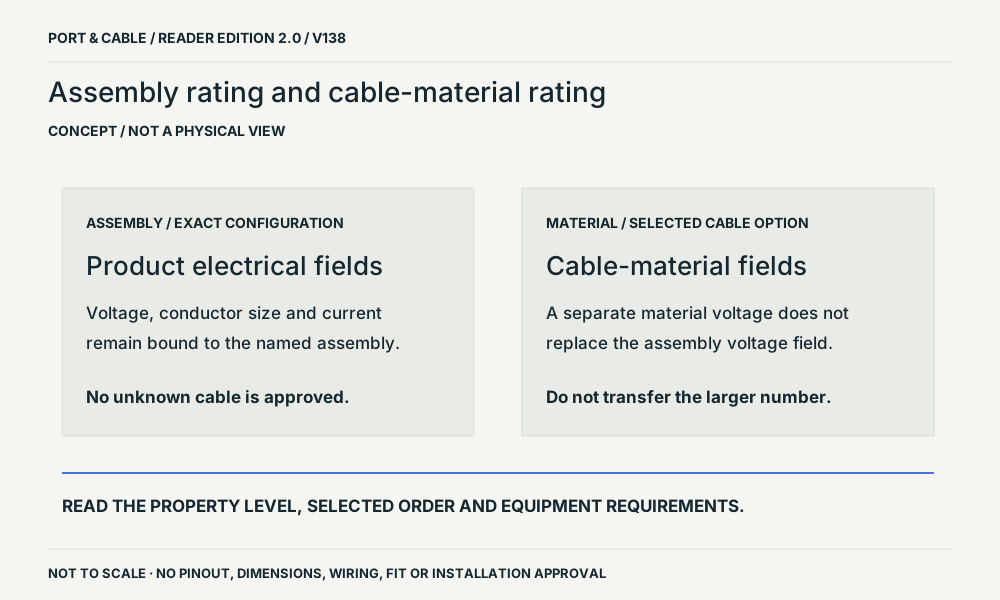 Assembly rating and cable-material ratingP267 · Concept · Concept onlyspecification levelsView sources and limits (private workspace)
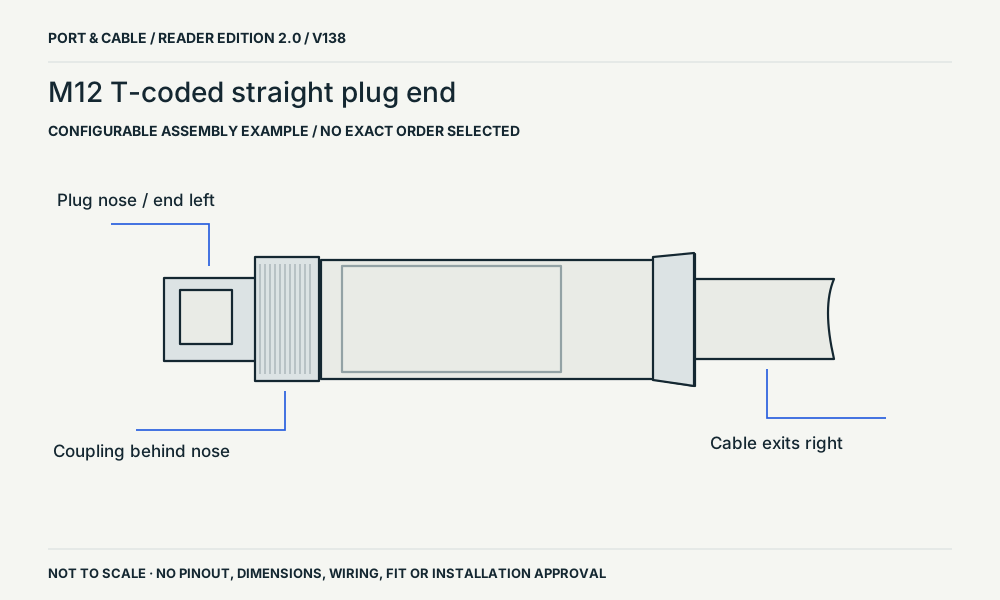 M12 T-coded straight plug endP267 · Physical study · Cable plug / cable endside exteriorView sources and limits (private workspace)
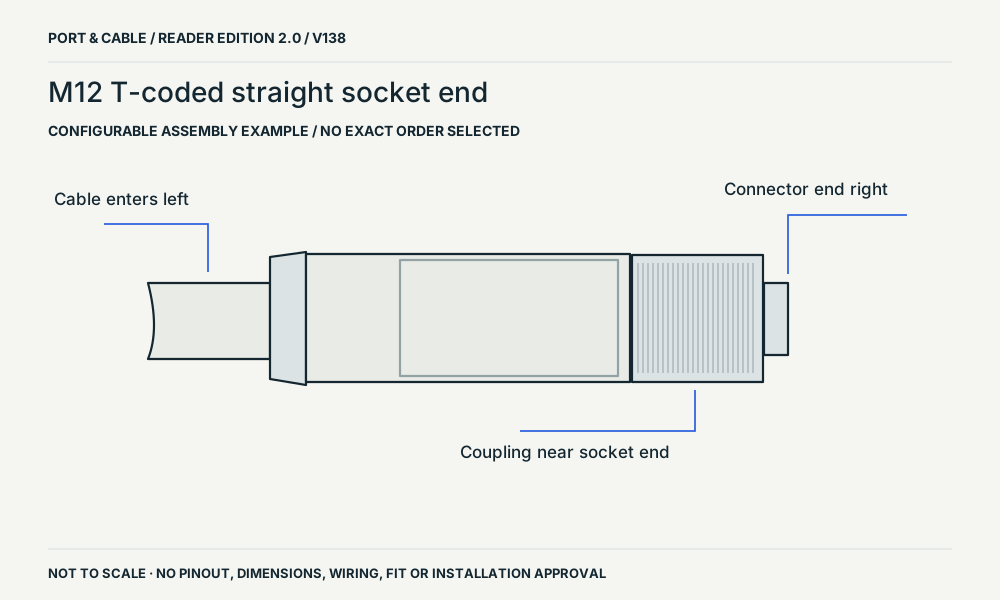 M12 T-coded straight socket endP267 · Physical study · Other declared componentside exteriorView sources and limits (private workspace)
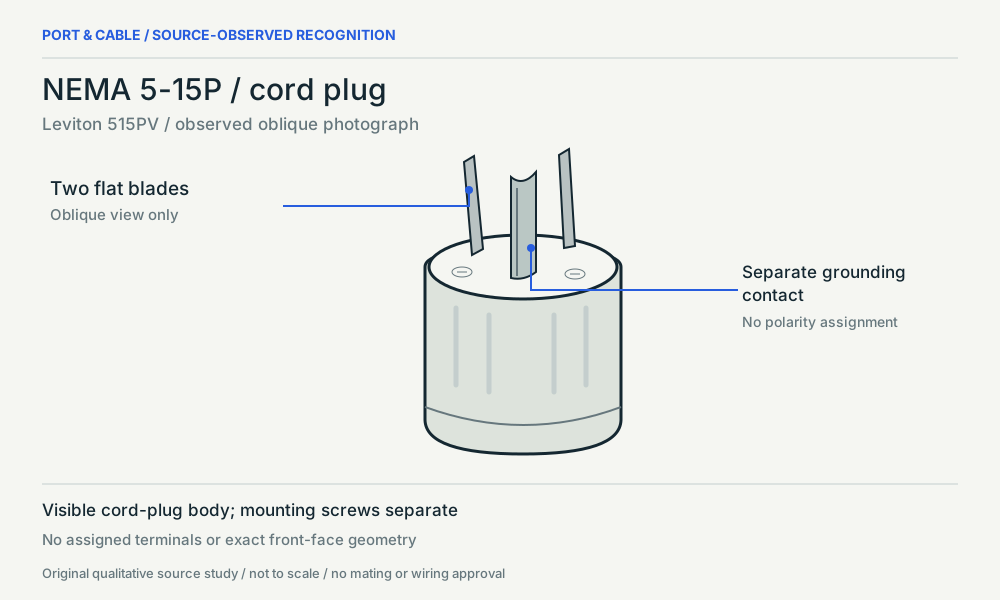 NEMA 5-15P / cord plugP185 · Physical study · Cable plug / cable endOblique photograph study / visible side onlyView sources and limits (private workspace)
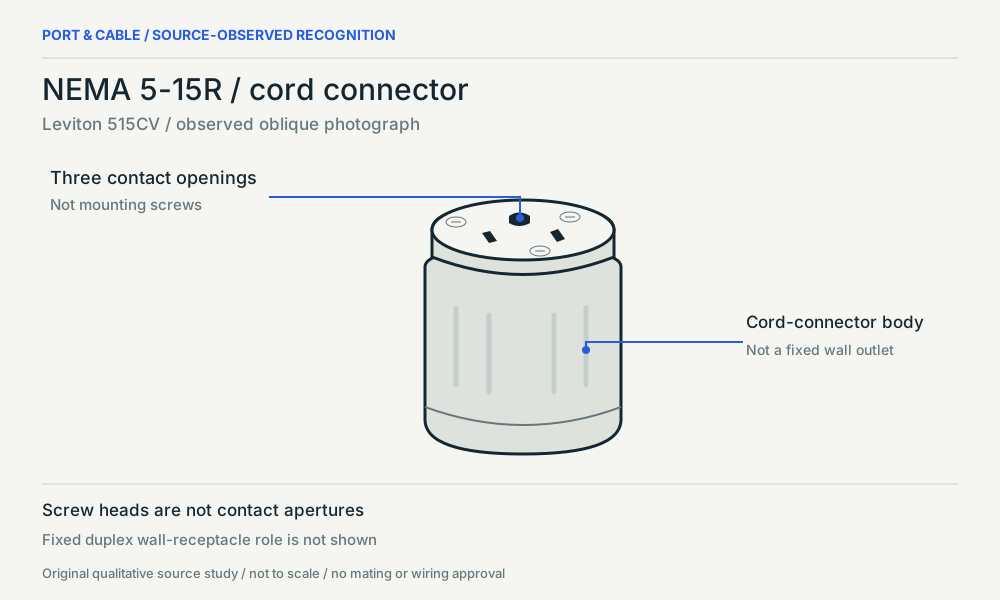 NEMA 5-15R / cord connectorP186 · Physical study · Other declared componentOblique photograph study / visible side onlyView sources and limits (private workspace)
Small parts & RF 52 views
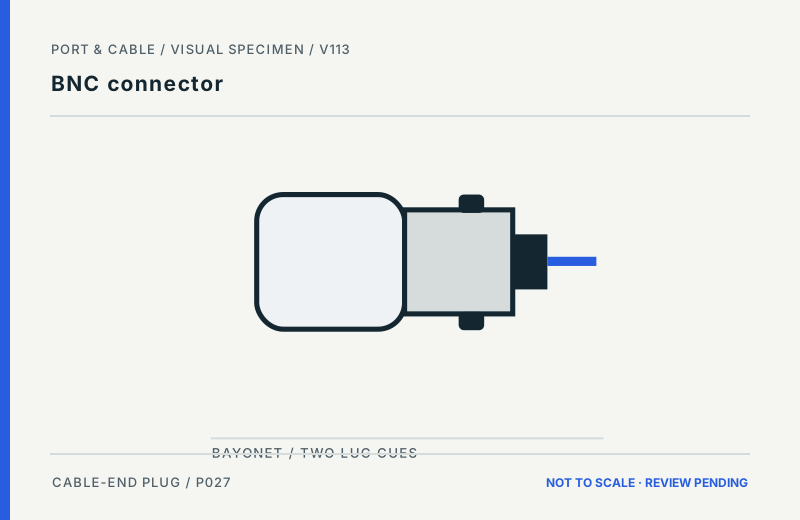 BNC connectorP027 · Inherited study · Cable plug / cable endCable-end plug exterior; qualitative side profileView sources and limits (private workspace)
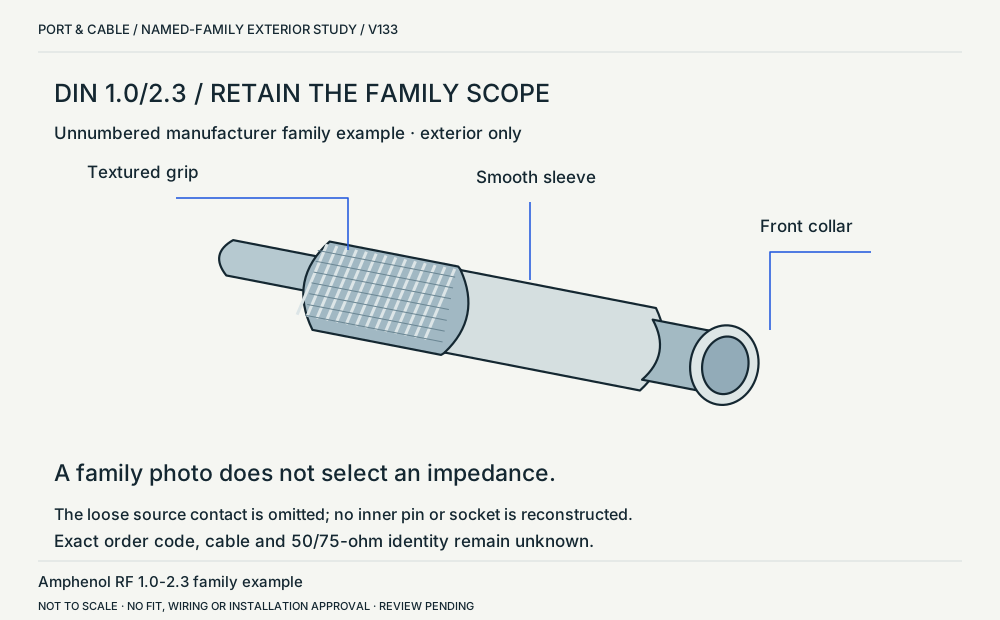 DIN 1.0/2.3 / named-family exteriorP232 · Physical study · Cable plug / cable endOblique exterior: rear grip left, interface collar rightView sources and limits (private workspace)
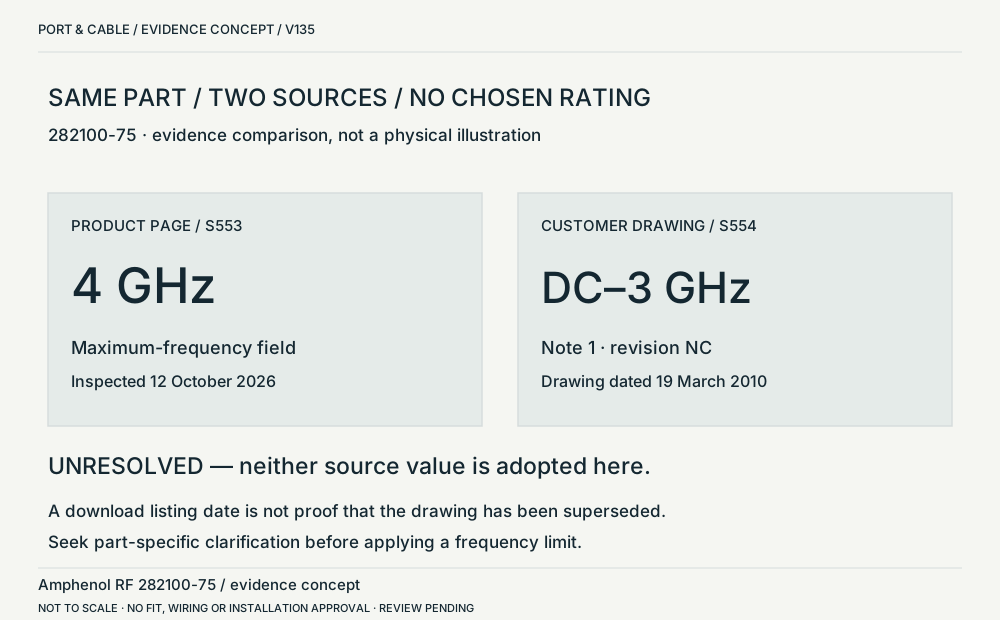 DIN 282100-75 / two source valuesP232 · Concept · Concept onlySide-by-side text comparison; no physical geometryView sources and limits (private workspace)
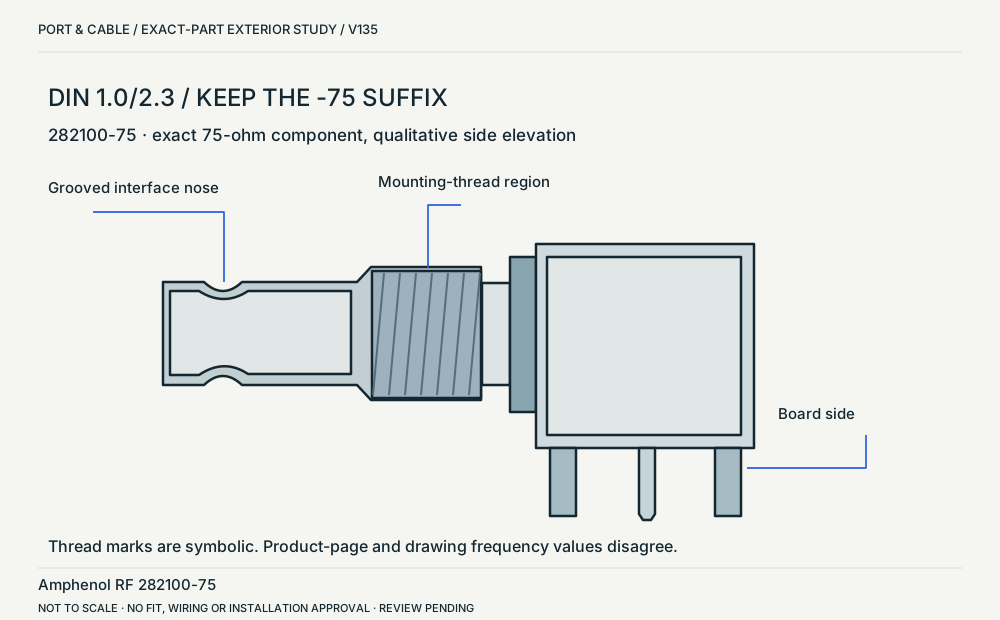 DIN 282100-75 / side elevationP232 · Physical study · Board headerSide elevation: interface nose left, board-side belowView sources and limits (private workspace)
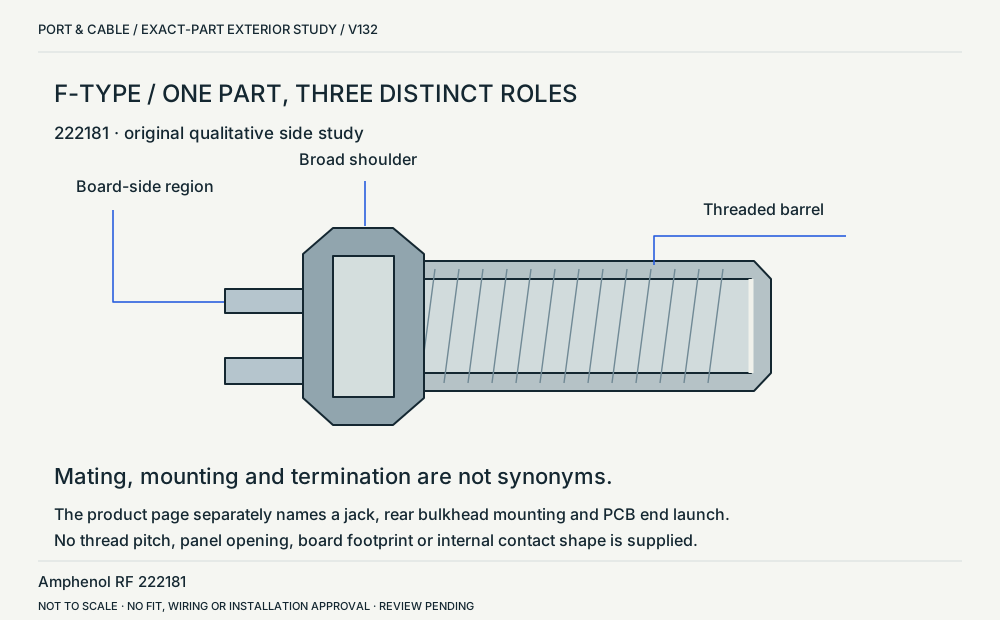 F-type / board jack with a panel-mounting roleP065 · Physical study · Board headerSide exterior, board attachment to left and threaded interface to rightView sources and limits (private workspace)
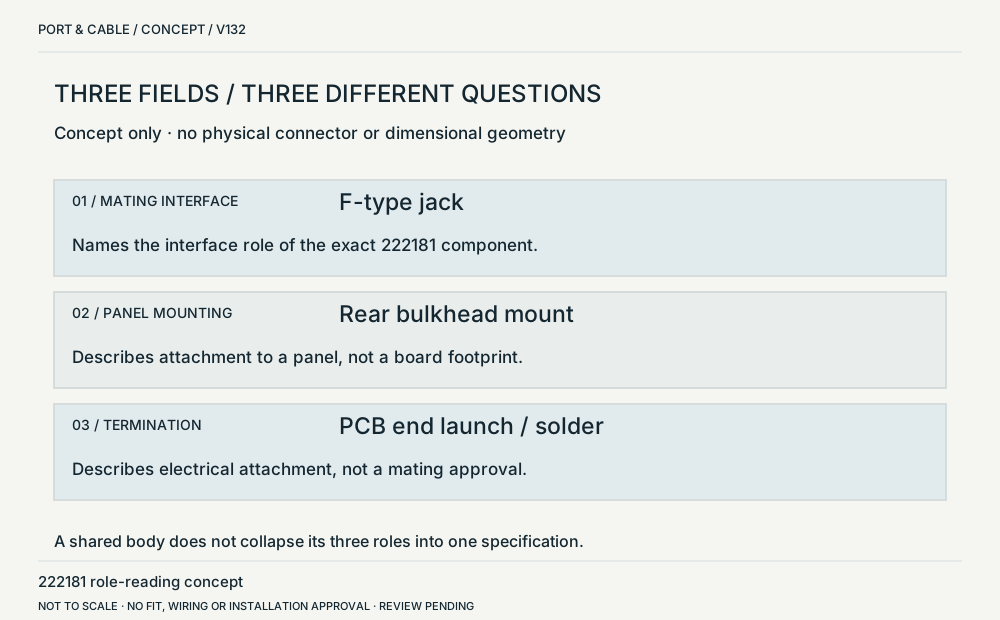 Interface / mounting / termination are separateP065 · Concept · Concept onlyInformation diagramView sources and limits (private workspace)
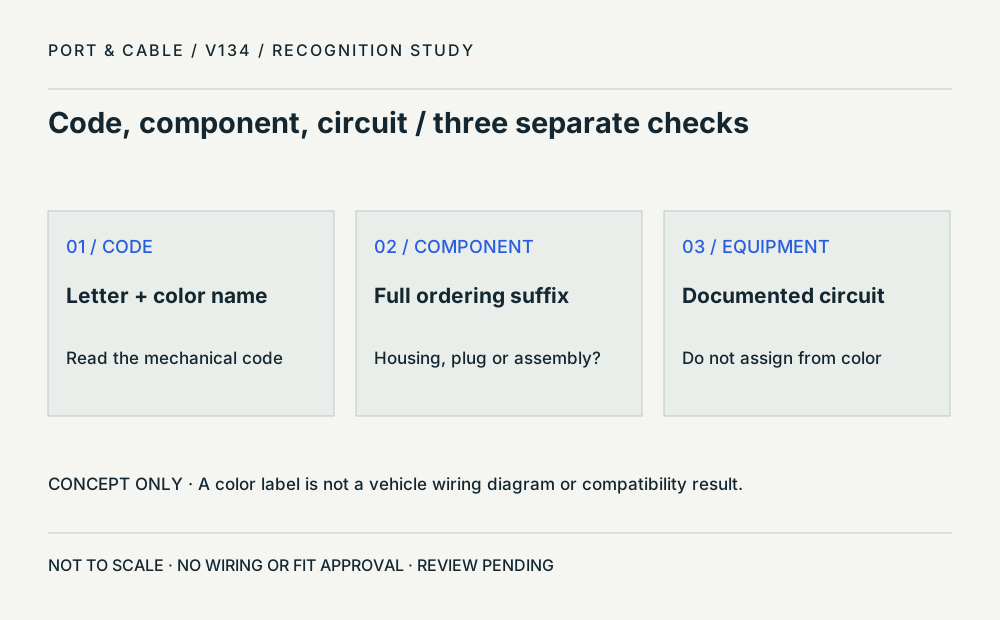 Code, component and equipment circuitP366 · Concept · Concept onlyThree independent text fieldsView sources and limits (private workspace)
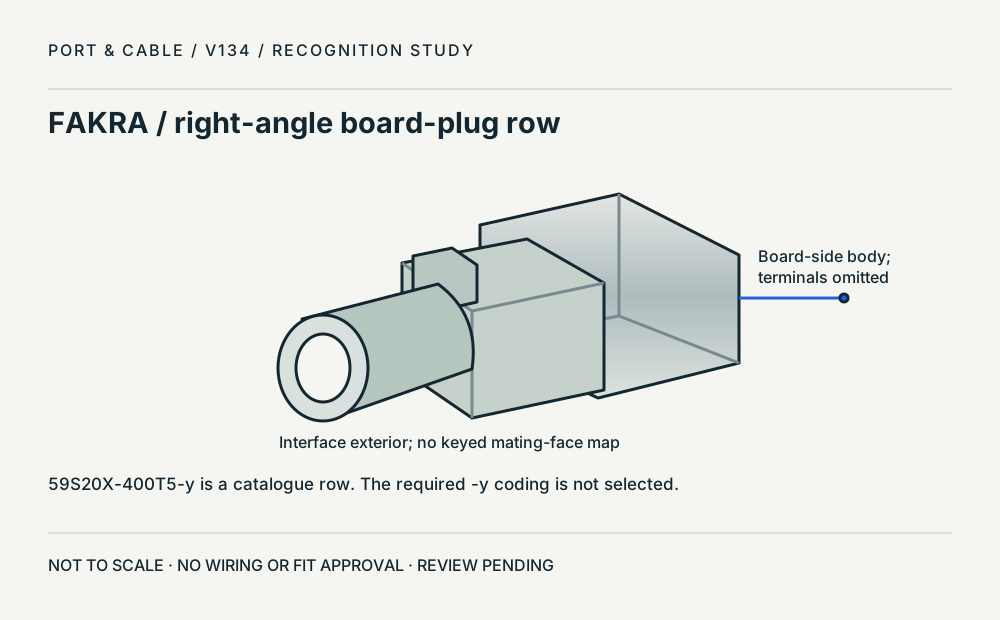 FAKRA / right-angle board-plug rowP366 · Physical study · Board headerOblique exterior; interface left, board-side body rightView sources and limits (private workspace)
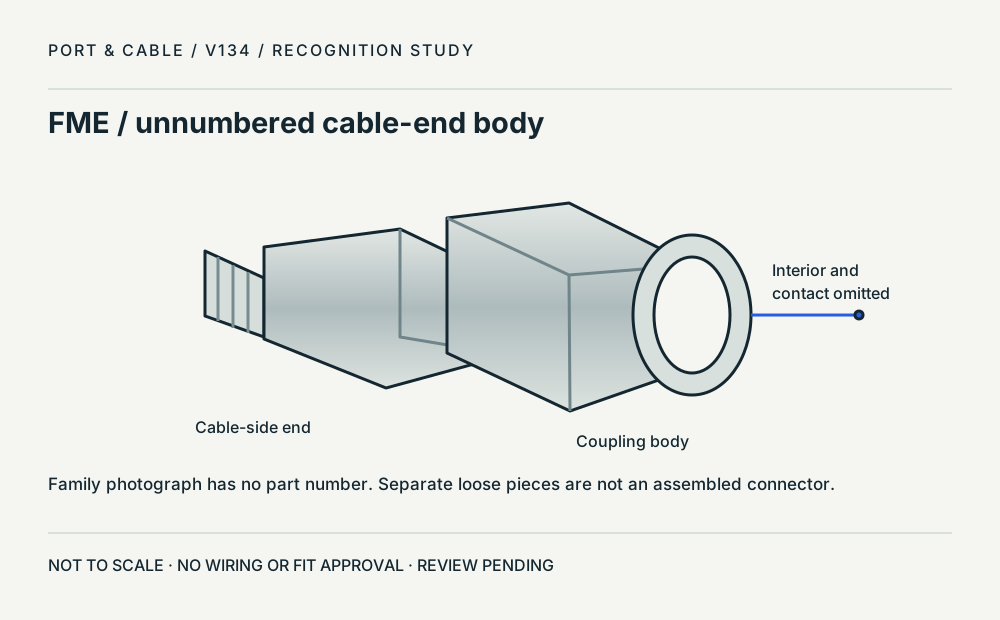 FME / unnumbered family bodyP365 · Physical study · Other declared componentOblique exterior; rear cable end left, coupling opening rightView sources and limits (private workspace)
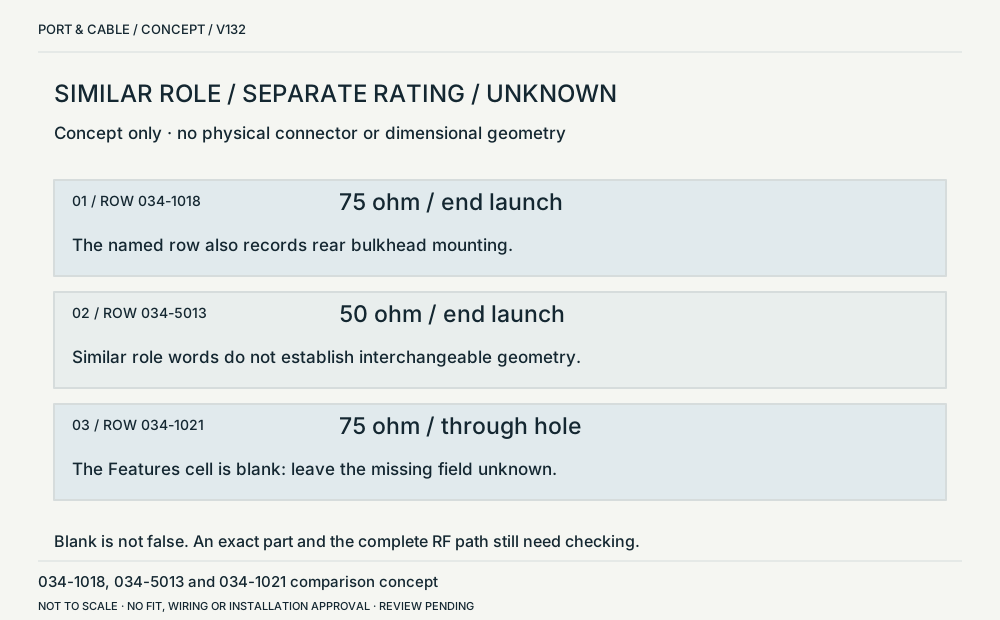 Similar roles / separately specified impedanceP205 · Concept · Concept onlyInformation diagramView sources and limits (private workspace)
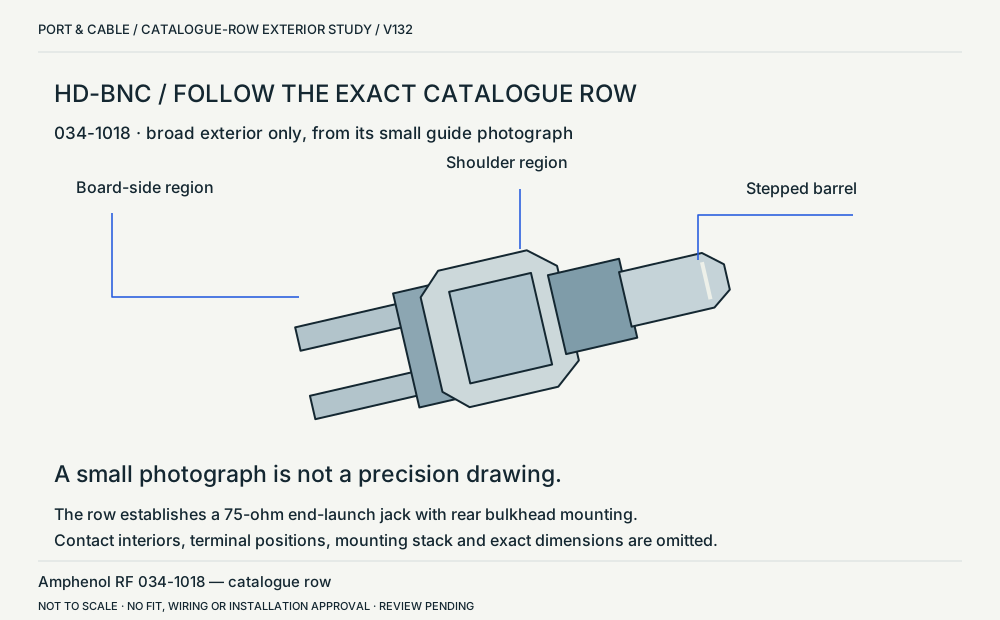 HD-BNC / a named board-and-panel exampleP205 · Physical study · Board headerSimplified side exterior from the small row photographView sources and limits (private workspace)
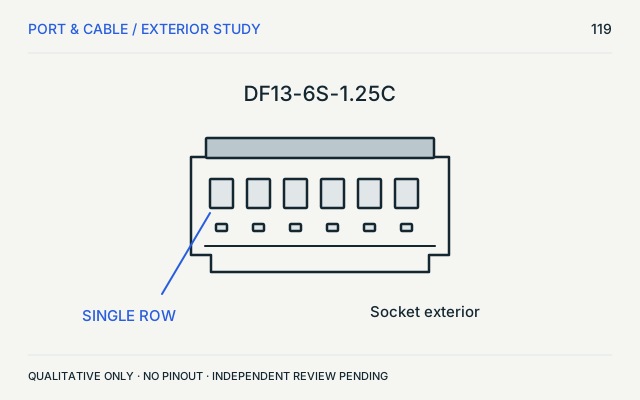 Hirose DF13 socketP360 · Physical study · Other declared componentFront exterior; contact cavities simplifiedView sources and limits (private workspace)
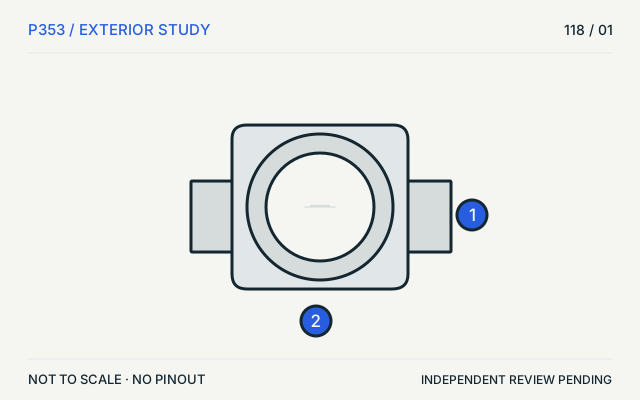 Hirose U.FLP353 · Physical study · Board headerTop view, contact detail omittedView sources and limits (private workspace)
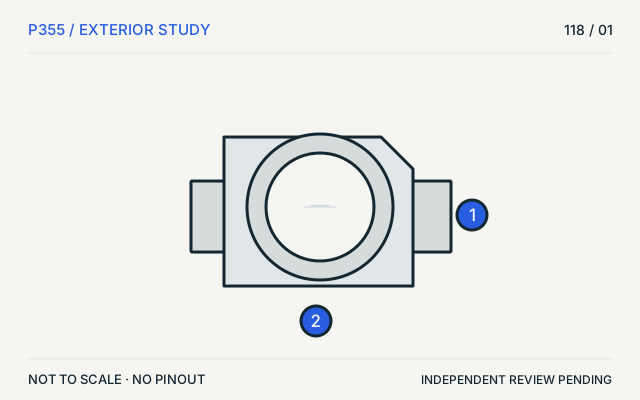 I-PEX MHF 4P355 · Physical study · Board headerTop view, contact detail omittedView sources and limits (private workspace)
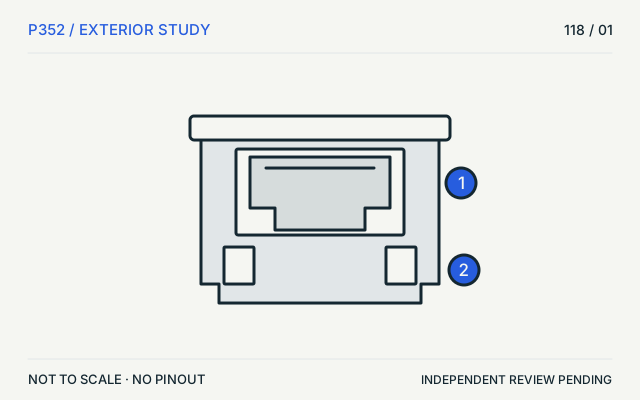 JST GHP352 · Physical study · Cable housingExternal locking-side elevationView sources and limits (private workspace)
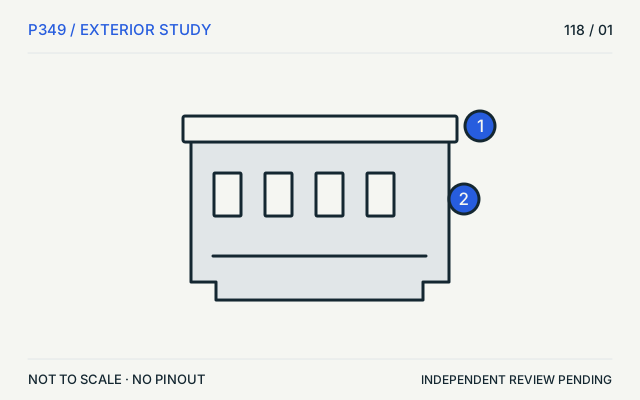 JST PHP349 · Physical study · Cable housingExternal elevationView sources and limits (private workspace)
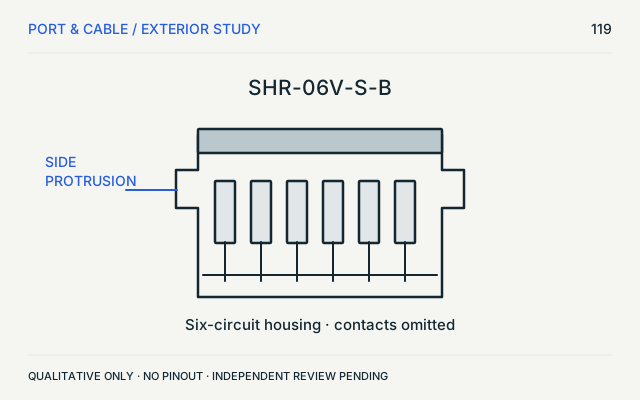 JST SH housingP351 · Physical study · Cable housingHousing exterior, protrusions emphasizedView sources and limits (private workspace)
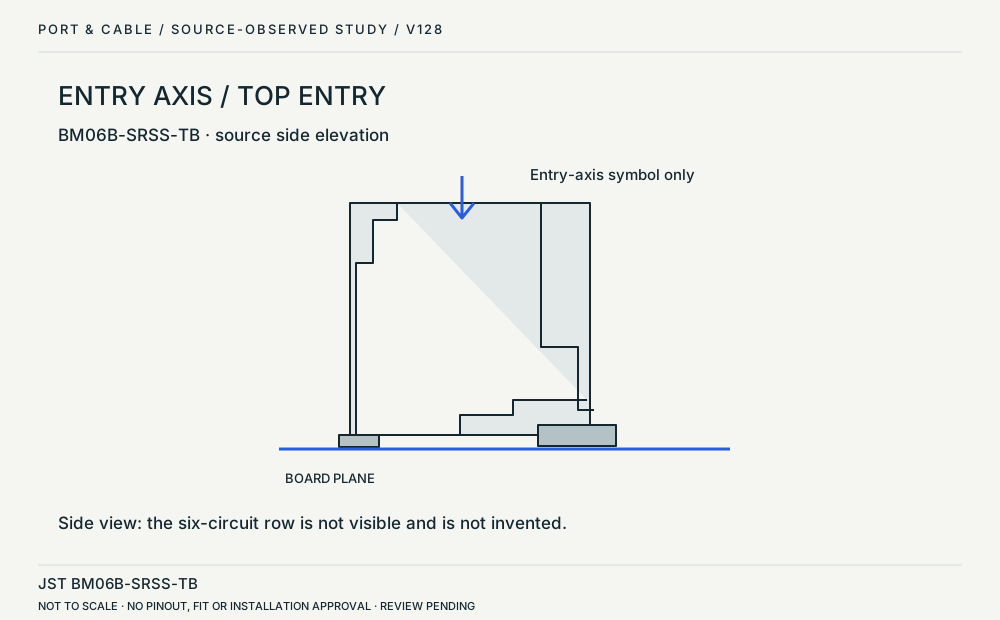 JST SH top-entry header / side elevationP351 · Physical study · Board headerSide elevation of the top-entry headerView sources and limits (private workspace)
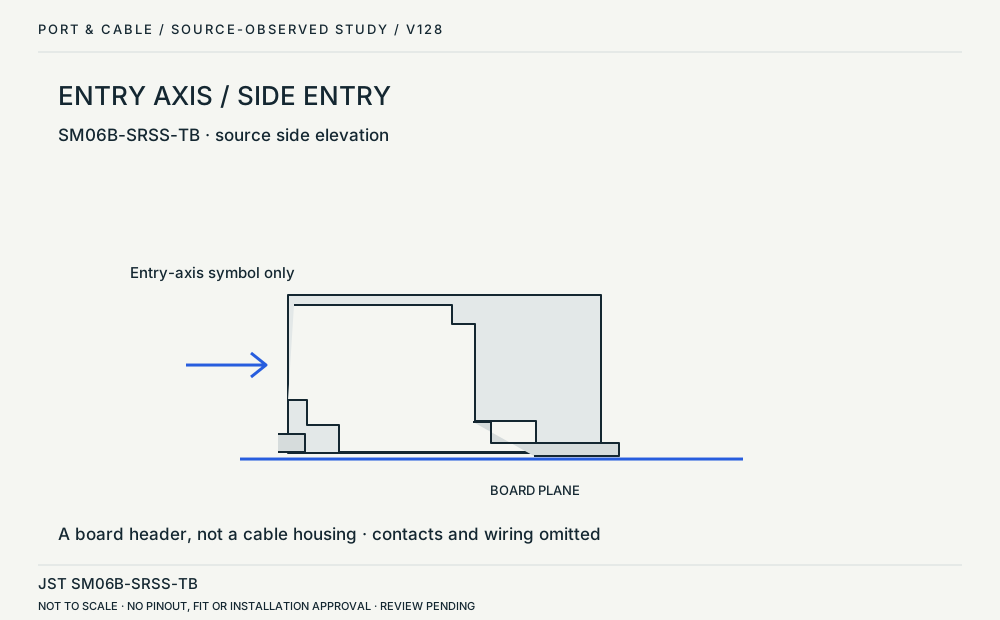 JST SH side-entry header / side elevationP351 · Physical study · Board headerSide elevation of the side-entry headerView sources and limits (private workspace)
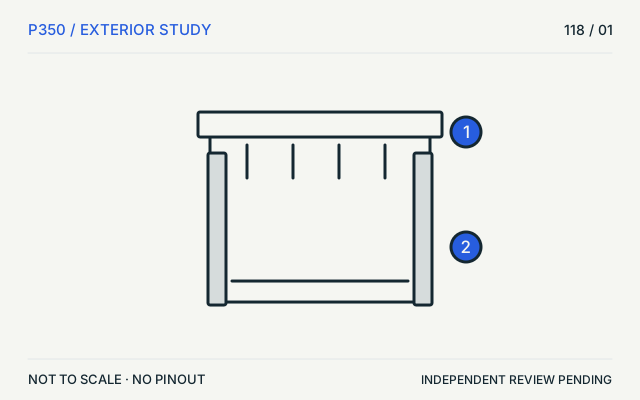 JST XHP350 · Physical study · Cable housingExternal elevationView sources and limits (private workspace)
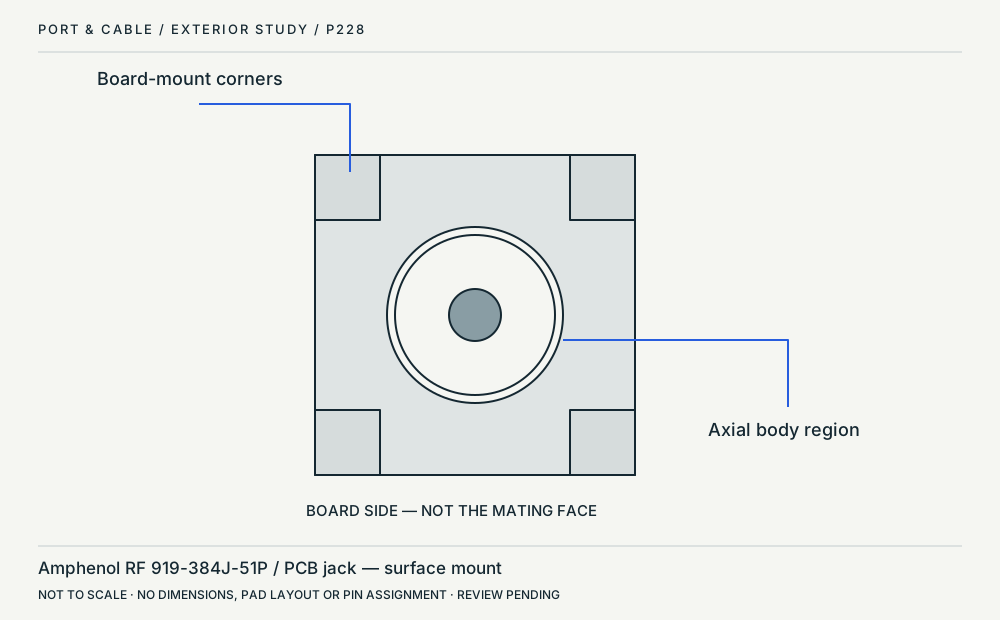 MCX surface-mount jack / board-side viewP228 · Physical study · Device receptacleOrthographic board-side axial view; not the mating faceView sources and limits (private workspace)
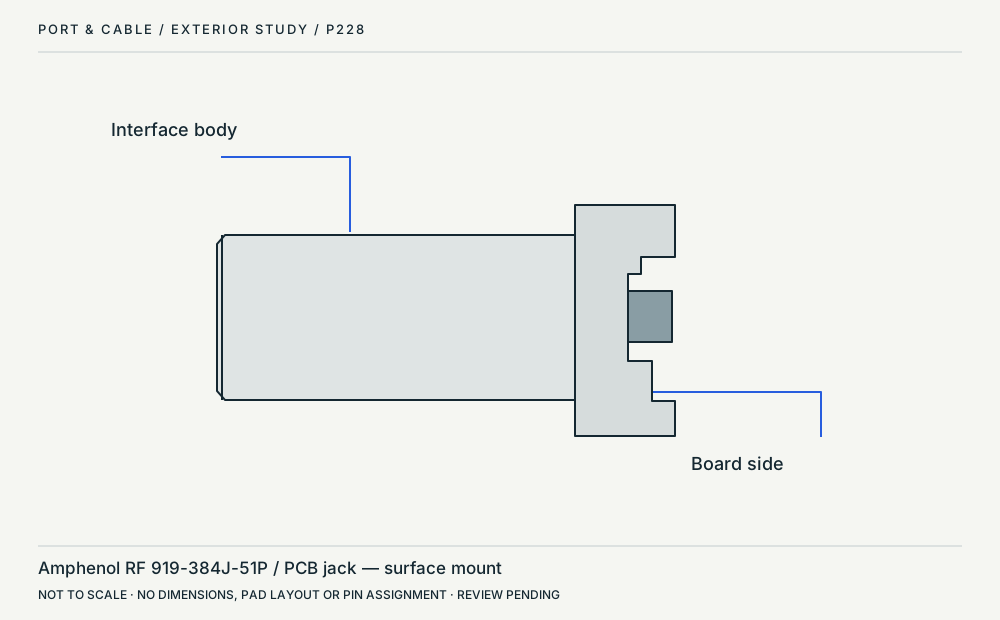 MCX surface-mount jack / side profileP228 · Physical study · Device receptacleOrthographic side profileView sources and limits (private workspace)
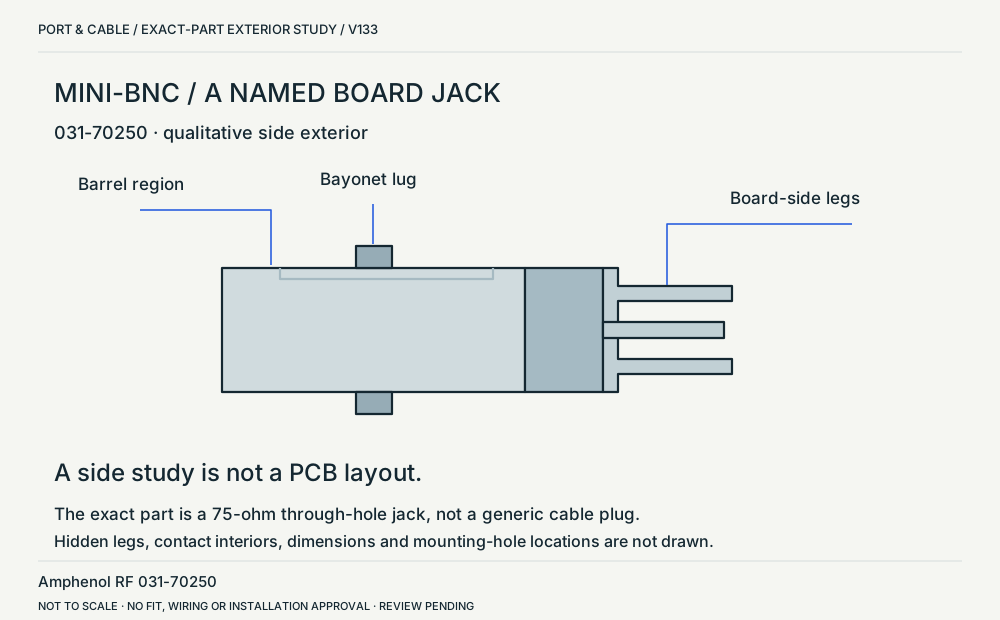 Mini-BNC / named through-hole board jackP231 · Physical study · Board headerSide exterior: mating barrel left, board attachment rightView sources and limits (private workspace)
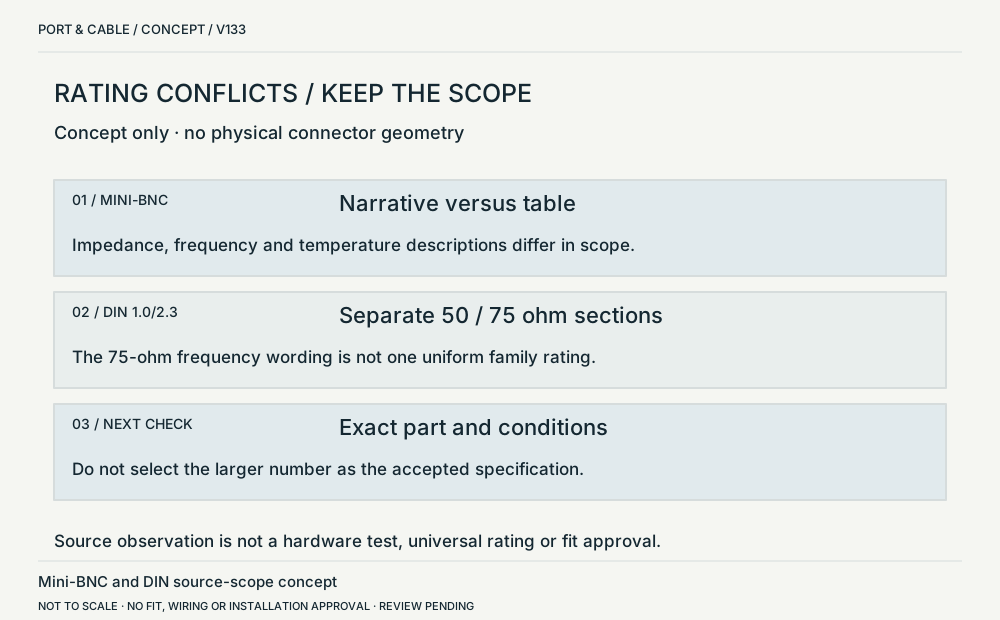 Conflicting ratings / keep the source scopeP231 · Concept · Concept onlyThree separate evidence fields; no physical geometryView sources and limits (private workspace)
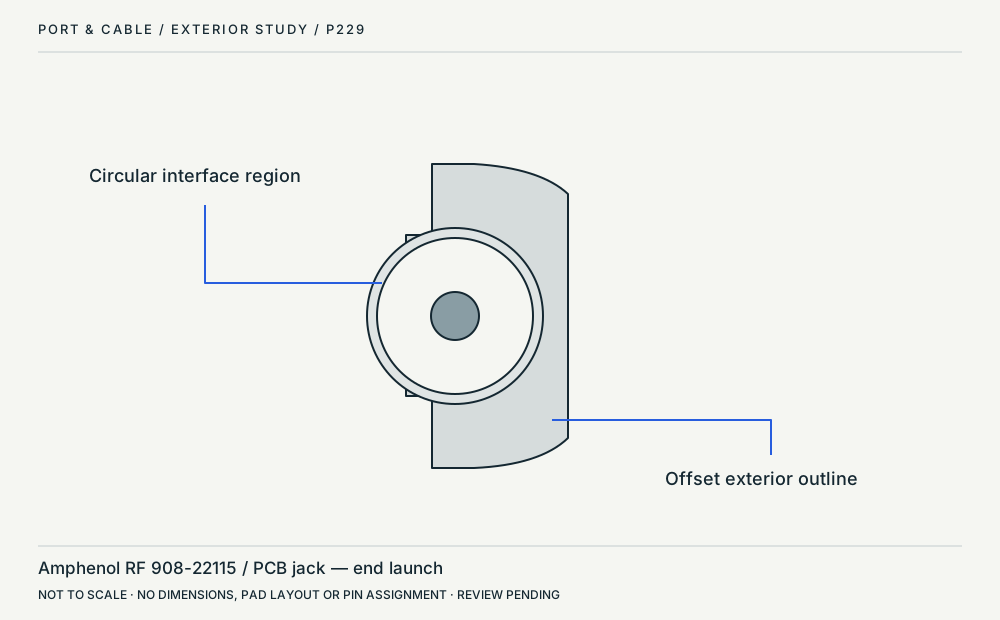 MMCX end-launch jack / axial exteriorP229 · Physical study · Device receptacleOrthographic axial exterior; orientation from sourceView sources and limits (private workspace)
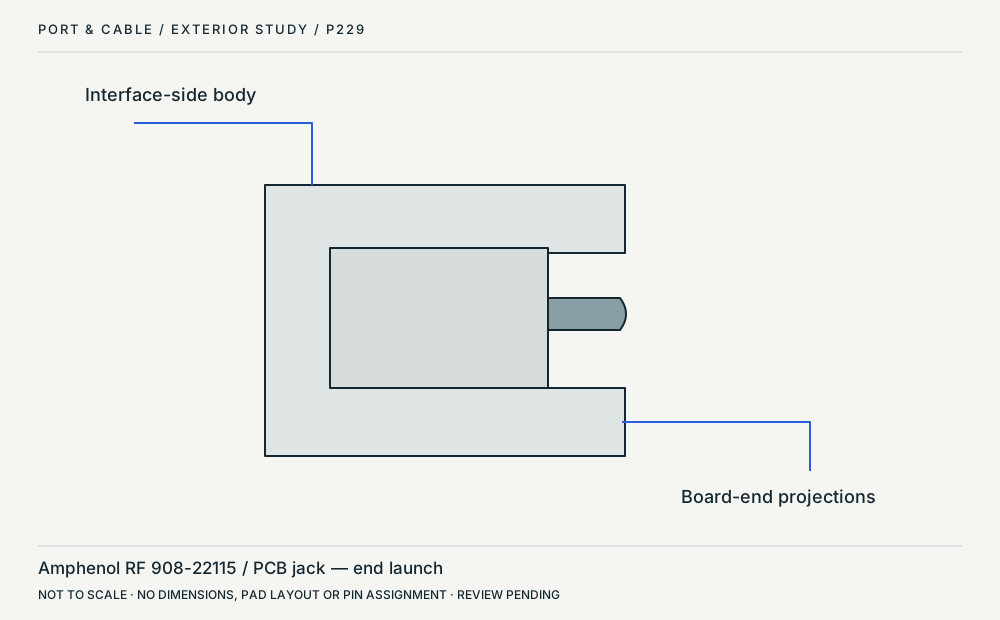 MMCX end-launch jack / side profileP229 · Physical study · Device receptacleOrthographic side profileView sources and limits (private workspace)
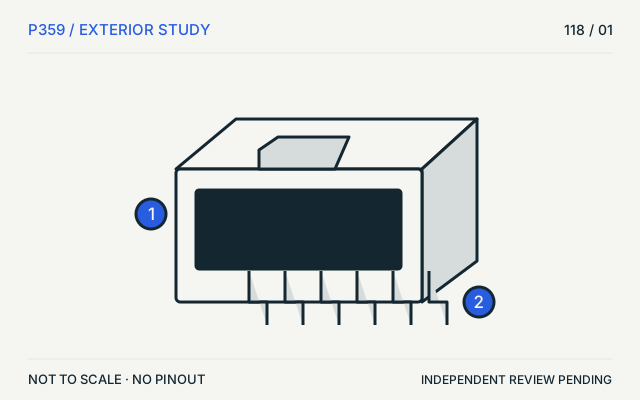 Molex Micro-Fit 3.0P359 · Physical study · Board headerSimplified oblique exteriorView sources and limits (private workspace)
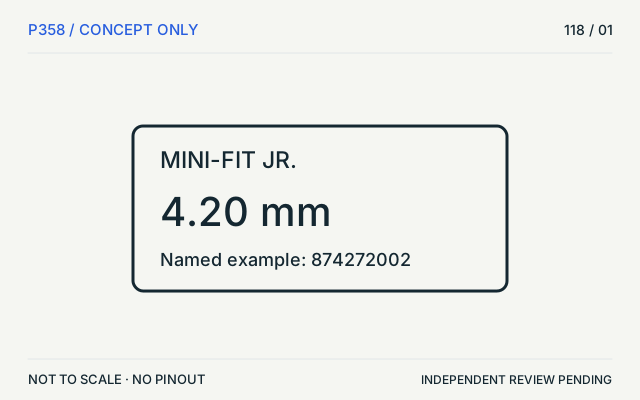 Molex Mini-Fit Jr.P358 · Concept · Concept onlyPitch and named example; no physical viewView sources and limits (private workspace)
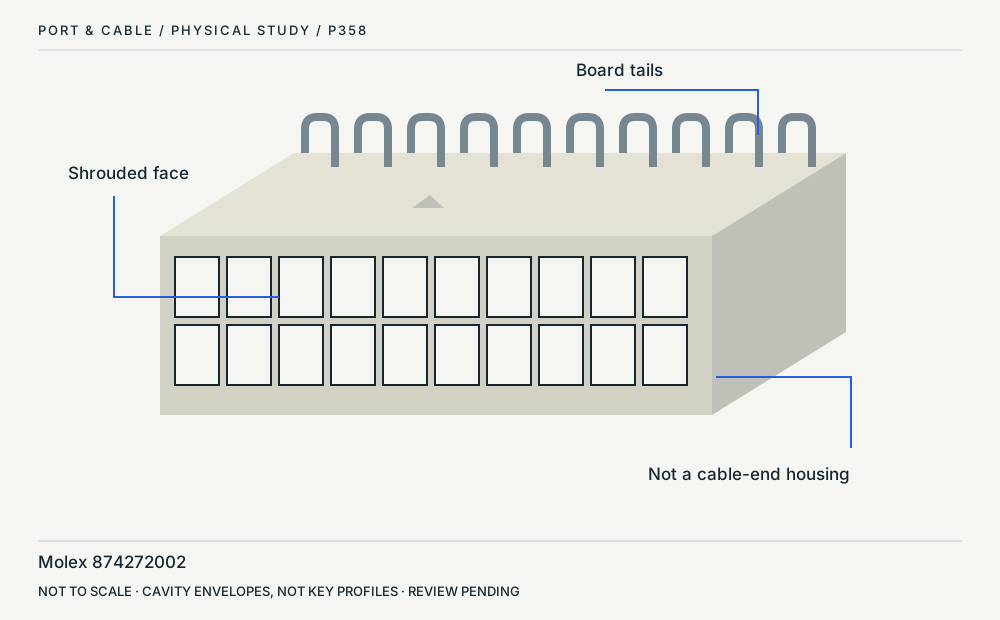 Mini-Fit Jr. / board headerP358 · Physical study · Board headerOblique front and topView sources and limits (private workspace)
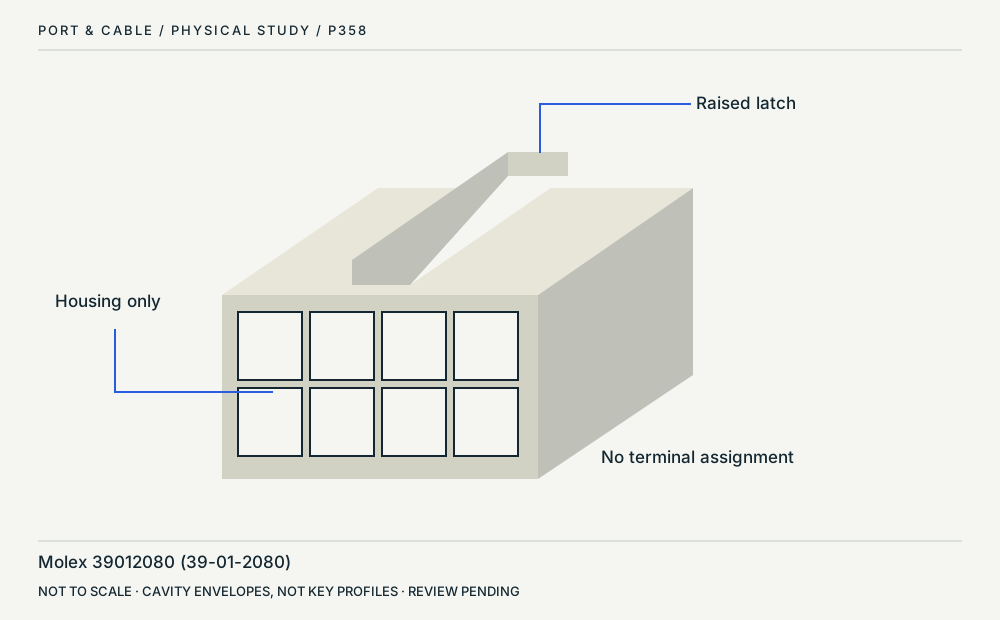 Mini-Fit Jr. / cable housingP358 · Physical study · Cable housingOblique front and latchView sources and limits (private workspace)
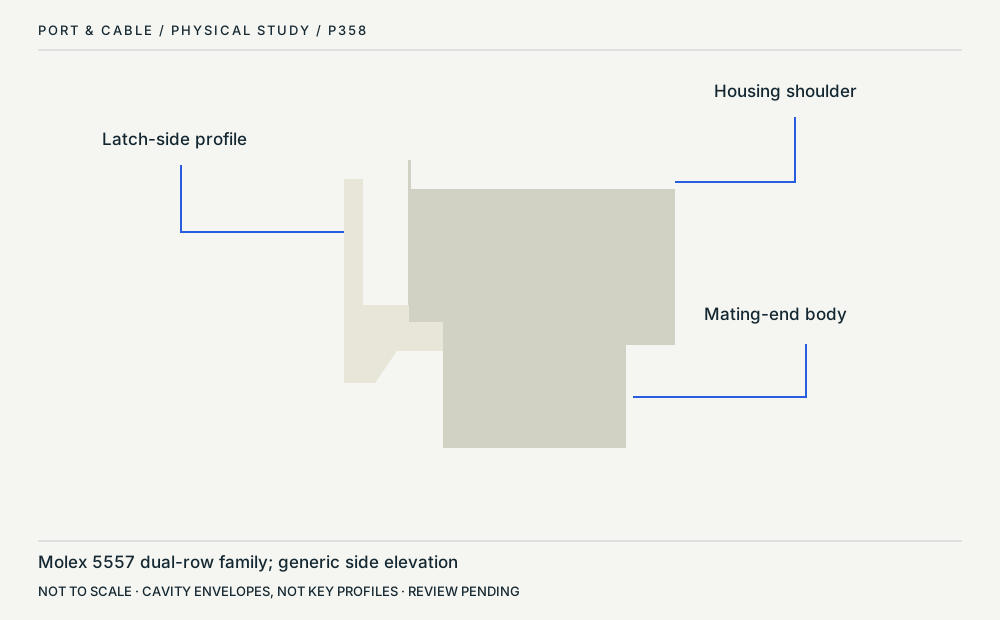 Mini-Fit Jr. / latch profileP358 · Physical study · Cable housingLatch-side exteriorView sources and limits (private workspace)
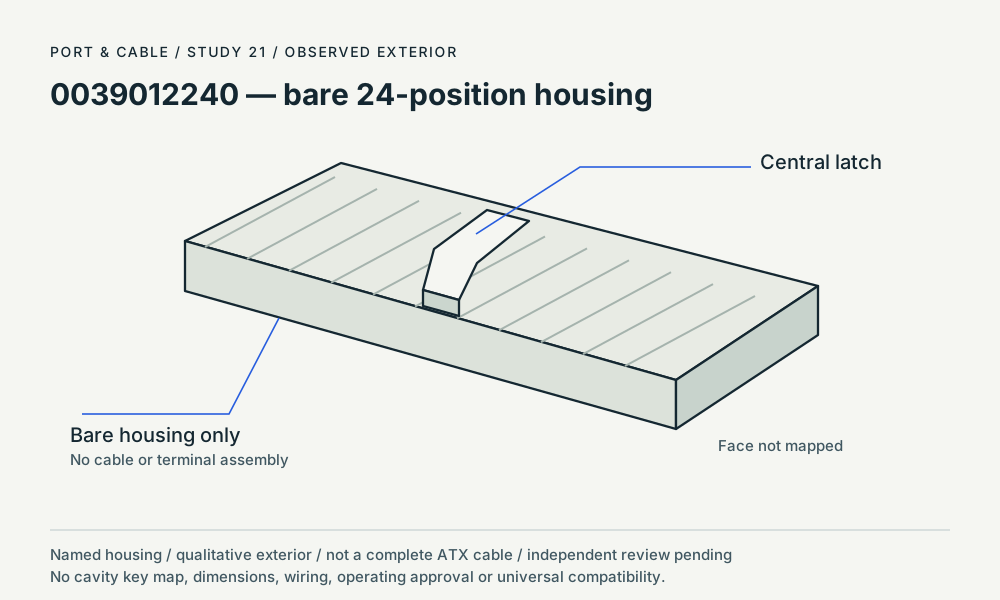 0039012240 — bare 24-position housingP358 · Physical study · Cable housingoblique exteriorView sources and limits (private workspace)
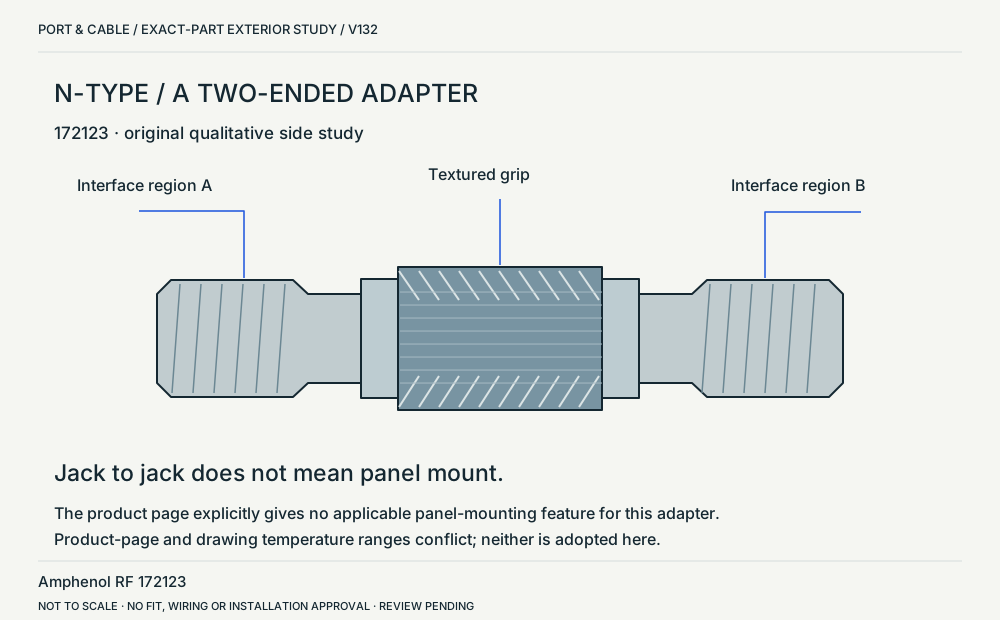 N-Type / two-ended in-series adapterP224 · Physical study · Other declared componentSide exterior of two interface regions and central gripView sources and limits (private workspace)RP-SMA coaxial connectorP064 · Inherited study · Cable plug / cable endExample threaded plug-side front concept; contact convention, not a mating gaugeView sources and limits (private workspace)
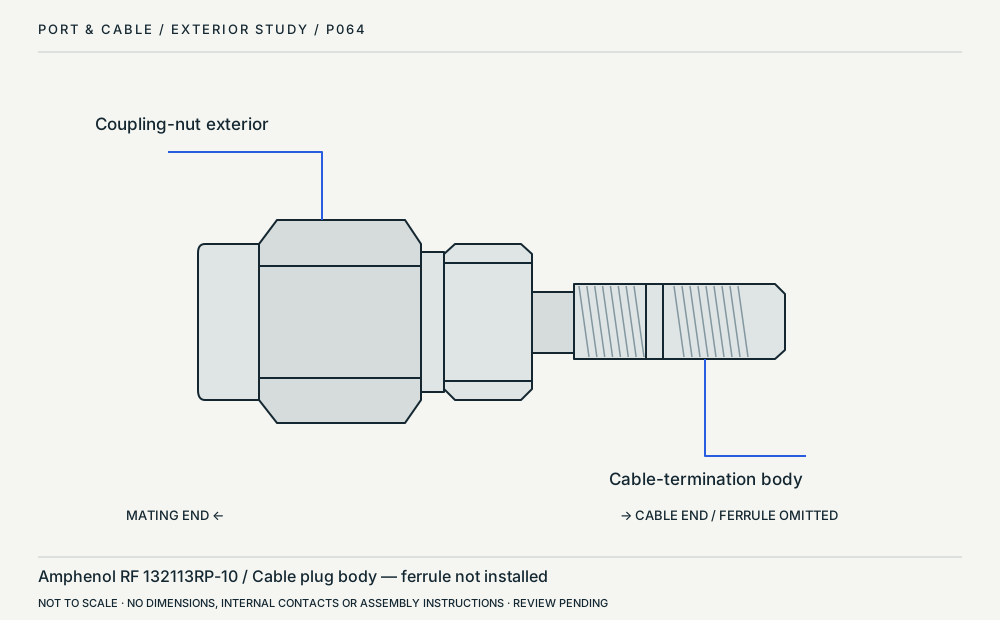 RP-SMA cable-plug body / side profileP064 · Physical study · Cable plug / cable endOrthographic side profileView sources and limits (private workspace)
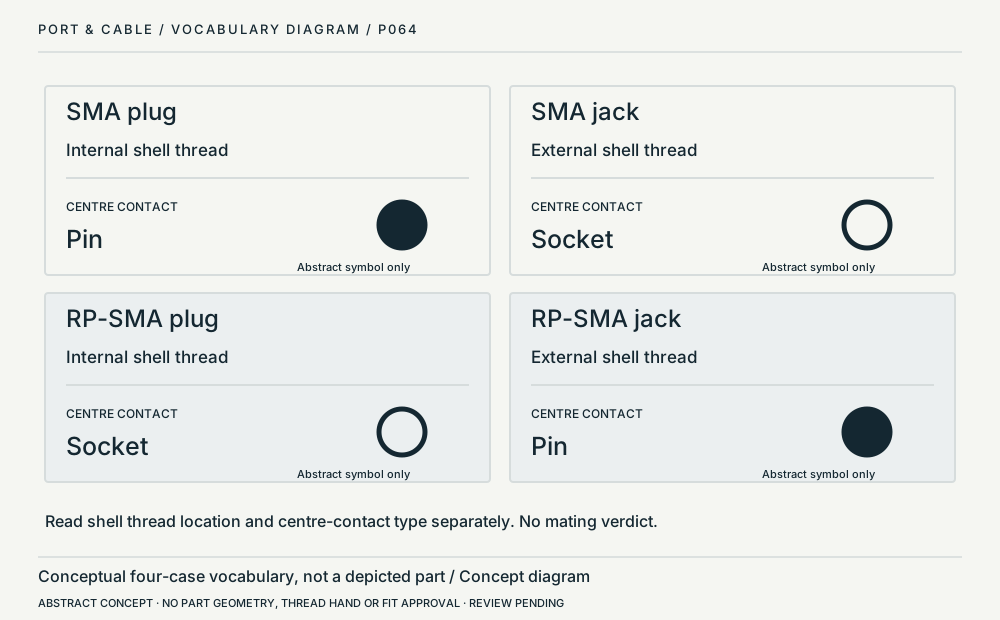 SMA / RP-SMA shell and center-contact logicP064 · Concept · Concept onlySymbolic cross-reference, not a mating viewView sources and limits (private workspace)
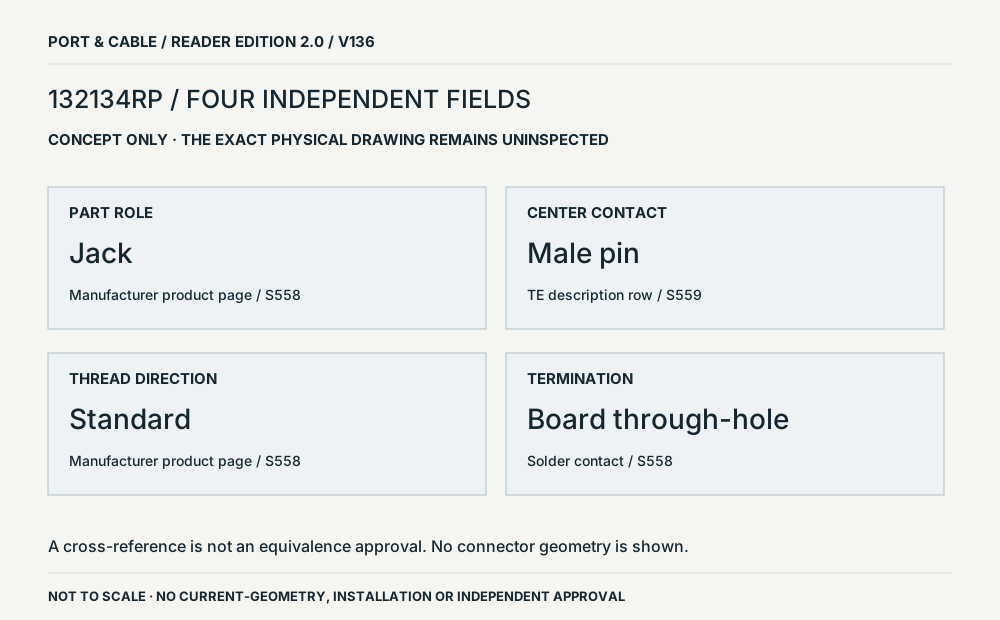 132134RP / separate identity fieldsP064 · Concept · Concept onlyConceptual arrangement of four source fields; no physical viewpointView sources and limits (private workspace)
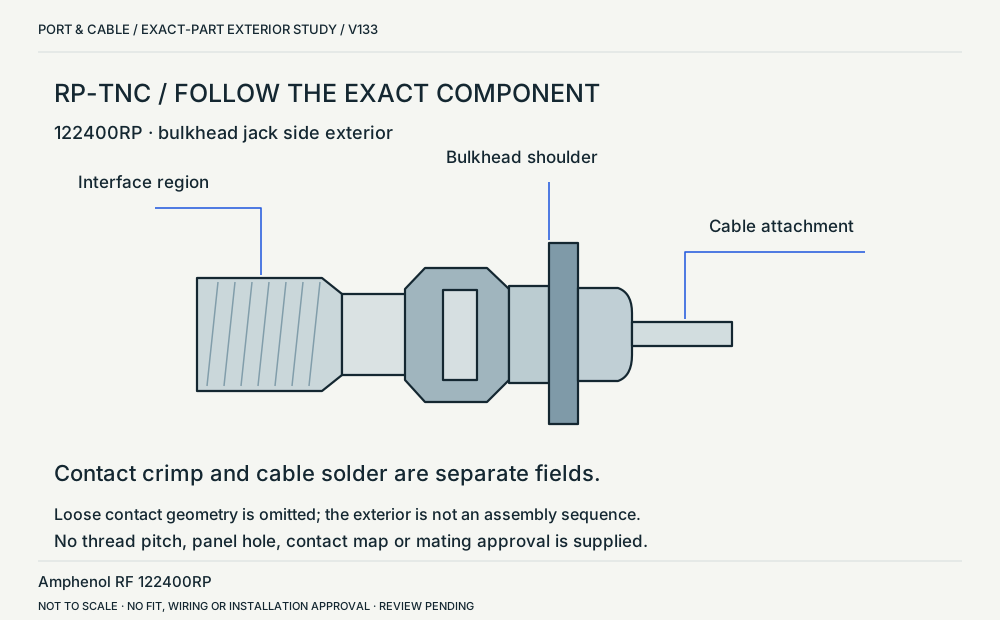 RP-TNC / exact bulkhead jack bodyP227 · Physical study · Device receptacleSide exterior: interface left, cable attachment rightView sources and limits (private workspace)SMA coaxial connectorP063 · Inherited study · Cable plug / cable endExample threaded plug-side front concept; contact convention, not a mating gaugeView sources and limits (private workspace)
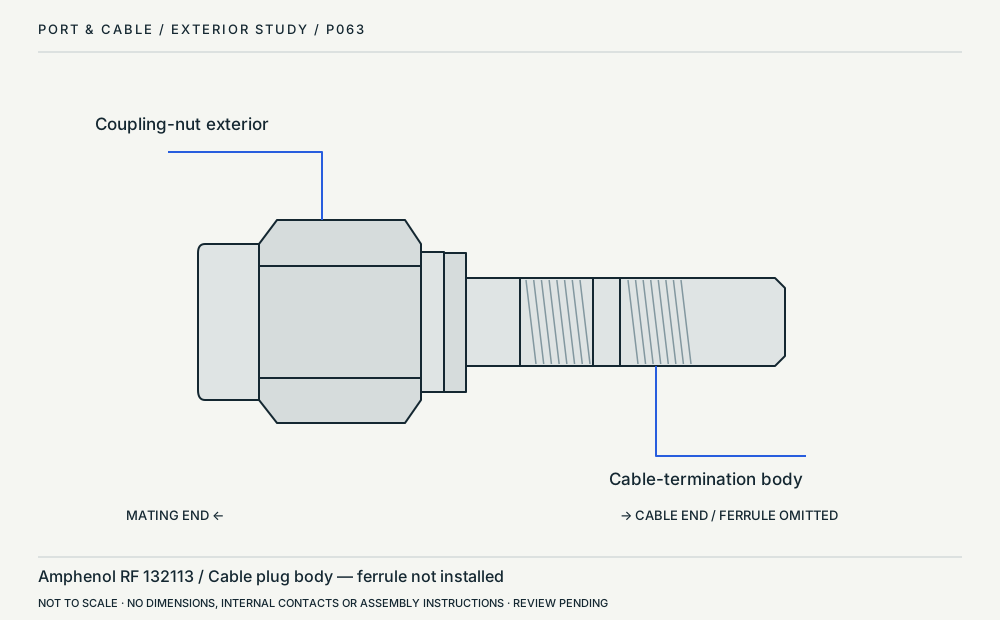 SMA cable-plug body / side profileP063 · Physical study · Cable plug / cable endOrthographic side profileView sources and limits (private workspace)
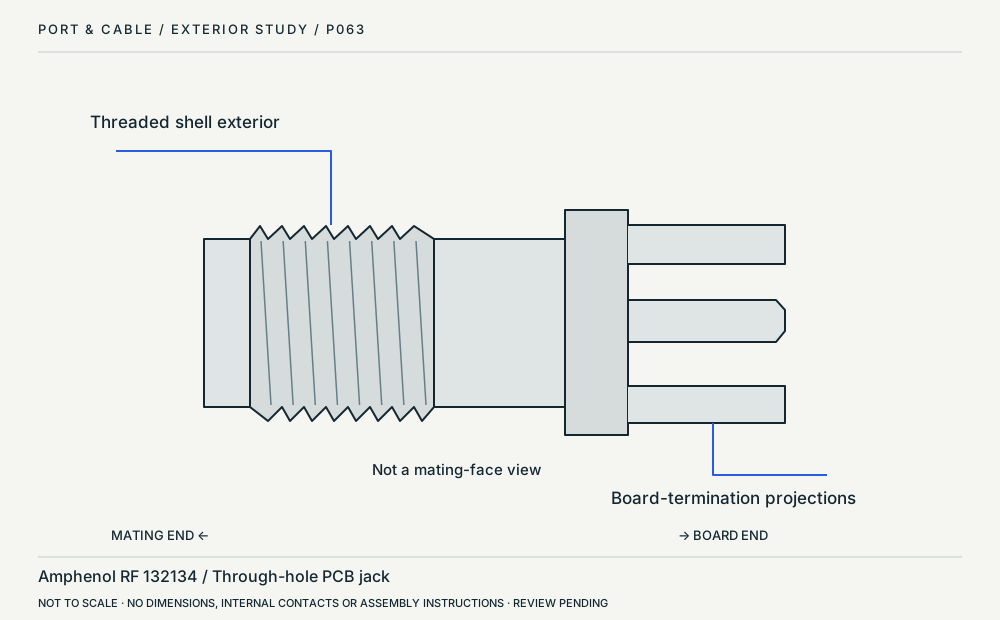 SMA through-hole board jack / side profileP063 · Physical study · Device receptacleOrthographic side profileView sources and limits (private workspace)
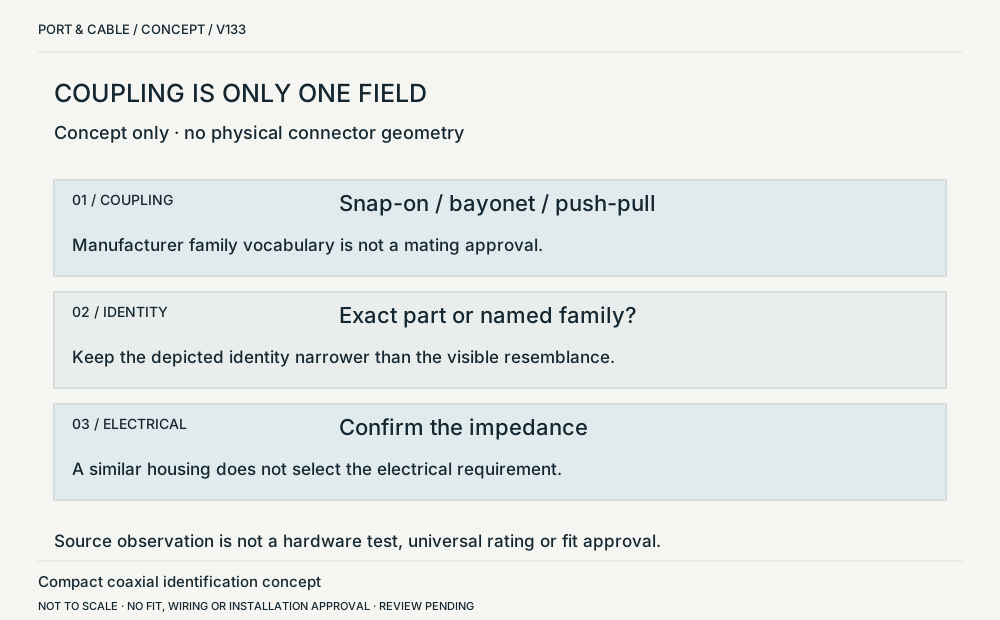 Coupling / identity / electrical requirementP230 · Concept · Concept onlyThree separate text fields; no physical geometryView sources and limits (private workspace)
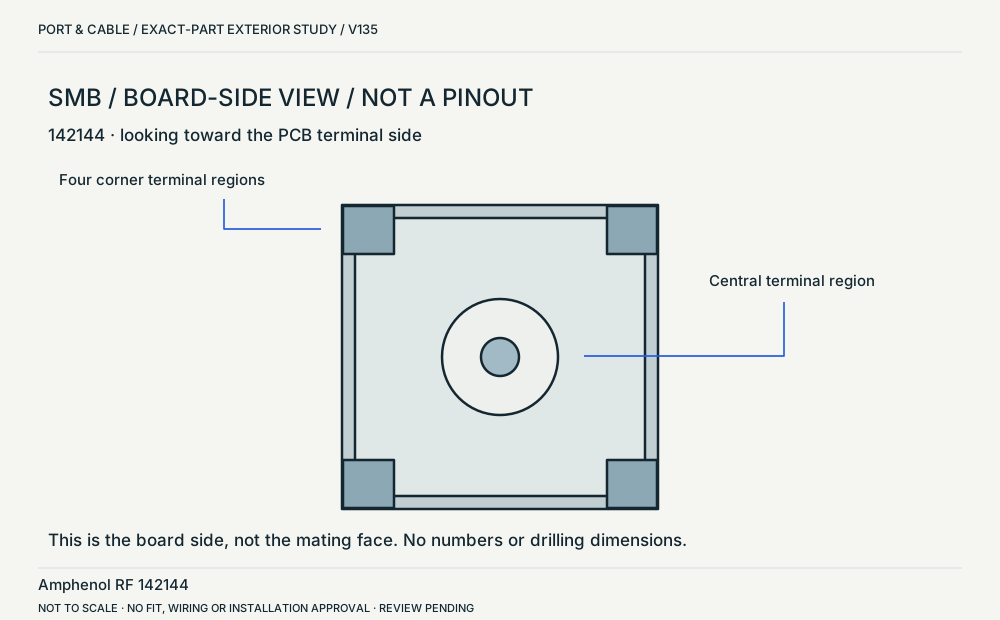 SMB 142144 / board-side exteriorP230 · Physical study · Board headerView toward board-side terminals; not a mating-face viewView sources and limits (private workspace)
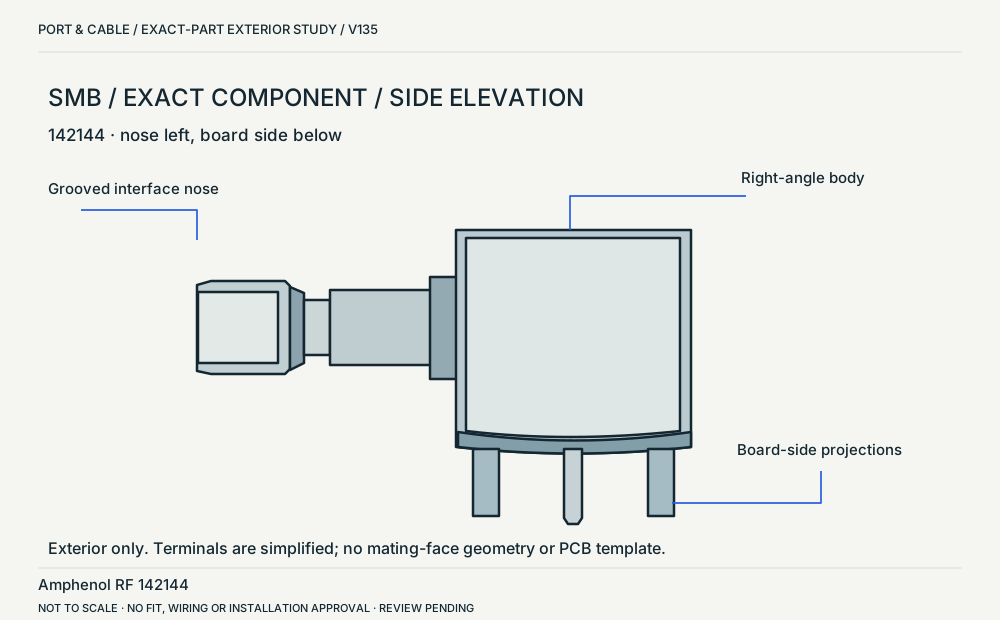 SMB 142144 / side elevationP230 · Physical study · Board headerSide elevation: mating nose left, PCB terminal side belowView sources and limits (private workspace)
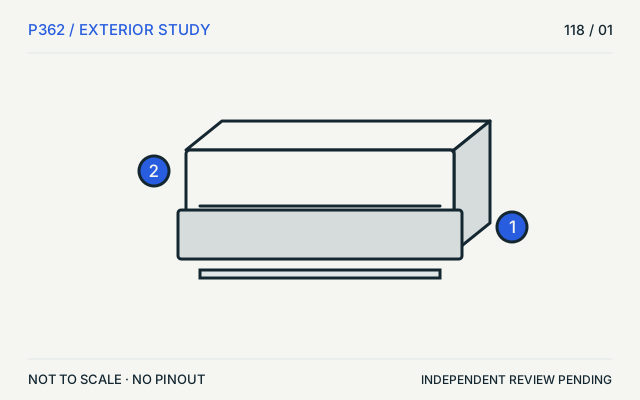 TE FPC / bottom contactP362 · Physical study · Board headerSimplified top/exterior viewView sources and limits (private workspace)
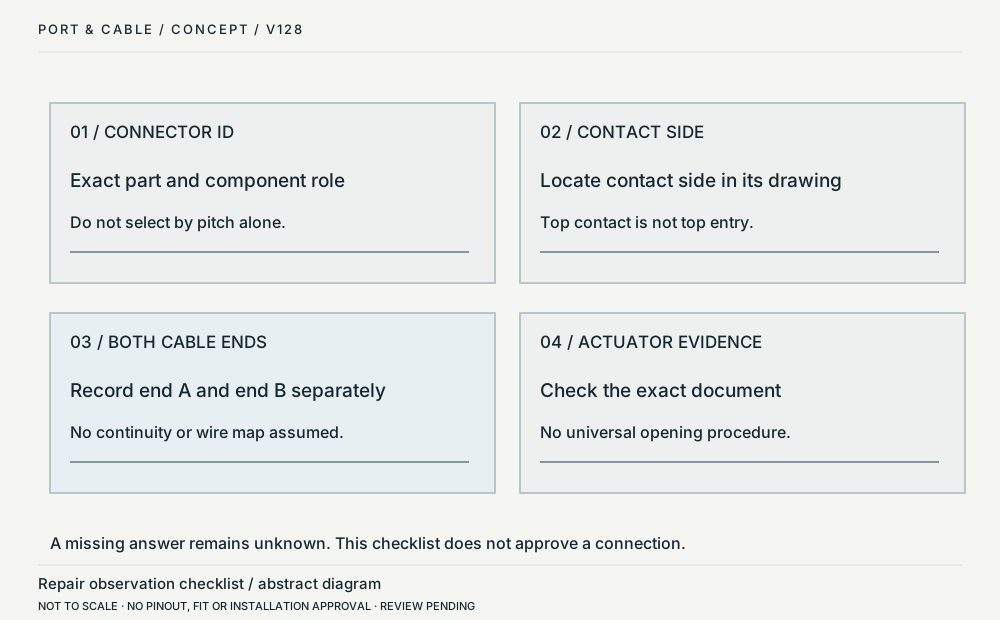 Record both cable endsP362 · Concept · Concept onlyFour labelled evidence boxes, no physical componentView sources and limits (private workspace)
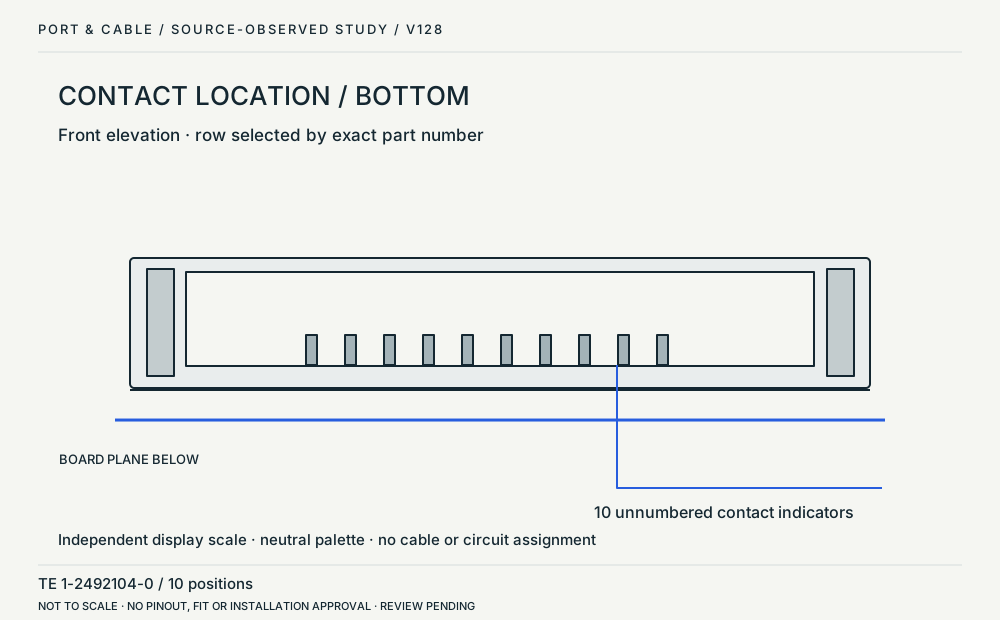 Bottom-contact example / front elevationP362 · Physical study · Board headerFront elevation at the cable-entry edgeView sources and limits (private workspace)
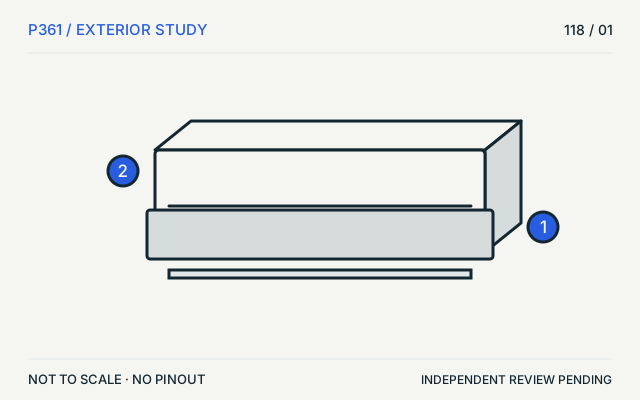 TE FPC / top contactP361 · Physical study · Board headerSimplified top/exterior viewView sources and limits (private workspace)
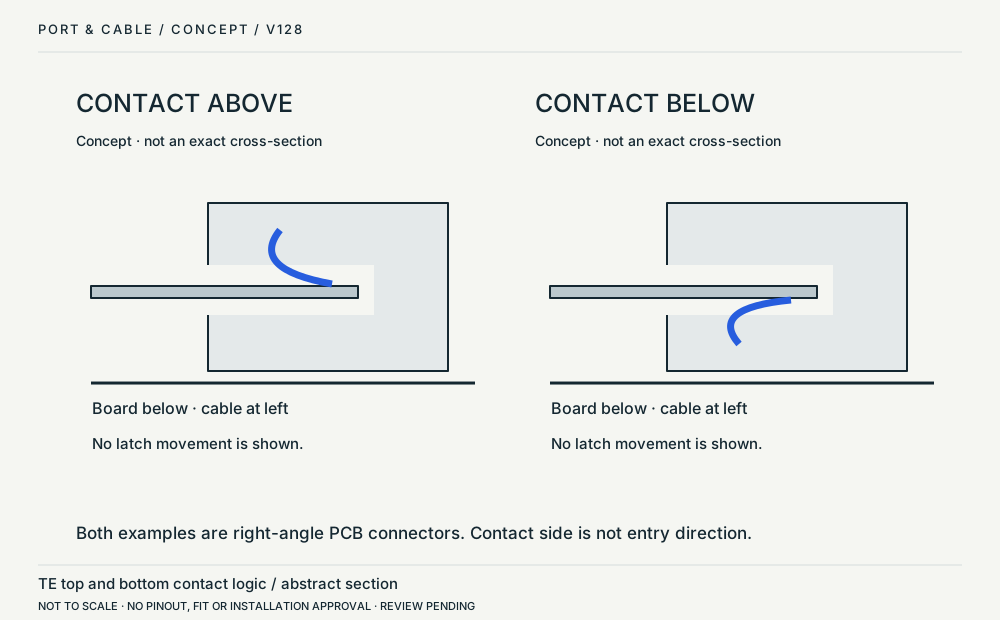 Contact side / board orientationP361 · Concept · Concept onlyTwo abstract cross-sections, not exact hardware viewsView sources and limits (private workspace)
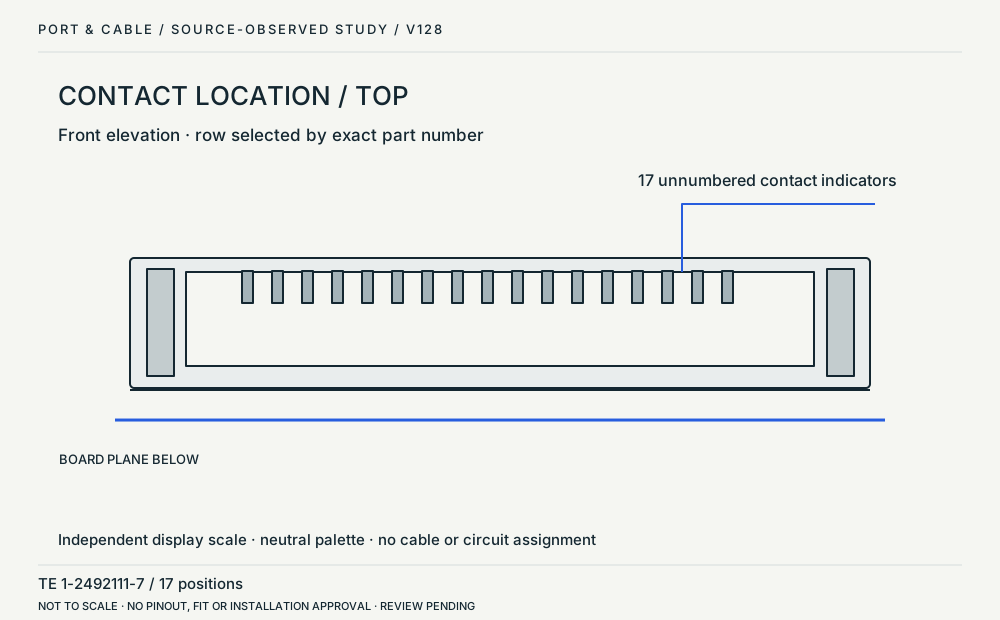 Top-contact example / front elevationP361 · Physical study · Board headerFront elevation at the cable-entry edgeView sources and limits (private workspace)
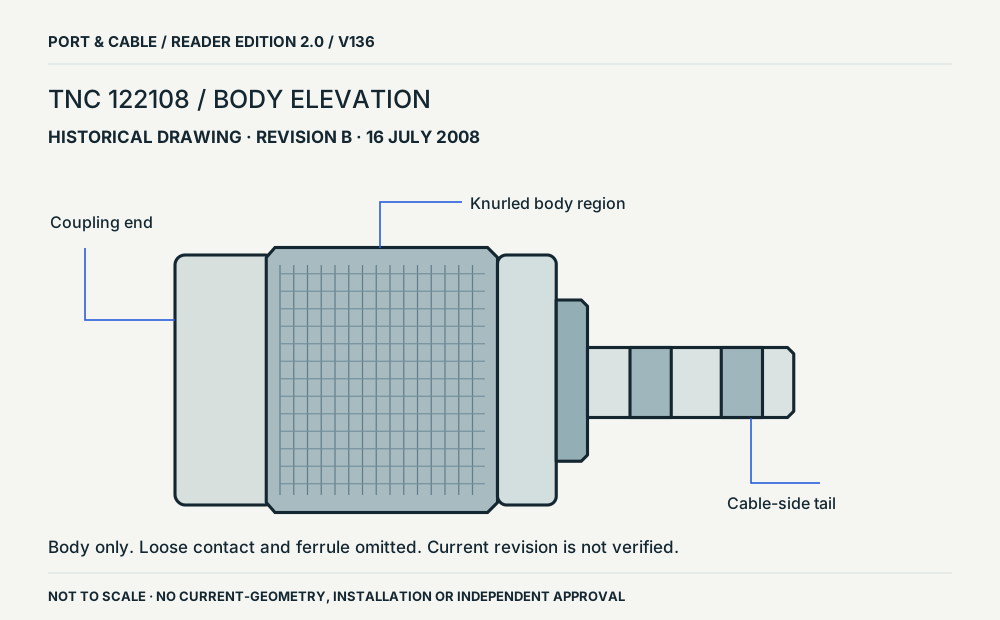 TNC 122108 / revision B bodyP226 · Physical study · Cable plug / cable endSide elevation: coupling end left, cable-side tail rightView sources and limits (private workspace)
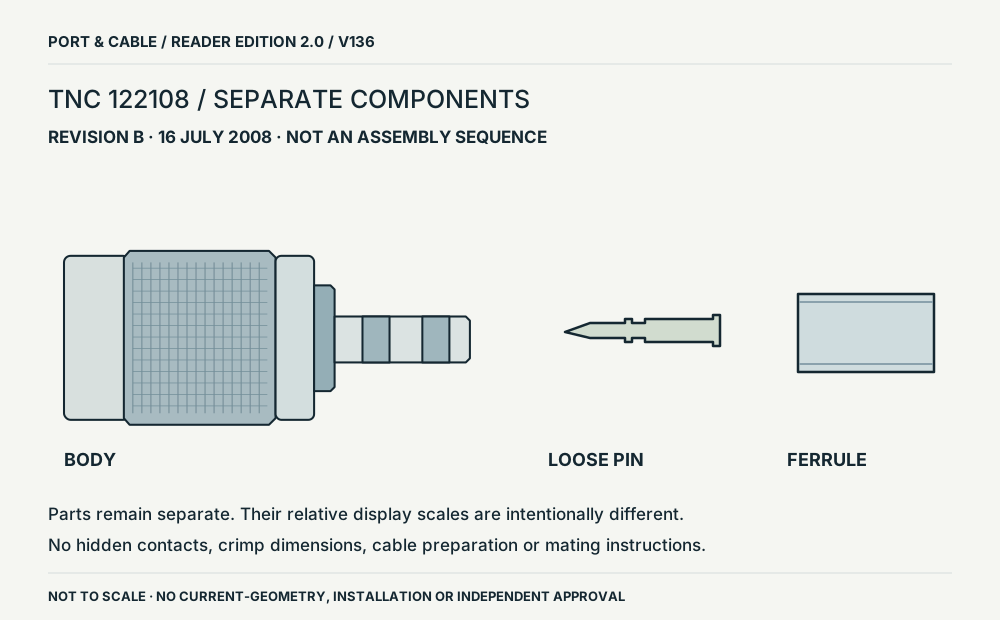 TNC 122108 / revision B separate componentsP226 · Physical study · Cable plug / cable endBody, loose contact pin and ferrule shown separately; relative scale intentionally not sharedView sources and limits (private workspace)
No JavaScript is needed to open a subject group and read its image records. Filters refine this same collection; they do not infer compatibility.
See the difference side by side.
Open a subject to read the original visual comparisons, accessible text explanations and source limits. These are teaching diagrams, not wiring or dimensional drawings.
USB & displays 11 plates
Application comparison / concept only
DVI: route analog or convert digital
The adapter model matters more than its outline.
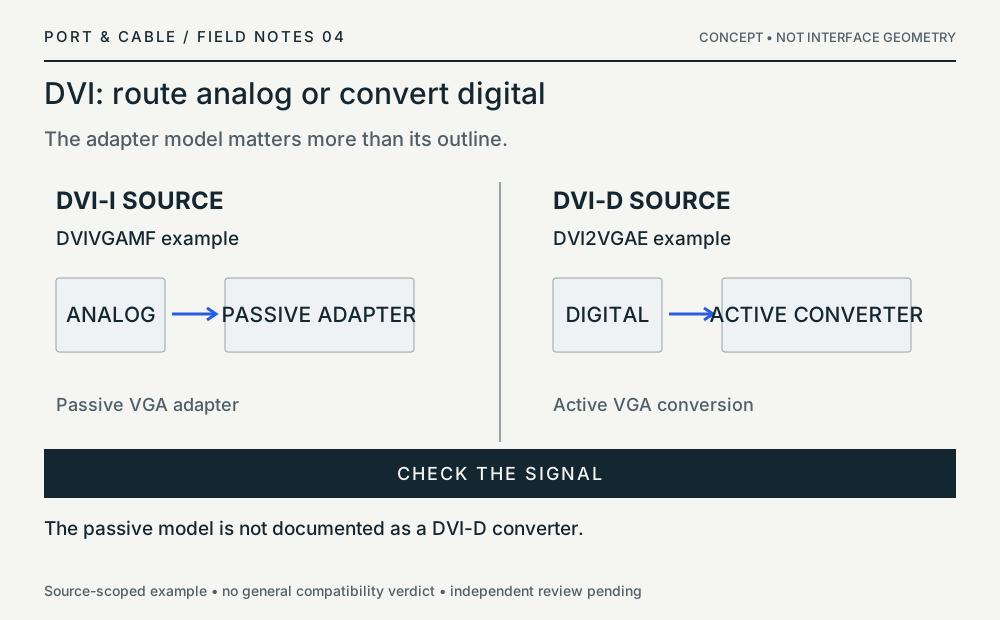
Application comparison / concept only
Read the converter from input to output
Two connector names are not a bidirectional promise.
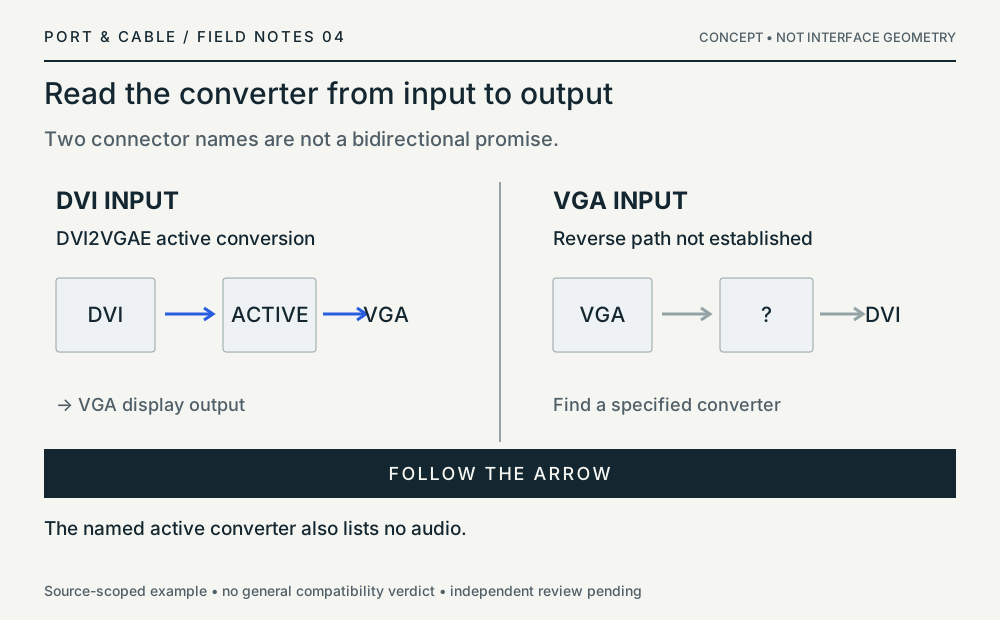
Not a general compatibility verdict. S493
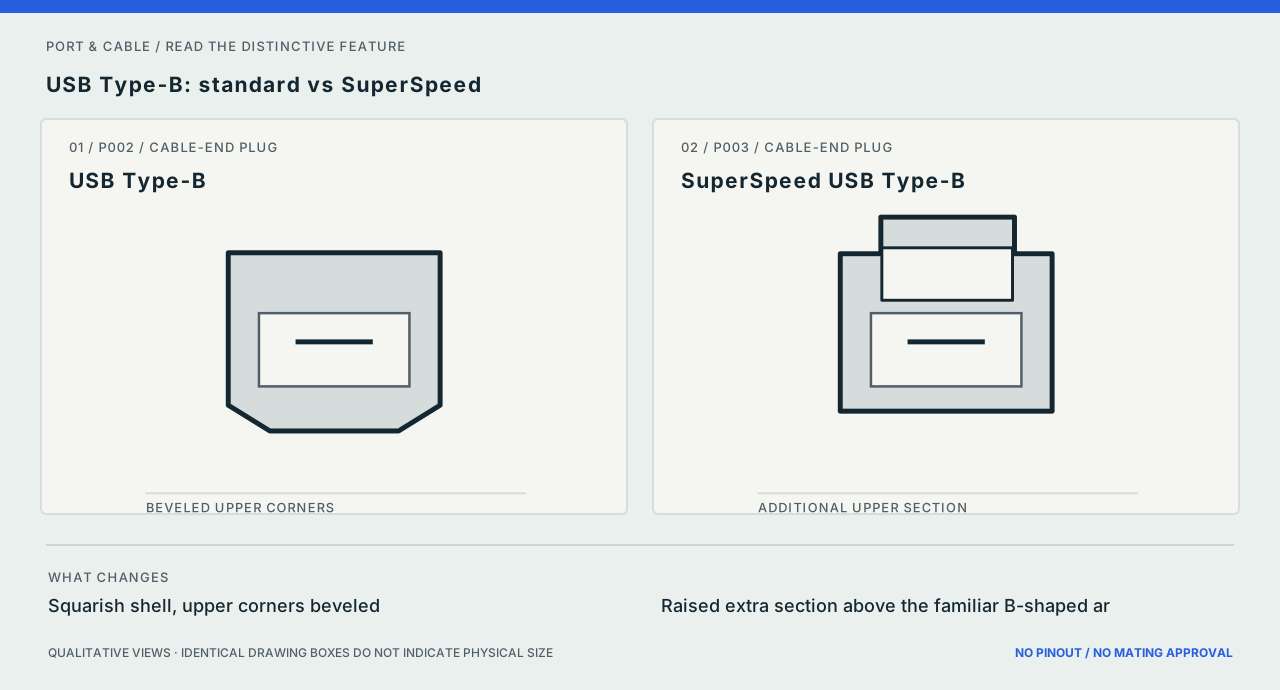
P002 / P003
USB Type-B: standard vs SuperSpeed
Inspect the difference ↗The extra section changes plug-to-receptacle fit. Compare the actual device port before selecting a cable.
Source scope and original art
The difference shown is a manufacturer-described external shape, not a contact map. The original vectors contain no third-party image assets. Prior documentary source inspection dates are inherited, not independently refreshed.
Exact references: USB Type-B and SuperSpeed USB Type-B.
Source ledger: S001.
Read each promise separately
A cable power marking is not a video specification
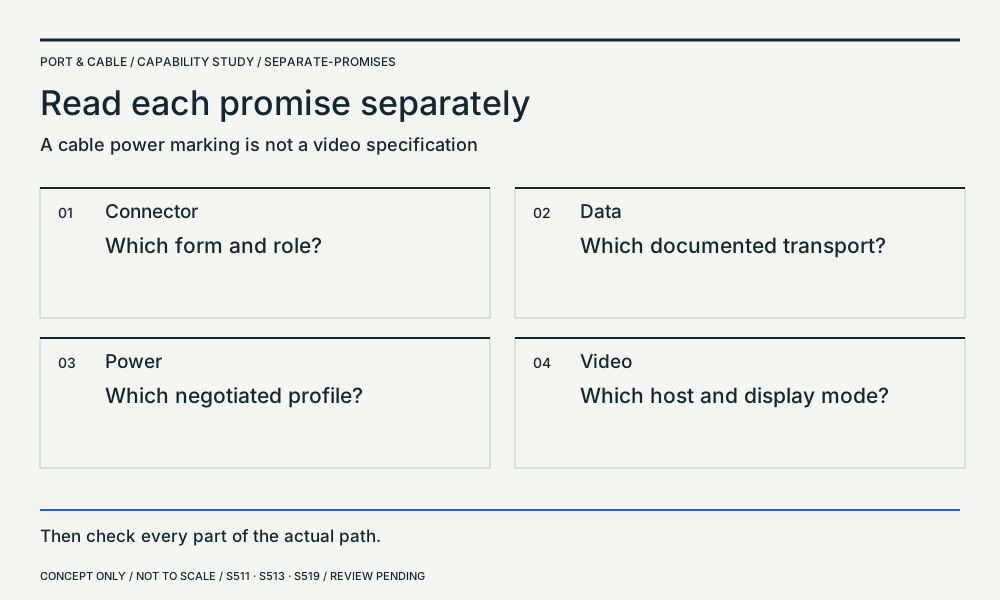
- Connector: Which form and role?
- Data: Which documented transport?
- Power: Which negotiated profile?
- Video: Which host and display mode?
Then check every part of the actual path.
USB Type-C → · USB Power Delivery overview → · USB-C to DisplayPort: cable requirements →
An old cable is not one category
USB4 v2 source scope distinguishes passive from active
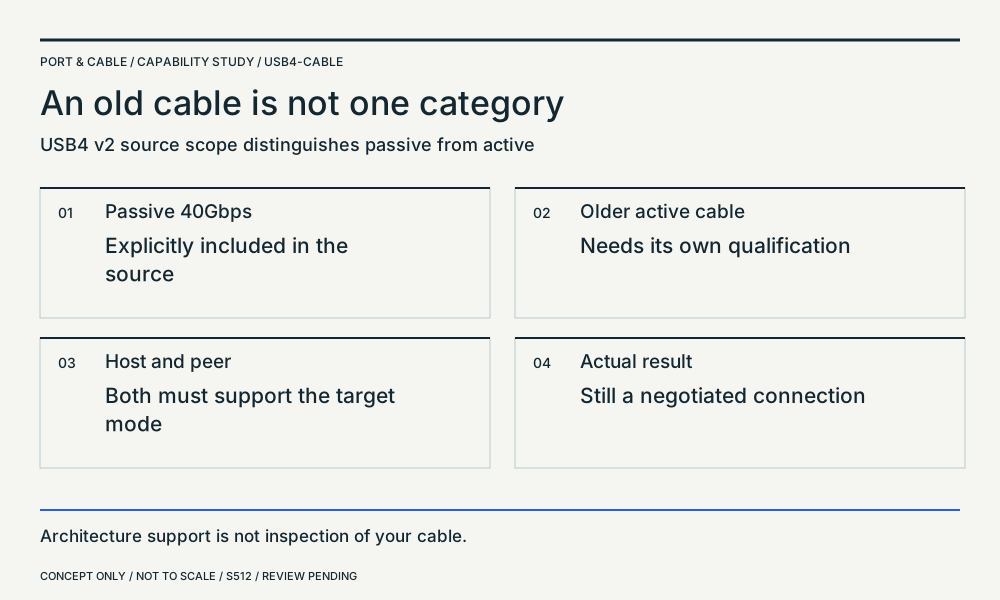
- Passive 40Gbps: Explicitly included in the source
- Older active cable: Needs its own qualification
- Host and peer: Both must support the target mode
- Actual result: Still a negotiated connection
Architecture support is not inspection of your cable.
State both directions
The higher number is not symmetric bandwidth
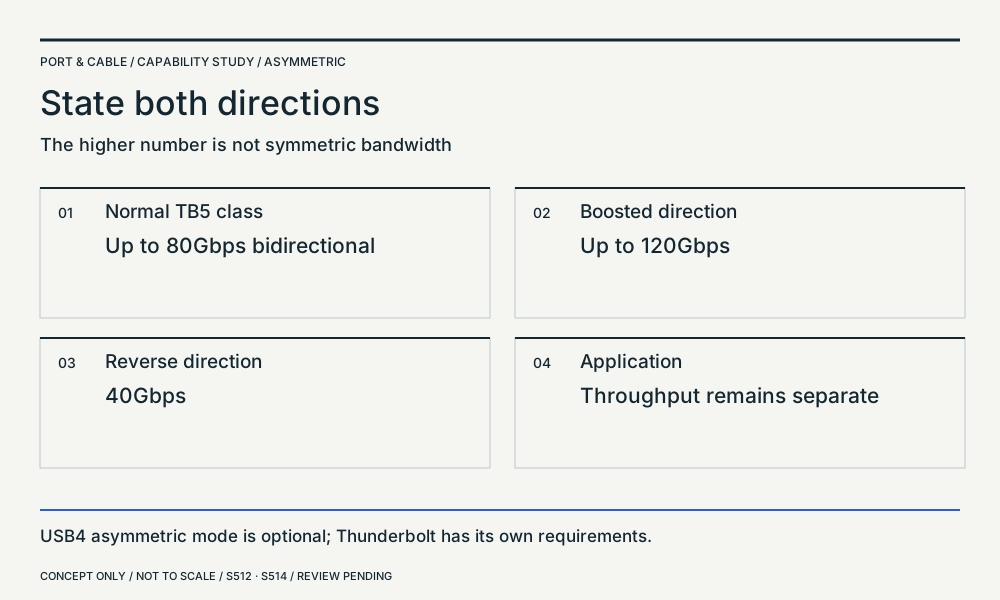
- Normal TB5 class: Up to 80Gbps bidirectional
- Boosted direction: Up to 120Gbps
- Reverse direction: 40Gbps
- Application: Throughput remains separate
USB4 asymmetric mode is optional; Thunderbolt has its own requirements.
Video out. Power in.
Data and power roles need not point the same way
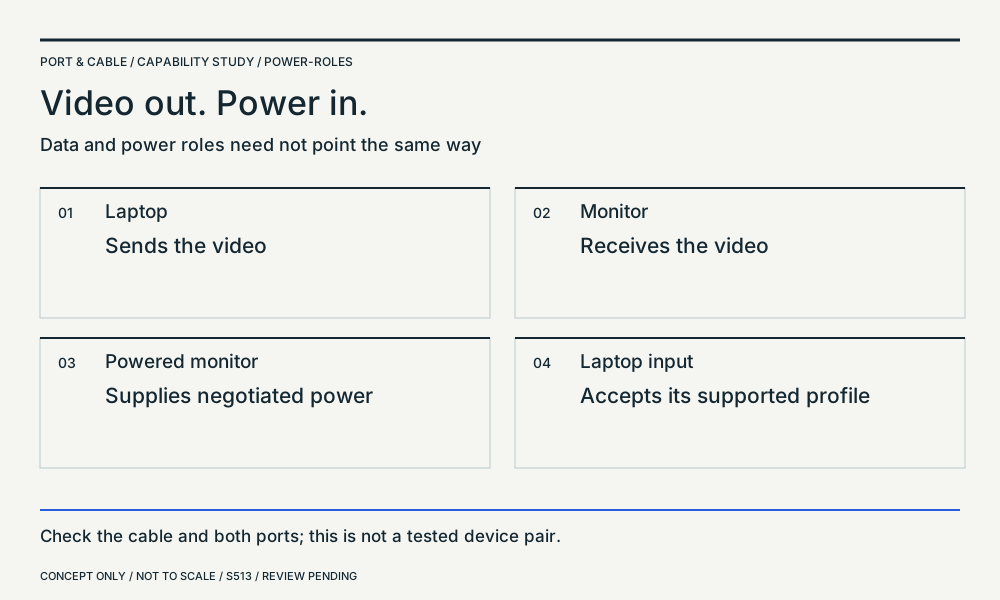
- Laptop: Sends the video
- Monitor: Receives the video
- Powered monitor: Supplies negotiated power
- Laptop input: Accepts its supported profile
Check the cable and both ports; this is not a tested device pair.
USB Power Delivery overview → · USB-C to DisplayPort: cable requirements →
Cable class is not port capability
Two similar names answer different questions
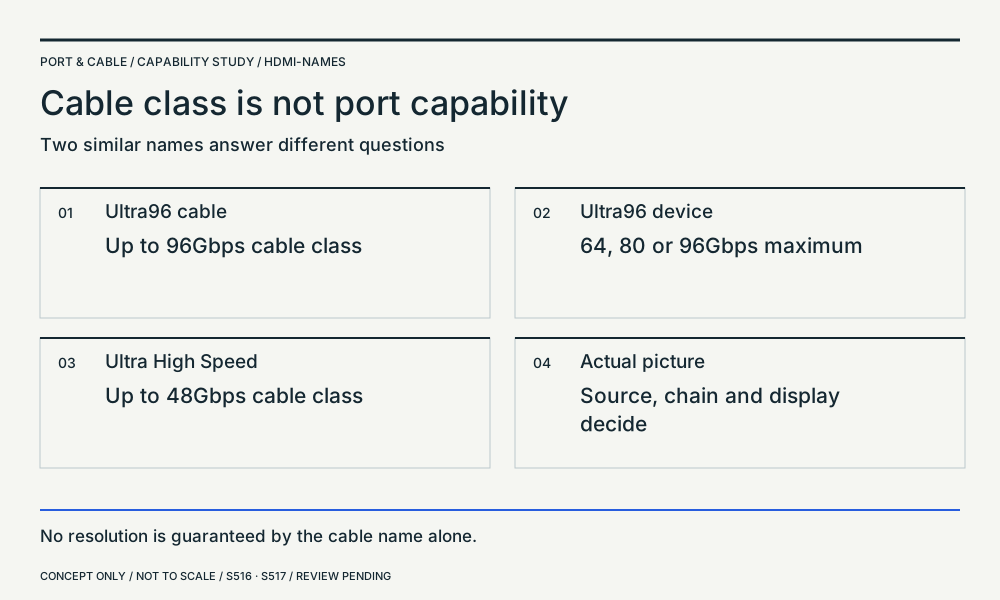
- Ultra96 cable: Up to 96Gbps cable class
- Ultra96 device: 64, 80 or 96Gbps maximum
- Ultra High Speed: Up to 48Gbps cable class
- Actual picture: Source, chain and display decide
No resolution is guaranteed by the cable name alone.
HDMI 2.2 overview → · Ultra High Speed HDMI cable class → · Ultra96 HDMI cable class →
Read the rate beneath the version
DisplayPort 2.1b is not shorthand for UHBR20
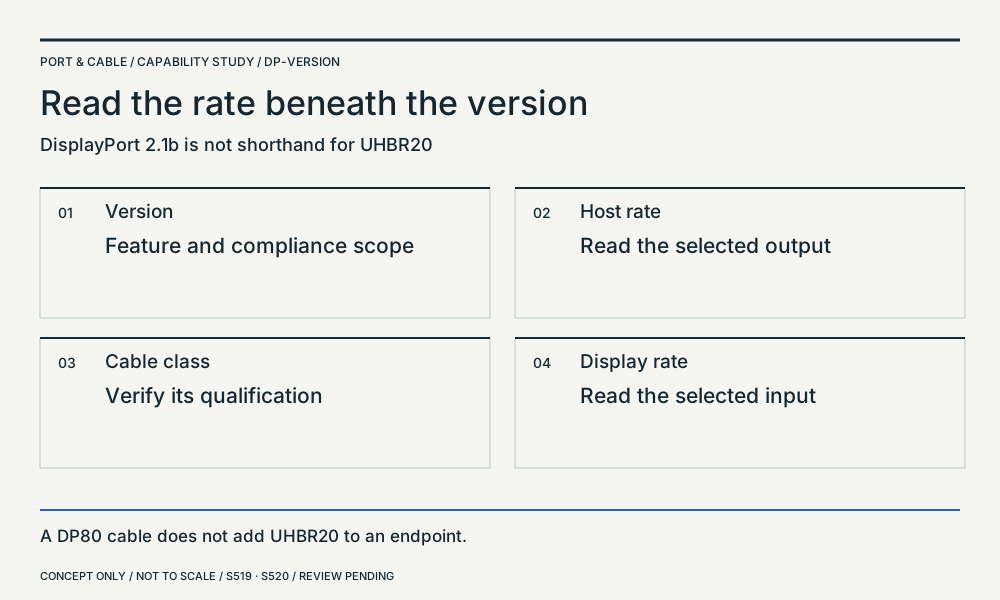
- Version: Feature and compliance scope
- Host rate: Read the selected output
- Cable class: Verify its qualification
- Display rate: Read the selected input
A DP80 cable does not add UHBR20 to an endpoint.
The ends have jobs
HDMI Cable Power and active cable direction
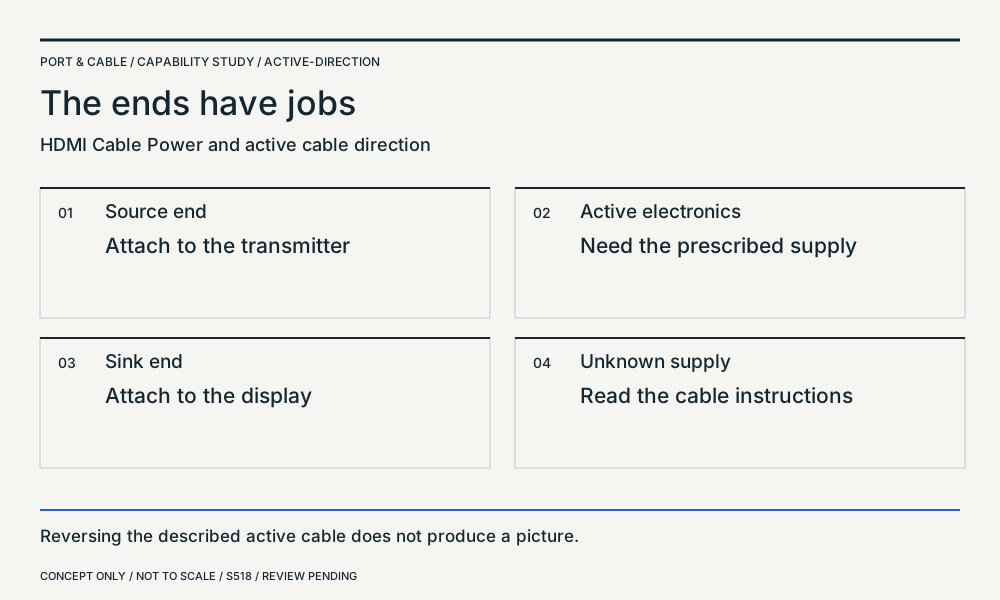
- Source end: Attach to the transmitter
- Active electronics: Need the prescribed supply
- Sink end: Attach to the display
- Unknown supply: Read the cable instructions
Reversing the described active cable does not produce a picture.
HDMI Type-A → · Ultra High Speed HDMI cable class → · Ultra96 HDMI cable class →
Same outline. Different display.
Apple Thunderbolt 3 to Thunderbolt 2 Adapter: named scope
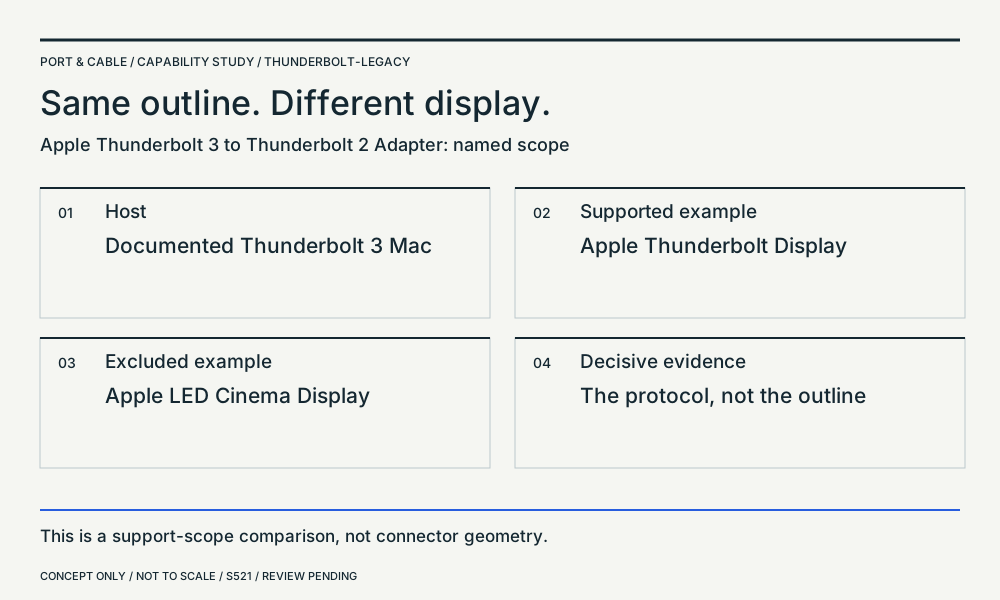
- Host: Documented Thunderbolt 3 Mac
- Supported example: Apple Thunderbolt Display
- Excluded example: Apple LED Cinema Display
- Decisive evidence: The protocol, not the outline
This is a support-scope comparison, not connector geometry.
PC internals & storage 12 plates
Application comparison / concept only
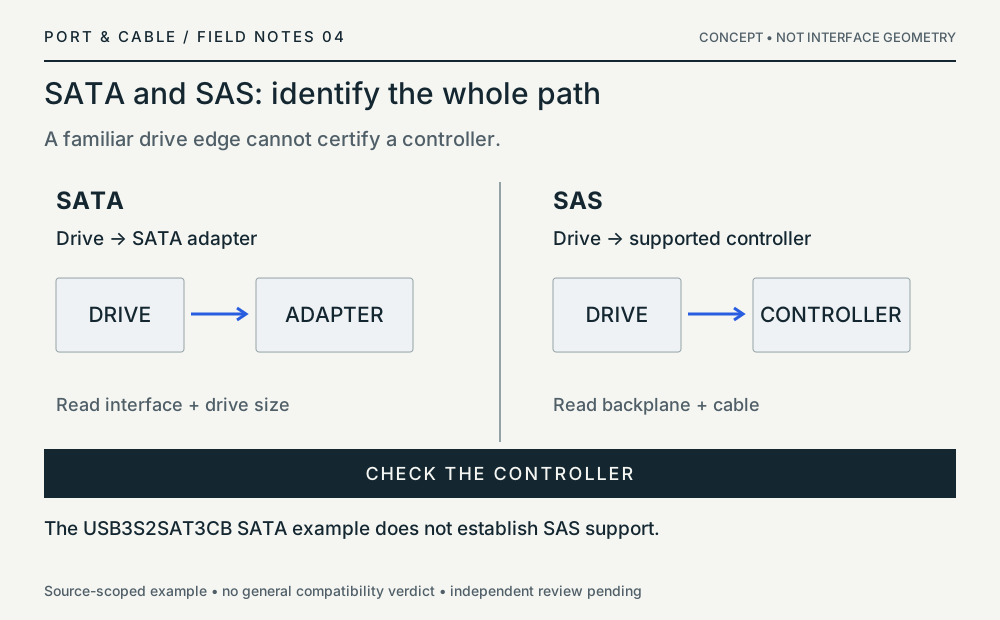
SATA and SAS: identify the whole path
A familiar drive edge cannot certify a controller.
Application comparison / concept only
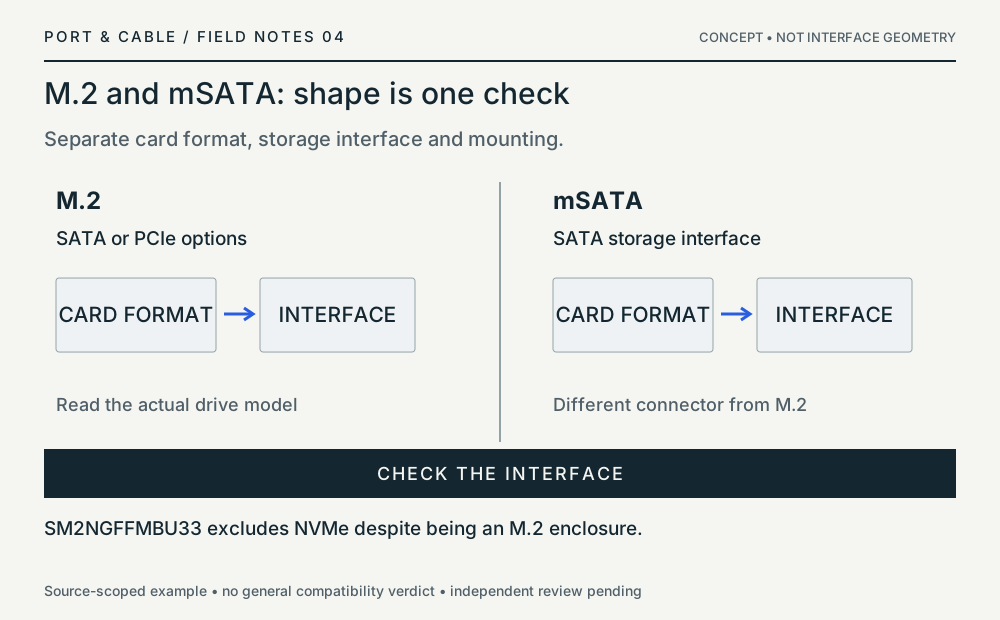
M.2 and mSATA: shape is one check
Separate card format, storage interface and mounting.
Application comparison / concept only
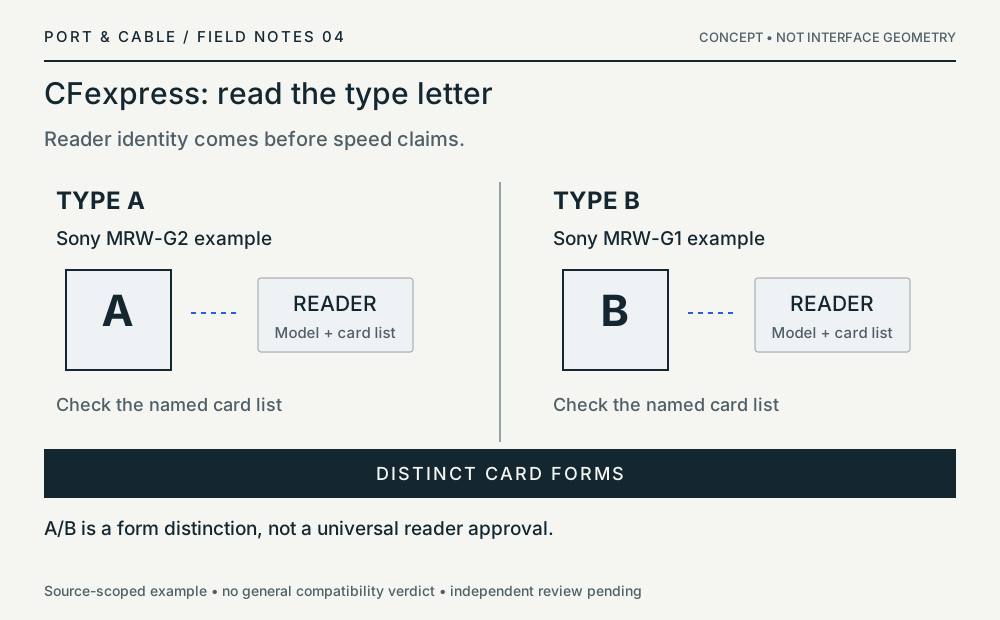
CFexpress: read the type letter
Reader identity comes before speed claims.
Application comparison / concept only
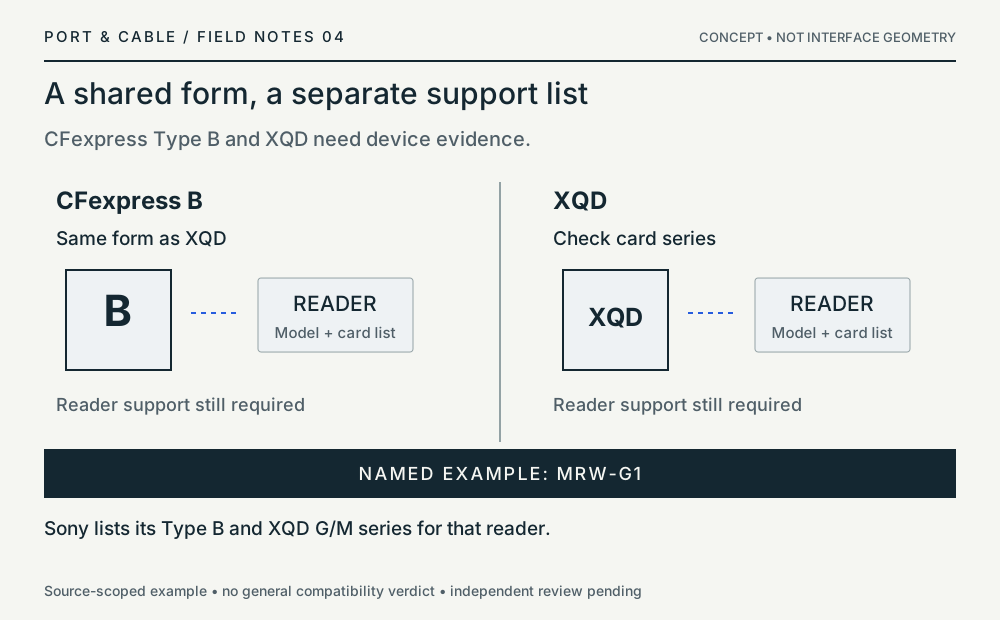
A shared form, a separate support list
CFexpress Type B and XQD need device evidence.
Application comparison / concept only
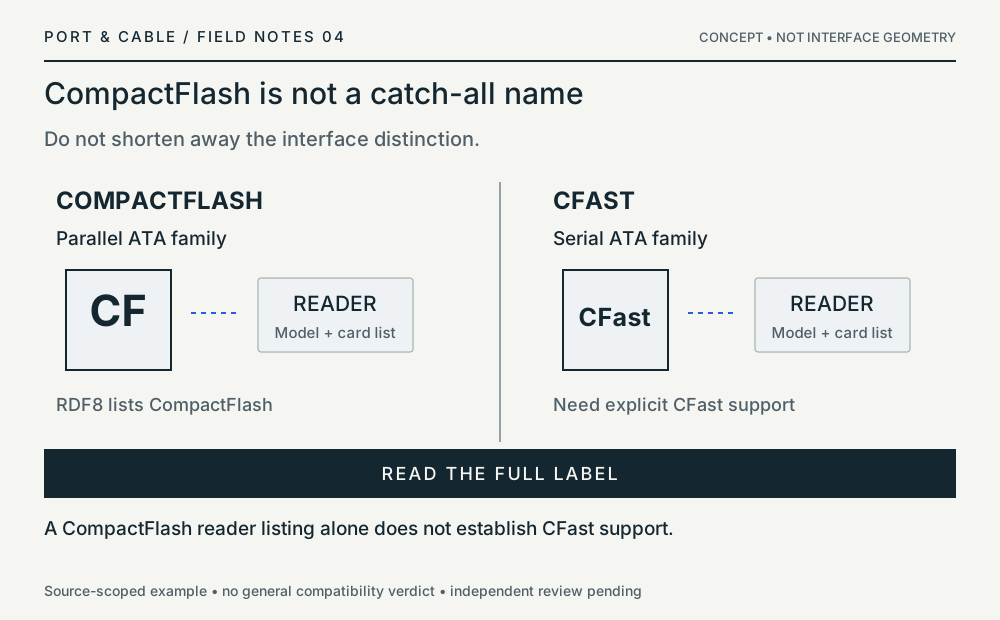
CompactFlash is not a catch-all name
Do not shorten away the interface distinction.
Application comparison / concept only
FireWire: data and power are separate
A six-pin end cannot add contacts at a four-pin end.
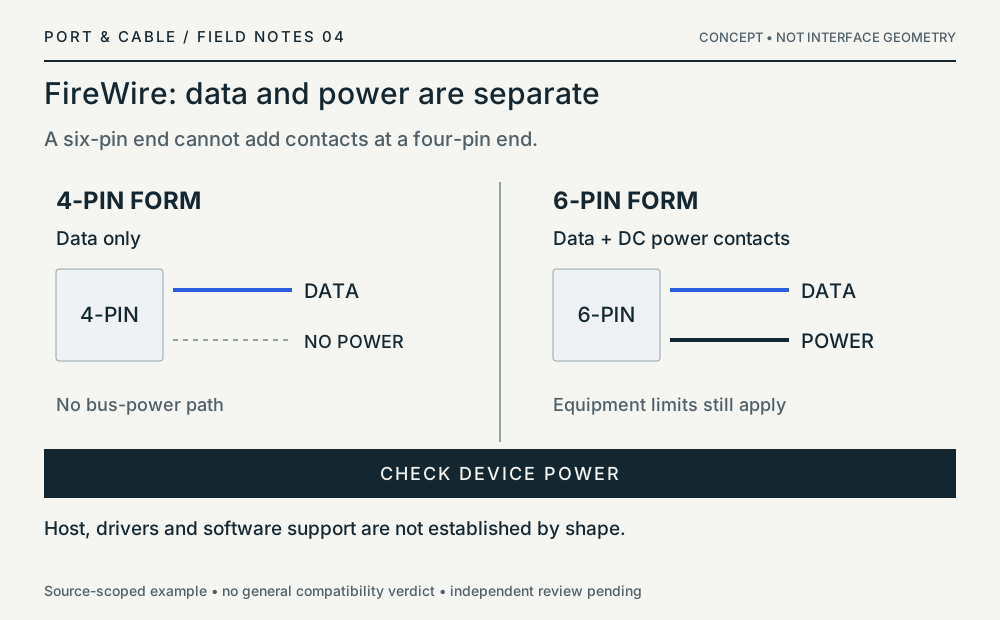
Not a general compatibility verdict. S088
Matching diagram / concept only
Identify both cable ends.
Component role does not settle modular PSU compatibility.
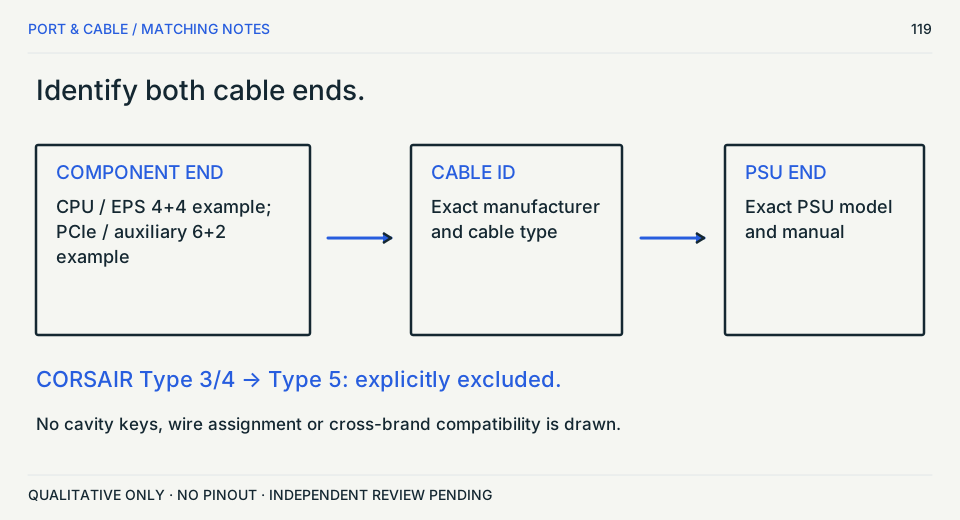
Not a hardware compatibility verdict. S198 · S474 · S489 · S199
Matching diagram / concept only
A count is not a revision.
12 plus 4 is not enough to identify an unknown header.
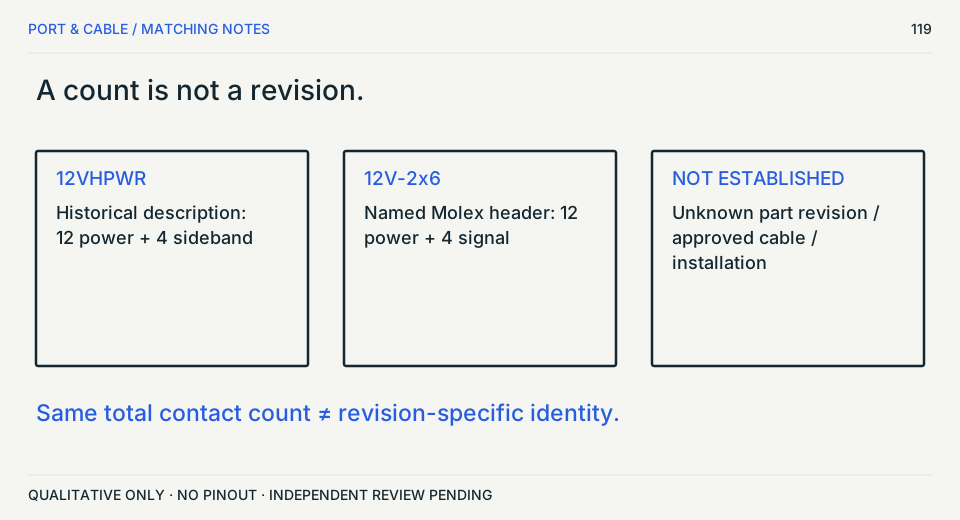
Not a hardware compatibility verdict. S199 · S216 · S280 · S291
Matching diagram / concept only
Fit and speed control differ.
The motherboard manual decides the available control mode.
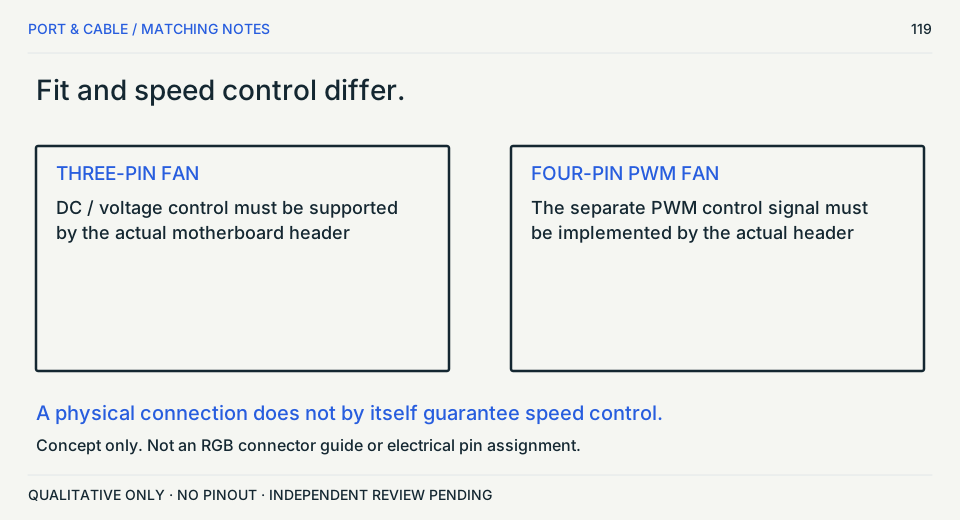
CPU power is not PCIe power
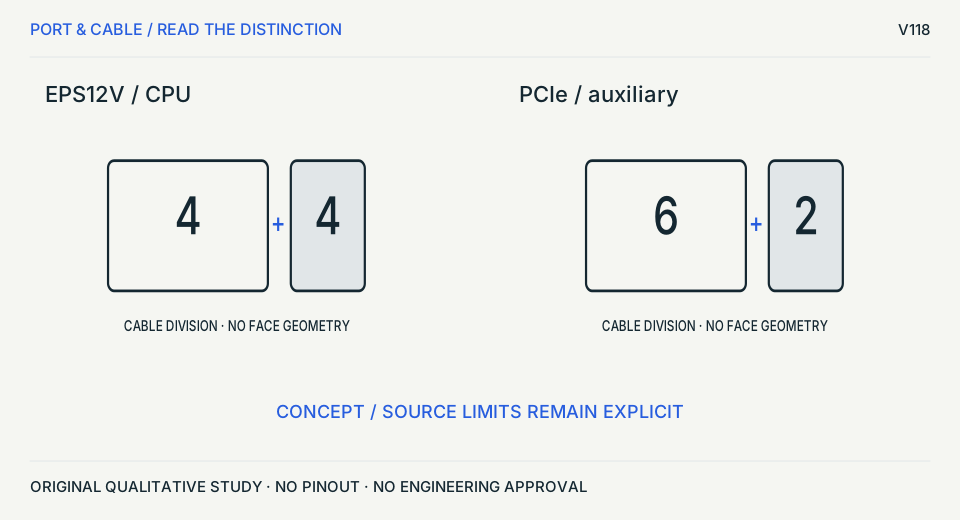
Follow the cable role
8 positions do not make the cables interchangeable.
Before choosing
Check the component-end label and exact PSU compatibility; do not use a drawn split as a wiring map.
Source trail and unknowns
- S198 · Intel — ATX Version 3.0 — +12 V Power Connector
+12 V CPU power connector section
Documents 4-pin and 8-pin +12 V processor power connector forms; V36 uses only the 8-pin form for identification. Identification/reference scope only. V36 does not convert this source into a universal pinout, fabrication drawing, electrical approval or end-to-end compatibility verdict.
- S199 · Intel — ATX Version 3.0 — PCI Express add-in card connectors
PCIe auxiliary power connector section
Identifies legacy 2x3 and 2x4 PCIe auxiliary-power forms and the 12VHPWR form with twelve larger power contacts plus four smaller sideband contacts. Identification/reference scope only. V36 does not convert this source into a universal pinout, fabrication drawing, electrical approval or end-to-end compatibility verdict.
- S474 · CORSAIR — Which PSU cables go where? — EPS and PCIe sections
4-pin ATX12V / 8-pin EPS12V and 6-pin / 6+2-pin PCIe sections. Text inspected; linked product images could not be retrieved.
Split-cable examples and CPU/PCIe role distinction only. No physical mating-face art is authorized by this text inspection. Only the exact named source/example supports the observation. No universal mating, wiring, maximum rating or mechanical tolerance is inferred. Not identified; retrieval is not a revision date.
Original vector work; no source image bytes. Independent drawing, rights and publication approval remain pending.
A shared count does not identify a generation
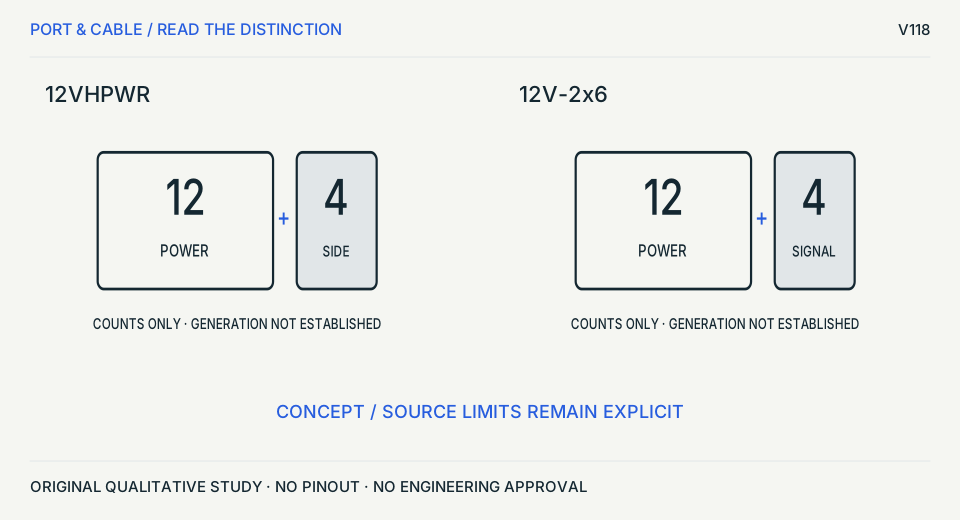
Read the exact header designation
12 + 4 is shared information, not a verdict.
Before choosing
Find the manufacturer part and revision-specific drawing; contact-length differences remain unillustrated here.
Source trail and unknowns
- S199 · Intel — ATX Version 3.0 — PCI Express add-in card connectors
PCIe auxiliary power connector section
Identifies legacy 2x3 and 2x4 PCIe auxiliary-power forms and the 12VHPWR form with twelve larger power contacts plus four smaller sideband contacts. Identification/reference scope only. V36 does not convert this source into a universal pinout, fabrication drawing, electrical approval or end-to-end compatibility verdict.
- S216 · Intel — ATX Version 3.0 — PCIe auxiliary power connector assignments
Tables 5-4, 5-5 and 5-7; 12VHPWR connector description
Engineering-sidecar source for legacy PCIe 2x3/2x4 assignments and the ATX 3.0 12VHPWR 12+4 assignment/3.0 mm power-contact spacing context. Exact ATX 3.0 design-guide scope only. 12VHPWR is retained as the documented historical form and must not be silently generalized to later 12V-2x6 revisions or proprietary modular-PSU connectors.
- S280 · Molex — Micro-Fit+ PCIe CEM5 12V-2x6 header
Part details and PCIe CEM5 12V2x6 product specification
Identifies a 16-circuit PCIe CEM5 12V-2x6 header with 12 power and 4 signal circuits. V43 does not generalize current capacity or approve cabling. Identification/reference scope only. V43 does not convert this source into a universal pinout, fabrication drawing, electrical approval, protocol guarantee or end-to-end compatibility verdict.
- S291 · Molex — Micro-Fit+ PCIe CEM5 12V-2x6 header engineering details
Part details and product customer drawing 2191160001-SD
Engineering-scoped inspection of Molex 2191161161: 16 circuits arranged as 12 power plus 4 signal, three rows, 3.00 mm mating pitch, right-angle male shrouded header, polarization and first-mate/last-break property. V44 does not copy a 12VHPWR logical pinout onto 12V-2x6, does not calculate safe power, and does not publish insertion-depth, bend-radius or assembly approval.
Original vector work; no source image bytes. Independent drawing, rights and publication approval remain pending.
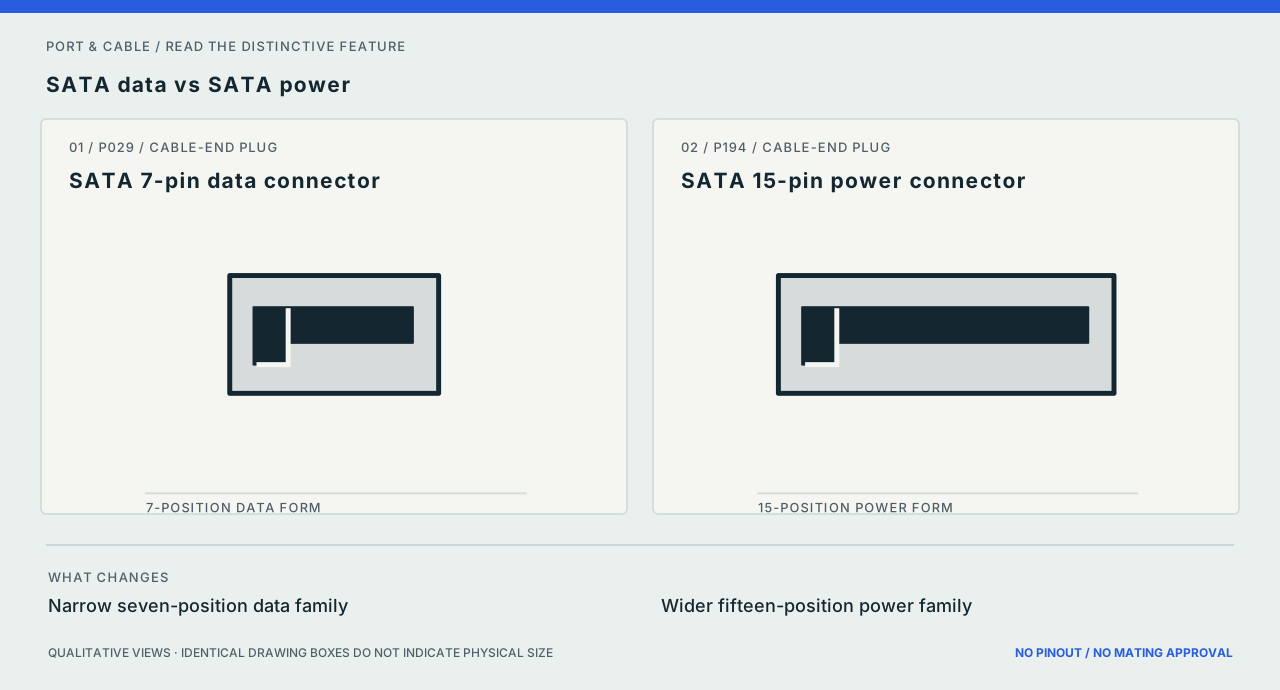
P029 / P194
SATA data vs SATA power
Inspect the difference ↗Both are separately keyed connectors. Confirm drive, cable and power-supply implementation before assembly.
Source scope and original art
Positions are named, not drawn as electrical contacts; sizes and key tolerances are unmeasured. The original vectors contain no third-party image assets. Prior documentary source inspection dates are inherited, not independently refreshed.
Exact references: SATA 7-pin data connector and SATA 15-pin power connector.
Audio & legacy 7 plates
Application comparison / concept only
Three contacts, different connector families
Identify the equipment circuit after the housing.
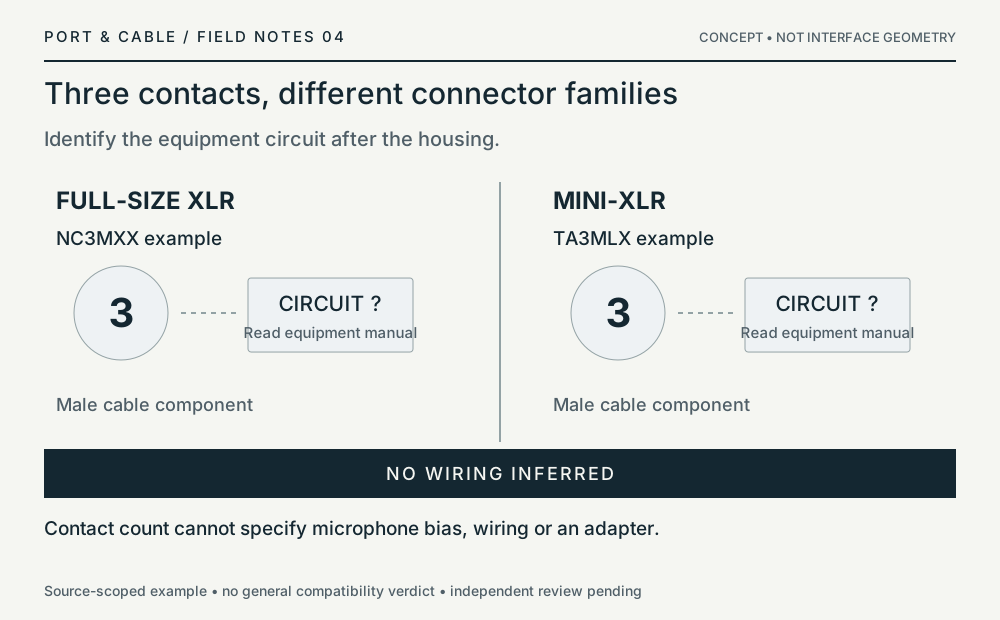
Application comparison / concept only
Two-to-four is not four-to-two
Cable and chassis roles make the difference.
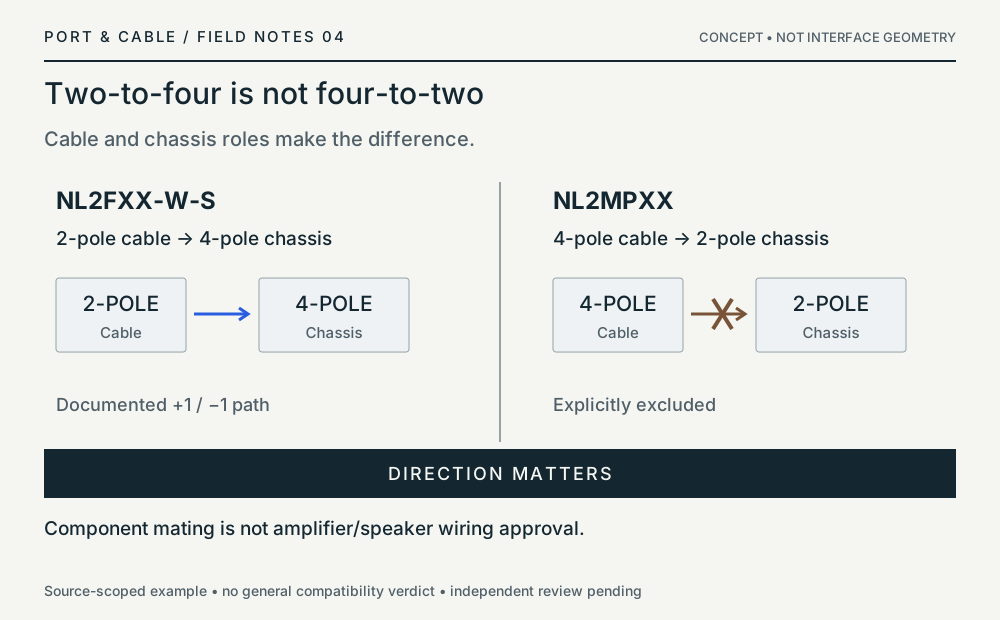
P019 / P020
3.5 mm TRS vs TRRS
Inspect the difference ↗Bands cannot tell you CTIA/OMTP, microphone support or analog/digital function.
Source scope and original art
Band counts are intentional; length, spacing and tip proportions are unmeasured. The original vectors contain no third-party image assets. Prior documentary source inspection dates are inherited, not independently refreshed.
Exact references: 3.5 mm TRS connector and 3.5 mm TRRS connector.
Source ledger: S022 · S023 (historical extract record held in the private workspace; use the current claim evidence).
P021 / P022
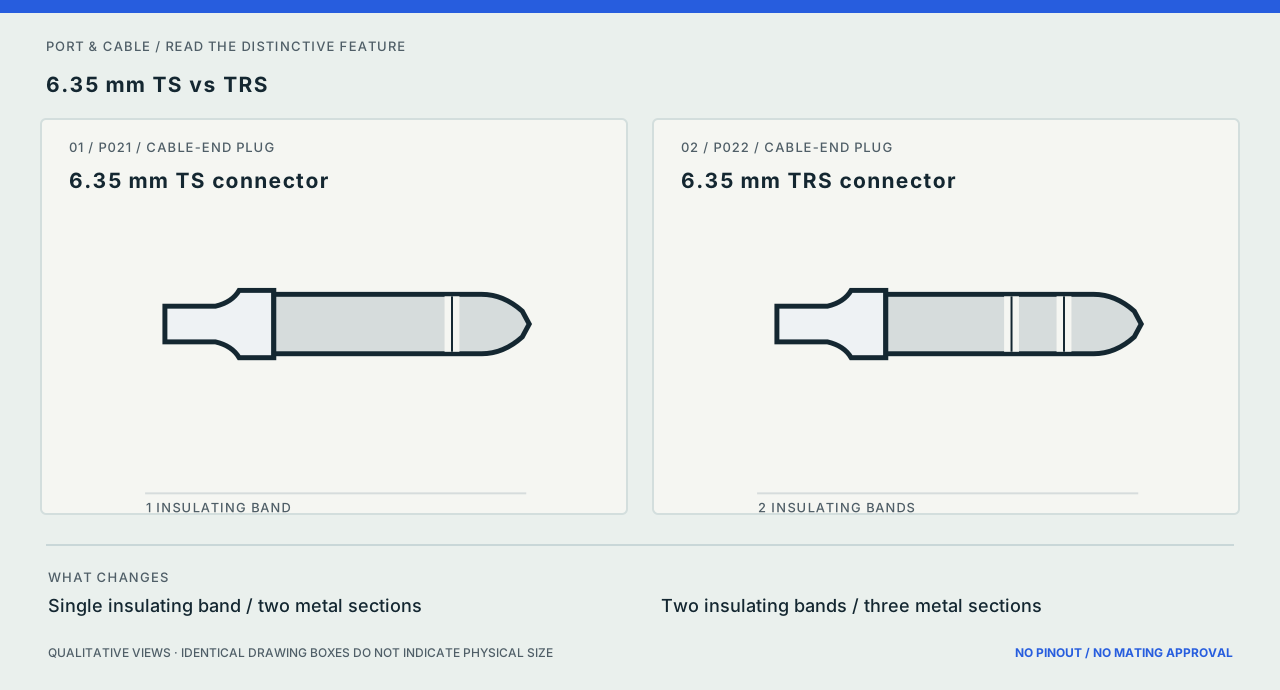
6.35 mm TS vs TRS
Inspect the difference ↗The instrument or balanced-audio role depends on the equipment, not just the plug.
Source scope and original art
Band counts are documented; no geometric scale or wiring assignment. The original vectors contain no third-party image assets. Prior documentary source inspection dates are inherited, not independently refreshed.
Exact references: 6.35 mm TS connector and 6.35 mm TRS connector.
P026 / P126
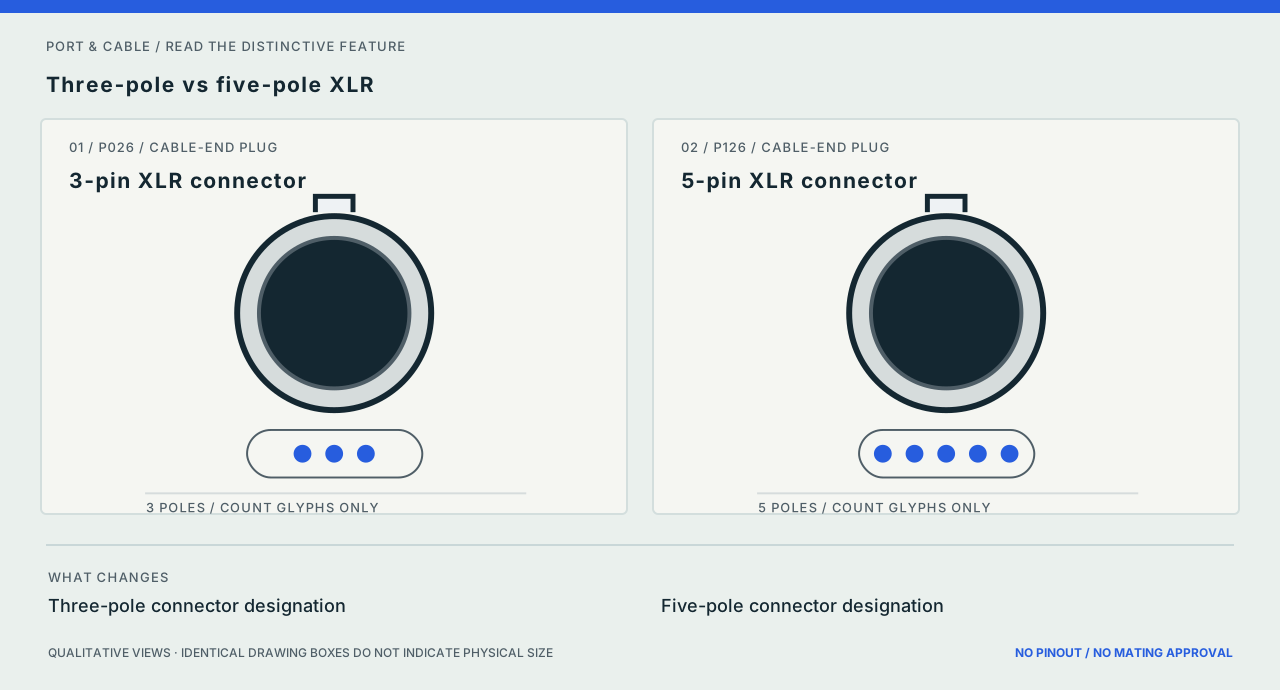
Three-pole vs five-pole XLR
Inspect the difference ↗Pole count, mating gender and device signal assignments must all be confirmed from the exact part.
Source scope and original art
Dots below the body show pole count only; pin location and number are deliberately not drawn. The original vectors contain no third-party image assets. Prior documentary source inspection dates are inherited, not independently refreshed.
Exact references: 3-pin XLR connector and 5-pin XLR connector.
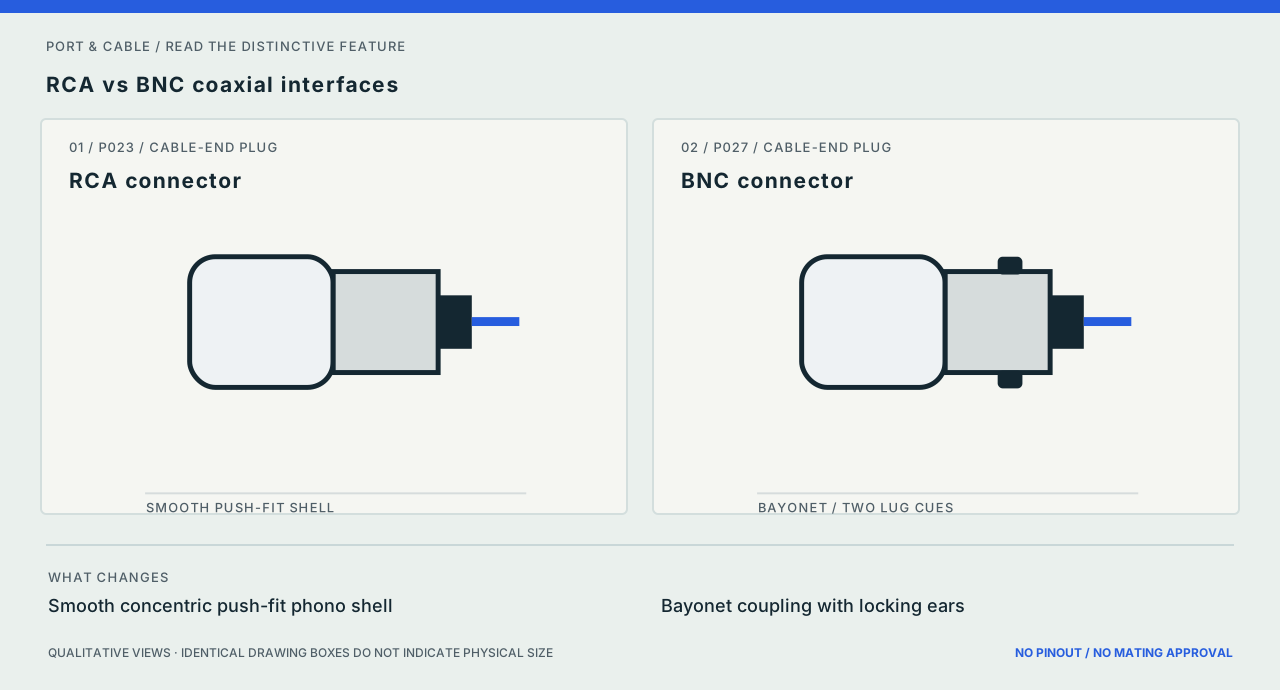
P023 / P027
RCA vs BNC coaxial interfaces
Inspect the difference ↗Similar coaxial construction does not establish impedance, signal type or fit.
Source scope and original art
Center conductors are simplified; no impedance, solder or insertion geometry is represented. The original vectors contain no third-party image assets. Prior documentary source inspection dates are inherited, not independently refreshed.
Exact references: RCA connector and BNC connector.
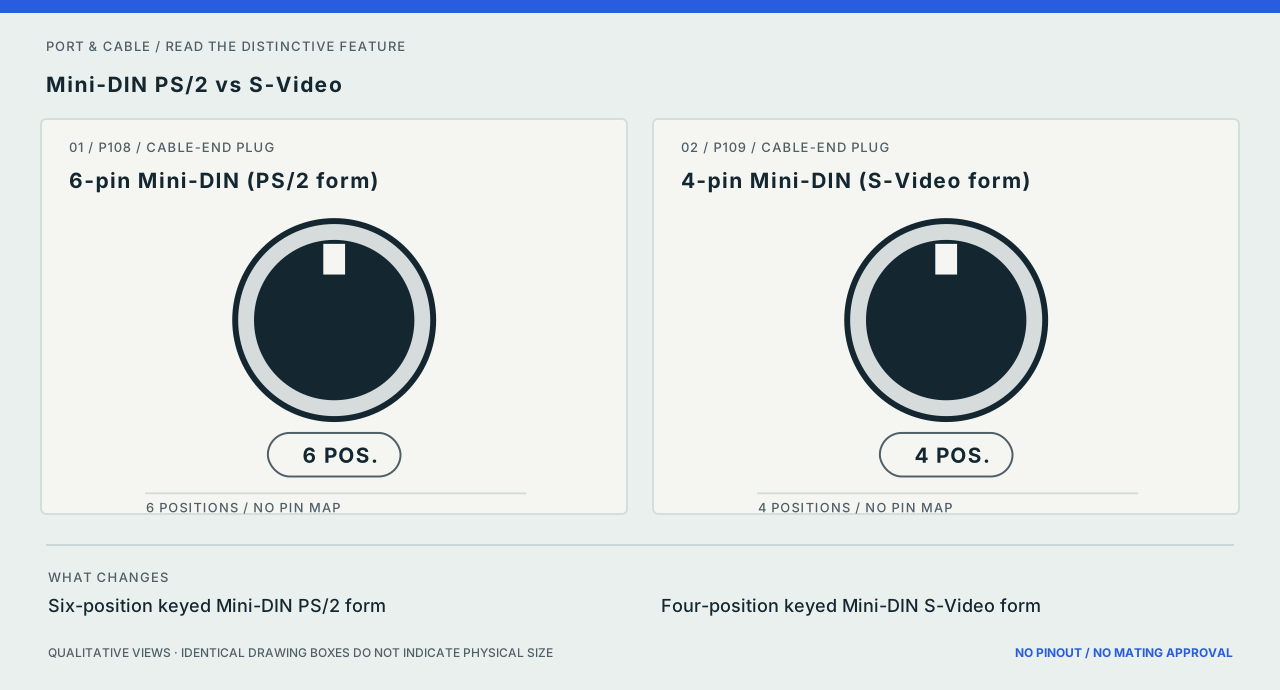
P108 / P109
Mini-DIN PS/2 vs S-Video
Inspect the difference ↗A circular shell does not identify keyboard, mouse or video service. Never force a similarly shaped plug.
Source scope and original art
Number of positions appears as a label; the relative pin layout is deliberately omitted. The original vectors contain no third-party image assets. Prior documentary source inspection dates are inherited, not independently refreshed.
Exact references: 6-pin Mini-DIN (PS/2 form) and 4-pin Mini-DIN (S-Video form).
Source ledger: S089.
Network & fiber 12 plates
Network comparison / concept only
One cable. Two end ratings.
Phoenix Contact 1561797: read each end separately.
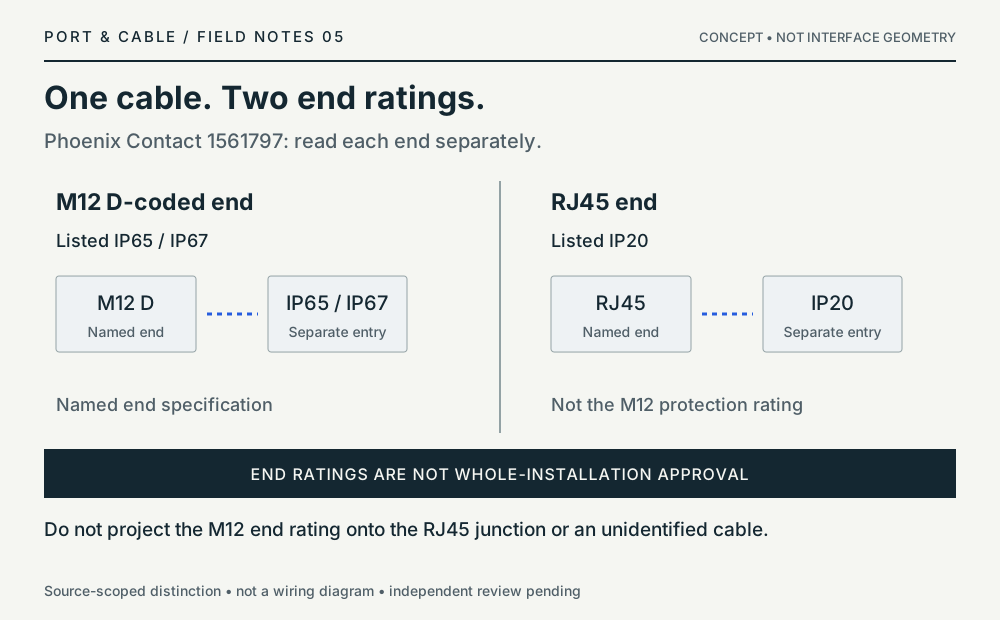
Not a general compatibility verdict. S500
Network comparison / concept only
D and X: identify the assembly.
Two documented examples, not a universal link-speed rule.
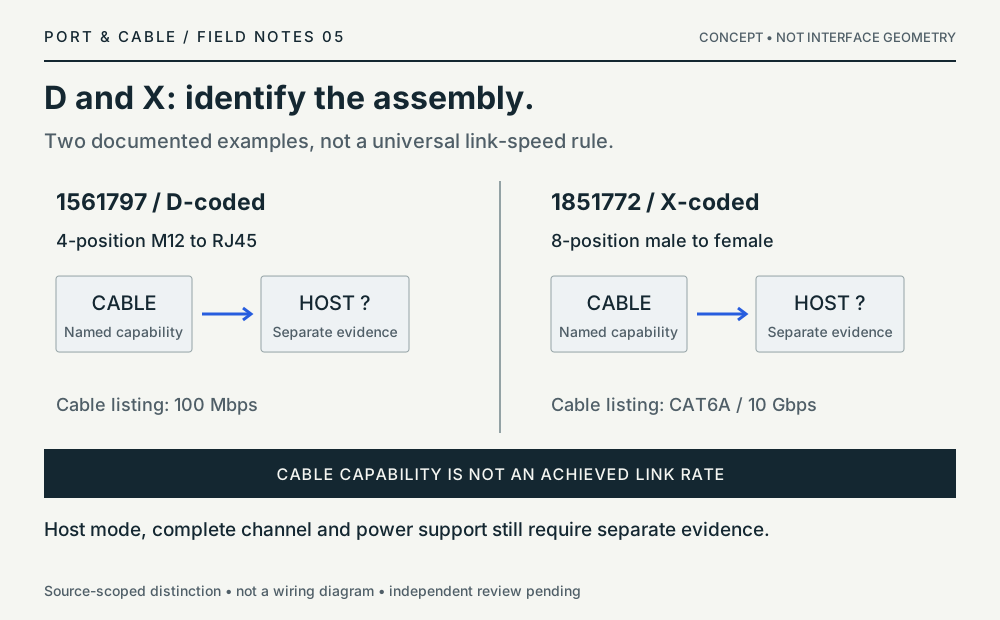
Network comparison / concept only
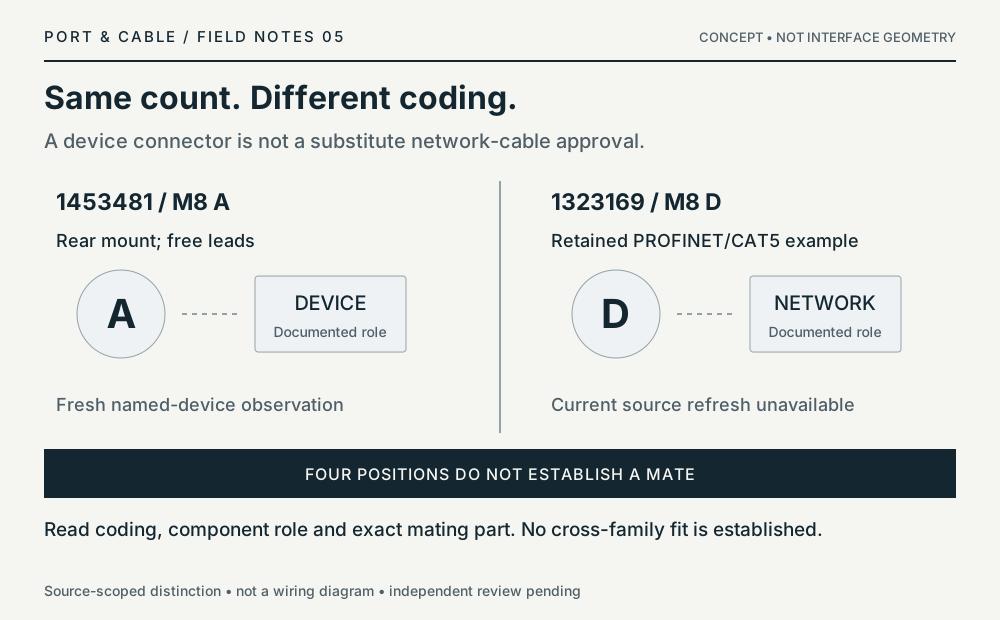
Same count. Different coding.
A device connector is not a substitute network-cable approval.
Network comparison / concept only
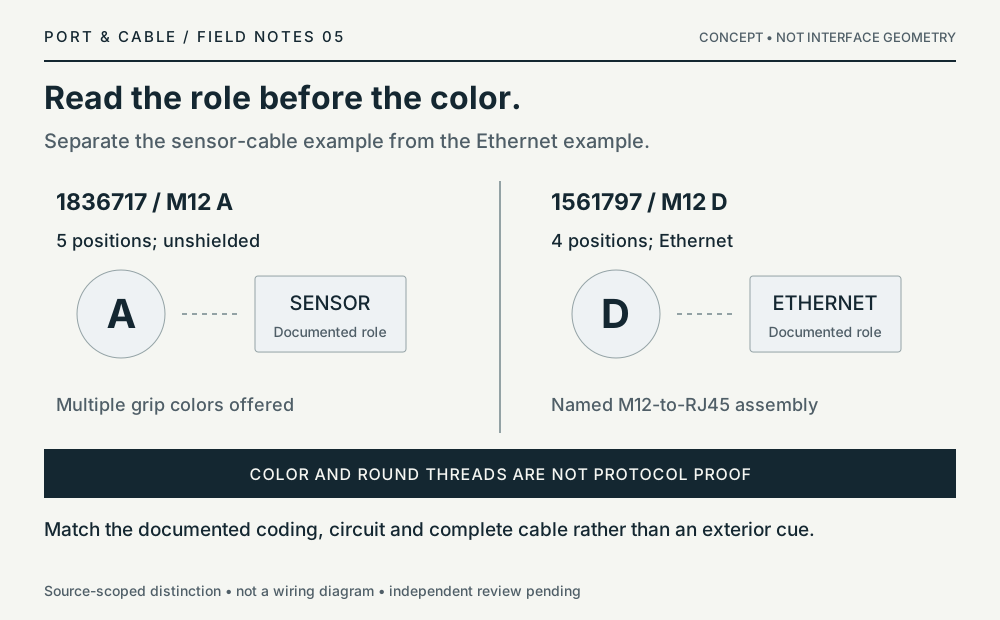
Read the role before the color.
Separate the sensor-cable example from the Ethernet example.
Network comparison / concept only
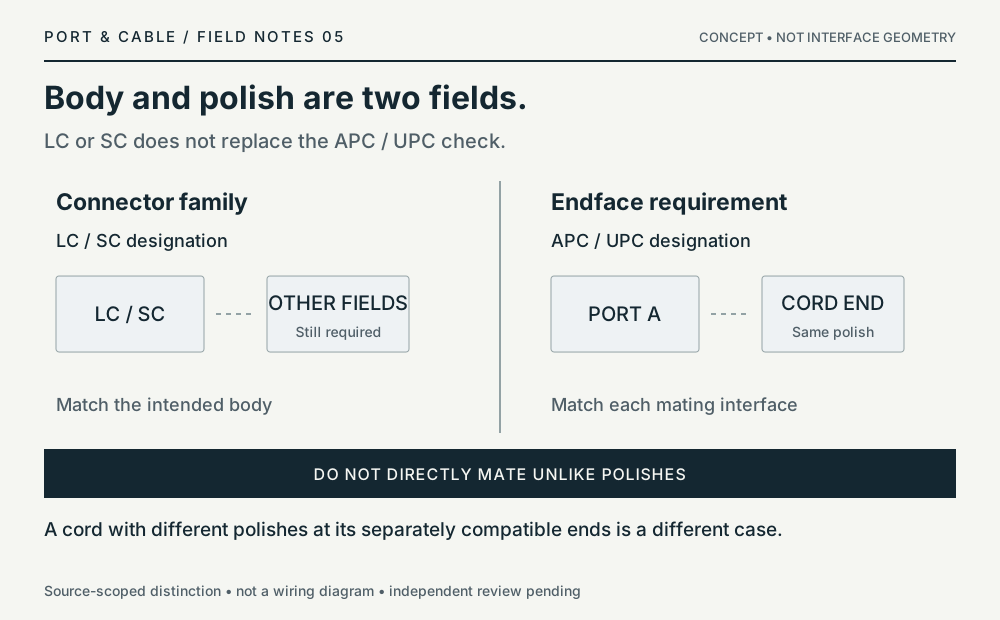
Body and polish are two fields.
LC or SC does not replace the APC / UPC check.
Network comparison / concept only
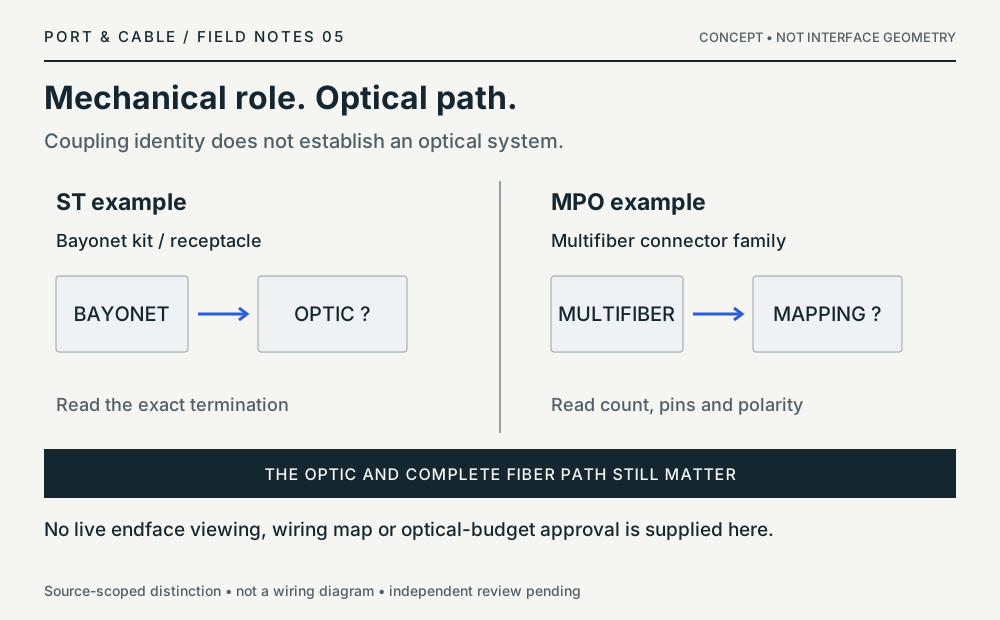
Mechanical role. Optical path.
Coupling identity does not establish an optical system.
Network comparison / concept only
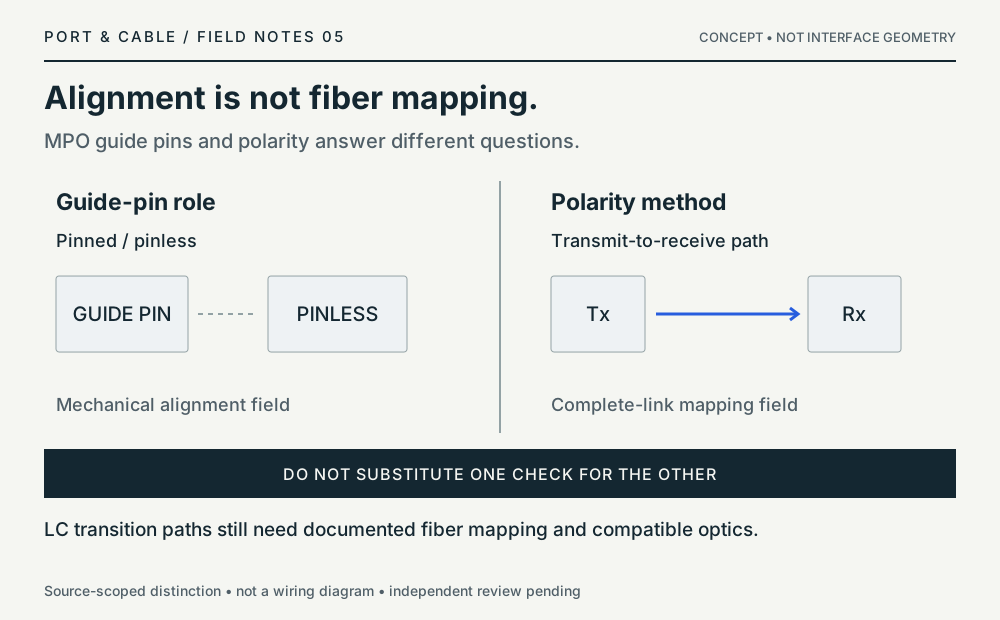
Alignment is not fiber mapping.
MPO guide pins and polarity answer different questions.
Network comparison / concept only
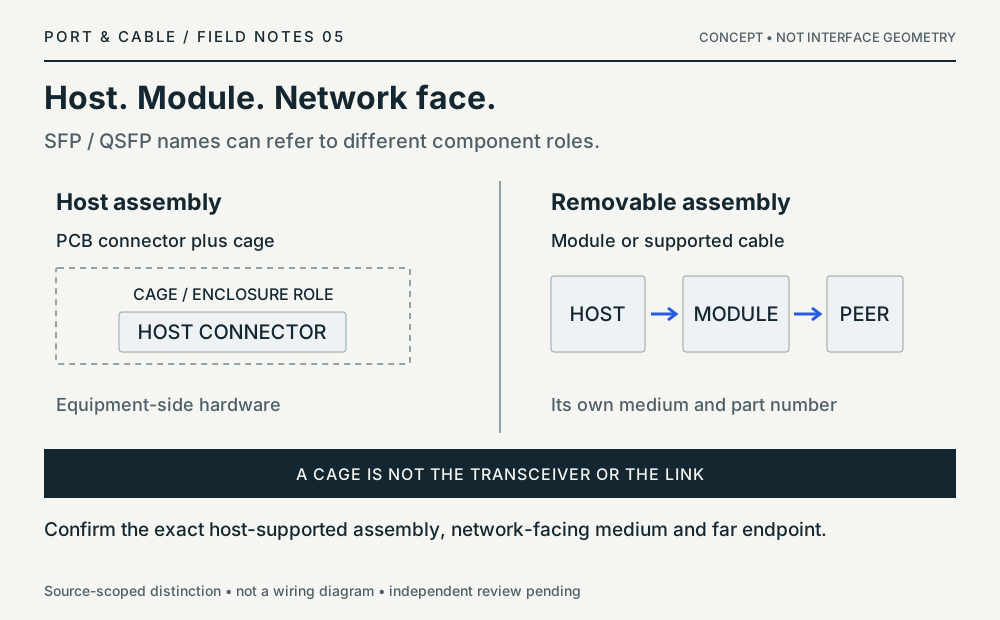
Host. Module. Network face.
SFP / QSFP names can refer to different component roles.
Network comparison / concept only
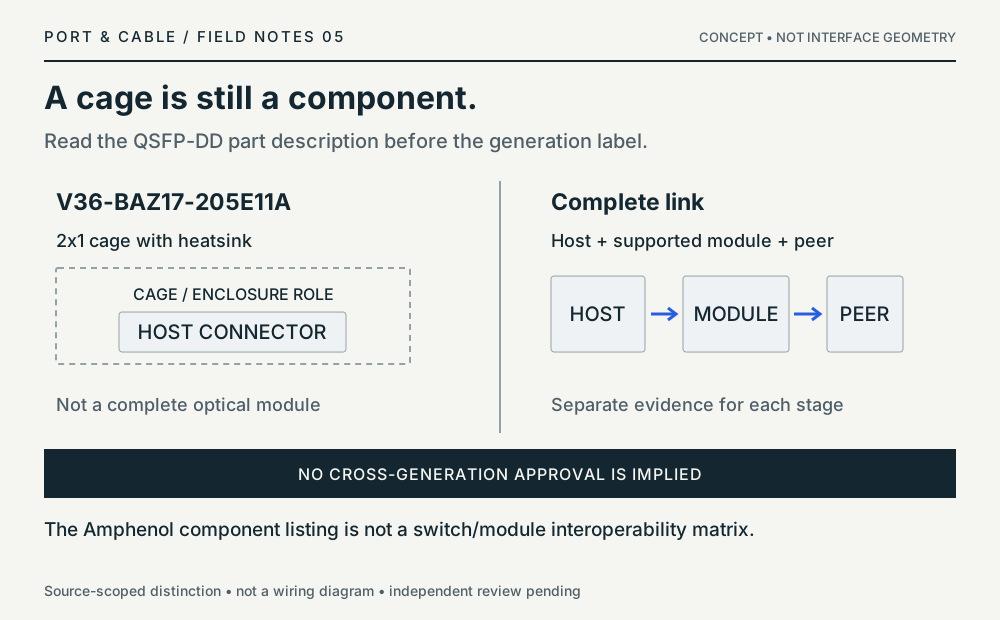
A cage is still a component.
Read the QSFP-DD part description before the generation label.
P018 / P111
8P8C vs 6P4C modular plugs
Inspect the difference ↗RJ-style trade names do not establish wiring or Ethernet service; examine the port label and documented pinout.
Source scope and original art
The short interior strokes are position-count glyphs, not contact placement or wiring. The original vectors contain no third-party image assets. Prior documentary source inspection dates are inherited, not independently refreshed.
Exact references: 8P8C modular connector (commonly called RJ45) and 6P4C modular plug (often sold as RJ11).
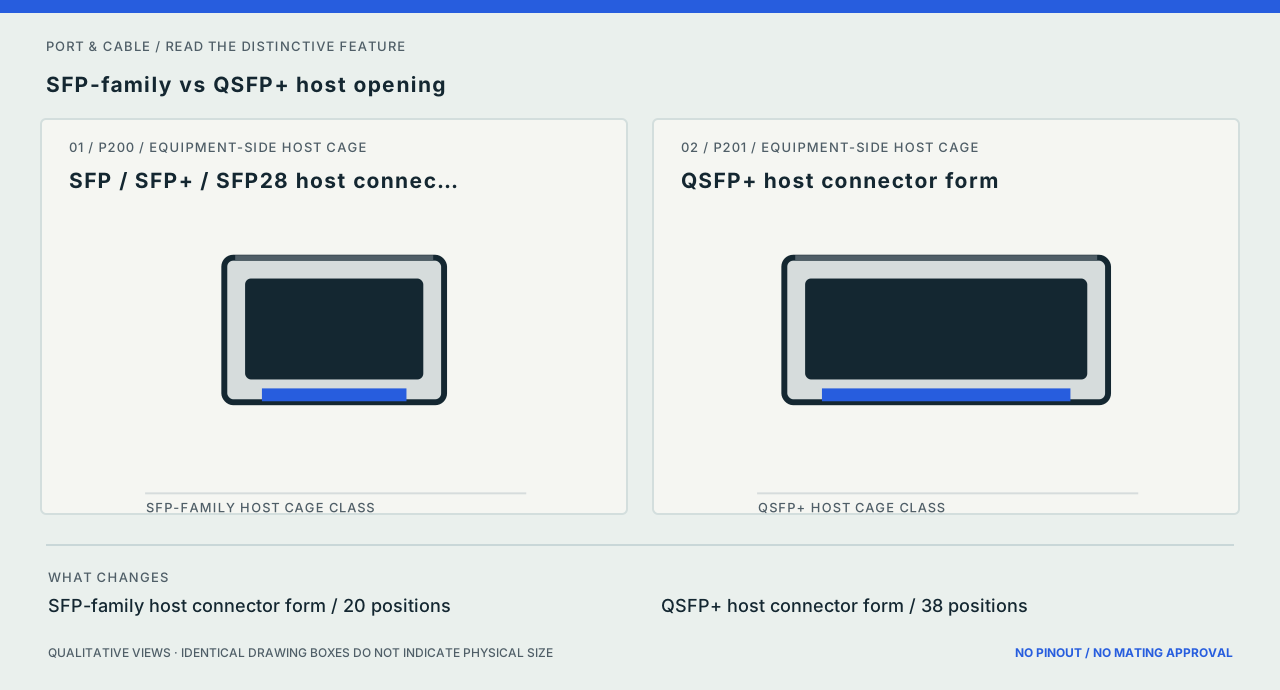
P200 / P201
SFP-family vs QSFP+ host opening
Inspect the difference ↗Neither shared module names nor cage resemblance guarantees optical, copper, speed, firmware or vendor support.
Source scope and original art
Qualitative widths show different host form classes; no cage dimension, connector contact or faceplate is copied. The original vectors contain no third-party image assets. Prior documentary source inspection dates are inherited, not independently refreshed.
Exact references: SFP / SFP+ / SFP28 host connector form and QSFP+ host connector form.
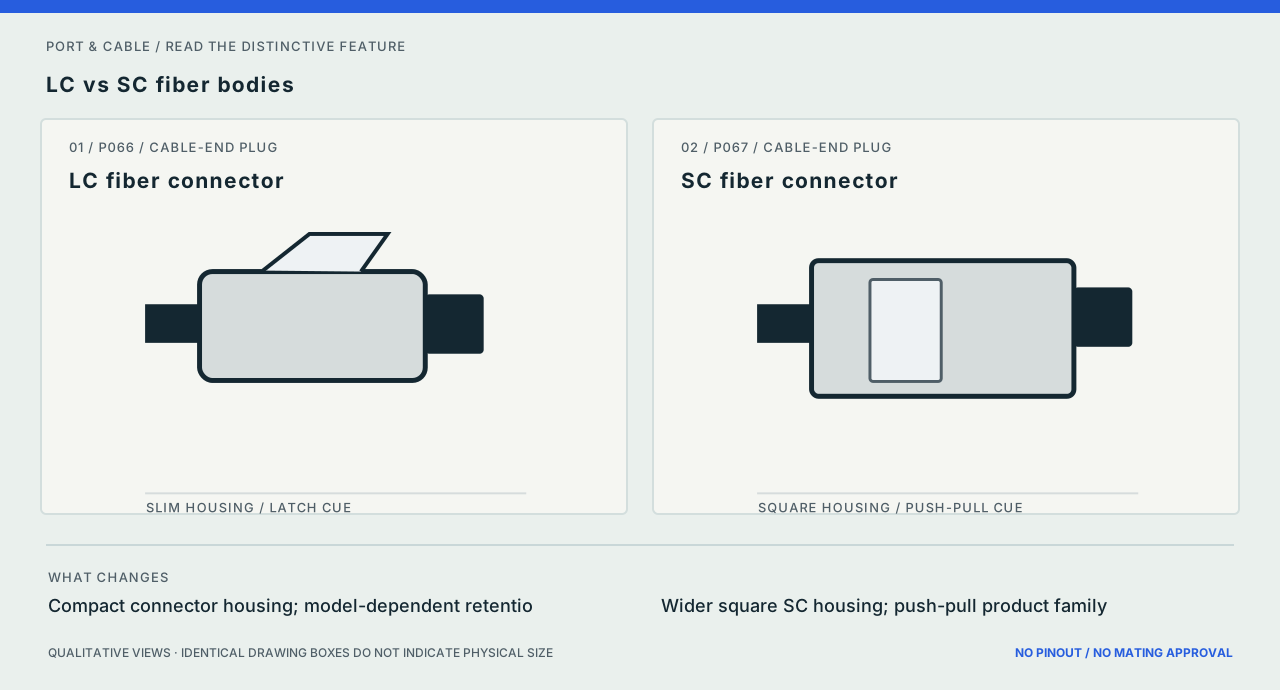
P066 / P067
LC vs SC fiber bodies
Inspect the difference ↗Polish, single/multimode, simplex/duplex and termination type are separate. Never look into a live optical end.
Source scope and original art
The illustrations show qualitative body styles only; no ferrule or end-face geometry is shown. The original vectors contain no third-party image assets. Prior documentary source inspection dates are inherited, not independently refreshed.
Exact references: LC fiber connector and SC fiber connector.
Power connections 5 plates
Matching diagram / concept only
Same outside. Different bore.
A nominal pair is not the complete power specification.
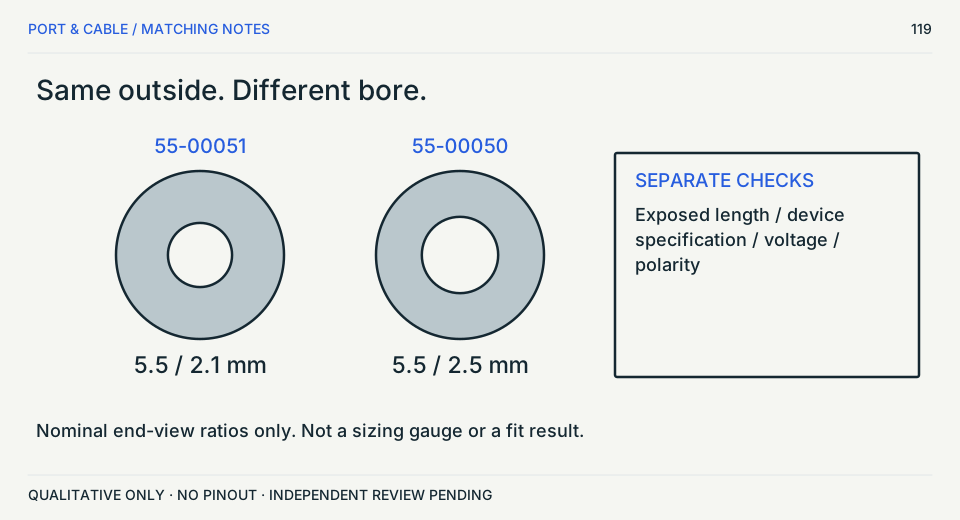
Not a hardware compatibility verdict. S473 · S485 · S031 · S484
Matching diagram / concept only
Read the charging path.
Generation and direction matter before adapter wattage.
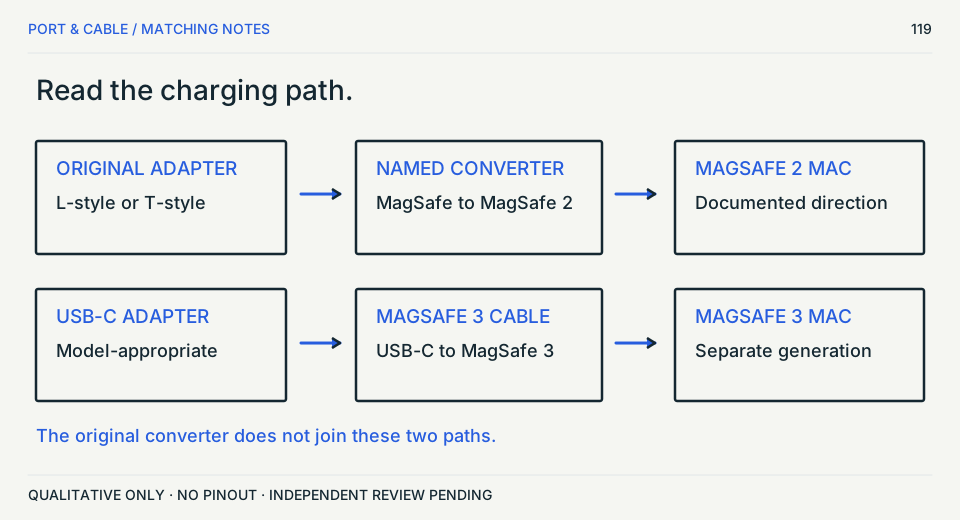
T-style alone is not a generation
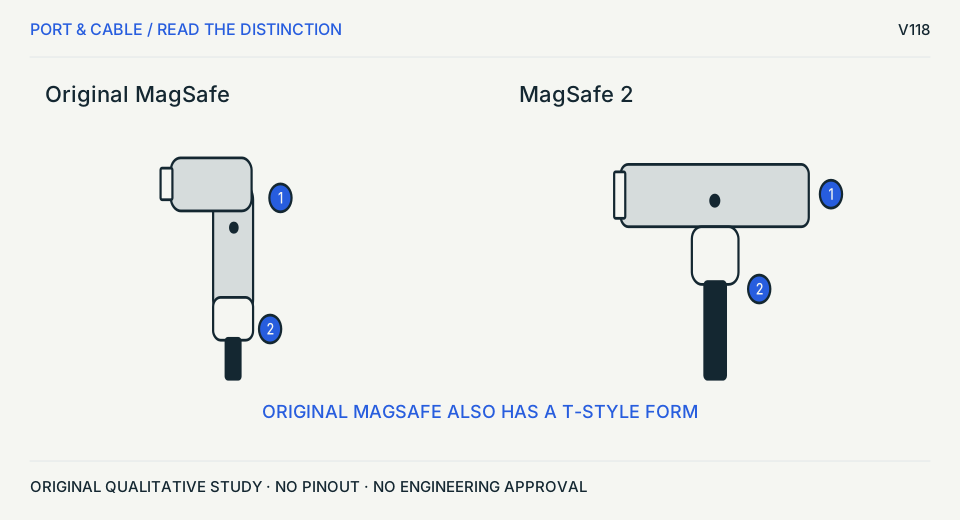
Identify the Mac and adapter
Original MagSafe includes both L and T; MagSafe 2 is separate.
Before choosing
Use Apple model/adapter identification before selecting any converter or power supply.
Source trail and unknowns
- S467 · Apple Support — If your MagSafe cable or power adapter is not working
Identify your MagSafe cable or adapter; MagSafe 3/2/L-style/T-style; converter; stop-use cable damage
Apple Mac laptop wired magnetic charging connectors and documented MagSafe to MagSafe 2 converter; not iPhone wireless MagSafe. Exact Mac model, adapter wattage, cable condition and connector generation remain required. MagSafe 1 or 2 does not work with MagSafe 3.
- S482 · Apple — Identify your Mac power adapter — wired MagSafe images
MagSafe and MagSafe 2 sections; original L-style/T-style exterior images and MagSafe 2 connector exterior image.
Apple pictured exterior exemplars only; no mating face visible in the selected view. Only the exact named source/example supports the observation. No universal mating, wiring, maximum rating or mechanical tolerance is inferred. Article displays publication date May 6, 2026; figure inspection 2026-10-11 does not refresh old canonical claims.
Original vector work; no source image bytes. Independent drawing, rights and publication approval remain pending.
Same outside. Still unresolved inside.
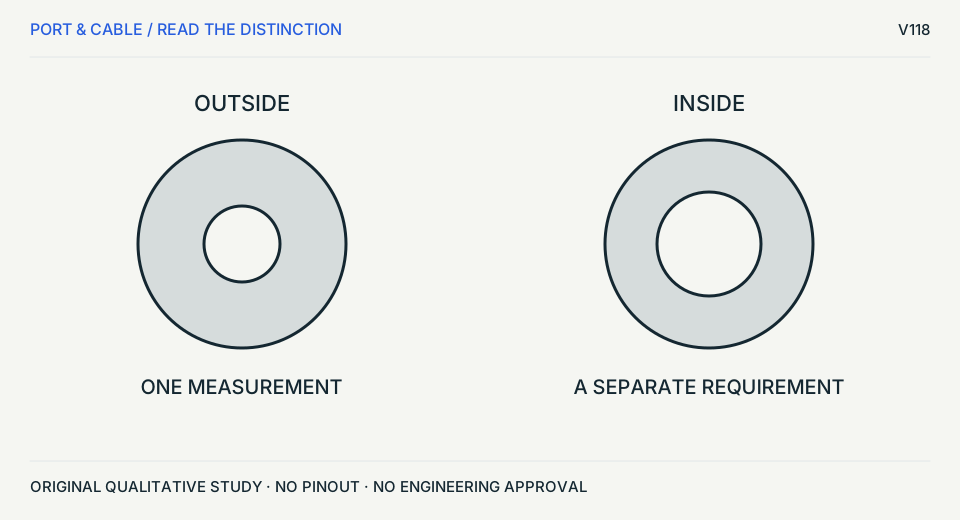
Check four independent requirements
Outside diameter does not establish bore, mating length or polarity.
Before choosing
Read the exact equipment adapter specification. The two circles are conceptual, not a dimensioned overlay.
Source trail and unknowns
- S031 · CUI — Selecting appropriate input and output plugs
Barrel connector section only
Outer/inner diameter, length and polarity are separate requirements. No electrical substitution or wiring instructions. Other dated interface claims in the article are not used.
- S473 · Tensility — 10-02319 cable assembly drawing
Sheet 1 of 1: side elevation and end view of 50-00540 plug with 24-00190 overmold; component table and exposed barrel dimension.
Specific right-angle 5.5 × 2.1 mm cable-end example; not every barrel connector. Only the exact named source/example supports the observation. No universal mating, wiring, maximum rating or mechanical tolerance is inferred. Drawing revision A, initial release 12/6/2016 as printed.
Original vector work; no source image bytes. Independent drawing, rights and publication approval remain pending.
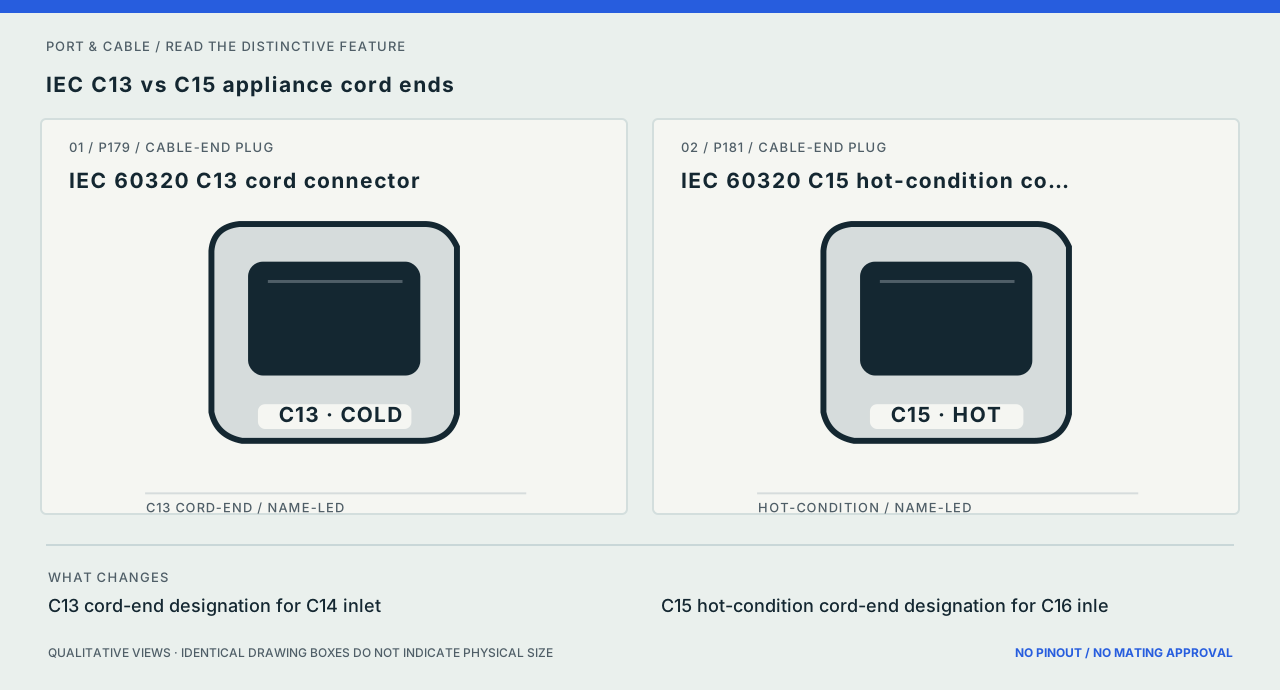
P179 / P181
IEC C13 vs C15 appliance cord ends
Inspect the difference ↗Temperature class, grounding, ratings and equipment instructions must be checked. Do not substitute a cord by appearance.
Source scope and original art
The letter labels are the reliable distinction here; face openings and hot-condition key not modeled. The original vectors contain no third-party image assets. Prior documentary source inspection dates are inherited, not independently refreshed.
Exact references: IEC 60320 C13 cord connector and IEC 60320 C15 hot-condition cord connector.
Source ledger: S195.
Small parts & RF 12 plates
Network comparison / concept only
Fit is not an impedance match.
Read the RF system, not just its outer coupling.
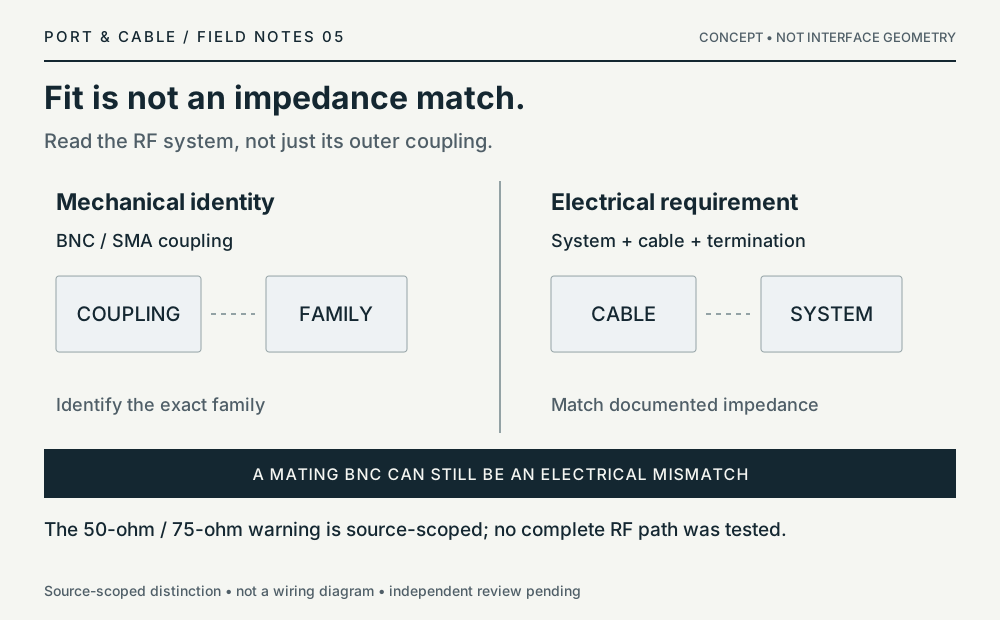
Network comparison / concept only
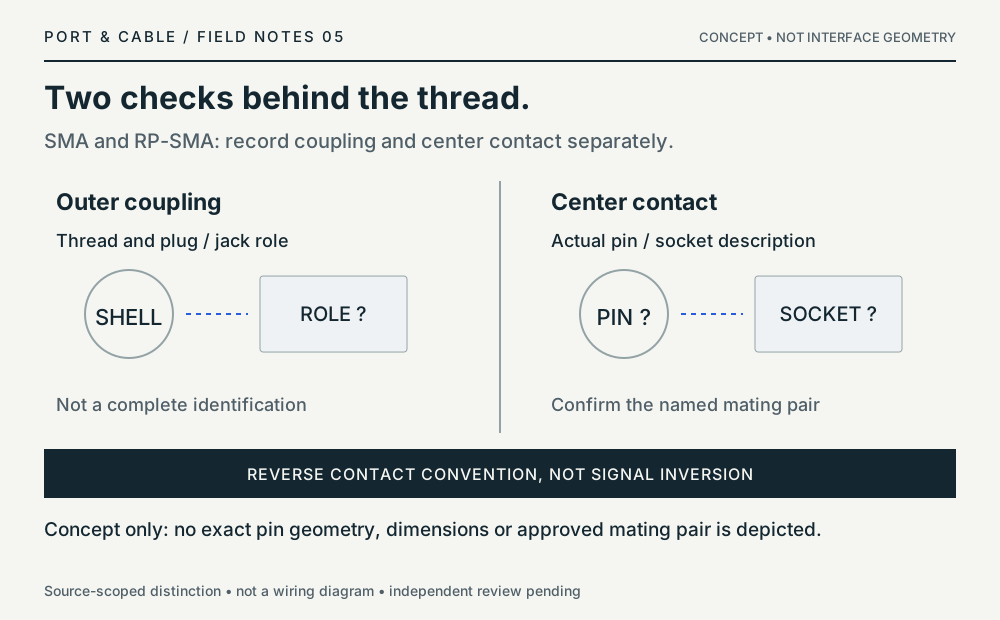
Two checks behind the thread.
SMA and RP-SMA: record coupling and center contact separately.
Network comparison / concept only
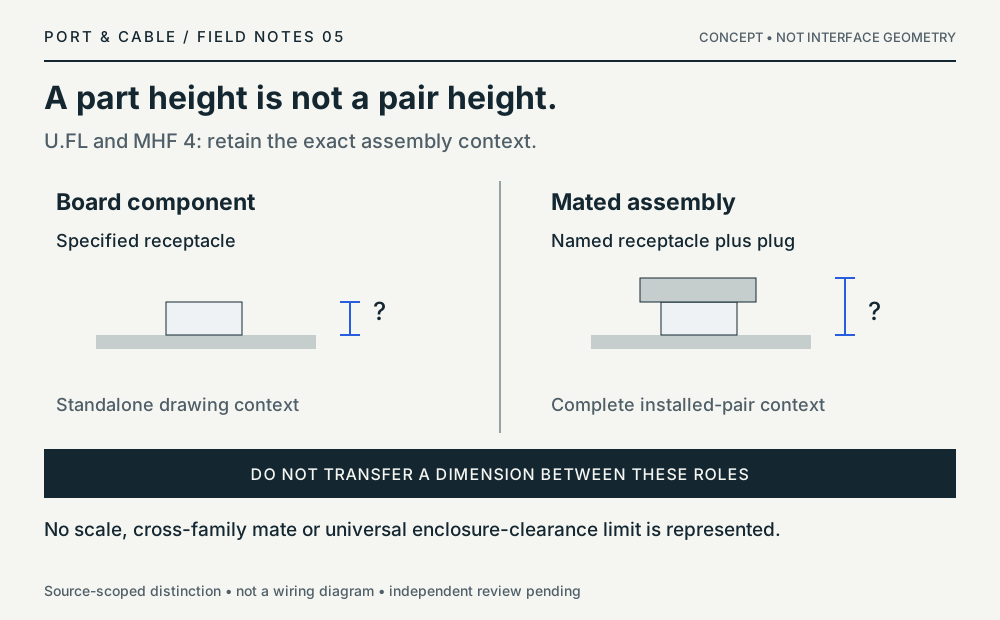
A part height is not a pair height.
U.FL and MHF 4: retain the exact assembly context.
Matching diagram / concept only
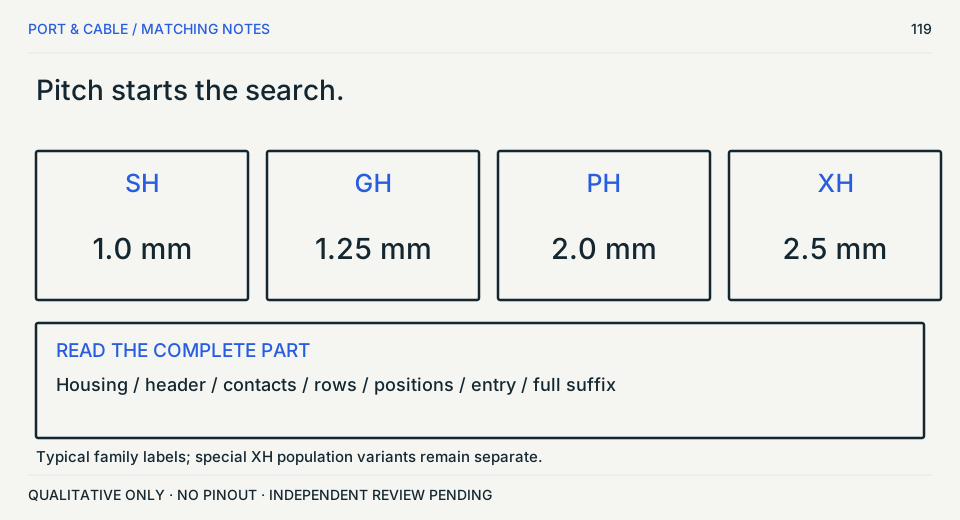
Pitch starts the search.
The series, full suffix and component role finish it.
Not a hardware compatibility verdict. S459 · S475 · S460 · S476 · S461 · S487 · S462 · S477 · S470
Matching diagram / concept only
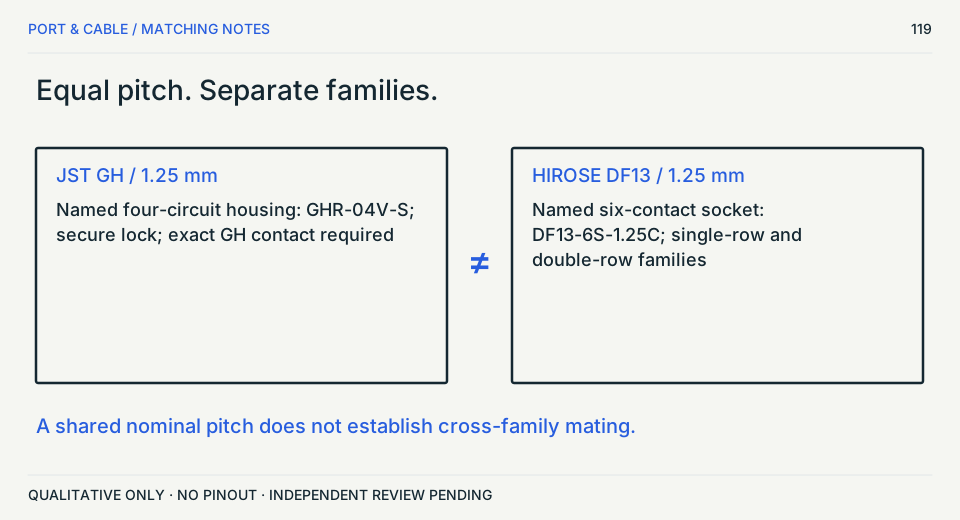
Equal pitch. Separate families.
GH and DF13 need exact manufacturer mating evidence.
Not a hardware compatibility verdict. S462 · S477 · S470 · S488
Matching diagram / concept only
A family name is not a cable.
Read the exact header, housing and contact.
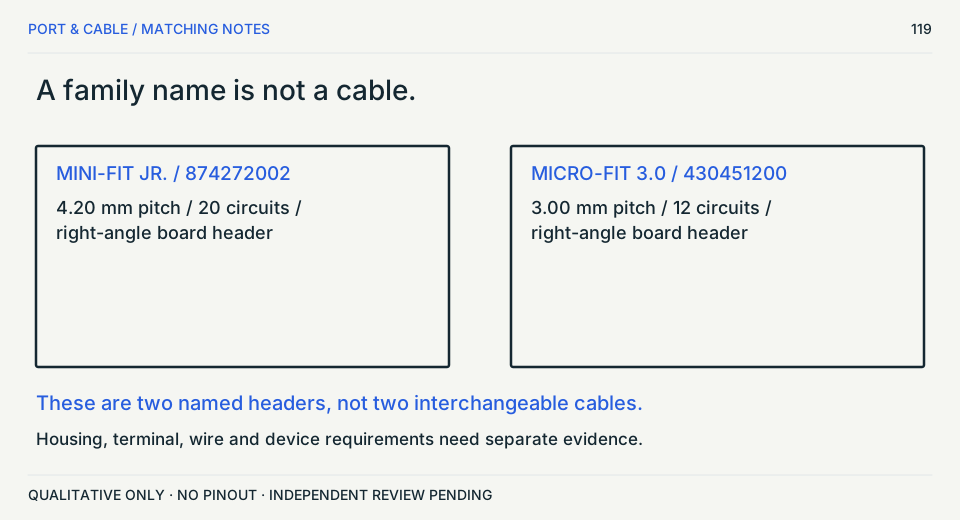
Matching diagram / concept only
Check all four properties.
Pitch, positions, contact side and cable thickness.
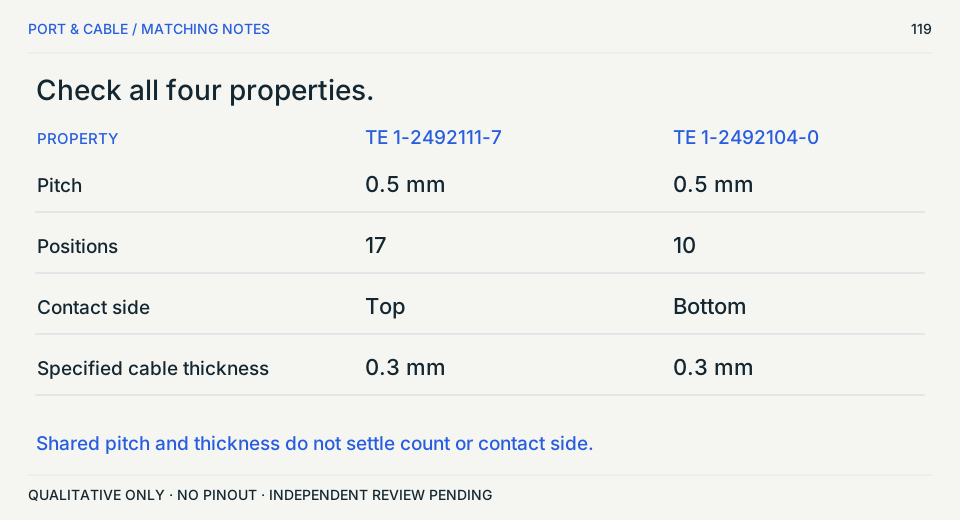
Not a hardware compatibility verdict. S471 · S478 · S472 · S479
JST is the maker, not the mating specification
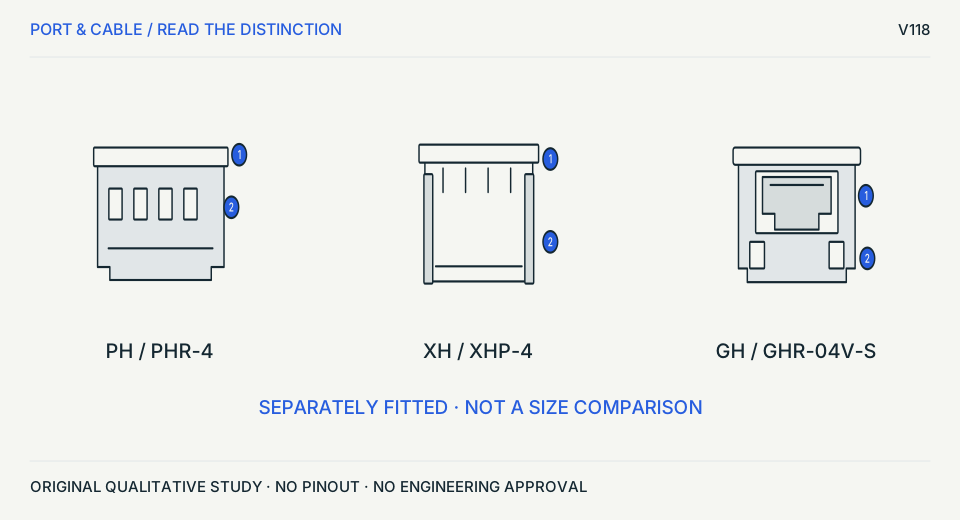
Identify housing, header and terminal
PH, XH and GH are distinct source-scoped families.
Before choosing
Read the full ordering code and latch/entry requirements; account for named XH spacing exceptions.
Source trail and unknowns
- S459 · J.S.T. Mfg. Co., Ltd. — PH connector series product profile
Product Profile; Pitch 2 mm; single-row, friction-lock, top/side entry, housing and header series
JST PH wire-to-board family identification only; nominal pitch is a series descriptor. Do not assume part-number interchangeability, exact mating, pinout, current, or cable assembly from pitch.
- S460 · J.S.T. Mfg. Co., Ltd. — XH connector series product profile
Product Profile; Pitch 2.5 mm; friction lock; top/side entry; XHP housing and B#B-XH header references
JST XH wire-to-board family identification only; nominal pitch is a series descriptor. Actual housing variant, circuit count, latch and approved mating half must be checked by part number.
- S462 · J.S.T. Mfg. Co., Ltd. — GH connector series product profile
Product Profile; Pitch 1.25 mm; secure locking and keying; top/side entry
JST GH wire-to-board family identification only; nominal pitch is a series descriptor. Lock style depends on exact mating part; not interchangeable with SH or other 1.25 mm systems.
- S475 · JST — PH connector catalog — housing and header
Page 3: Housing PHR table and top/side-entry headers; four-circuit PHR-4 row and housing elevation.
PHR-4 housing example and separate header roles; qualitative exterior observation. Only the exact named source/example supports the observation. No universal mating, wiring, maximum rating or mechanical tolerance is inferred. Not identified; retrieval is not a revision date.
- S476 · JST — XH connector catalog — housing variants
Page 4: XHP housing table and elevations; XHP-4; reduced-population XHP-2(10.0)-U and XHP-6(5.0)-U notes.
XH housing example and explicitly named pitch exceptions, not all orderable XH variants. Only the exact named source/example supports the observation. No universal mating, wiring, maximum rating or mechanical tolerance is inferred. Not identified; retrieval is not a revision date.
- S477 · JST — GH connector catalog — housing and contact restriction
Page 2: contact table and note 2. Page 3: GHR-04V-S housing row, elevation and top-/side-entry header examples.
Exact housing role and contact-family restriction only. Only the exact named source/example supports the observation. No universal mating, wiring, maximum rating or mechanical tolerance is inferred. Not identified; retrieval is not a revision date.
Original vector work; no source image bytes. Independent drawing, rights and publication approval remain pending.
Mini-Fit Jr. is not Micro-Fit 3.0
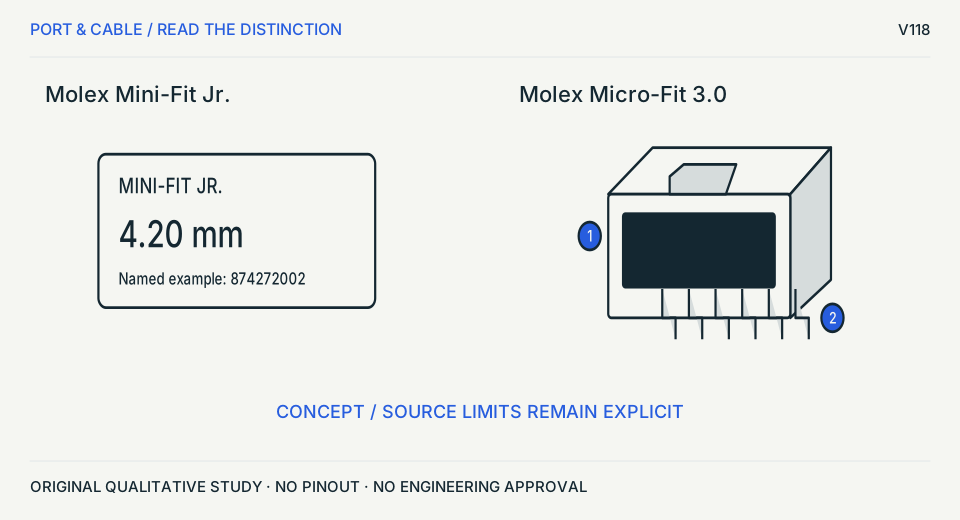
Separate named families and component roles
4.20 mm and 3.00 mm are family descriptors, not wiring approval.
Before choosing
The Mini-Fit physical view remains blocked. Use the exact manufacturer drawings for both halves.
Source trail and unknowns
- S468 · Molex — Mini-Fit Jr. header product 874272002
Part Number 874272002; product name, series 87427, 4.20 mm mating-interface pitch, right-angle, 20 circuits
Only the described first-party series or precise example part; no dimensioned geometry, assembly mating certification or arbitrary equipment compatibility. Manufacturers describe the series or named example, not a complete compatible harness, exact pin assignment, or electrical approval. No independent hardware, manufacturing drawing, license or device-specific test was performed.
- S469 · Molex — Micro-Fit 3.0 product 430451200
Part Details > General > Series 43045; Micro-Fit 3.0 right-angle header, 3.00 mm pitch, dual row, 12 circuits
Only the described first-party series or precise example part; no dimensioned geometry, assembly mating certification or arbitrary equipment compatibility. Manufacturers describe the series or named example, not a complete compatible harness, exact pin assignment, or electrical approval. No independent hardware, manufacturing drawing, license or device-specific test was performed.
- S483 · Molex — 430451200 product image — Micro-Fit 3.0 header
Manufacturer product image 0430451200_hires: oblique right-angle board header, front shroud and board tails.
Visible exterior of named header only; polarization cavities and contacts are deliberately not reconstructed. Only the exact named source/example supports the observation. No universal mating, wiring, maximum rating or mechanical tolerance is inferred. Not identified; retrieval is not a revision date.
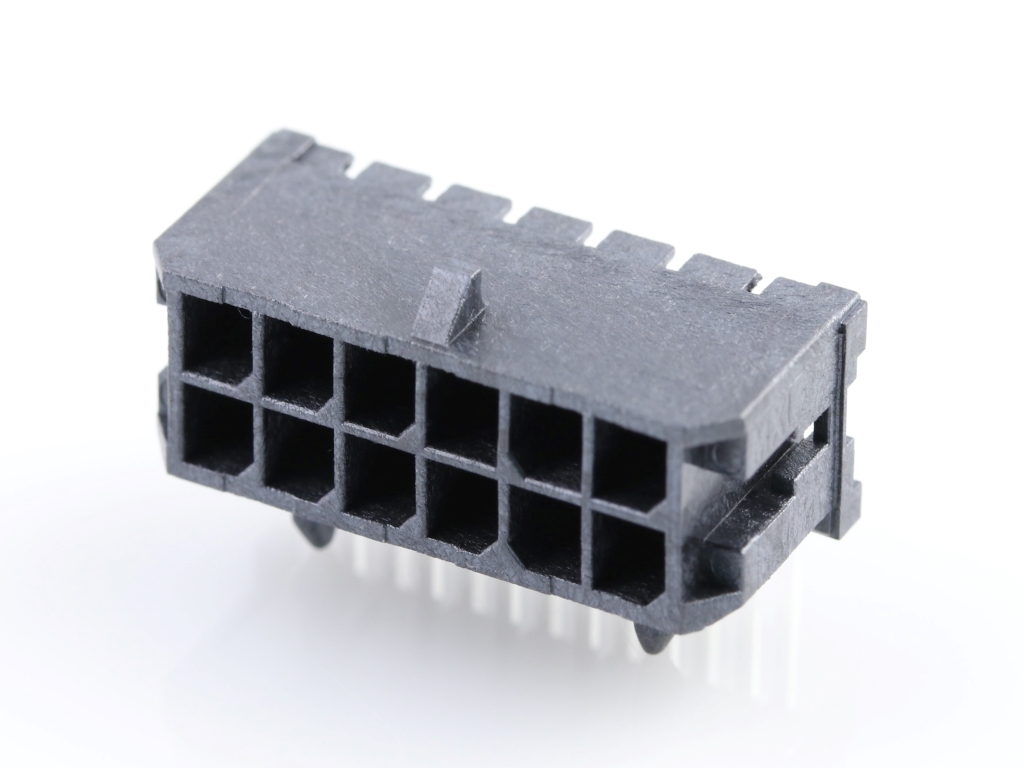
Original vector work; no source image bytes. Independent drawing, rights and publication approval remain pending.
Contact side is not entry direction
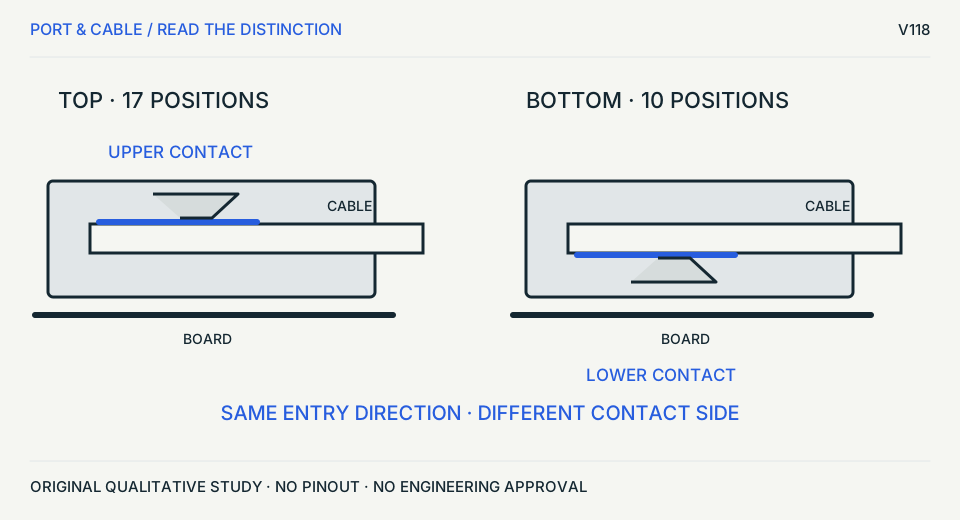
Read which cable surface is contacted
Both named examples are right-angle; their position counts also differ.
Before choosing
Read the exact drawing and cable conductor face. Never flip or force a ribbon based only on this conceptual section.
Source trail and unknowns
- S471 · TE Connectivity — TE FPC top-contact connector part 1-2492111-7
TE Internal #1-2492111-7; Centerline 0.5 mm; Contact Mating Location Top; 17 Position; ZIF; Right Angle
Only the described first-party series or precise example part; no dimensioned geometry, assembly mating certification or arbitrary equipment compatibility. Manufacturers describe the series or named example, not a complete compatible harness, exact pin assignment, or electrical approval. No independent hardware, manufacturing drawing, license or device-specific test was performed.
- S472 · TE Connectivity — TE FPC bottom-contact connector part 1-2492104-0
TE Internal #1-2492104-0; Centerline 0.5 mm; Contact Mating Location Bottom; 10 Position; ZIF; Right Angle
Only the described first-party series or precise example part; no dimensioned geometry, assembly mating certification or arbitrary equipment compatibility. Manufacturers describe the series or named example, not a complete compatible harness, exact pin assignment, or electrical approval. No independent hardware, manufacturing drawing, license or device-specific test was performed.
- S478 · TE Connectivity — 2492111 customer drawing — top-contact FPC
Sheet 1: top/exterior, SECTION A-A and cable interface; product context 1-2492111-7.
Top-contact side and sliding/stuffer actuator interpretation; not a substitute mechanical drawing. Only the exact named source/example supports the observation. No universal mating, wiring, maximum rating or mechanical tolerance is inferred. Drawing 2492111 revision A, 03APR2025.
- S479 · TE Connectivity — 2492104 customer drawing — bottom-contact FPC
Sheet 1: top/exterior, SECTION A-A and cable interface; product context 1-2492104-0.
Bottom-contact side; contact location is distinct from right-angle cable entry. Only the exact named source/example supports the observation. No universal mating, wiring, maximum rating or mechanical tolerance is inferred. Drawing 2492104 revision A, 03APR2025.
Original vector work; no source image bytes. Independent drawing, rights and publication approval remain pending.
Start with the exact RF pair
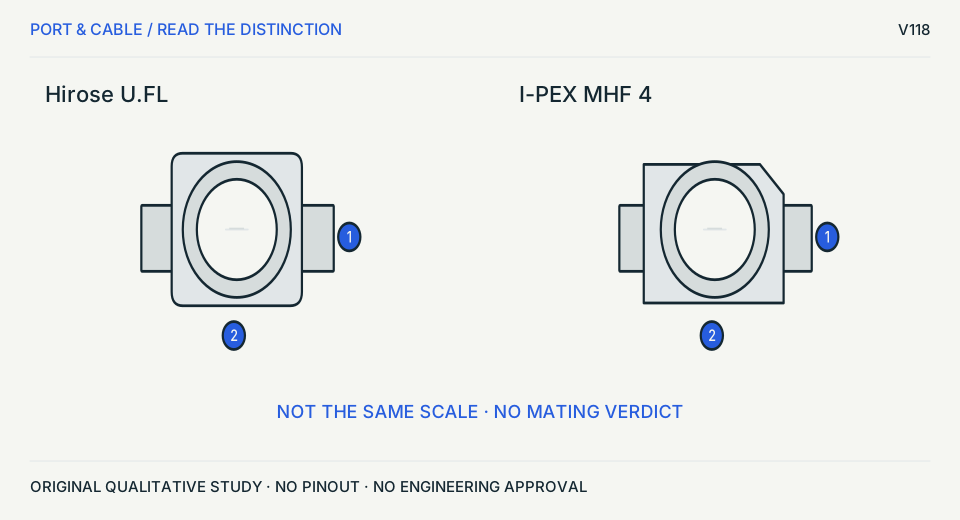
Separate receptacle, plug and assembly
A tiny circular outline does not establish cross-family mating.
Before choosing
Read the receptacle and plug codes; choose the actual assembly-height row, not a universal number.
Source trail and unknowns
- S464 · Hirose Electric — Hirose U.FL Series product catalog
Pages 6–12 U.FL-LP(V)-040HF vs U.FL-LP-040HF and U.FL-R-SMT-1 receptacle; p33 handling
Product-number example; vertical-axis handling note and height variants, without reproducing CAD. Product mating, rated cycles, connector geometry and cable harness must be selected against current full part documentation.
- S466 · I-PEX — I-PEX MHF 4 product page and part matrix
Product header and MHF 4 RECOMMENDED PART NUMBERS: plug 20611-001R, receptacle 20449-001E-03; 4L note
Identifies I-PEX MHF 4 low-profile parts and explicitly supported MHF 4L mating qualification from I-PEX, not MHF I/U.FL. Only manufacturer-described MHF 4 / 4L intermateability; exact OD, plug/receptacle, height and harness variants require confirmation.
- S480 · Hirose Electric — U.FL catalog — U.FL-R-SMT-1 receptacle
PDF page 12 of 34: U.FL-R-SMT-1(01)/(60)/(80) receptacle top and side views.
Board receptacle, not a cable plug or a complete mated assembly; detail omitted in original art. Only the exact named source/example supports the observation. No universal mating, wiring, maximum rating or mechanical tolerance is inferred. Live catalog retrieval date recorded; no revision inferred from a retrieval header.
- S481 · I-PEX — 20449 MHF 4 receptacle drawing
Sheet 1 of 7: 20449-001E-03 recommended; receptacle top/side views and mated-height table.
Exact receptacle and plug-dependent assembly-height distinction. Only the exact named source/example supports the observation. No universal mating, wiring, maximum rating or mechanical tolerance is inferred. Drawing 20449 revision 16, 2022-05-27. Publicly linked drawing carries a confidentiality marking; no source bytes or traced geometry are redistributed and rights review stays open.
Original vector work; no source image bytes. Independent drawing, rights and publication approval remain pending.
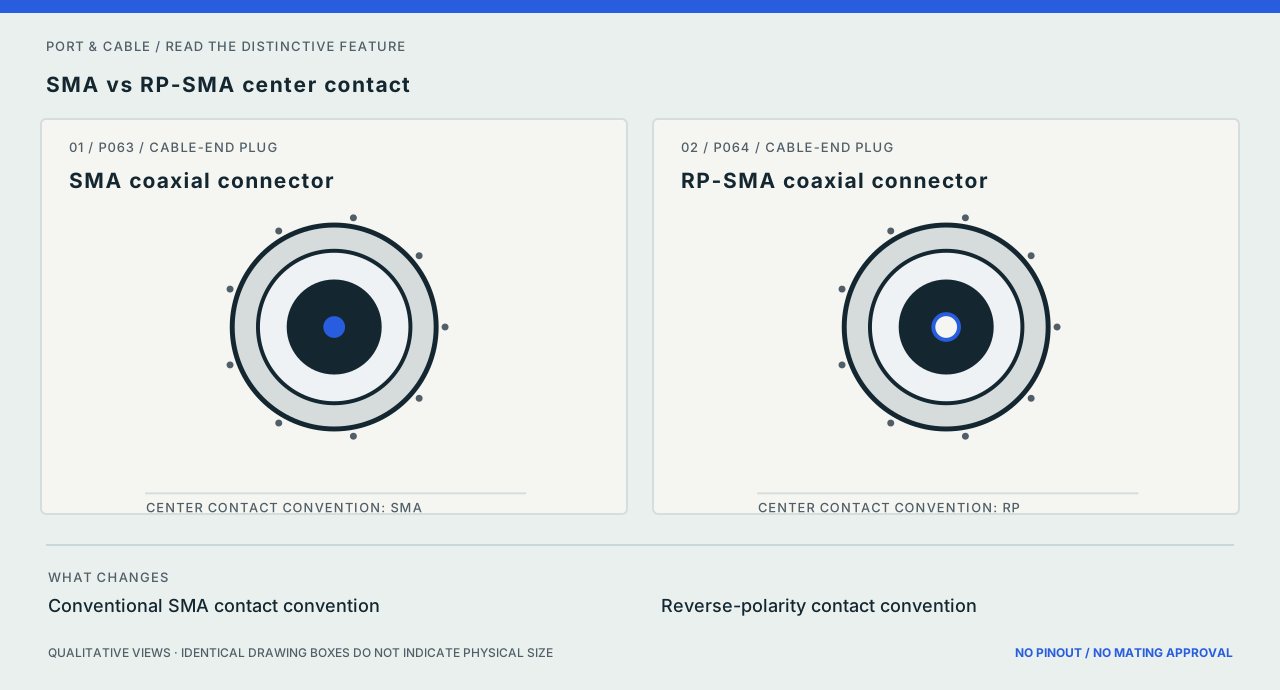
P063 / P064
SMA vs RP-SMA center contact
Inspect the difference ↗Reverse-polarity concerns the center-contact convention, not signal polarity; inspect exact male/female part sheets.
Source scope and original art
Small center circles depict the contact-convention distinction only; thread pitch and gender assignments are not specified. The original vectors contain no third-party image assets. Prior documentary source inspection dates are inherited, not independently refreshed.
Exact references: SMA coaxial connector and RP-SMA coaxial connector.
Continue with the complete reference.
All 226 connector forms remain in the catalogue, including forms without a registered study.
All connector forms →Topic references and printable sheets →Read the fieldbook →Prepare image metadata → (private workspace)