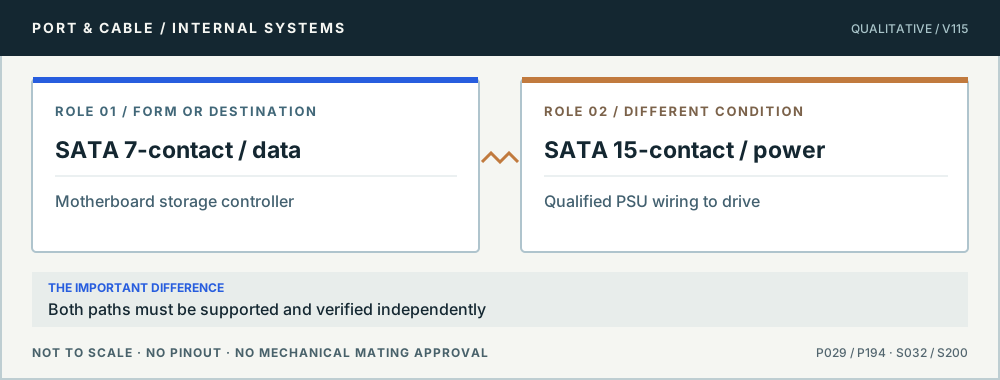
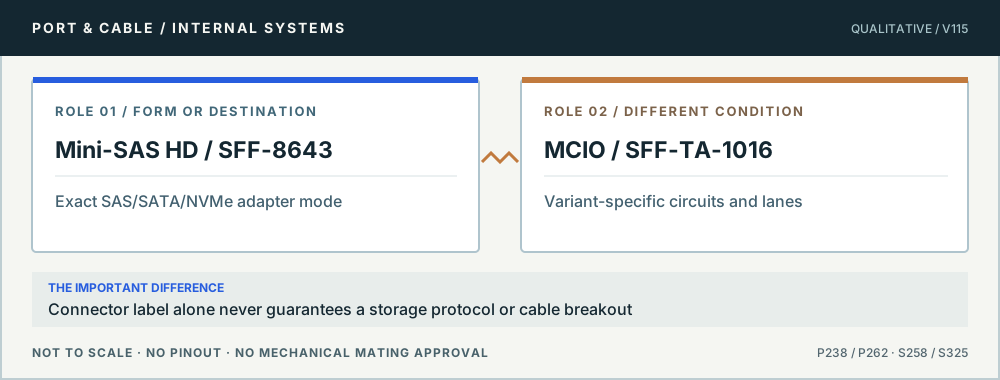
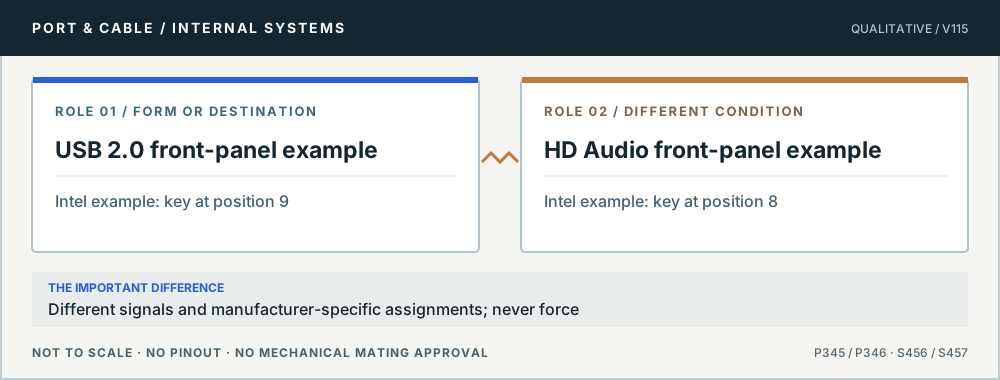
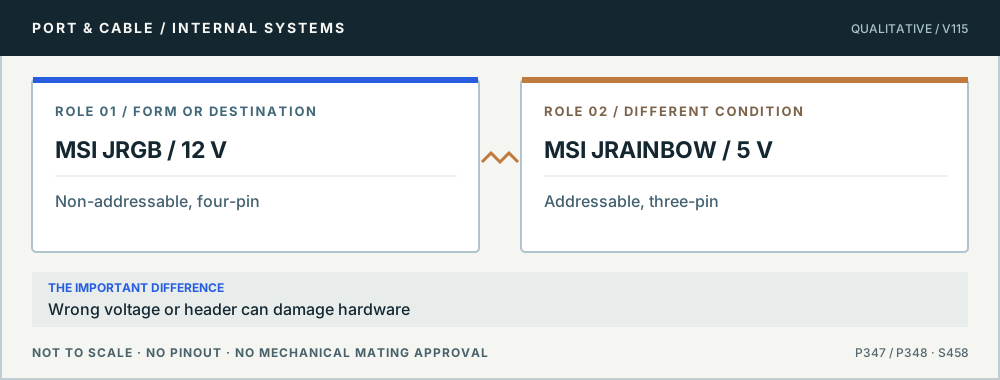
PC power, expansion slots, drive connectors and board headers are easy to confuse. Read the actual role, then the interface, then the exact device documentation—before routing a cable or buying an adapter.
22 practical decisions5 research desks8 original role comparisons
Begin with the question
Eight checks before blaming the connector
Separate the visible form from the host interface, power role and exact documentation. Each question leads to a source-linked comparison—not a guessed setup.
Read the drive label and the complete adapter model. A SATA data connector is not the whole drive connection; the USB3S2SAT3CB example also has a documented drive-size limit.
No compatibility conclusion follows from the outline alone. Molex’s 78717-0002 is a named SAS/SATA receptacle example; it does not certify an unknown drive and USB adapter together.
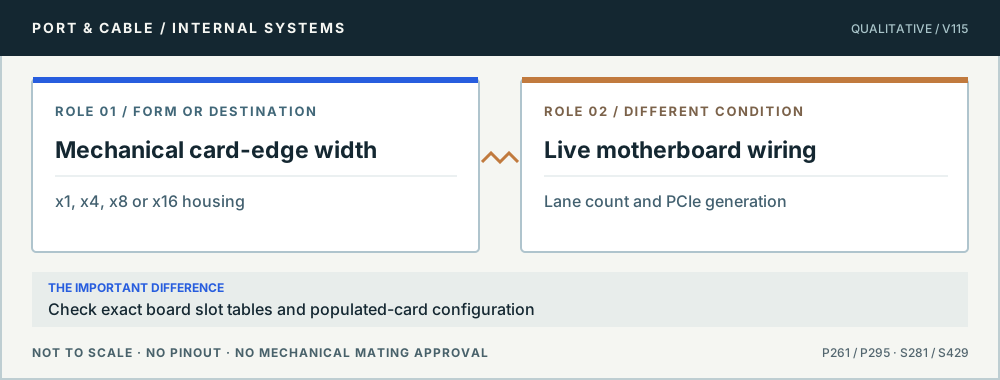
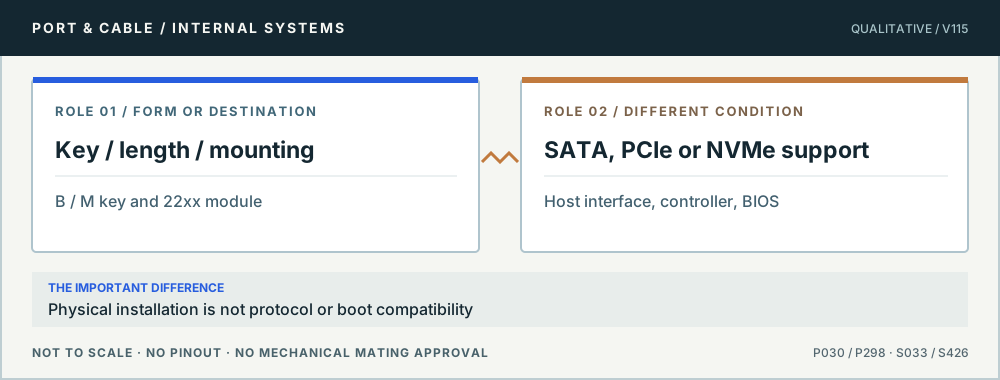
The card format and the supported storage interface are separate checks. SM2NGFFMBU33 is a concrete SATA-only enclosure that excludes NVMe and AHCI PCIe drives.
A shared socket description is not a host-interface verdict. Kingston distinguishes SATA-only mSATA from M.2, while TE describes a particular socket for Mini PCI Express and mSATA.
Even an apparently correct connector can have an incompatible controller, voltage, modular power lead, cable direction, disabled motherboard slot or unsupported firmware. These pages never certify a combination.
These are source-scoped educational descriptions, not safe-repair instructions, pin assignments, connector drawings at scale, electrical validation, manufacturer approval or independently reviewed material. Use genuine device manuals and qualified technical help for high-power wiring. The canonical factual database is preserved unchanged. New outside source URLs remain clearly segregated from registered claims.
PC POWER / SOURCE-QUALIFIED REFERENCE
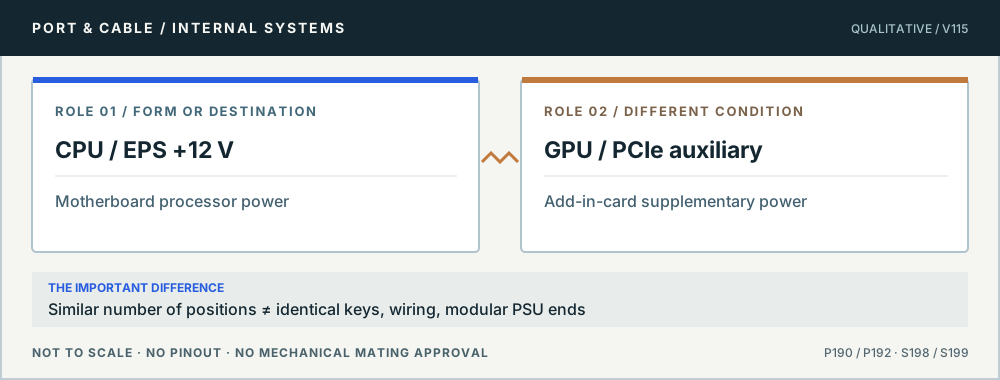
Same count is not a cable match.
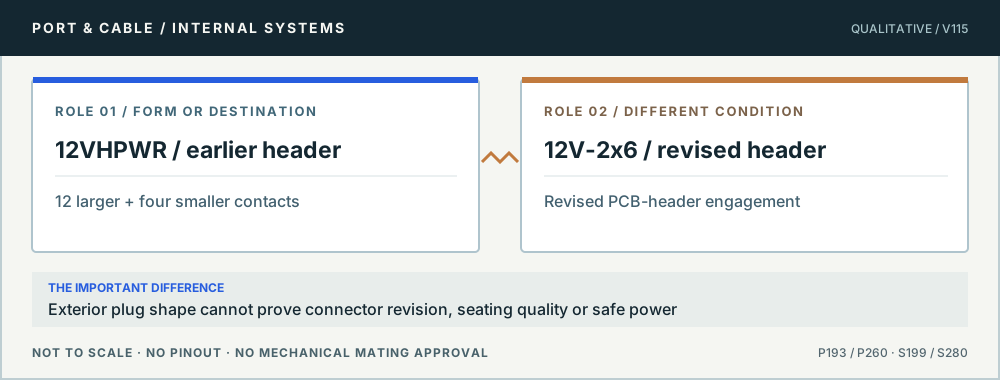
CPU and PCIe roles, original and revised 16-contact identities, and exact-image requests that remain unresolved.