
Plug or receptacle?
A plug illustration does not show the inside of its receptacle. The label describes this sketch, not every component with the same family name. An unclassified role stays explicitly unclassified.
Observation guide
Use repeatable physical observations to reduce the candidate set. This guide describes atlas filters, not a universal connector taxonomy and not permission to mate hardware.
Reading an illustration
A connector name is not a drawing orientation. These original schematics separate what is depicted from what the exact product still needs to establish.
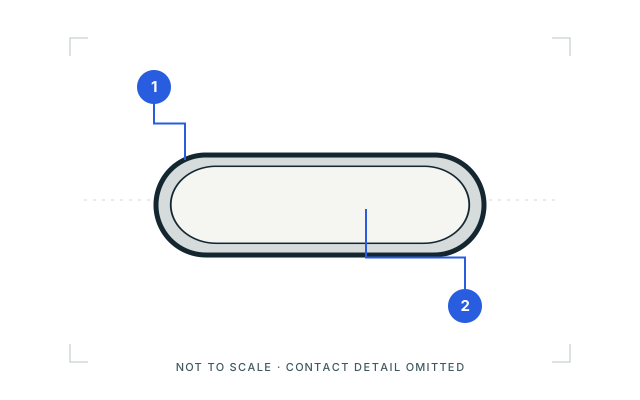
Mating-face outline. Looking toward the plug opening; not the wire or solder side.
USB Type-C →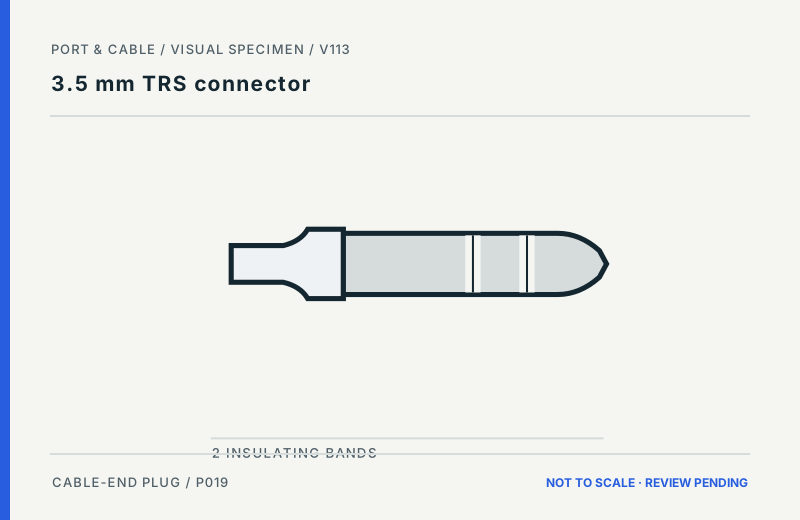
Exterior side view. Tip is drawn to the right. This is a side view of a plug, not the inside of a socket.
3.5 mm TRS connector →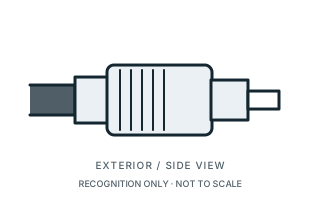
Exterior side view. Cable side is at the left. This is an exterior view; no optical end-face or electrical contact array is depicted.
FC fiber connector →A plug illustration does not show the inside of its receptacle. The label describes this sketch, not every component with the same family name. An unclassified role stays explicitly unclassified.
Do not turn an exterior or unnumbered face sketch into a solder-side, board-side or mirrored pin assignment. The engineering reference declares its own source view separately.
All recognition artwork is not to scale. Equal boxes do not show relative size. Nominal contact counts come from written evidence, not dots counted in a drawing.
Never use trial fitting or an optical end-face inspection to settle an uncertain identity. Stop with an unresolved candidate and consult exact-product documentation.
Know what the drawing can show
Some older artwork uses a generic symbol. Enlarging it cannot reveal details that were never drawn. These three examples explain where to stop and read the written reference.
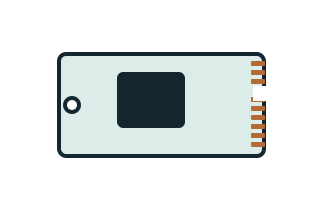
The mounting hole and contact edge orient this illustration only; no underside, socket opening or approved installation direction is shown.
The simplified edge fingers and gap are not a verified key pattern.
M.2 card edge interface →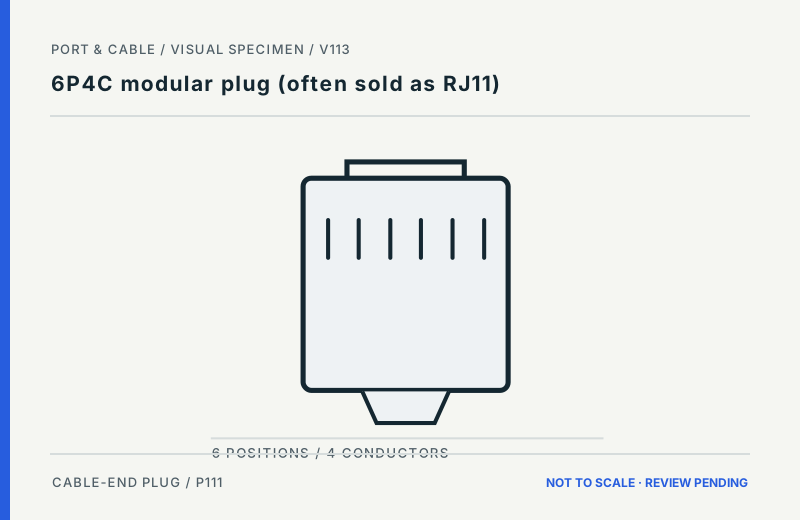
The latch-like projection is drawn at the bottom. It does not settle plug/receptacle role or the view used for wire numbering.
Filled versus unfilled marks illustrate population, not wire order.
6P4C modular plug (often sold as RJ11) →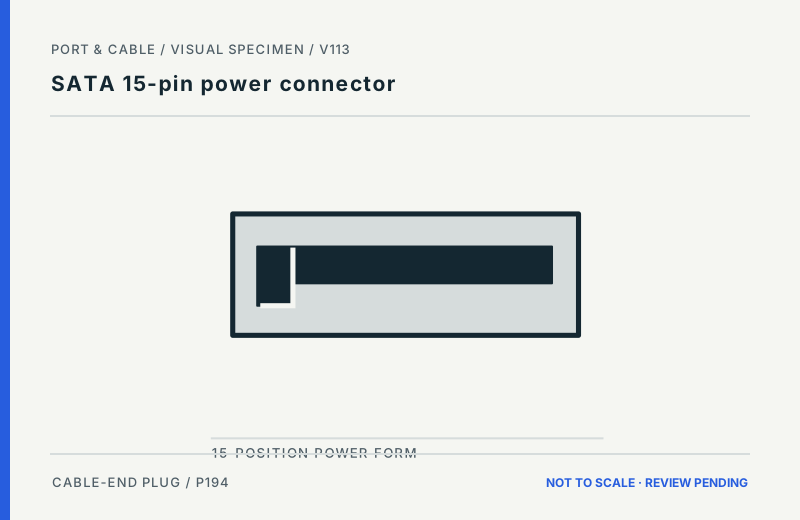
Label-led symbol — not interface geometry. Read the exact designation and written reference; do not identify a physical connector by this generic shape.
This symbol has no declared front, rear or installation view. Use the written reference and exact drive/backplane documentation.
The dot count is not the documented contact count.
SATA 15-pin power connector →Four of 14 inherited label-led records now have separate, original keyed-slot studies; ten are unresolved. Their inherited SVGs remain unchanged.
53 illustrations have explicit view/role annotations (24 inherited + 29 added in V86). This internal audit is not independent artwork review; other forms keep their original evidence and unresolved views.
Look for a push-and-twist style coupling or bayonet retention explicitly documented in the recognition tags.
3 tagged formsLook for a screw-threaded coupling explicitly normalized in the recognition tags.
5 tagged formsLook for a push-pull shell or release mechanism explicitly documented for the form.
3 tagged formsLook for a snap-on RF-style coupling documented for the form.
12 tagged formsLook for an explicit locking, latching or twist-lock retention feature.
4 tagged formsLook for exposed edge contacts or a card/slot interface rather than a conventional plug shell.
The atlas currently exposes 34 normalized shape labels. Use an exact shape only when it is genuinely visible; broad outline is safer when you are unsure.
146 forms have a normalized nominal contact count and 69 remain unknown; 11 optical forms use not applicable for electrical contacts. A housing position count, populated-contact count, optical-fiber count and blade convention are not interchangeable. Keep unknowns visible when you are not certain what is being counted.
Once the candidate set is small, add two or three forms to the comparison tray. The look-alike lab surfaces recognition text, count boundaries, checklists and source-review issues side by side.
Documentation candidates, not an identification verdict, wiring map, mating test, signal converter recommendation or compatibility approval. Shape, keying, contact count and retention style do not establish protocol, wiring, voltage, current, direction, negotiated speed or device support.