FIELD GUIDESource-led reference
The field guide / 03 — Fiber identities

Fiber, transceivers & polish

LC, SC, MPO, ST and optical audio share light as a medium—not a universal mating, polish, polarity or wavelength.

01 / IDENTITY MATRIX

What actually distinguishes these forms

Exact recordDocumented role or clueNot established
LC fiber ↗P066Small-form factor familyUPC/APC and fiber equipment requirements differ
SC fiber ↗P067Push-pull optical familySC and LC are not the same adapter geometry
MPO ↗P125Multifiber arrayPolarity, male/female pins and fiber map are distinct
ST fiber ↗P124Bayonet optical couplingNot a generic LC/SC patch lead
SFP cage ↗P200Module hostOptical medium defined by installed transceiver
TOSLINK ↗P024Digital optical audioNot networking LC fiber
02 / VISUAL LOGIC

Before you trust the shape

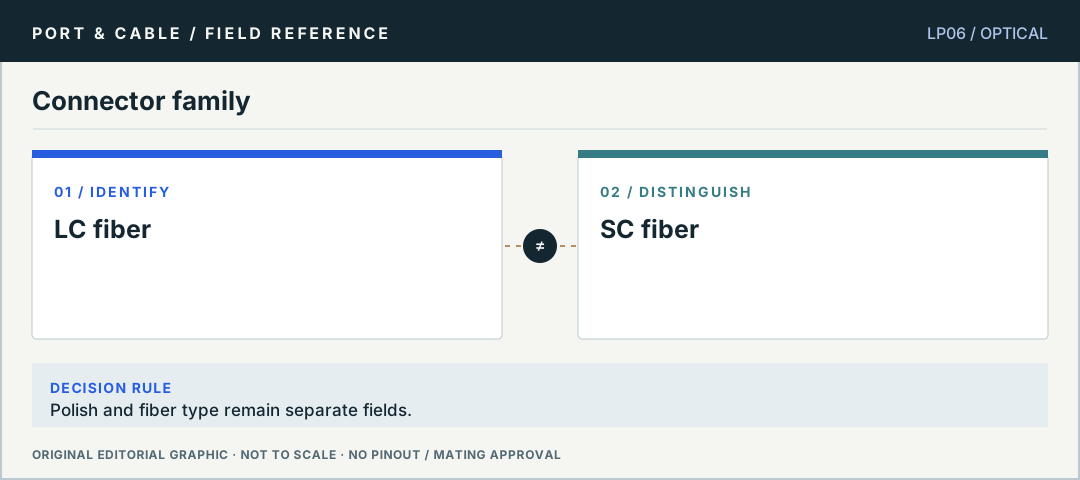
Contrast: LC fiber compared with SC fiber. Polish and fiber type remain separate fields. No pinout or scale.
Connector familyPolish and fiber type remain separate fields. Original editorial logic plate, not verified mating geometry or a physical pinout.
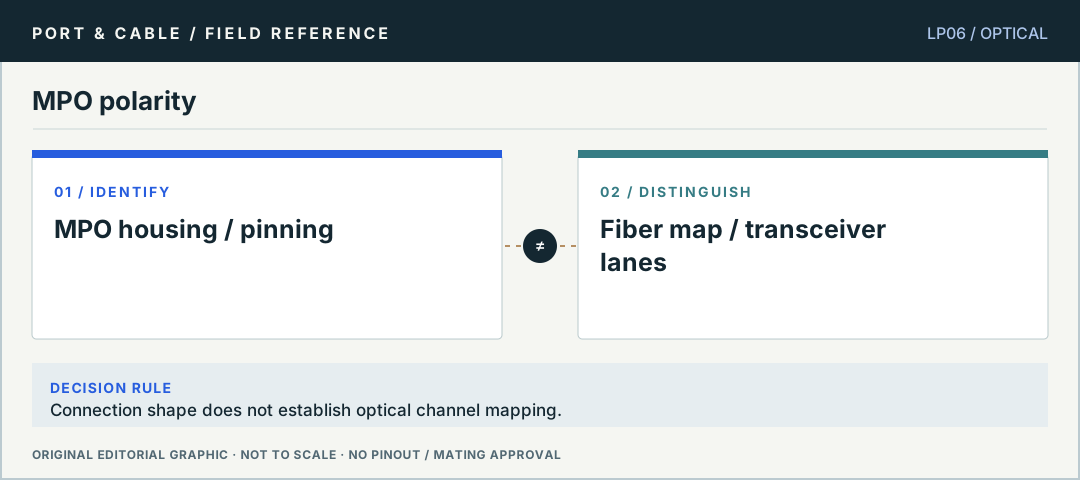
Contrast: MPO housing / pinning compared with Fiber map / transceiver lanes. Connection shape does not establish optical channel mapping. No pinout or scale.
MPO polarityConnection shape does not establish optical channel mapping. Original editorial logic plate, not verified mating geometry or a physical pinout.
03 / TASK NOTES

Questions you can answer before buying a cable

Direct answers, consequences of getting it wrong, exact next checks and links to the registered canonical evidence.

01 / P066

LC and SC need different connector families

Do LC and SC fiber plugs fit the same adapter?

ANSWER FIRST

LC and SC are distinct optical connector families. Check the adapter and module port against their exact connector type; an LC plug is not a generic drop-in for SC.

Three checks before deciding

  1. Read the optic or adapter port ID.
  2. Confirm both optical connector ends.
  3. Use a manufacturer-specified adapter/cable and link budget.
Canonical reference: LC fiber connector ↗
Open the original claim and source trail (3 claims)

Only the narrow canonical source claims listed below are registered evidence. The cautionary next checks are educational method, not a field safety approval.

  1. C066A — Corning lists LC fiber connections in both UPC and APC variants. Connector family and end-face polish are separate identification requirements.
  2. C066B — Corning's cited generic specification treats LC connector assemblies as keyed optical interfaces designed to intermate with same-type connectors/adapters under the applicable TIA/EIA-604 interface standard; polish, fiber type and optical path remain separate requirements.
  3. C066C — Fluke Networks distinguishes APC and UPC endfaces and warns against directly mating the two polishes because the ferrules do not align properly and damage can result. A hybrid cord whose two ends each match their respective ports is a different question.
02 / P067

UPC and APC are not cosmetic colors

Can I mix green APC and blue UPC fiber ends?

ANSWER FIRST

Connector family and optical end-face polish must both be specified. Corning lists UPC/APC variants, but face color by itself cannot verify the equipment’s accepted termination.

Three checks before deciding

  1. Read end-face polish markings.
  2. Check the equipment/adapter optical requirements.
  3. Use qualified inspection/cleaning procedures without looking into an energized fiber.
Canonical reference: SC fiber connector ↗
Open the original claim and source trail (3 claims)

Only the narrow canonical source claims listed below are registered evidence. The cautionary next checks are educational method, not a field safety approval.

  1. C067A — Corning lists SC fiber connections in both UPC and APC variants. Connector family and end-face polish are separate identification requirements.
  2. C067B — Corning's cited generic specification treats SC connector assemblies as keyed optical interfaces designed to intermate with same-type connectors/adapters under the applicable TIA/EIA-604 interface standard; polish, fiber type and optical path remain separate requirements.
  3. C067C — Corning’s 2018 UniCam SC table lists 95-200-41 for single-mode OS2 and a separate SC APC single-mode OS2 entry, 95-200-44.
03 / P125

MPO adds fiber-map and gender questions

Is any matching MPO housing enough for a link?

ANSWER FIRST

No. MPO identifies a multifiber connector form; pin/gender and polarity mapping remain separate choices. Verify the entire cassette/trunk/transceiver path rather than assuming a matching shell fixes polarity.

Three checks before deciding

  1. Identify male/female pinning and exact MPO type.
  2. Trace intended polarity method and fiber map.
  3. Check optics lanes and cleanliness with safe approved tools.
Canonical reference: MPO multi-fiber connector ↗
Open the original claim and source trail (3 claims)

Only the narrow canonical source claims listed below are registered evidence. The cautionary next checks are educational method, not a field safety approval.

  1. C125A — Fluke describes MPO as a multi-fiber push-on connector and documents different polarity and pin configurations.
  2. C125B — Cisco warns against looking into energized fibers or inspecting them with unfiltered magnifiers.
  3. C125C — Fluke Networks distinguishes MPO male guide pins and female pinless connectors from polarity methods that map transmit fibers to receive fibers. Matching guide-pin roles alone does not establish the fiber mapping of a link.
04 / P200

Separate the SFP module from its optic connector

Does an SFP cage mean an LC optical cable will work?

ANSWER FIRST

No. An SFP host cage is not a declared optical port until a suitable module is installed. Transceiver model, media type, connector format and supported equipment determine the path.

Three checks before deciding

  1. Identify the installed transceiver part number.
  2. Match the optical connector and fiber type.
  3. Confirm wavelength, link budget and device compatibility.
Canonical reference: SFP / SFP+ / SFP28 host connector form ↗
Open the original claim and source trail (3 claims)

Only the narrow canonical source claims listed below are registered evidence. The cautionary next checks are educational method, not a field safety approval.

  1. C200A — Amphenol identifies an UltraPort SFP-family host connector as a 20-position hot-swappable I/O form used for SFP+ and SFP28 applications.
  2. C200B — Molex product 744410010 documents an SFP/SFP+ host receptacle with 20 loaded circuits, two rows, right-angle orientation and 0.80 mm mating-interface pitch.
  3. C200C — Amphenol describes UltraPort SFP as a 20-position hot-swappable I/O connector enclosed within a metal cage mounted on a host PCB. The host connector and cage are not the removable network transceiver itself.
05 / P124

ST bayonet is not LC push-latch

How do I recognize legacy ST fiber?

ANSWER FIRST

The ST family uses bayonet-style retention in documented examples, rather than LC/SC-style push-pull designs. Distinguish connector family and active-light precautions before handling.

Three checks before deciding

  1. Inspect the disconnected coupling mechanism.
  2. Check the fiber and polish specification.
  3. Never look into a connected or potentially energized fiber port.
Canonical reference: ST fiber connector ↗
Open the original claim and source trail (3 claims)

Only the narrow canonical source claims listed below are registered evidence. The cautionary next checks are educational method, not a field safety approval.

  1. C124A — The ST guide identifies a round body with bayonet-style retention.
  2. C124B — Cisco warns against looking into energized fiber and using unfiltered magnifiers for optical inspection.
  3. C124C — TE’s 5504008-series ST kit example has an alignment key, metal coupling nut and stainless-steel ferrule. Its 501381-1 receptacle is described for joining two bayonet connectors.