
Visual identification
Identify the connector.
Start with a marking or broad outline. Add only the clues you can observe safely.
Do not trial-fit, probe, disassemble or inspect live contacts. Filters are documentation clues, never an identification verdict or mating approval.
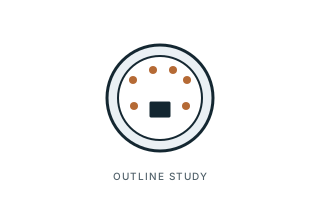 Same general silhouette ≠ same connector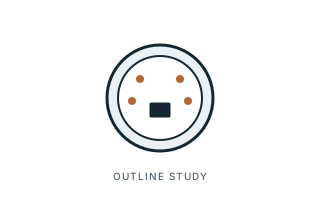
Step 1
What does it look like?
Pick the closest outline. You can change it at any time, and nothing here confirms an identification.
 Round / cylindricalAudio jacks, XLR, DIN, coax, barrel67 forms
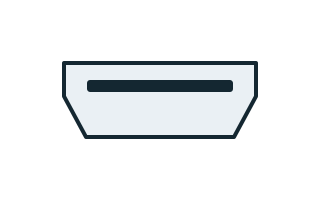 Flat / rectangularUSB, HDMI, DisplayPort, IEC C1362 forms
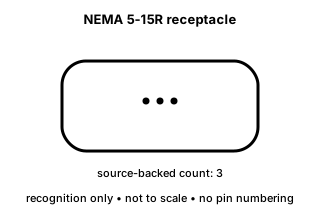 Flat blades or blade slotsMains plugs and sockets, SATA power25 forms
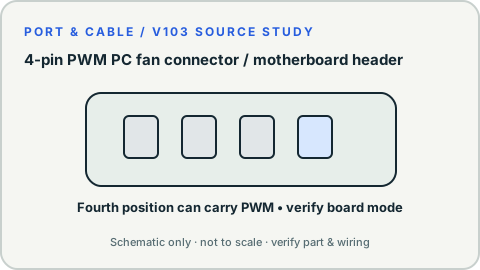 Pin header or wire-to-board housingATX, PCIe power, fan, JST23 forms
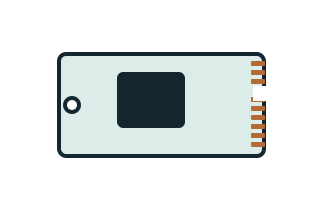 Card / exposed edgeM.2, PCIe, memory cards, SFP20 forms
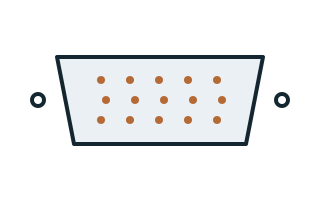 D-shaped multi-contactVGA, DVI, serial8 forms
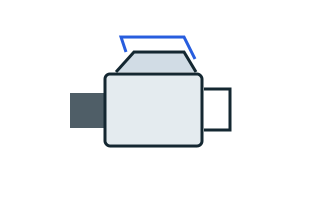 Optical housingLC, SC, ST, TOSLINK5 forms
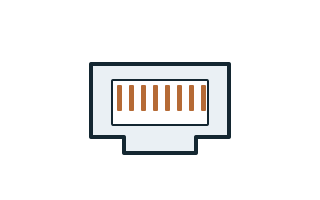 Modular / latchRJ45, RJ11 phone5 forms
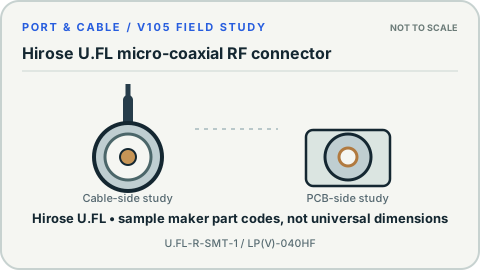 Tiny snap-on RFU.FL and MHF antenna leads3 forms
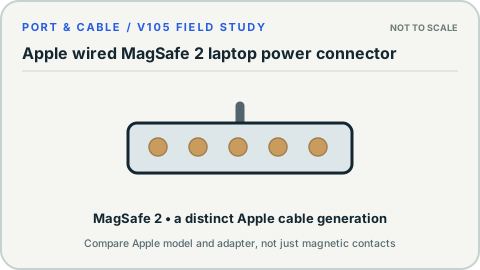 Magnetic contact stripMagSafe3 forms
- Flat flex (FPC) socketDisplay and camera flex2 forms
Step 2 · optional
Where is it used?
Step 3 · optional
How many contacts can you count?
Count only a disconnected, unpowered connector. Forms without a documented count stay in the results.
Candidates in this atlas
More ways to identify
Guided shape identification / six starting areas
A clue, not a guess.
Choose the general form, check whether your example is a plug or receptacle, and compare equivalent views. You may finish with insufficient information; that is a valid, safer answer.
Existing source-linked illustrations only. An outline never confirms mating, electrical wiring, speed, power or a safe connection.
How to read an illustration ↗Browse visually, without scripts
Every contrast below works with JavaScript disabled. Open the original side-by-side studies, read viewpoint and source limits, then return to the native Port Finder filters if you have a documented marking.
USB connectors 2 comparisons
Look at the shell and additional collar; a USB shape does not tell you data speed or charging power.
Display & video 3 comparisons
Compare similar-size video openings only from an equivalent viewing side.
3.5 mm audio 1 comparison
Compare insulating bands in a plug-side view, without inferring microphone wiring.
Modular & network 1 comparison
Contact positions and populated contacts are not a cable wiring assignment.
Storage cables 1 comparison
Check the L-key and relative opening family, not power or pin assignments.
Round power & coax 2 comparisons
Similar circular shells often need exact manufacturer part information and measurements.