Evidence behind this page
Scope first. Source second. Approval separate.
1 linked sources · 0 scoped claims · 0 sources with inspection/access flags.
Page scope: Nintendo Switch 2 console; not the original Nintendo Switch family
Assessment 2026-10-22 · earliest scheduled source review 2027-01-05. This is a recorded-date assessment, not a live source check. Page-level independent review is not established by this panel.
Inspect 1 source scopes, access limits and dates
Nintendo · Manufacturer / product-owner domain · inspected 2026-10-07 · due 2027-01-05
Within inspection window
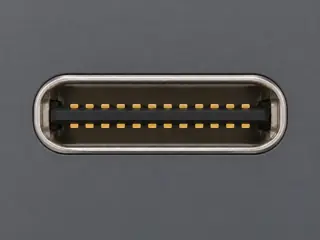
Scoped support: Nintendo Switch 2 console and included dock external user-facing connector groups.
Not established / limitations: The two console USB-C ports have different documented roles. Dock/system-connector electrical details, arbitrary USB accessory support and third-party dock compatibility are not inferred.
Locator: Nintendo Switch 2 USB-C, audio and microSD Express; Nintendo Switch 2 Dock ports
Trace 0 claims to their source records
No central claims on this surface. Exact-device assertions and explicit source links remain in the original profile above and in the reviewer packet.
Recorded evidence only. An inspection date, publisher label, source link or generated packet is not independent technical review, hardware testing, fabrication approval or a compatibility verdict.

 × 1
× 1